




 here!
I’m your shopping assistant for PC builds, upgrades, and everything tech.
Got questions? Ask away!
Start a conversation
here!
I’m your shopping assistant for PC builds, upgrades, and everything tech.
Got questions? Ask away!
Start a conversation


Make informed decisions with expert advice. Learn More




Any questions? Ask CelesteSM will help you find out quickly.
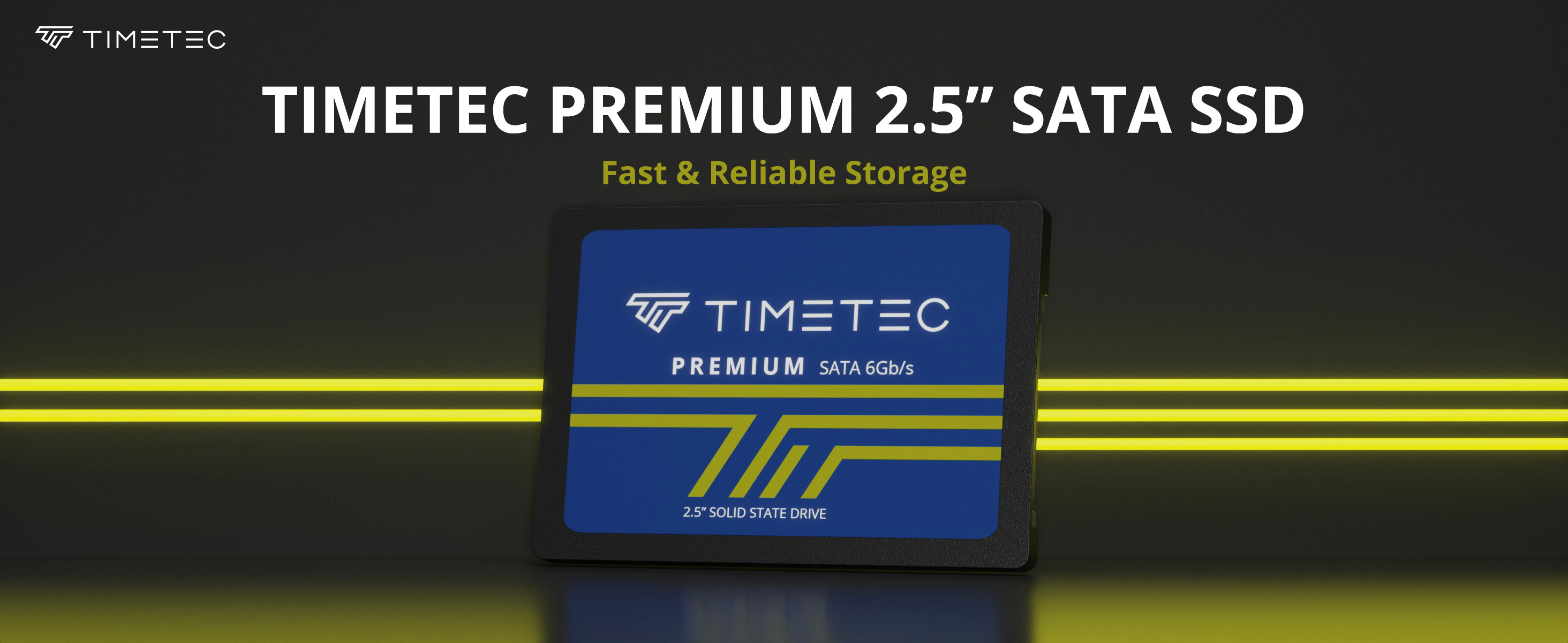
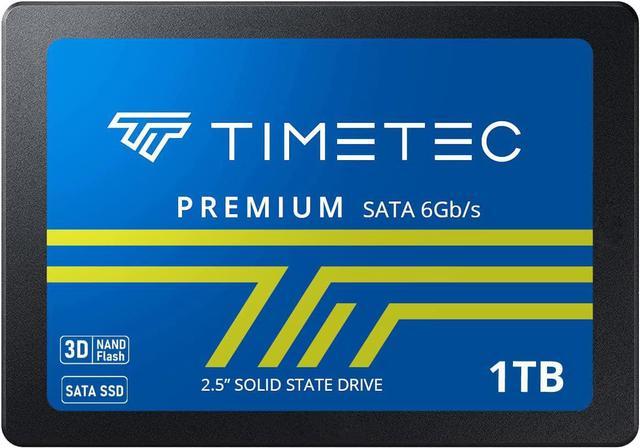
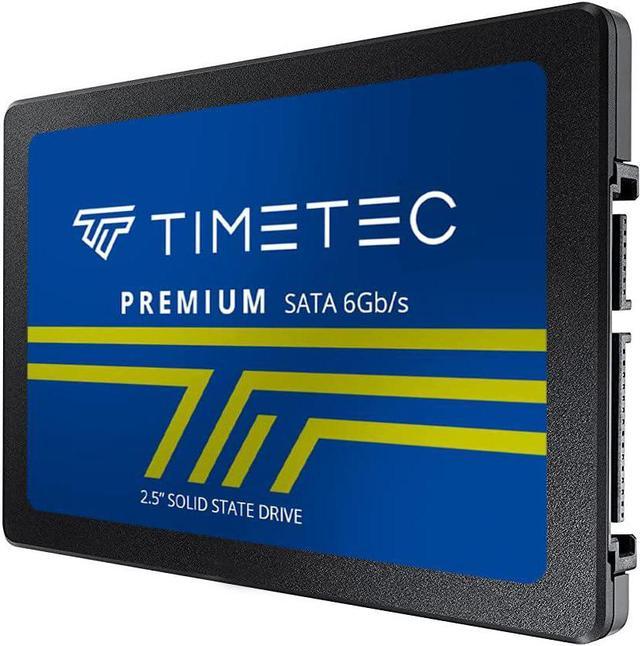
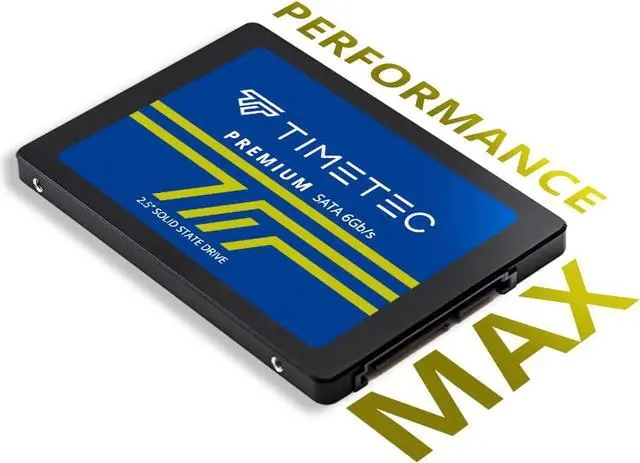
This Timetec SSD is designed to use the SATA III interface efficiently during both READs and WRITEs while delivering bandwidth-focused performance. 3D NAND Flash SSD technology enables enhanced boot times, faster application load times, reduced power consumption, and extended reliability.
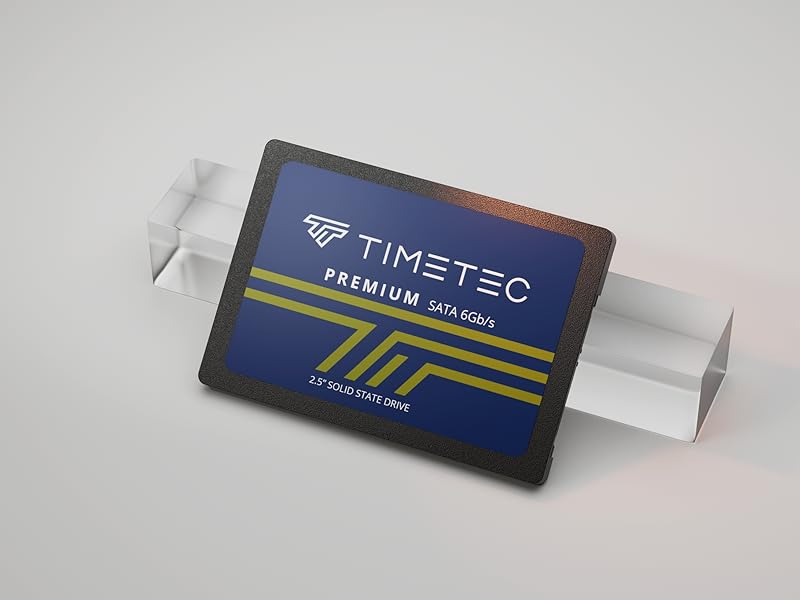
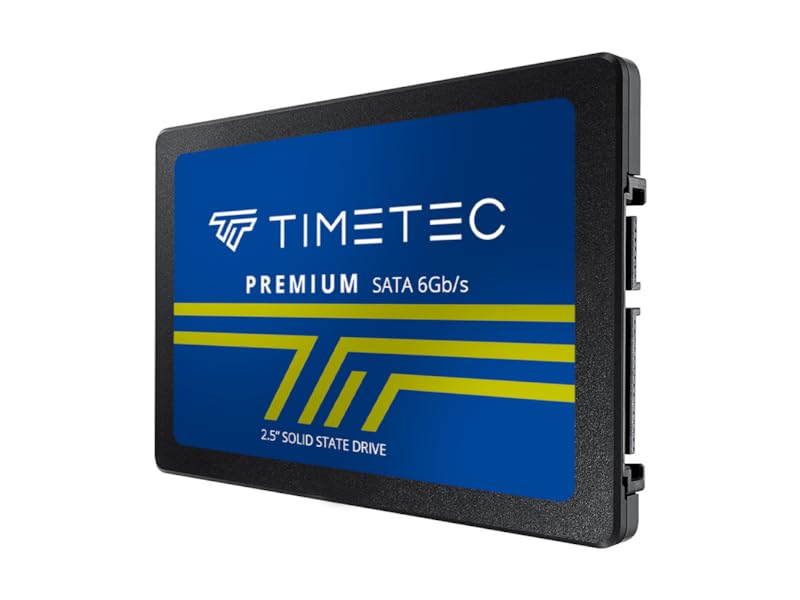
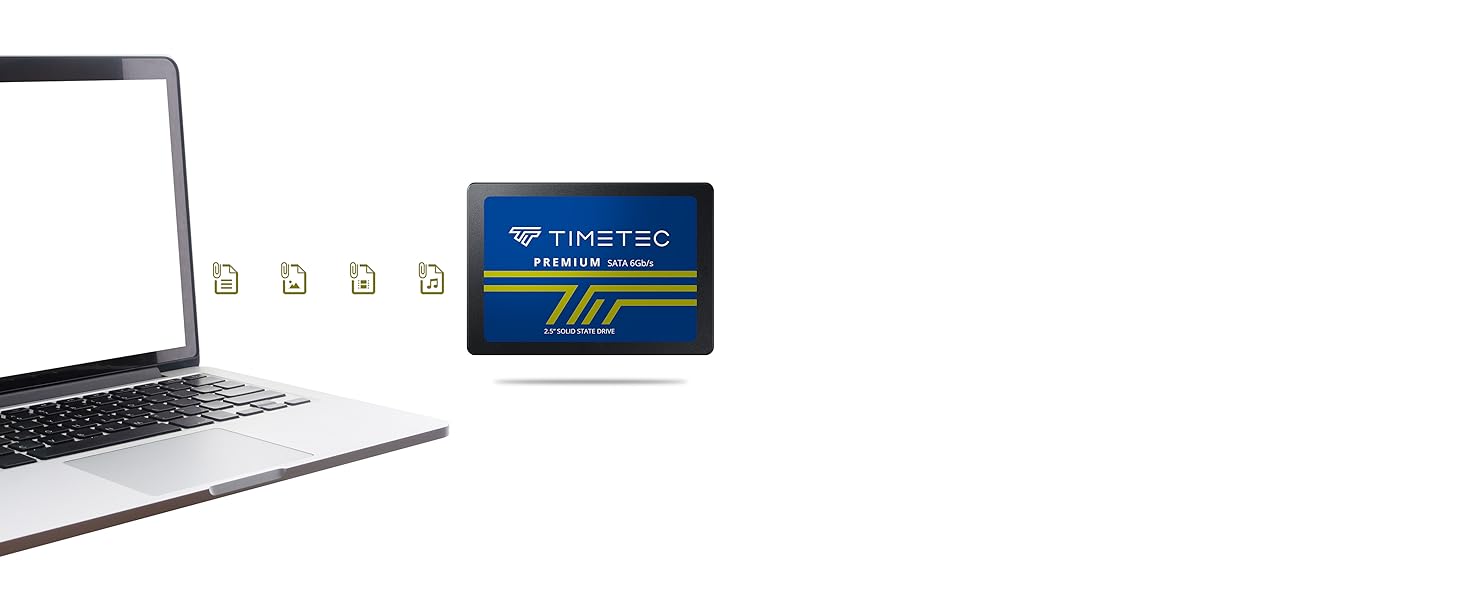
The Timetec 1TB 2.5-inch SATA III SSD is an internal storage upgrade for desktop PCs and laptops that accept a 7mm SATA drive, offering 3D NAND and SLC cache for everyday computing and faster loading than a traditional hard drive.
| Attribute | Value |
|---|---|
| Best For | Internal storage upgrades for desktop computers and laptops with a 2.5-inch SATA drive bay |
| Capacity | 1 TB |
| Interface And Form Factor | 2.5-inch internal SSD with a SATA III interface |
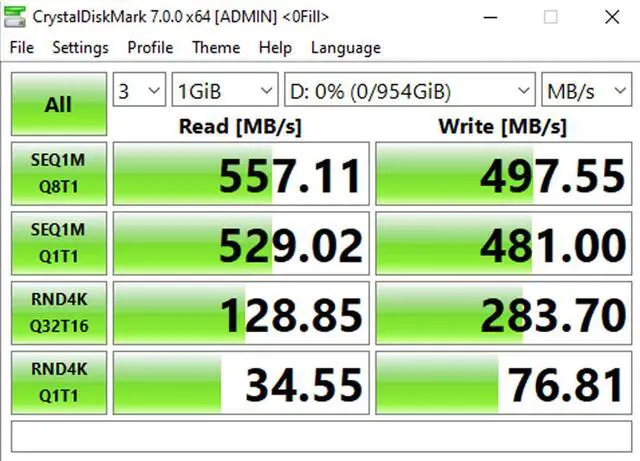
| Read Write Performance | Sequential read speeds up to 530 MB/s and sequential write speeds up to 480 MB/s |
| Memory Components | NAND flash |
| Model Identifiers | dffb3111-b2ee-4c18-9d0b-cb68a7707f7c |
Q: Should I choose the Timetec 1TB or 512GB 2.5-inch SATA SSD?
A: Choose the 1TB model if you want more room for your operating system, applications, and files. Choose 512GB for a smaller storage library. Timetec lists the same maximum sequential read/write speeds—up to 550/500 MB/s—for both capacities in its current 2.5-inch SATA SSD lineup.
Q: Timetec 1TB or 2TB 2.5-inch SATA SSD: which capacity should I get?
A: Choose 1TB when it provides enough room for your planned files and applications; choose 2TB when you want more storage in the same 2.5-inch SATA format. Timetec lists maximum sequential read/write speeds of up to 550/500 MB/s for both capacities in its current lineup.
Q: Timetec 1TB 2.5-inch SATA SSD or Timetec 1TB M.2 SATA SSD?
A: Choose this 2.5-inch model for a computer with a compatible 2.5-inch SATA drive bay. Choose Timetec’s M.2 SATA model for a compatible M.2 SATA slot. Both use SATA and have listed maximum sequential read/write speeds of up to 550/500 MB/s, so the key choice is the drive form factor and the connection your system supports.
Q: Timetec 1TB 2.5-inch SATA SSD or Timetec 1TB PCIe Gen 3 NVMe SSD?
A: Choose this 2.5-inch SATA SSD for a compatible 2.5-inch SATA bay. Choose Timetec’s PCIe Gen 3 NVMe model for a compatible M.2 PCIe slot when higher advertised transfer speeds are the priority; Timetec describes that model as up to three times faster than SATA.
Q: Will this 2.5-inch SSD work in my laptop or desktop?
A: It is suitable for a laptop or desktop that accepts a 2.5-inch, 7mm SATA drive. Check your device’s drive bay and SATA connection before buying; it will not directly fit an M.2-only slot.
Q: Is this a good choice to replace an older laptop or desktop hard drive?
A: It can be used as an internal-storage or drive-replacement option in a compatible system. The 1TB capacity provides storage for an operating system, applications, and files; replacing a drive does not itself transfer the old drive’s data or operating system.
Q: Are cables, screws, or cloning software included?
A: The listed package includes the 2.5-inch SSD only; cables, screws, and brackets are not included. Cloning software is not listed as included, so plan to obtain any needed accessories and migration software separately.
Q: Can I use this SSD with a SATA II or SATA I system?
A: Yes. The product information states that it is backward-compatible with SATA II and SATA I. A compatible system can use the drive, but its interface may limit transfer speeds compared with SATA III.
Q: Is the Timetec 1TB SATA SSD worth considering for budget storage?
A: It may suit a budget secondary-storage or non-critical system if the price is meaningfully lower than alternatives. Reddit users in a discussion of the 1TB SATA model described using Timetec drives for storage and non-critical PCs, but those individual reports do not establish reliability for every drive. Keep separate backups for important files.
Q: Can it replace a hard drive in an older laptop?
A: Yes, if the laptop accepts a 2.5-inch, 7mm SATA drive. The product is a SATA SSD, and a YouTube video demonstrates a Timetec 2.5-inch SATA SSD being installed as a laptop HDD replacement. Check the laptop’s drive interface and physical clearance before buying.
Q: Is this a good choice if I need NVMe-level speeds?
A: No. This is a 2.5-inch SATA III drive, not an NVMe SSD. Its listed sequential speeds are around 530–550 MB/s read and 480–500 MB/s write, so it is intended for compatible SATA systems rather than NVMe performance.
Q: Can it be used as a Windows boot drive?
A: It can be used as a boot drive in a compatible computer with a 2.5-inch SATA connection; a Reddit user reported using a Timetec SATA SSD as a Windows 11 boot drive. That is an individual report, not a guarantee of long-term reliability, so maintain a separate backup.


