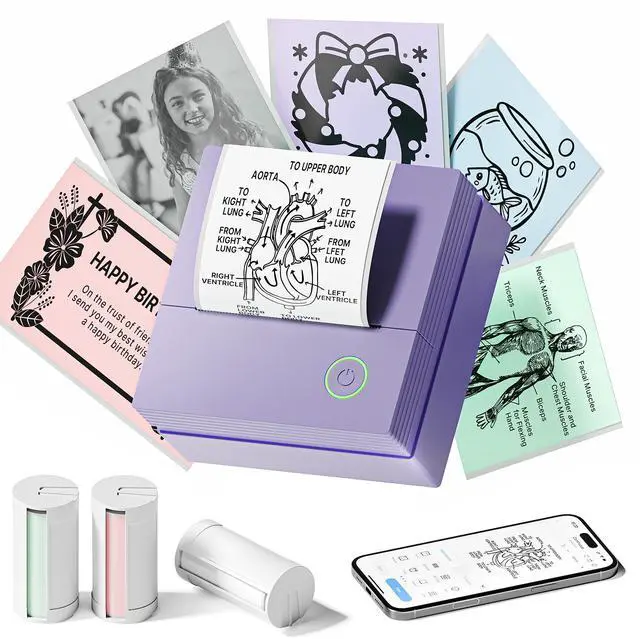
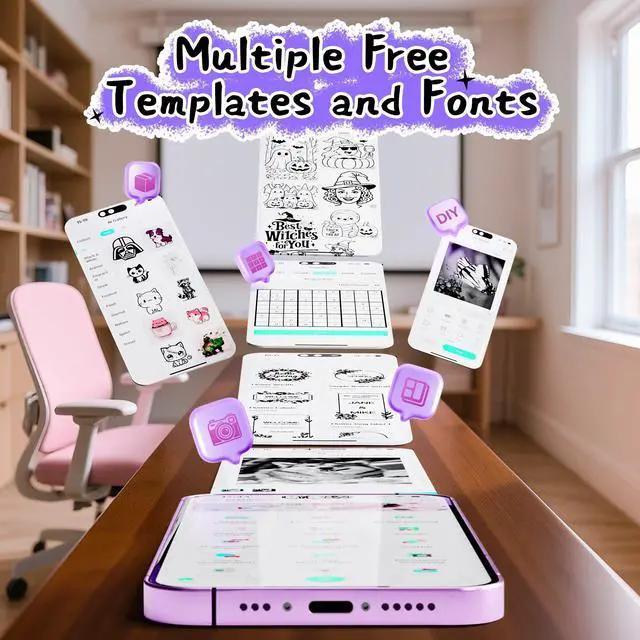
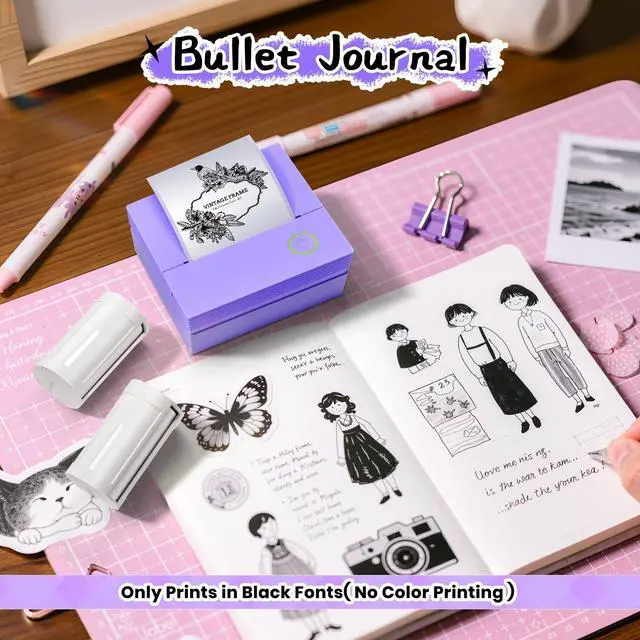
TYPONOS Sticker Printer, Mini Portable Bluetooth Thermal Printer with Multiple Templates & App Support, Inkless Print Pod for Study Notes, DIY Labels, Home School Office Usee (Violet)
Load Paper Rolls: First open the PM290 printer cover and tear off the green sticker on the paper roll. Ensure the printing side is facing downwards, then align the paper with the guide notch and insert it vertically into the printer. Gently pull the paper out to cover the rollers, close the printer cover, and it will be ready for printing
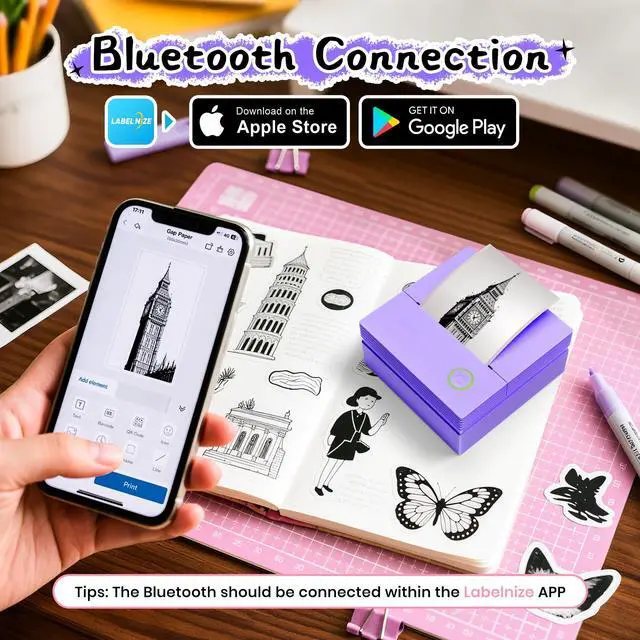
Bluetooth Connection: Step 1: Download "Labelnize" APP from Google Play or App Store. Step 2: Long press the printer switch and the green light flashes. Step 3: Turn on the phone bluetooth, and allow "Labelize" to use wireless data and discover Bluetooth devices. Step 4: Open the"Labelnize" App and click "Unconnected", refresh and click "PM290" and connect. Note: To start printing, please refer to the instructions and follow the instructions. Does not support computer printing
Good Quality Printing: This mini sticker printer delivers good quality printing, boasting a cute appearance and compact size thats specially designed for life.
+
+
Overview
Specs
Reviews
Any questions? Our AI beta will help you find out quickly.
Try me now
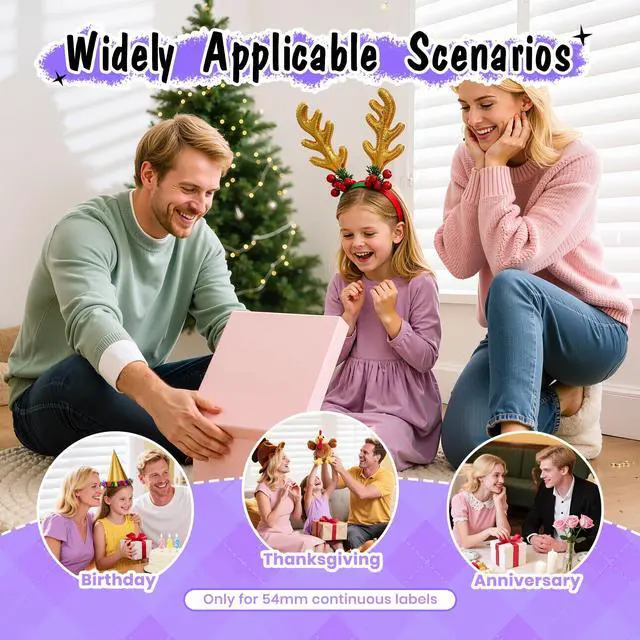
good for small businesses, it prints receipts, labels, and logos. For study and work, it creates memos, to-do lists, and planners. It's also a fantastic educational tool for kids, generating learning games like mazes, puzzles, and alphabet cards
Learn more about the Detailed Specifications
Additional Information
First Listed on Newegg
November 07, 2025
There are no reviews yet.
Do you own this product?
Warranty & Returns
Warranty, Returns, And Additional Information
Warranty
Please contact the Seller directly for warranty information. Warranty information may also be found on the Manufacturer's website.