







Printer green light is blinking.
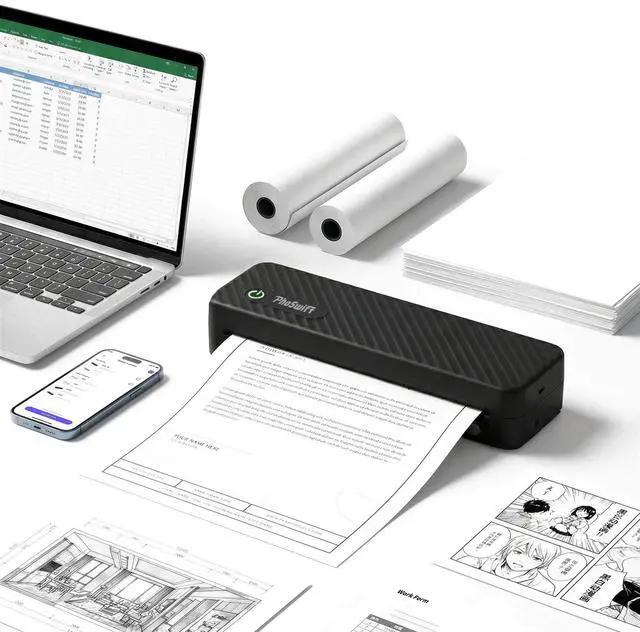
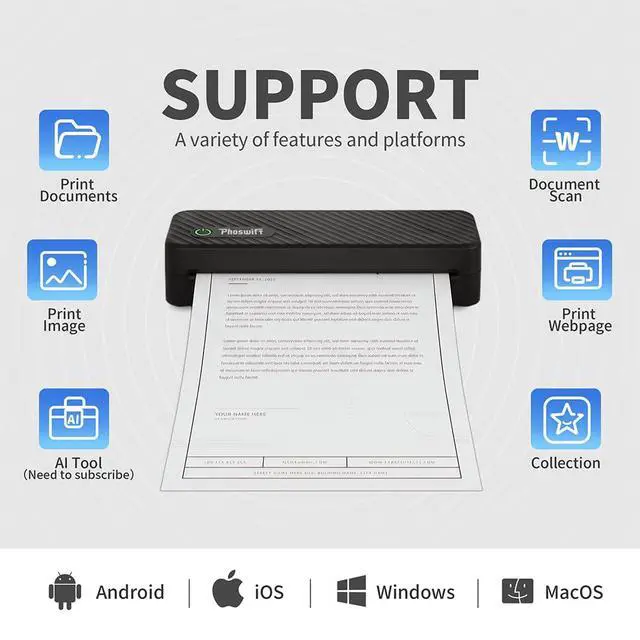
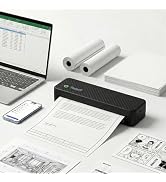
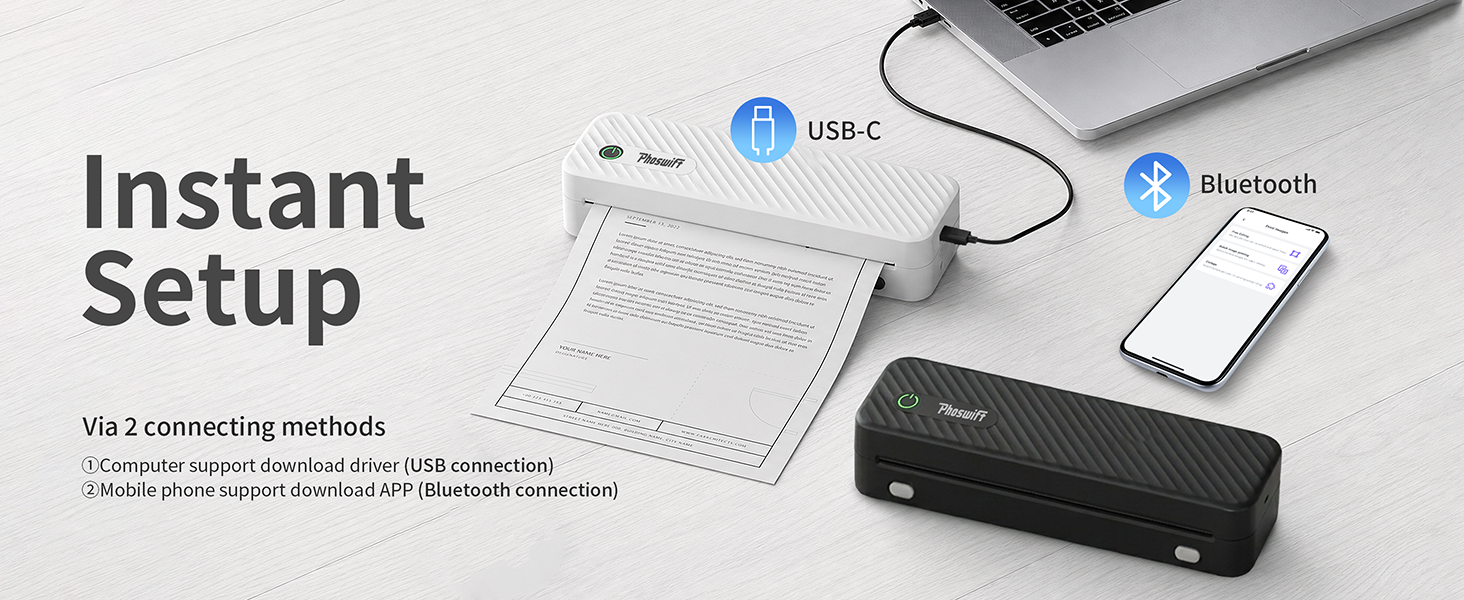
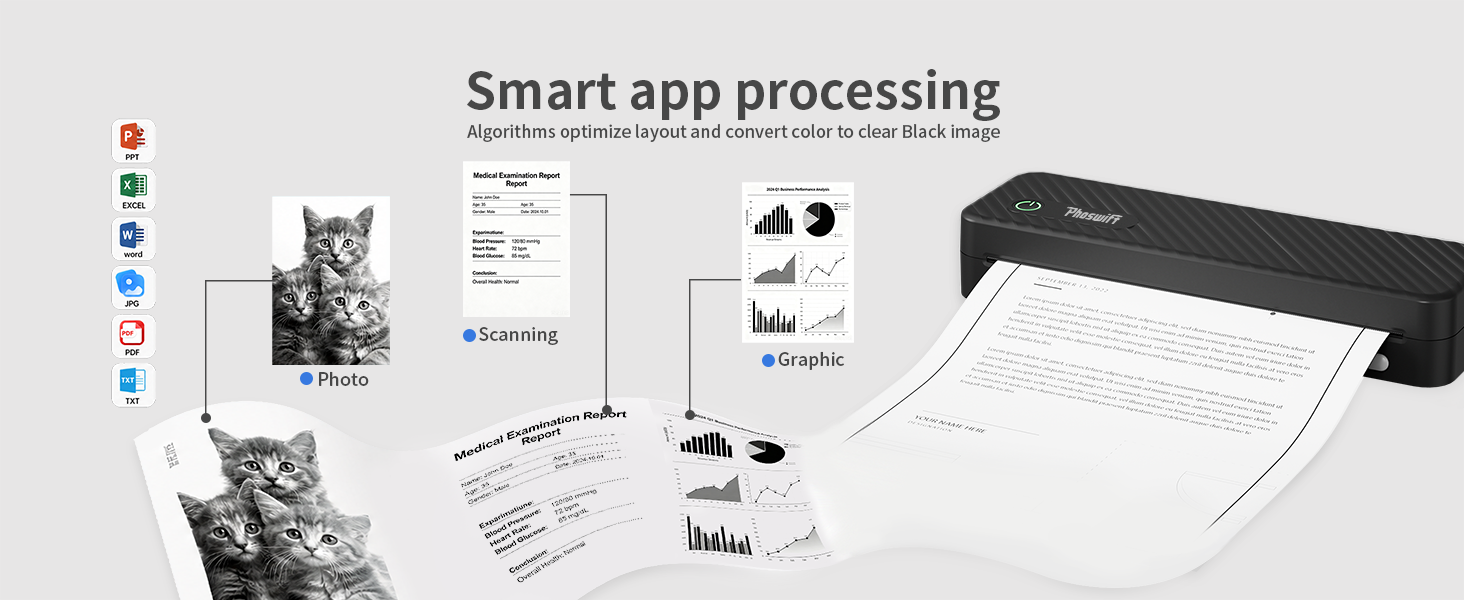
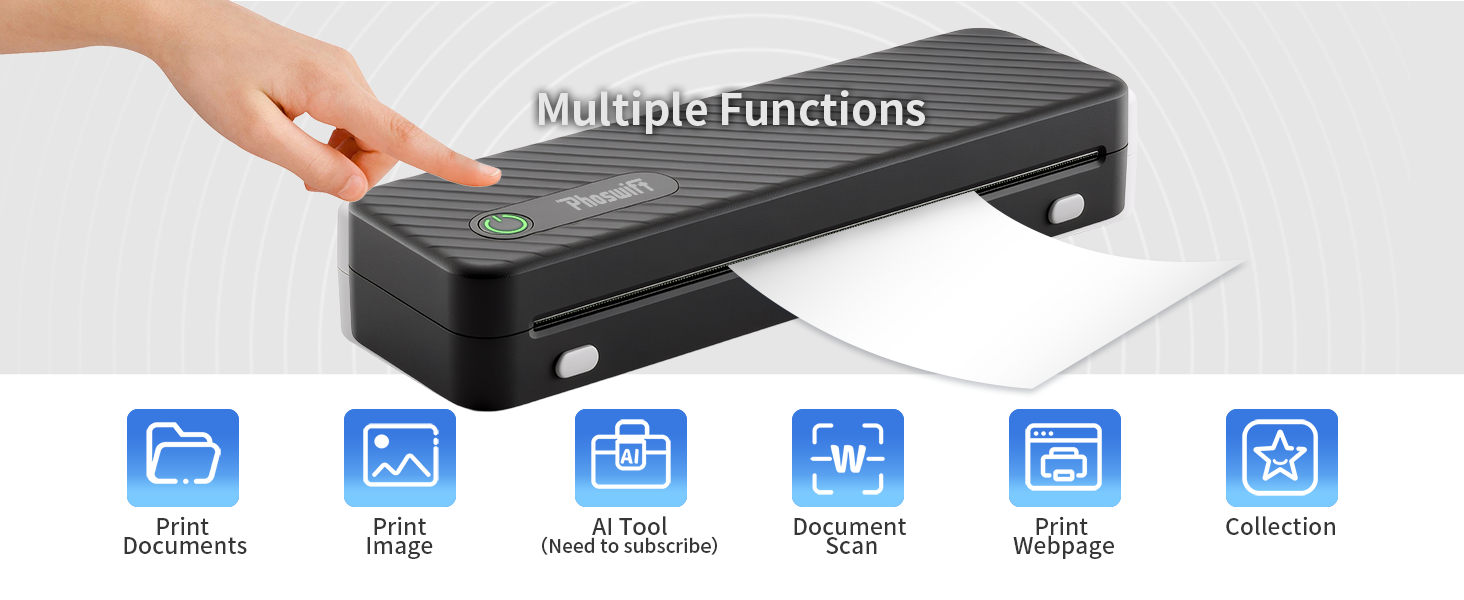
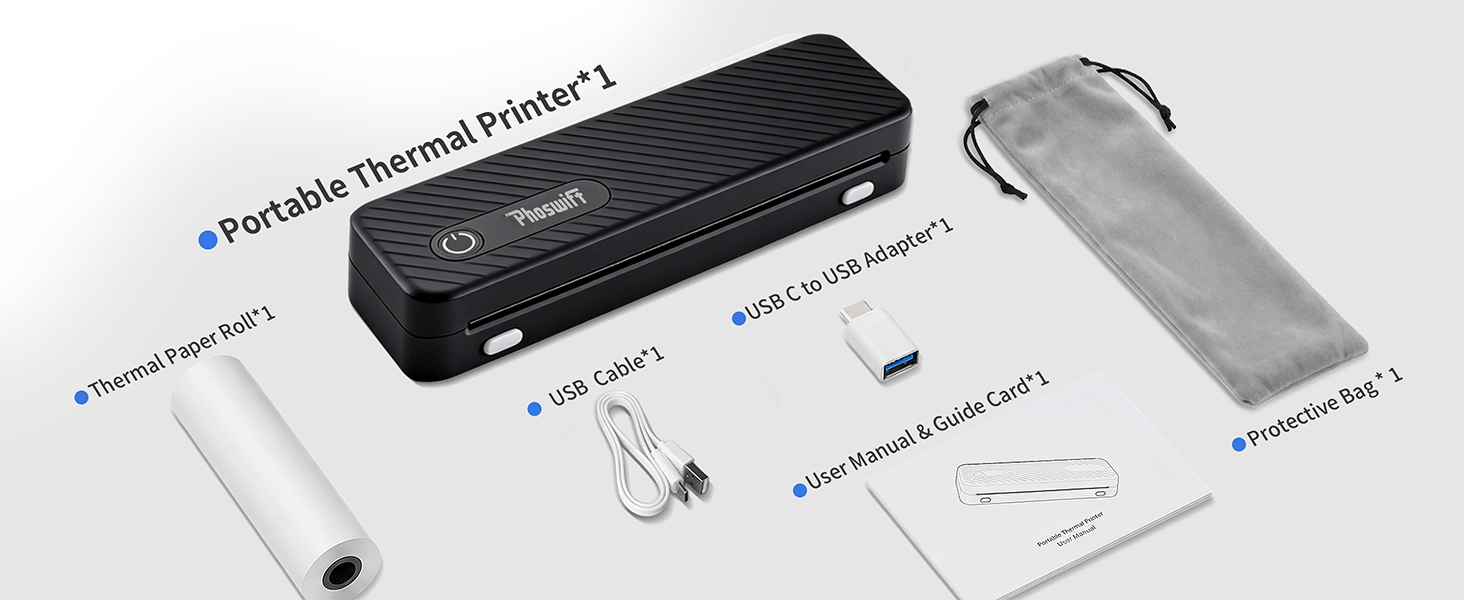
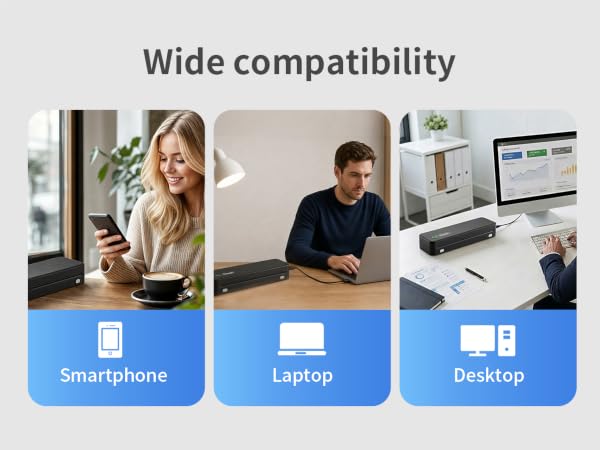
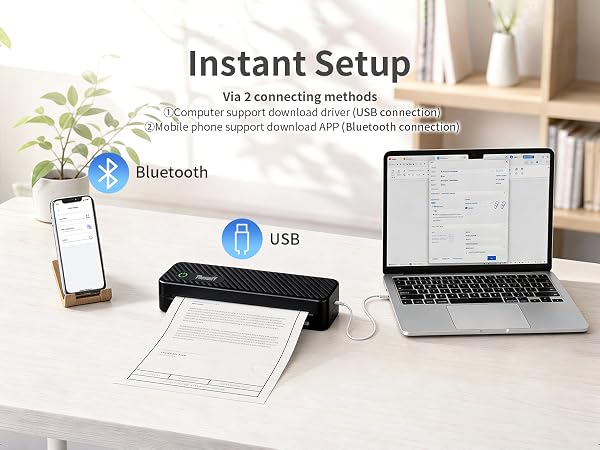
First, press and hold the power button of the printer to turn it on. Then, connect your laptop or mobile phone (via the PhoSwift APP) USB or Bluetooth. After pairing with A42, you can start printing.
How does Bluetooth connect to the printer?
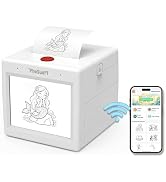
Press and hold the power button until a green light flashes. Download the corresponding driver (PhoSwift website) for the laptop or PhoSwift APP for the mobile phone, connect to the A42 printer can printing.(MacBook only support USB connection.)
Unable to detect the thermal paper.
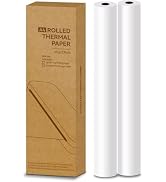
-Please install the paper correctly. (Pull the paper out 1-2 cm from the tear-off line.)
-Please check the front and back of the paper for misalignment. (The side withthe black line should be facing up after running your fingernail across the paper.)

Printer green light is blinking.
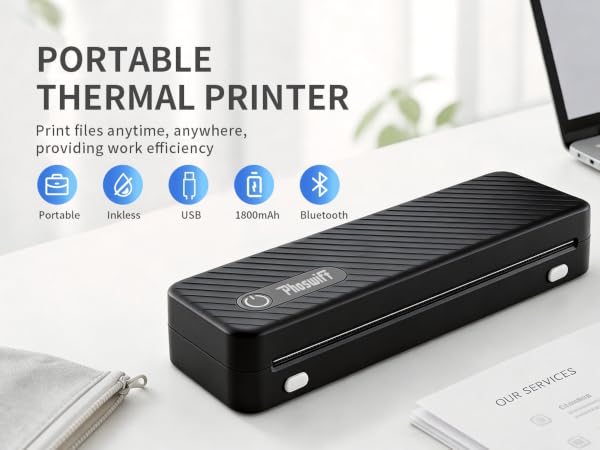
First, press and hold the power button of the printer to turn it on. Then, connect your laptop or mobile phone (via the PhoSwift APP) USB or Bluetooth. After pairing with A42, you can start printing.
How does Bluetooth connect to the printer?
Press and hold the power button until a green light flashes. Download the corresponding driver (PhoSwift website) for the laptop or PhoSwift APP for the mobile phone, connect to the A42 printer can printing.(MacBook only support USB connection.)
Unable to detect the thermal paper.
-Please install the paper correctly. (Pull the paper out 1-2 cm from the tear-off line.)
-Please check the front and back of the paper for misalignment. (The side withthe black line should be facing up after running your fingernail across the paper.)
PhoSwift
Fast Prints, Fun Life.
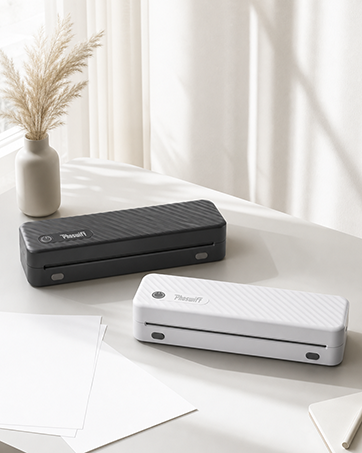
PhoSwift smart printer
