

Your Browsing History

Meet Your Seller

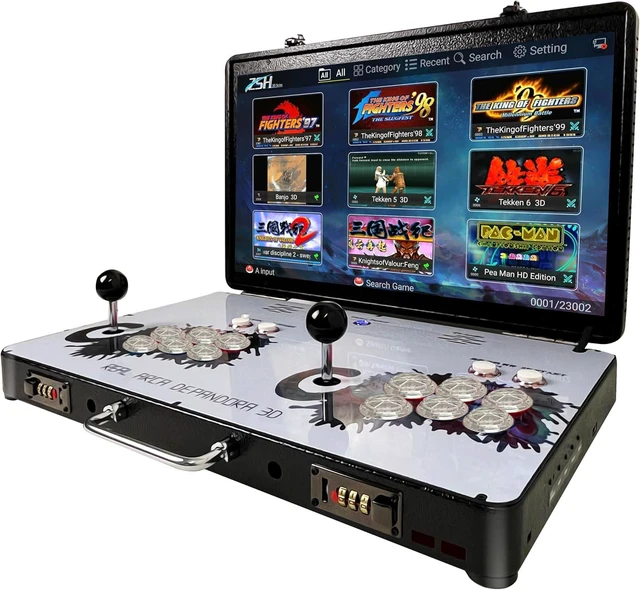
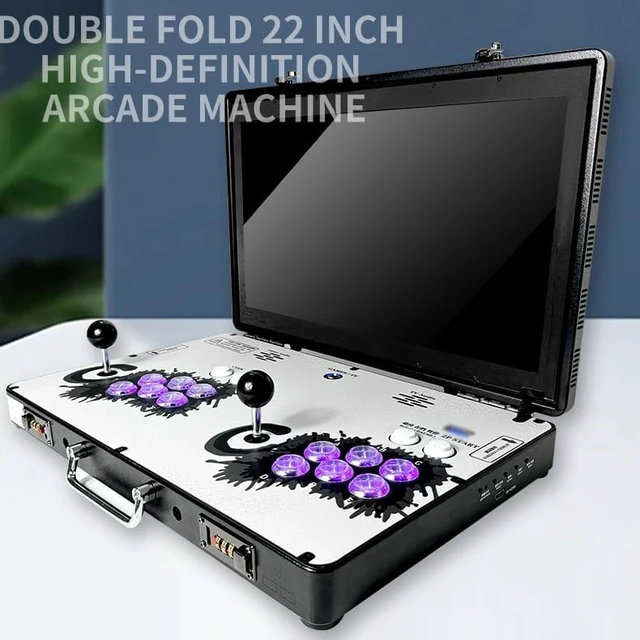


Portable 20000 in 1 Metal Box 3D Arcade Game Console, 22 inch Screen Retro Electronic Game Console, with Search/Hide/Save/Load/Pause Functions
- 3D SERIES ZSH WIFI new system 64-bit S812 CPU, CORTEX-A9 Mali MP8 450Mhz,2.0GHz dual-core GPU, 8GB RAM; the new operating system provides a more responsive and smoother experience. Pre-installed with 23,000+ games, it supports 45+ mainstream simulators, and the 64GB extended memory allows for adding more games
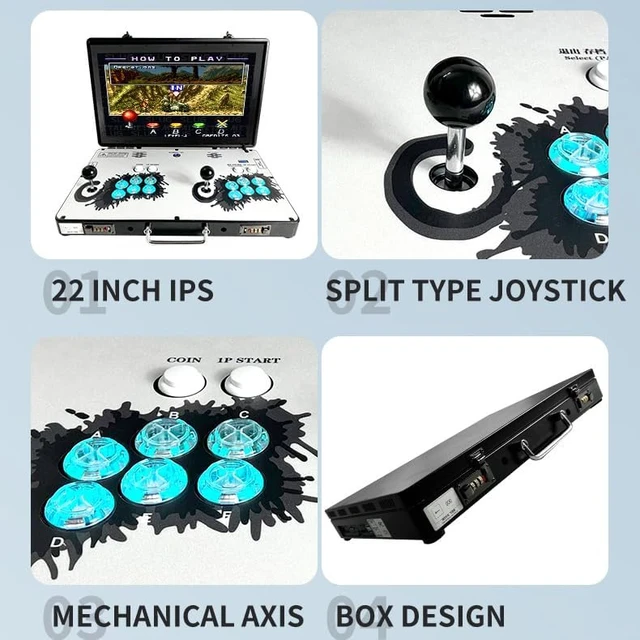
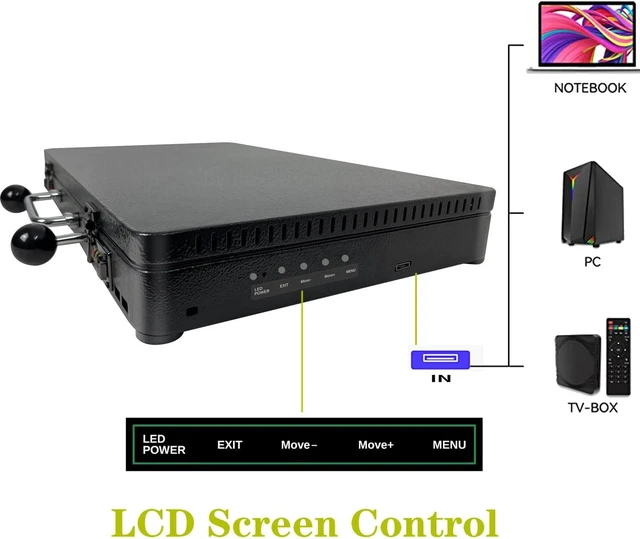
- 22-inch HD screen The 22-inch IPS full-view screen ensures no errors at different angles, with a 1920x1080P resolution and clearer RGB color display enjoy arcade-quality sound with integrated dual speakers.At the same time, by inputting HD signal, it can be connected to PC, TVBOX, GAMEBOX, monitoring host, and used as a display screen
- [Machine supports multiple simulation games] MAME/FBA/FBN/SFC/FC/PCE/GBA/MAME+ /GBC/MD/PS/N64/DC/PPSSPP, A9 Mali MP8 450Mhz,2.0GHz perfect running game, language support: Chinese, English, Korean, Spanish, Japanese, self switching, supports game resolution 1280X720P
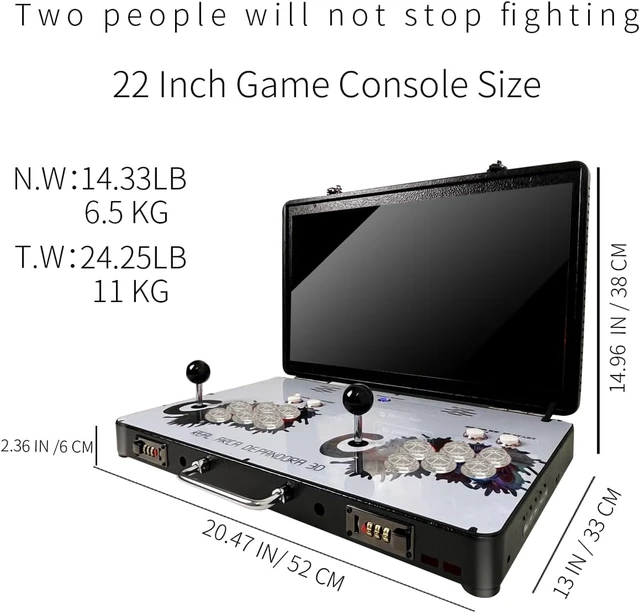
- Mini computers body and multi-function The size (21*15*13 inch) allows for Folding the screen makes it easy to carry and perfect for collecting It can also be connected to a large screen or controller for home use via a DC 12V adapter, and features a built-in speaker and 3.5mm headphone jack
- Free modification permissions In some games, you can switch emulator kernels, adjust screen orientation and aspect ratio, and apply screen filters. It also supports Wi Fi connection to download games and play with two or 4P players
+
+
Overview
Specs
Reviews

Any questions? Our AI mode will help you find out quickly.
Try me now
 There are three ways to find the game you want:
First method:Find the corresponding emulator in the game category, then scroll down to look for the game. For example, to find Pac-Man, search in the Puzzle category.
Second method:
Press the 1P START button, move the cursor to the Search option. For example, to find Pac-Man, search for PAC, then press the A button and select the desired game on the right side.
Third method:
Third method: We will send you the game list.
System setting Entry method:
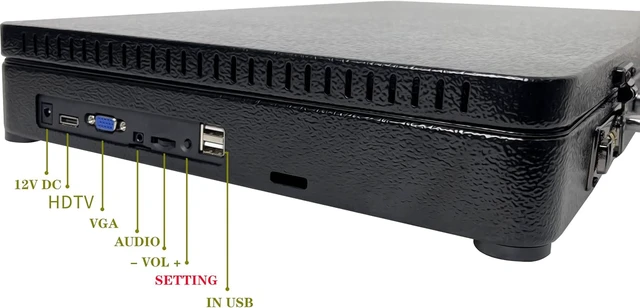
1. "Setting" on the game interface
2. There is a small button on the left side (next to the sound adjustment)
Key Reminder:
1,Must Free play Mode
2,HD Mode
Warranty & Returns
Warranty, Returns, And Additional Information
Warranty
- Please contact the Seller directly for warranty information. Warranty information may also be found on the Manufacturer's website.
- CONTACT
Return Policies
- Return for refund within: 30 days
- Return for replacement within: non-replaceable
- This item is covered by Glovibe Tech Return Policy
Manufacturer Contact Info
- For a directory of all our manufacturers, please click below.
- Manufacturers Directory
LOADING...