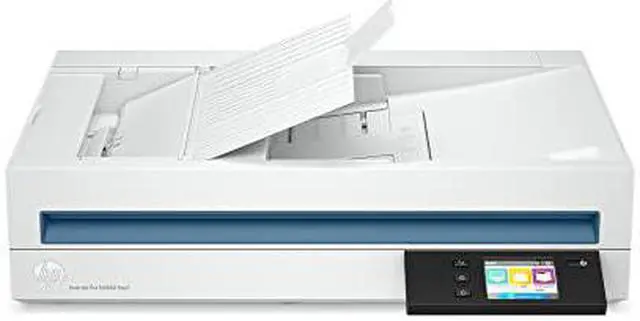
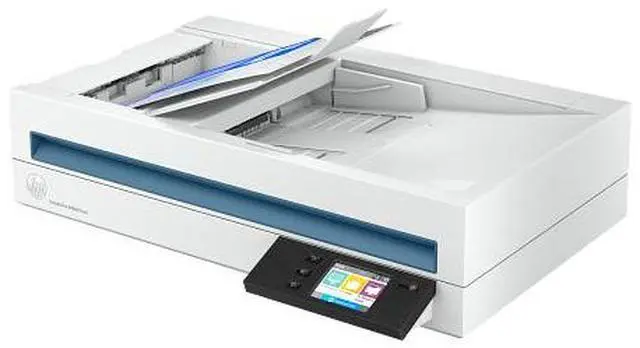
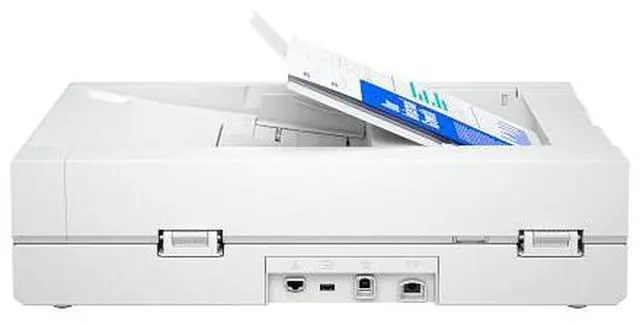
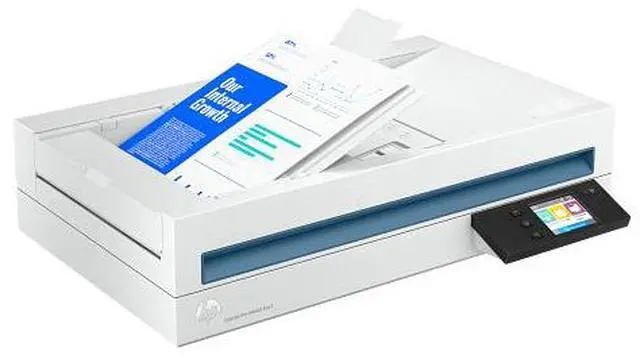
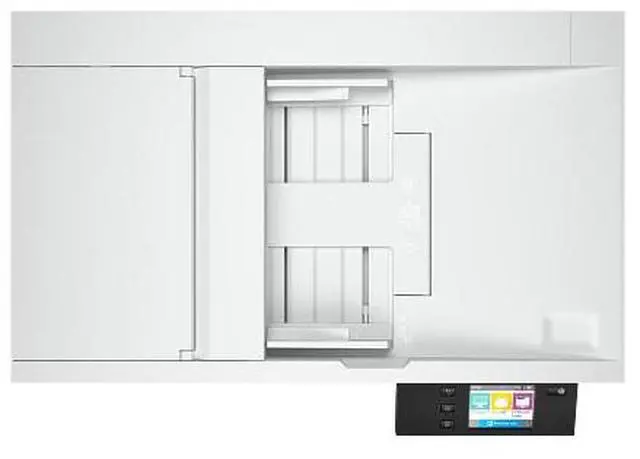
The HP ScanJet Pro N4600 fnw1 is a high-throughput document scanner for offices and workgroups, scanning up to 40 pages per minute or 80 images per minute with a 100-page, single-pass duplex ADF and a daily duty cycle of up to 6,000 pages.
Recommended For
- Office teams digitizing recurring two-sided paperwork—such as forms, invoices, and records—can batch-feed up to 100 sheets and scan both sides in one pass.
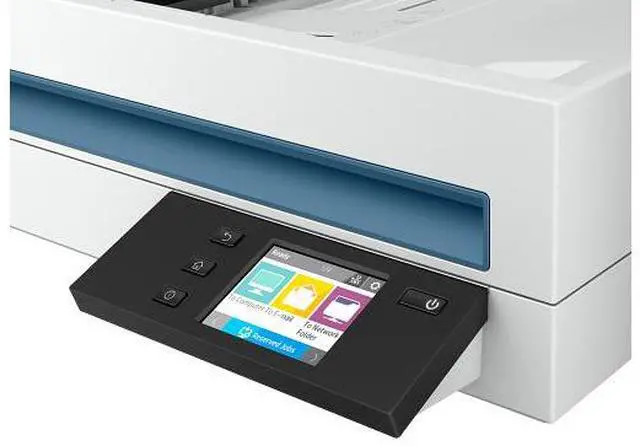
- Shared offices that need scans sent from the device to email, network folders, or PCs can use its touchscreen shortcuts and network connections, rather than relying only on a single USB-connected workstation.
- Administrative teams turning paper files into searchable or editable digital documents can use HP Scan software’s OCR and output formats including searchable PDF, Word, Excel, and CSV.
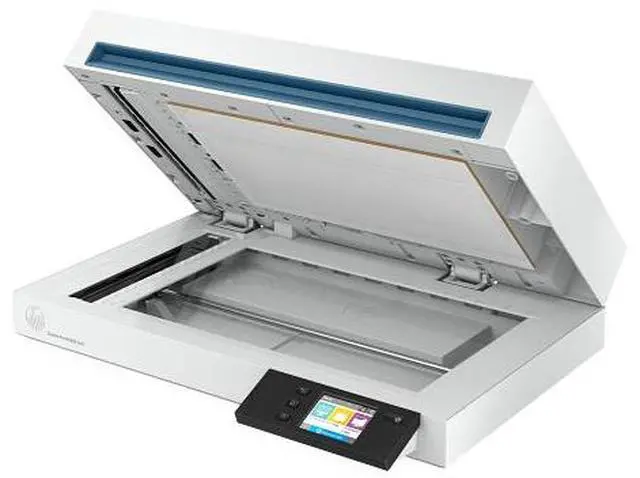
- Workgroups scanning substantial daily document volumes can use a scanner rated by HP for a recommended duty cycle of up to 6,000 pages per day, with a flatbed for books, magazines, and other items that are not suited to the feeder.
- Offices handling a mix of loose documents and bound or delicate originals can use the ADF for batches and the flatbed for books, magazines, and ID cards.
Real-World Use Scenarios
- When an office needs to digitize a stack of two-sided invoices, forms, or case files, staff can load a batch into the feeder and scan both sides in one pass, producing a digital set without manually flipping each page.
- When staff need to find or reuse information in paper records, they can scan with OCR to create searchable PDFs or editable Word, Excel, and CSV files; recognition quality can depend on the original document’s print quality and layout.
- For recurring front-desk or back-office scanning, staff can start a scan from the device and send files to supported destinations such as email or a network folder, reducing the need to open a scanning app for every batch.
- When a document is bound, delicate, or unsuitable for the feeder—or when scanning a photo—users can place it on the flatbed instead, then review and adjust the image before saving.
- When a business needs to archive long documents or banner-format originals, it can feed supported long sheets through the scanner and save them digitally rather than splitting the scan into multiple pages.




 here!