


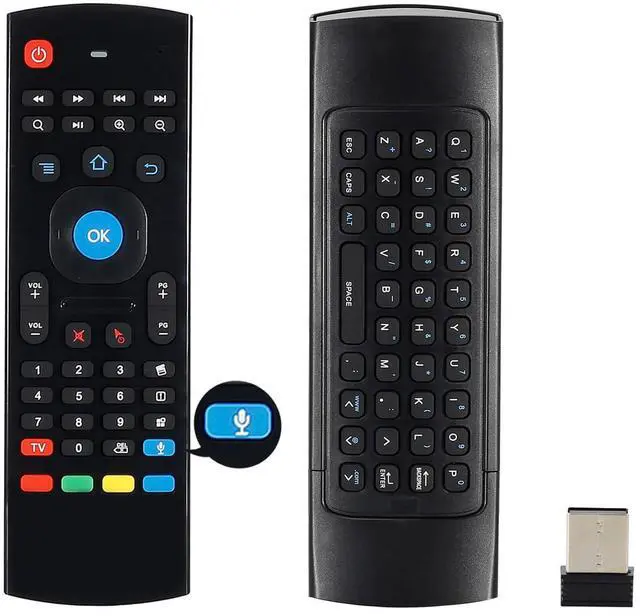
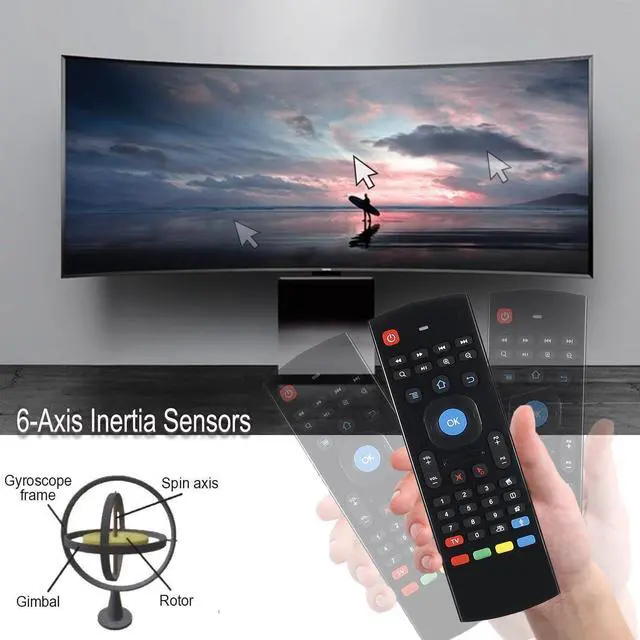
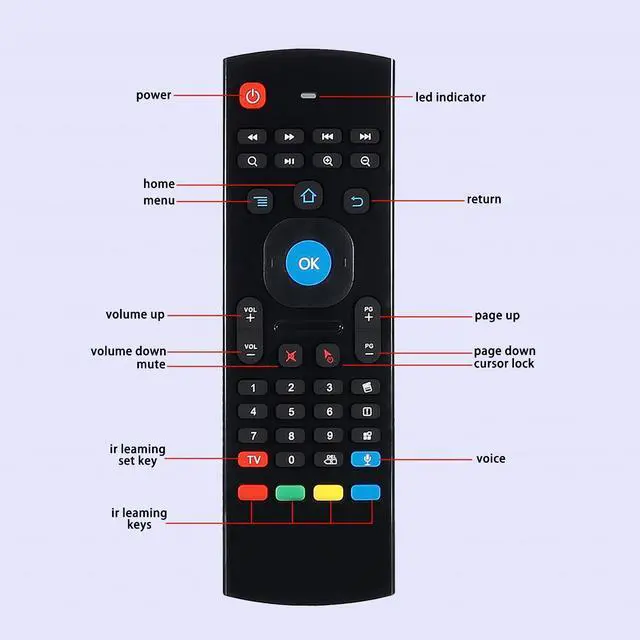


MX3 Air mouse remote has Six Axis Gyroscope, it supports the motion sensor function, you can move the cursor by swinging the remote.
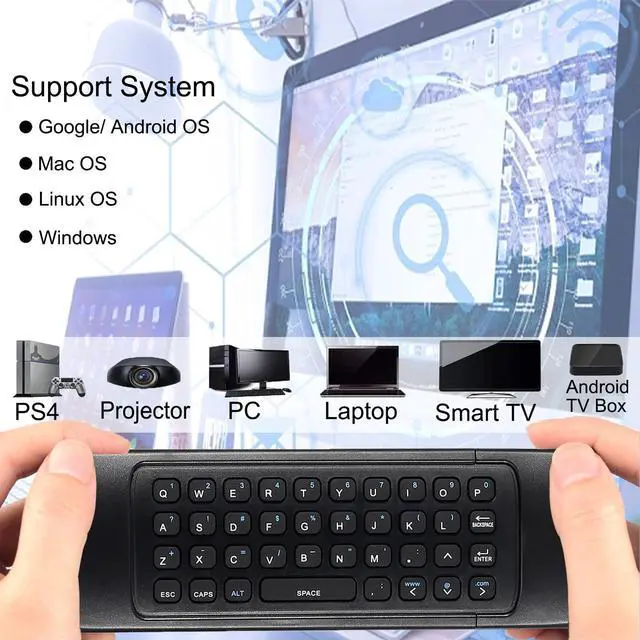
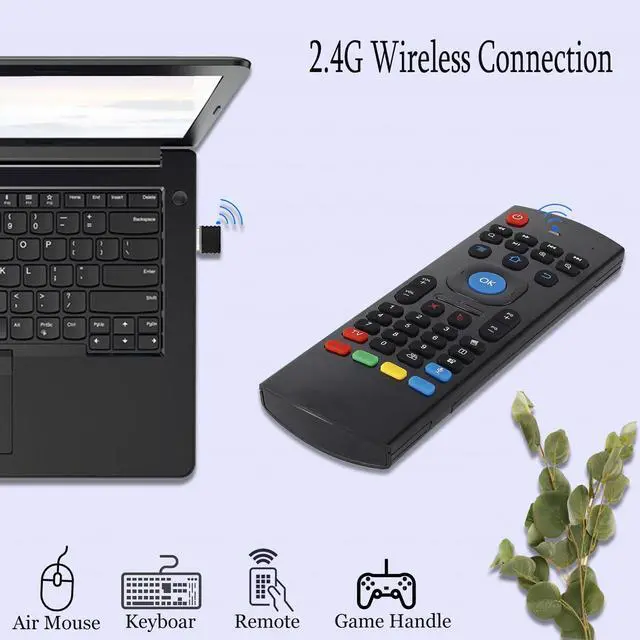
Plug and play with mouse, keyboard, remote control and gamepad functions 4 in 1.


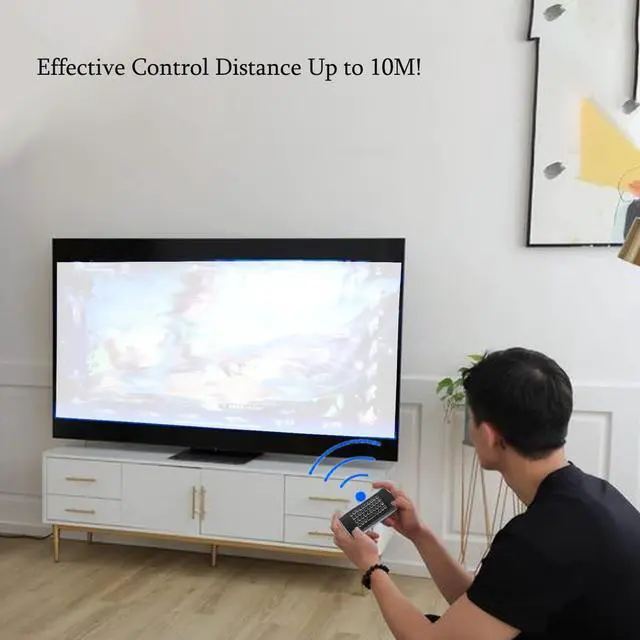
The MX3 wireless keyboard connects using stable 2.4GHz RF technology with a transmission distance of up to 10 meters.

How to use voice search on Google search box:
Press "TV" to switch to Fly Mouse Mode,the lights will blinks or off.
Open your Google Brower,find the "Search by Voice" function.
When seeing words"Speak now" means you can hold the "voice" to speak words,when finished, just release. It will recognize and show the search results.

LED backlighting:
With LED backlighting, pressing the "Brightness" button will light up all buttons in the dark, making it easy to use in the pitch black night.

IR Learning Instructions:
MX3 Air Mouse Remote has 5 IR learning keys that can be programmed to learn some basic functions of TV remote, which are the POWER and 4 color buttons at the bottom of MX3 air mouse.
Program Step:
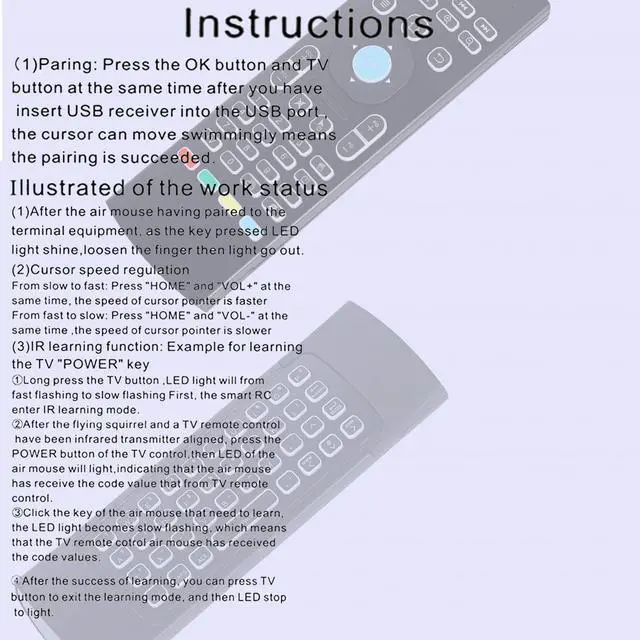
Step 1: Ensure that the TV remote supports the NEC protocol. The batteries are installed correctly and the red LED blinks when any button is pressed.
Step 2: Aim the heads (infrared emitters) of the Air Mouse Remote and TV Remote at each other and make sure the distance between them is less than 0.1 feet,
Step 3: Press and hold the TV button on the Air Mouse Remote for 3-5 seconds, the red LED will blink rapidly, then release the TV button. The red LED will flash slowly.
This indicates that the Air Mouse remote control is in IR learning mode.
Step 4: Press the Power button on the TV remote until the red LED on the Air Mouse remote stays on.
Step 5: Press the power button or one of the 4 color buttons on the Air Mouse remote. The red LED will blink slowly again to indicate successful learning.
Step 6: Press the TV button on the Air Mouse remote control to exit IR learning mode.
Notes:
1. You can continue to learn other functions (no more than 5) from the TV remote control before exiting the IR learning mode. After learning all functions, press the TV button to exit the IR learning mode.
2. When all 5 IR Learn buttons have been used, if you want to learn a new function, simply repeat the above steps. The button will only save the latest learned function.
Comparison:
 MX3 Remote |  MX3 Remote with Backlight |  MX3 Remote with Voice |  Remote with Voice&Backlit | |
|---|---|---|---|---|
Customer Reviews | — | — | — | — |
Price | — | — | — | — |
Voice Function | ? | ? | ? | ? |
Backlight Function | ? | ? | ? | ? |
Air mouse Function | ? | ? | ? | ? |
Wireless keyboard Function | ? | ? | ? | ? |
Gyroscope Sensing Function | ? | ? | ? | ? |


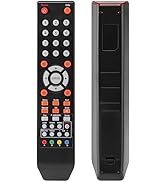
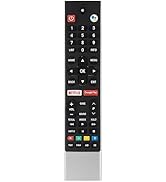
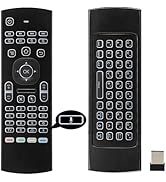

MX3 Air mouse remote has Six Axis Gyroscope, it supports the motion sensor function, you can move the cursor by swinging the remote.
Plug and play with mouse, keyboard, remote control and gamepad functions 4 in 1.

The MX3 wireless keyboard connects using stable 2.4GHz RF technology with a transmission distance of up to 10 meters.
How to use voice search on Google search box:
Press "TV" to switch to Fly Mouse Mode,the lights will blinks or off.
Open your Google Brower,find the "Search by Voice" function.
When seeing words"Speak now" means you can hold the "voice" to speak words,when finished, just release. It will recognize and show the search results.
LED backlighting:
With LED backlighting, pressing the "Brightness" button will light up all buttons in the dark, making it easy to use in the pitch black night.
IR Learning Instructions:
MX3 Air Mouse Remote has 5 IR learning keys that can be programmed to learn some basic functions of TV remote, which are the POWER and 4 color buttons at the bottom of MX3 air mouse.
Program Step:
Step 1: Ensure that the TV remote supports the NEC protocol. The batteries are installed correctly and the red LED blinks when any button is pressed.
Step 2: Aim the heads (infrared emitters) of the Air Mouse Remote and TV Remote at each other and make sure the distance between them is less than 0.1 feet,
Step 3: Press and hold the TV button on the Air Mouse Remote for 3-5 seconds, the red LED will blink rapidly, then release the TV button. The red LED will flash slowly.
This indicates that the Air Mouse remote control is in IR learning mode.
Step 4: Press the Power button on the TV remote until the red LED on the Air Mouse remote stays on.
Step 5: Press the power button or one of the 4 color buttons on the Air Mouse remote. The red LED will blink slowly again to indicate successful learning.
Step 6: Press the TV button on the Air Mouse remote control to exit IR learning mode.
Notes:
1. You can continue to learn other functions (no more than 5) from the TV remote control before exiting the IR learning mode. After learning all functions, press the TV button to exit the IR learning mode.
2. When all 5 IR Learn buttons have been used, if you want to learn a new function, simply repeat the above steps. The button will only save the latest learned function.
Comparison:
MX3 Remote | MX3 Remote with Backlight | MX3 Remote with Voice | Remote with Voice&Backlit |
|---|---|---|---|
| Customer Reviews | |||
| — | — | — | — |
| Price | |||
| — | — | — | — |
| Voice Function | |||
| ? | ? | ? | ? |
| Backlight Function | |||
| ? | ? | ? | ? |
| Air mouse Function | |||
| ? | ? | ? | ? |
| Wireless keyboard Function | |||
| ? | ? | ? | ? |
| Gyroscope Sensing Function | |||
| ? | ? | ? | ? |
JKZTJOF
A young but professional replacement remote control supplier brand!
JKZTJOF, a new young electronics brand, was established in 2023 and is committed to providing our customer with unique, high quality and most suitable product.
Remote Control
Remote Control
Remote Control