• $101.99
  • Free 30-day Returns
  • Price alert
    Shop it at NeweggBusiness.

    KCEVE KVM Switch 2 Computer 1 Monitor Displayport 4K@240Hz 8K@60Hz, USB 3.0 KVM Switch Displayport 2.1 for 2 PC Share 4 USB3.0 Devices Keyboard Mouse, with USB 3.0 Cable,Wired Remote and Power Supply

    • Displayport 2.1 KVM Switch 2 Computers 1 MonitorKCEVE KVM 2 PC 1 monitor Displayport 2.1 lets you control 2 computers with just one set of keyboard, printer and monitor. You can freely switch between two computers. Each PC needs 1 DP cables + 1 USB cable plugged in KVM switch Displayport 4K@240Hz
    • KVM Switch Displayport 2.1 for 8K@60Hz/4K@240Hz Visual EnjoymentKCEVE Displayport 2.1 KVM switch 2 ports compliant with DisplayPort 2.1 supports high resolution up to 8K@60Hz, 4K@240Hz, 4K@144Hz, 4K@60Hz, 1080P@240hz, makes the screen display more delicate and realistic. The final resolution also depends on the monitor, graphics card, cables and adapters. Please Note: Using displayport 2.1 cables will solve the problem of flickering and black screen
    • 5Gbps Date Transfer SpeedUSB Displayport Switch with 4 Integrated USB 3.0 Ports without unplugging, Securely Identify Keyboard, Mouse, printers, scanners and other USB devices(dont support bluetooth mouse). USB 3.0 technology supports 5Gb
    +
    +
    Overview
    Specs
    Reviews
    avatar

    Any questions? Our AI beta will help you find out quickly.

    Displayport 2.1 KVM Switch 2 Computers 1 MonitorKCEVE KVM 2 PC 1 monitor Displayport 2.1 lets you control 2 computers with just one set of keyboard, printer and monitor. You can freely switch between two computers. Each PC needs 1 DP cables + 1 USB cable plugged in KVM switch Displayport 4K@240Hz
    KVM Switch Displayport 2.1 for 8K@60Hz/4K@240Hz Visual EnjoymentKCEVE Displayport 2.1 KVM switch 2 ports compliant with DisplayPort 2.1 supports high resolution up to 8K@60Hz, 4K@240Hz, 4K@144Hz, 4K@60Hz, 1080P@240hz, makes the screen display more delicate and realistic. The final resolution also depends on the monitor, graphics card, cables and adapters. Please Note: Using displayport 2.1 cables will solve the problem of flickering and black screen
    5Gbps Date Transfer SpeedUSB Displayport Switch with 4 Integrated USB 3.0 Ports without unplugging, Securely Identify Keyboard, Mouse, printers, scanners and other USB devices(dont support bluetooth mouse). USB 3.0 technology supports 5Gbps efficiency, compatible with USB 2.0/1.1 devices. Save desktop space, keep your desktop tidy, and make work and life more convenient
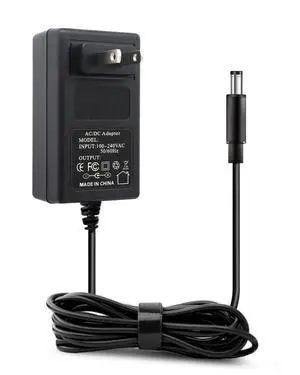
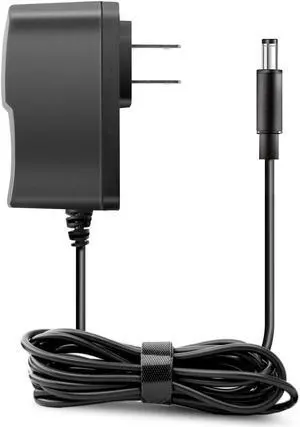
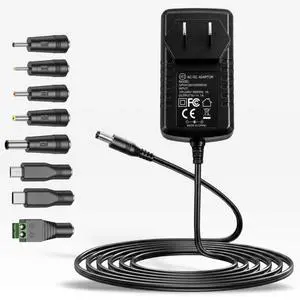
    DP KVM Switch with 2 Switching MethodsPlug and play, no driver required. Freely switch between 2 computers 1 monitor to press KVM panel button switch or 1.5m wired remote controller. LED lights indicate which computer is active. USB Displayport switch powered by DC 12V supply(included). If your computer does not have displayport output, USB C to DP adapter is preferred
    Universal Compatibility and Wide ApplicationKCEVE KVM Switch displayPort 2 port support DP input such as PC, laptop, TV Box, PS5, Monitor, HDTV, Projector. Great compatibility, suitable for Windows 11/10/8/8.1/7/XP/Vista, Mac OS, Linux and Chrome OS systems. DP-KVM-Switch 2 PC 1 Monitor is widely used in office, business seminar, multimedia teaching, home theater, game room, scientific research test, et
    NoteDP 2.1 KVM Switch does support 8K and 4K resolutions, please make sure that the computer, monitor, and cables also support 8K and 4K at the same time. Our KVM Switch 4K@240Hz made of high performance chip and metal shell, excellent heat dissipation
    Packing List Includes 1 KVM switch DP, 2 USB 3.0 cables, 1 wired remote (1.5m), 1 DC 12V power supply,1 user manual. KVM switch displayport 2.1 acts as a technical product. Therefore, some compatibility errors may occur. Our company has been in the field of USB-KVM-Switches for more than ten years, providing comprehensive after-sales support. If you encounter any problems, please contact me first to solve it for you.

    Warranty & Returns

    Warranty, Returns, And Additional Information

    Warranty

    • Please contact the Seller directly for warranty information. Warranty information may also be found on the Manufacturer's website.
    • CONTACT

    Return Policies

    Manufacturer Contact Info

    LOADING...