Notice:
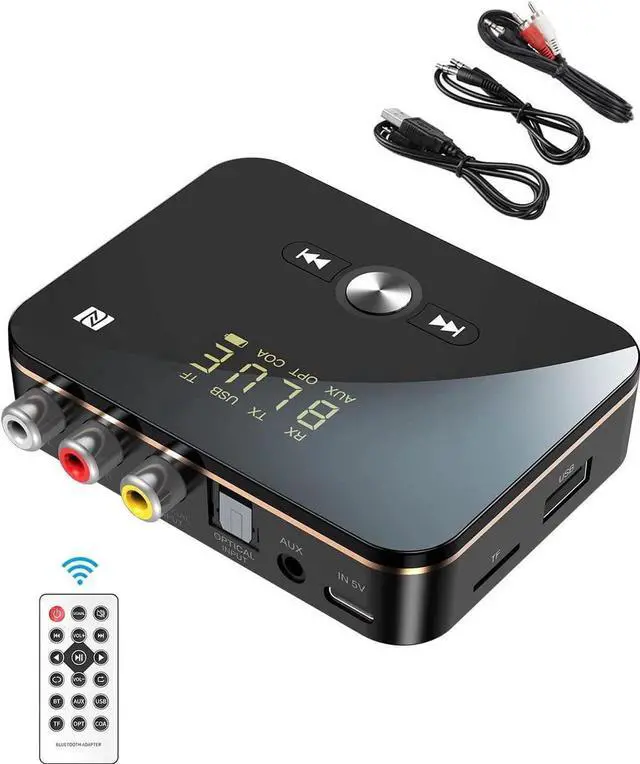
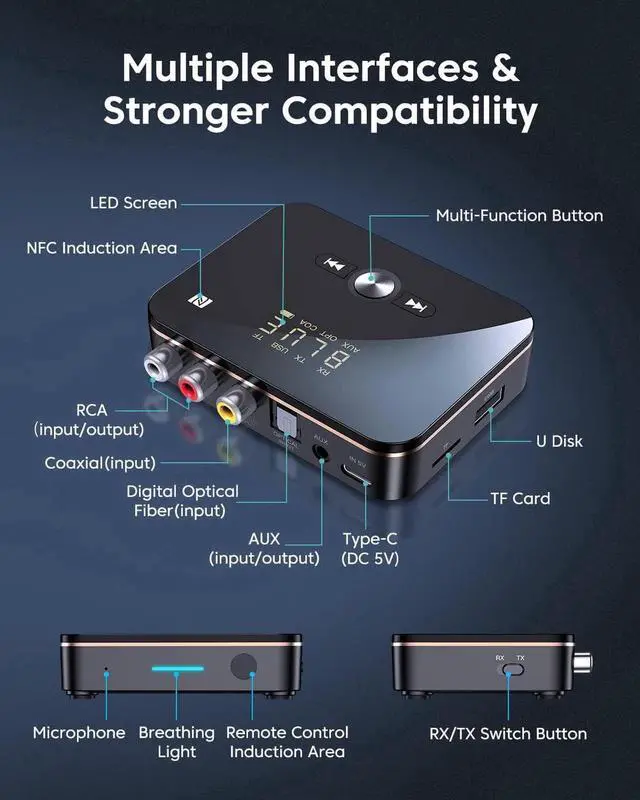
You can insert several different signal cables at the same time, and switch the signal source by double-clicking the power button, without repeatedly unplugging the signal cable.
Please make sure that the audio output interface (Output) of the computer/TV and other devices are correctly connected, the wrong interface will lead to no sound.
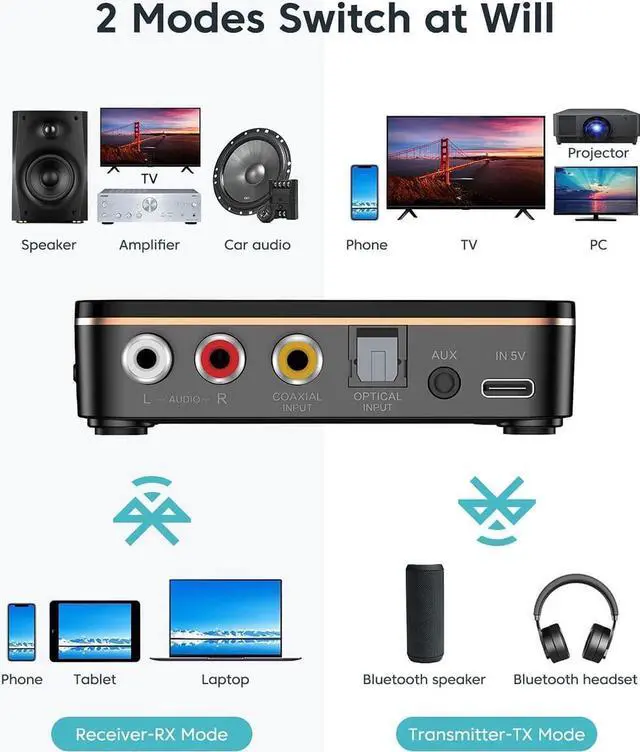
The device supports digital Optical and Coaxial input and can convert digital signals to analog audio signals. (Note: Optical/Coaxial output is not supported)
In the RX or TX mode, the Optical/Coaxial input can be converted into AUX/RCA analog signal, which can be wired to the speaker or transmitted to the Bluetooth headset.
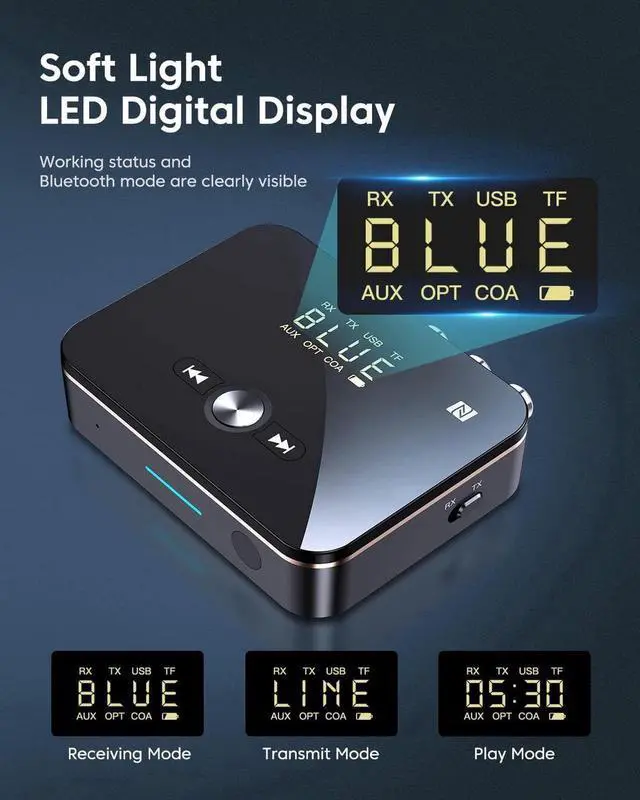
In any mode after starting up, press the [Fast backward] and"Fast forward"keys at the same time for about 5 seconds, and the display shows If 8888 is displayed, it means that the factory settings have been restored successfully.




 Holiday Shipping Details & Extended Holiday Returns


