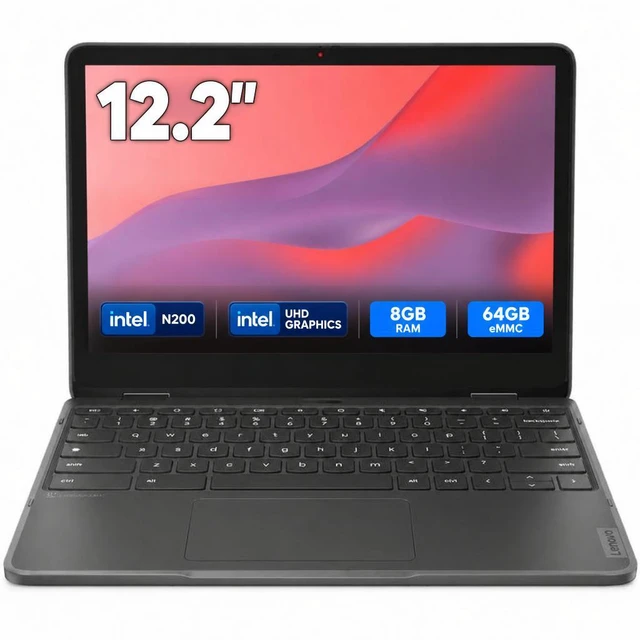
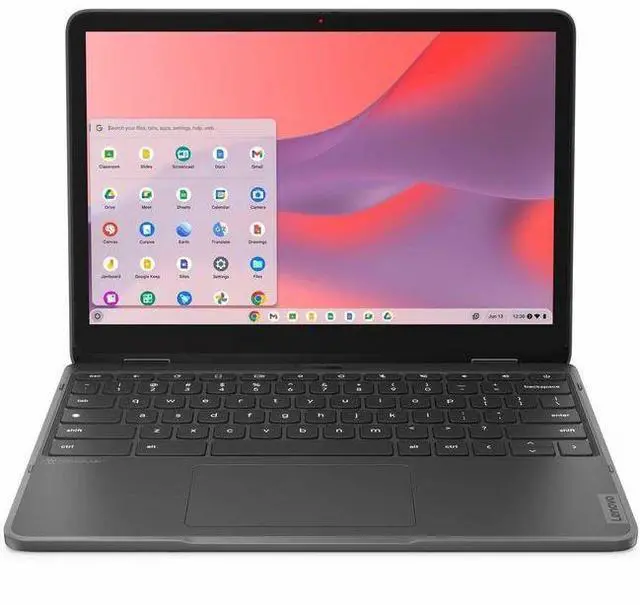
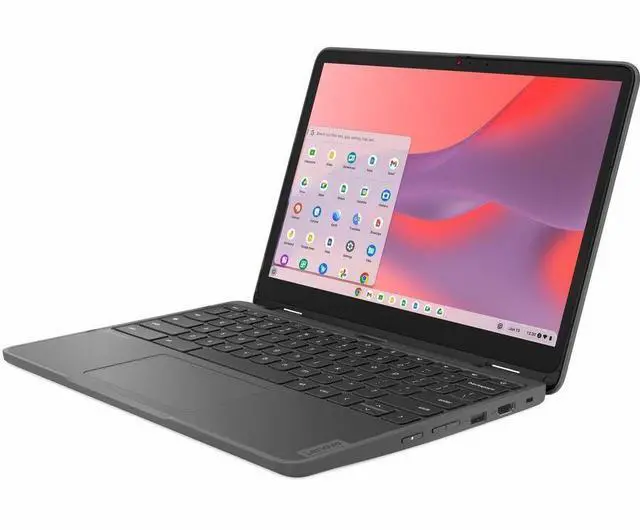
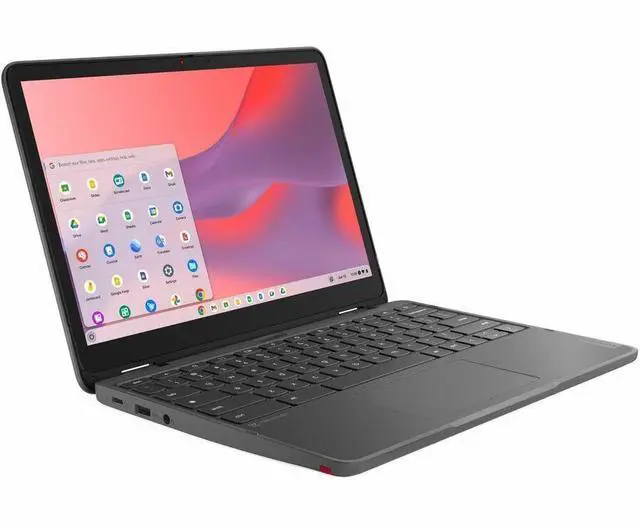
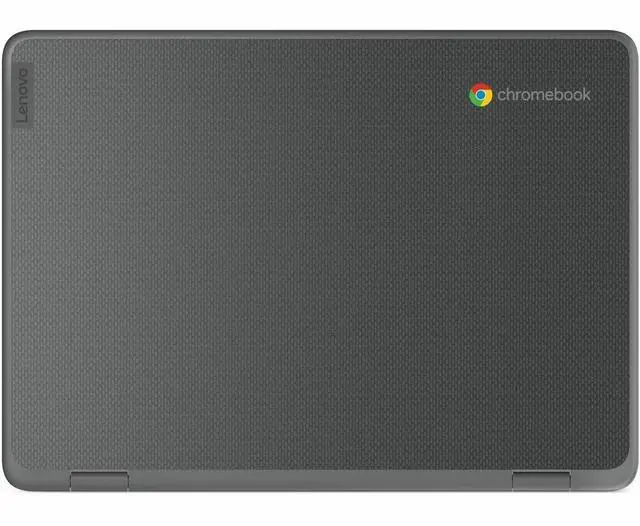
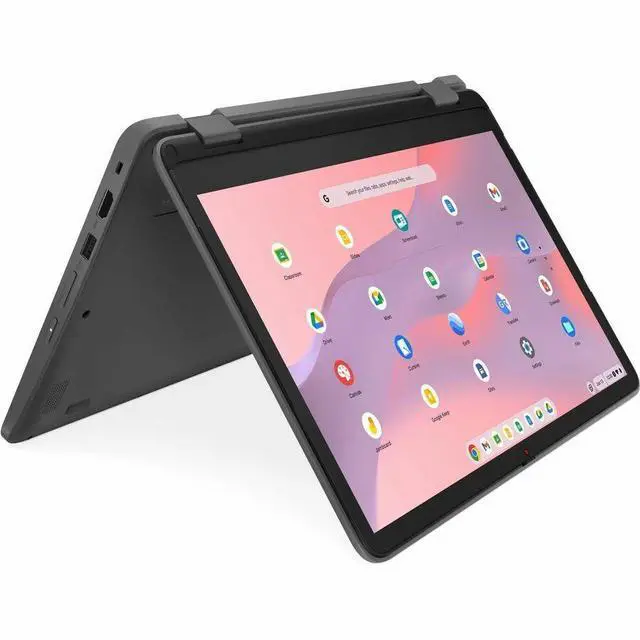
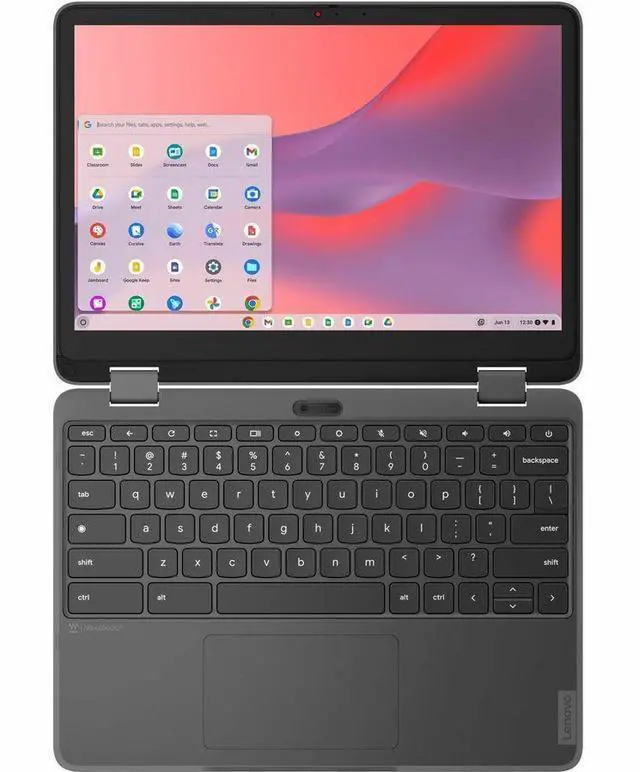
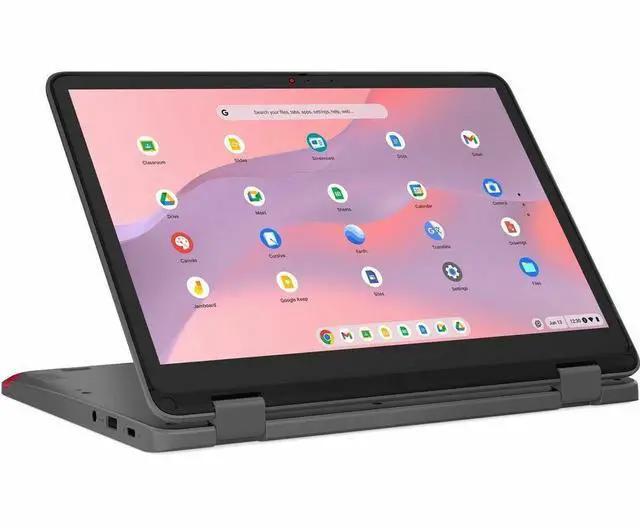
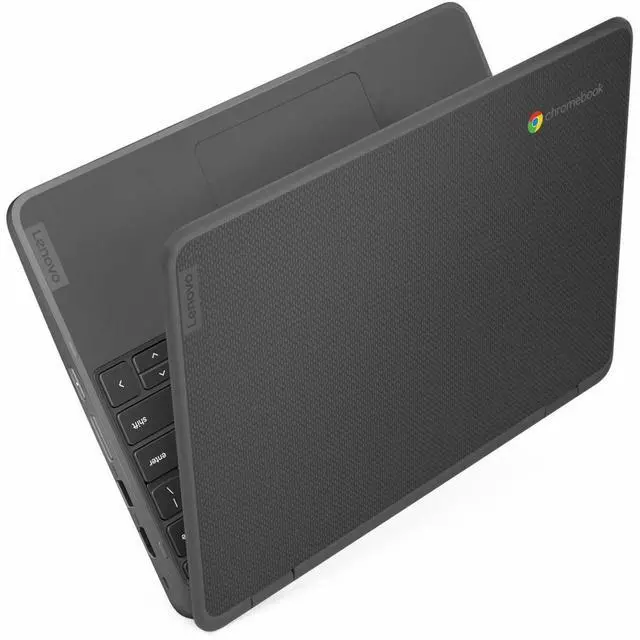
The Lenovo 500e G4 is a ChromeOS laptop with an Intel N200 processor, 8GB of memory, and a 12.2-inch WUXGA touchscreen, suited to students and everyday users working in browser-based apps, documents, and online learning.
Recommended For
- Students who move between classes and use browser-based schoolwork can use its compact 12.2-inch touchscreen and convertible design for laptop, tent, or tablet-style work.
- Learners and educators who annotate worksheets or take handwritten notes can use the touch display in tablet mode; confirm whether the optional integrated pen is included with this configuration.
- People who want a small Chromebook for web research, school portals, documents, and video streaming can benefit from the N-series processor and 8GB memory, while keeping the workload centered on ChromeOS apps and browser tasks.
- Schools or families looking for a classroom-oriented Chromebook can use its education-focused, spill-resistant keyboard and touchscreen for everyday shared learning tasks.
Real-World Use Scenarios
- In class, a student can use web-based lessons, research, Google Docs, and video calls during a typical school day; the 8GB configuration is suited to everyday Chromebook tasks, not demanding creative software.
- For reading digital textbooks or annotating class materials, the touchscreen can be used in laptop or tablet-style setups; handwritten input depends on using a compatible stylus, which Lenovo lists as optional.
- At home, it can handle routine Chromebook tasks such as browsing, email, and online documents; community discussion of the Gen 4 describes it as a fit for ordinary school and web use rather than heavier workloads.
- For video lessons or casual streaming, the 12.2-inch WUXGA touchscreen provides a compact viewing screen; it is better suited to personal viewing than replacing a large TV or monitor.
- In a classroom or meeting room, a user can connect the Chromebook to an HDMI display or projector for slides and shared web content, while keeping notes or documents on the laptop.
Spec Summary
| Attribute | Value |
|---|
| Best For | Home and personal Chromebook use with ChromeOS |
|---|
| Display | 12.2-inch screen with 1920 × 1200 resolution |
|---|
| Memory | 8GB installed RAM; maximum supported memory is 8GB |
|---|
| Storage | 64GB internal storage |
|---|
| Graphics | Integrated Intel UHD Graphics |
|---|
| Connectivity | Bluetooth support and one HDMI port |
|---|
| Camera | Webcam included |
|---|
| Portability | 4.2 pounds |
|---|
| Model Identifiers | Lenovo 500e series; model 82W4002YUS (model name also lists 28331821) |
|---|





 here!
here!
 Top Rated