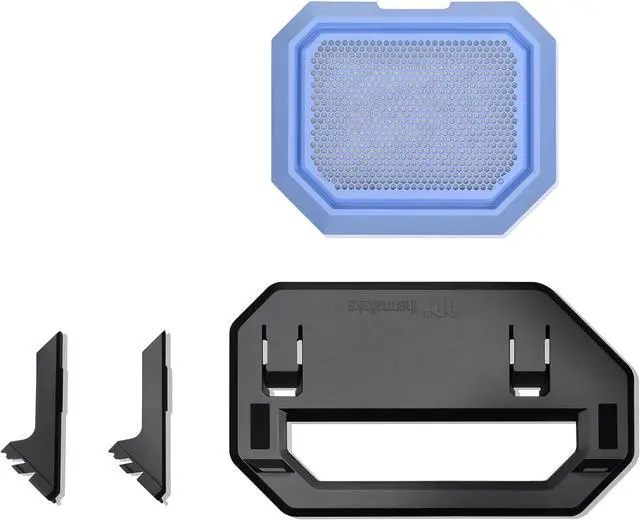
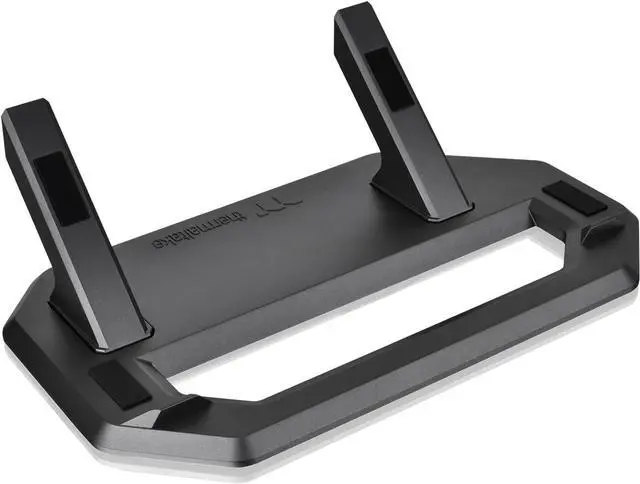
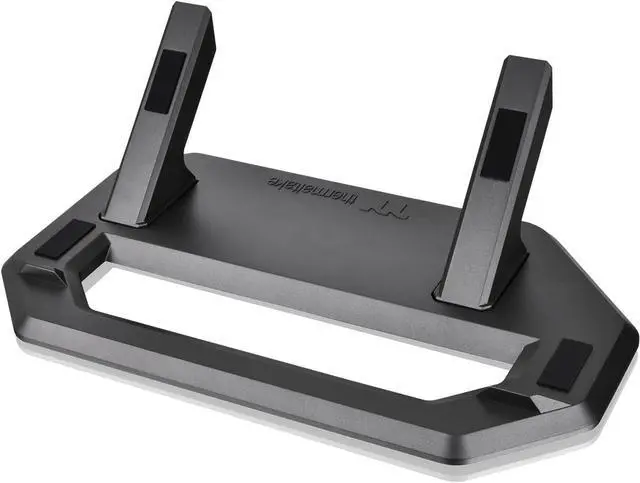
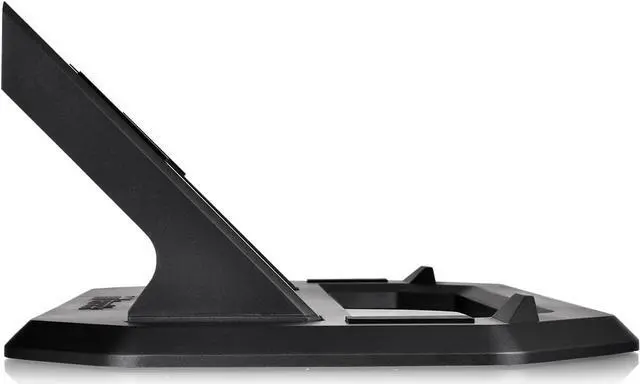
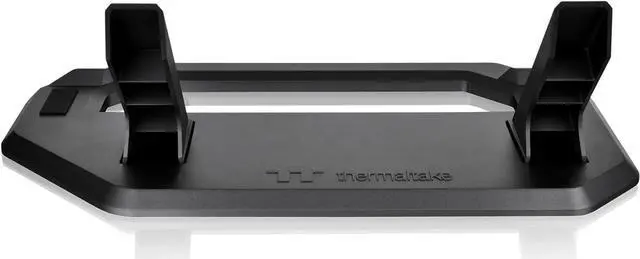
The Thermaltake Tower 300 Series Chassis Stand Kit in Hydrangea Blue lets Tower 300 owners display their case horizontally; it includes a display stand and bottom cover panel, with anti-scratch rubber pads and an anti-slip design.
Recommended For
- Tower 300 owners who want to display the case horizontally as a visible part of a desk or room setup; the kit is designed specifically for that alternate orientation.
- Tower 300 builders whose graphics card runs unusually hot in the case’s upright orientation and who want to try horizontal placement; some owners report that changing orientation helped, but results can vary by GPU.
- Tower 300 owners planning a custom build display who want a dedicated stand and matching bottom cover rather than placing the case sideways on an improvised surface.
- Tower 300 owners who have enough desk, shelf, or cabinet surface for a horizontal setup and want an alternative to the case’s upright presentation.
Real-World Use Scenarios
- When a Tower 300 owner wants the PC to sit horizontally rather than upright, the stand and bottom cover let them change its placement and present the build from a different angle.
- For a PC build displayed as part of a desk or room setup, horizontal placement gives the Tower 300 a different showcase look; check the available space and cable access before repositioning it.
- When choosing a coordinated-color PC display, owners can pair the Hydrangea Blue stand with a matching Tower 300 build for a more unified look.
- If a graphics card runs hotter in the upright configuration, an owner can try the horizontal setup and compare temperatures in their own build; community reports describe improvements, but results vary with components and airflow.




 here!