here!
I’m your shopping assistant for PC builds, upgrades, and everything tech.
Got questions? Ask away!
Start a conversation
here!
I’m your shopping assistant for PC builds, upgrades, and everything tech.
Got questions? Ask away!
Start a conversation



Any questions? Ask CelesteSM will help you find out quickly.
| Brand | Rexus |
|---|---|
| Model | PST-2 |
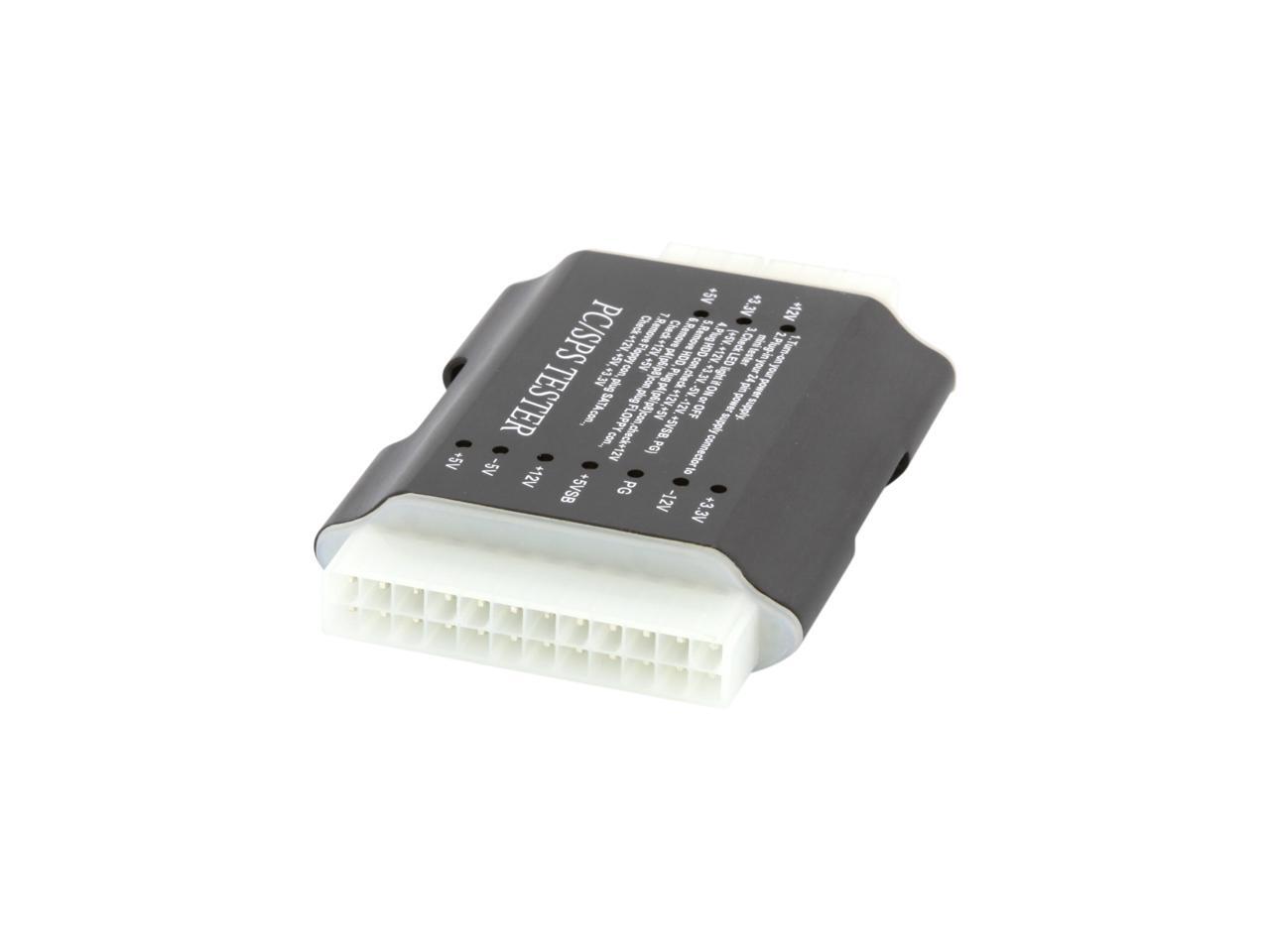
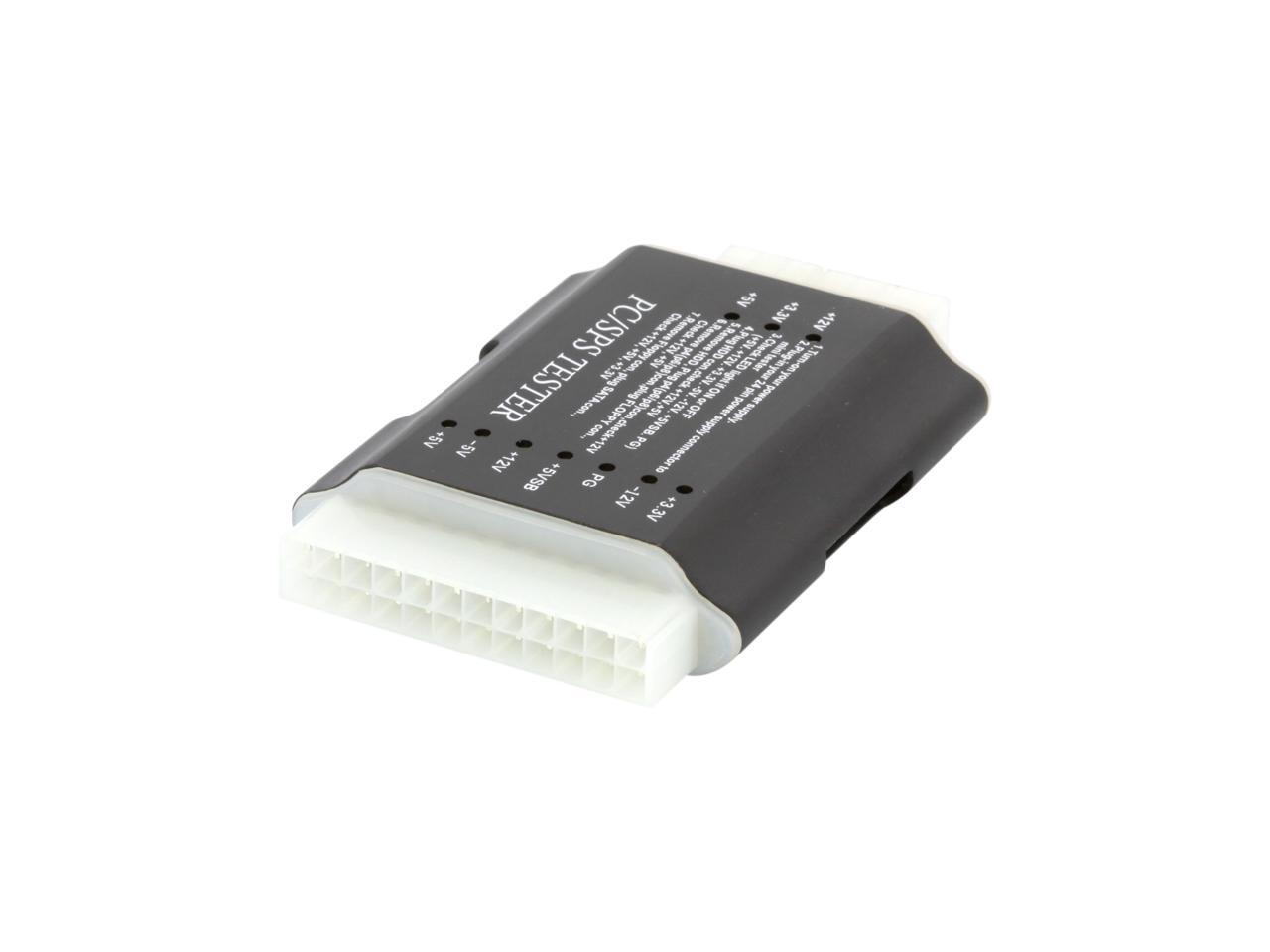
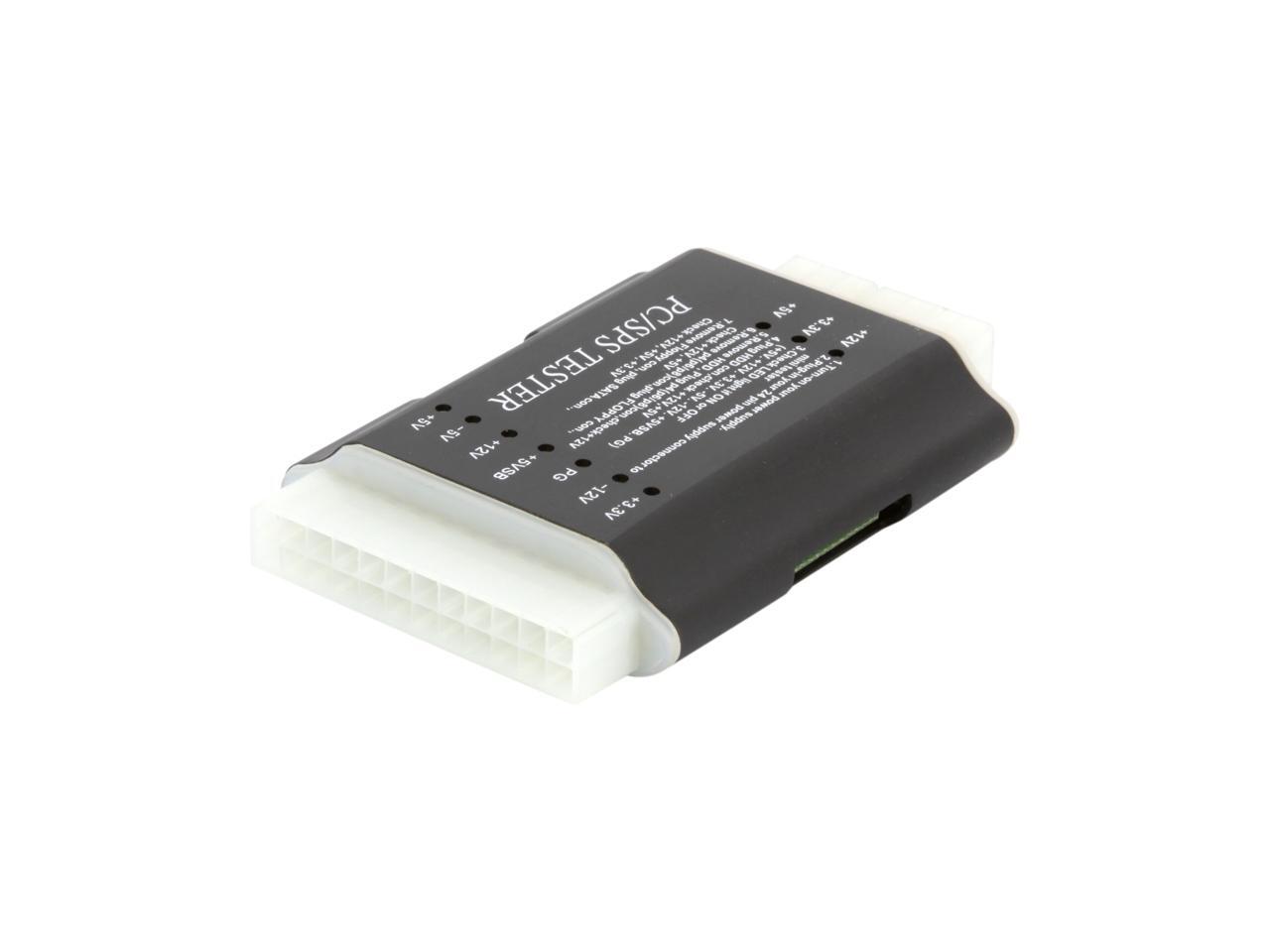
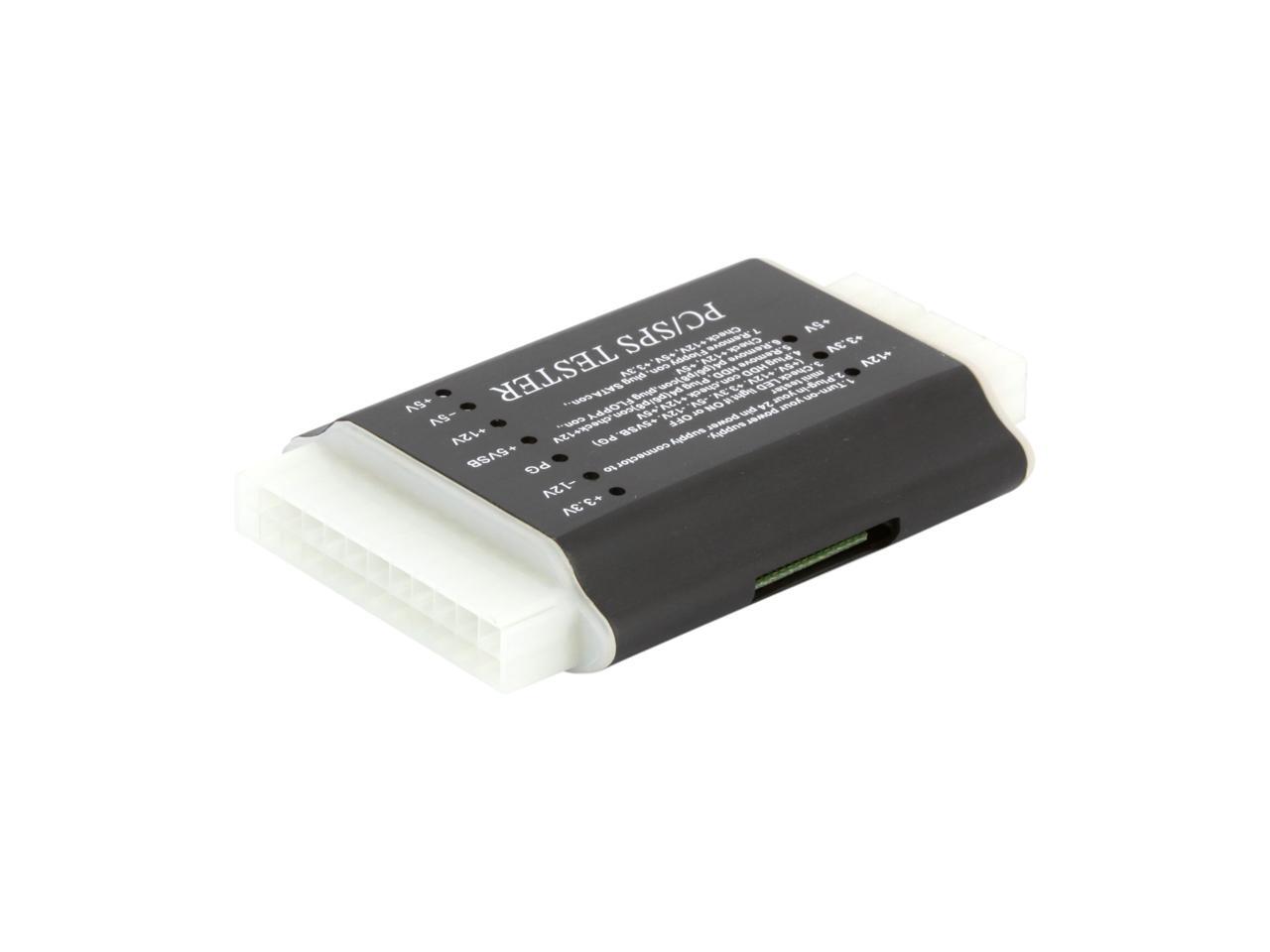
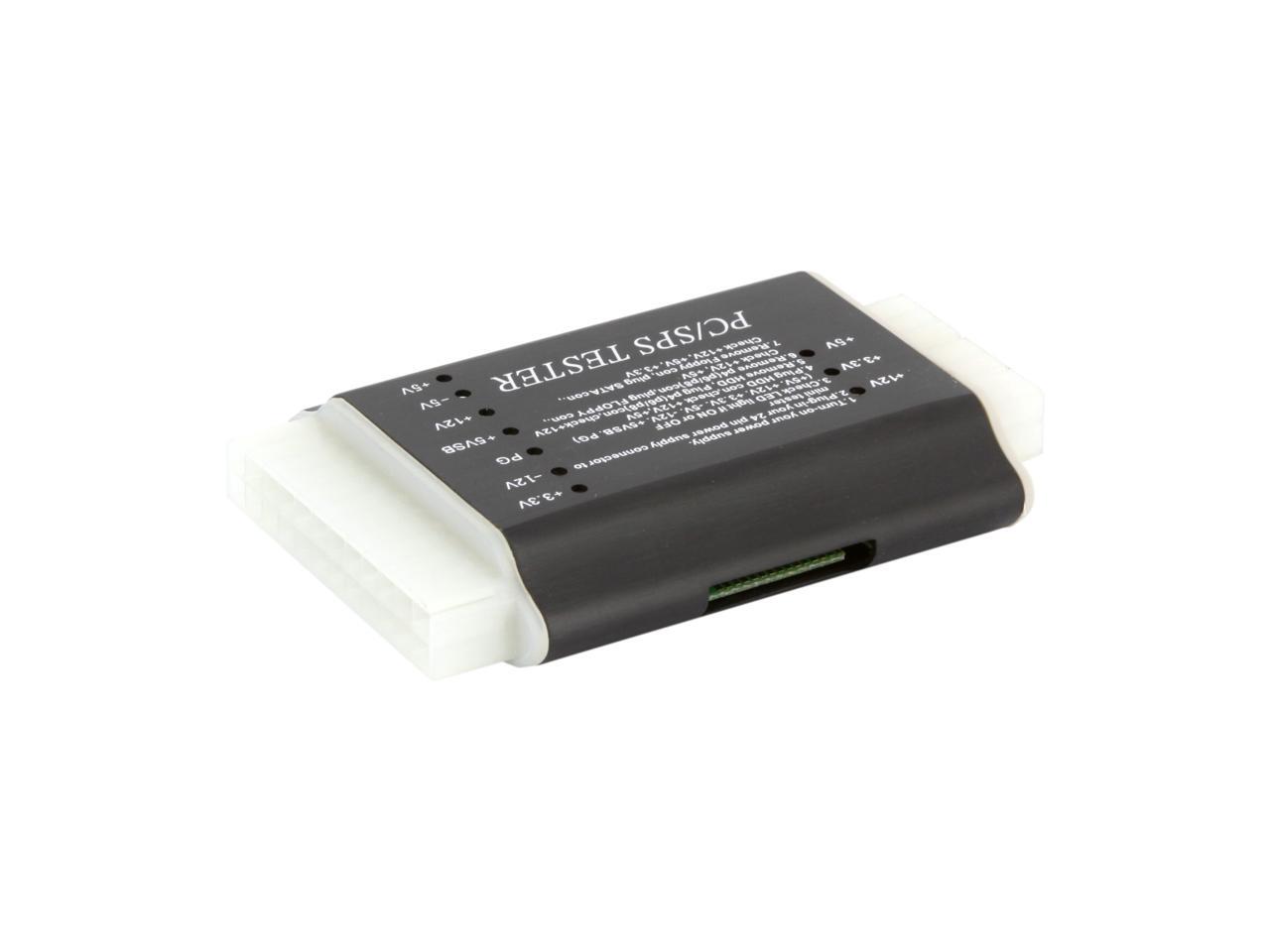
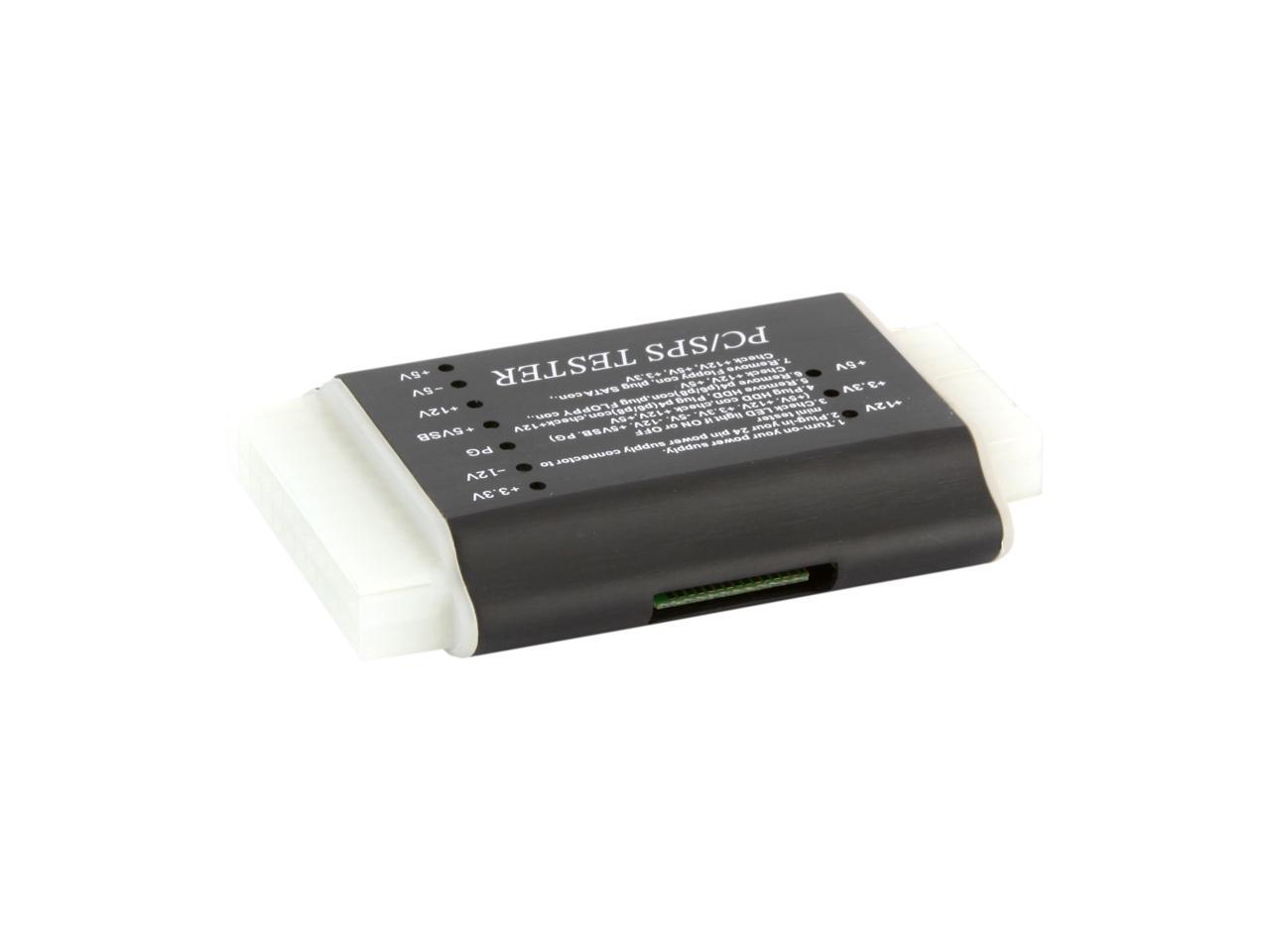
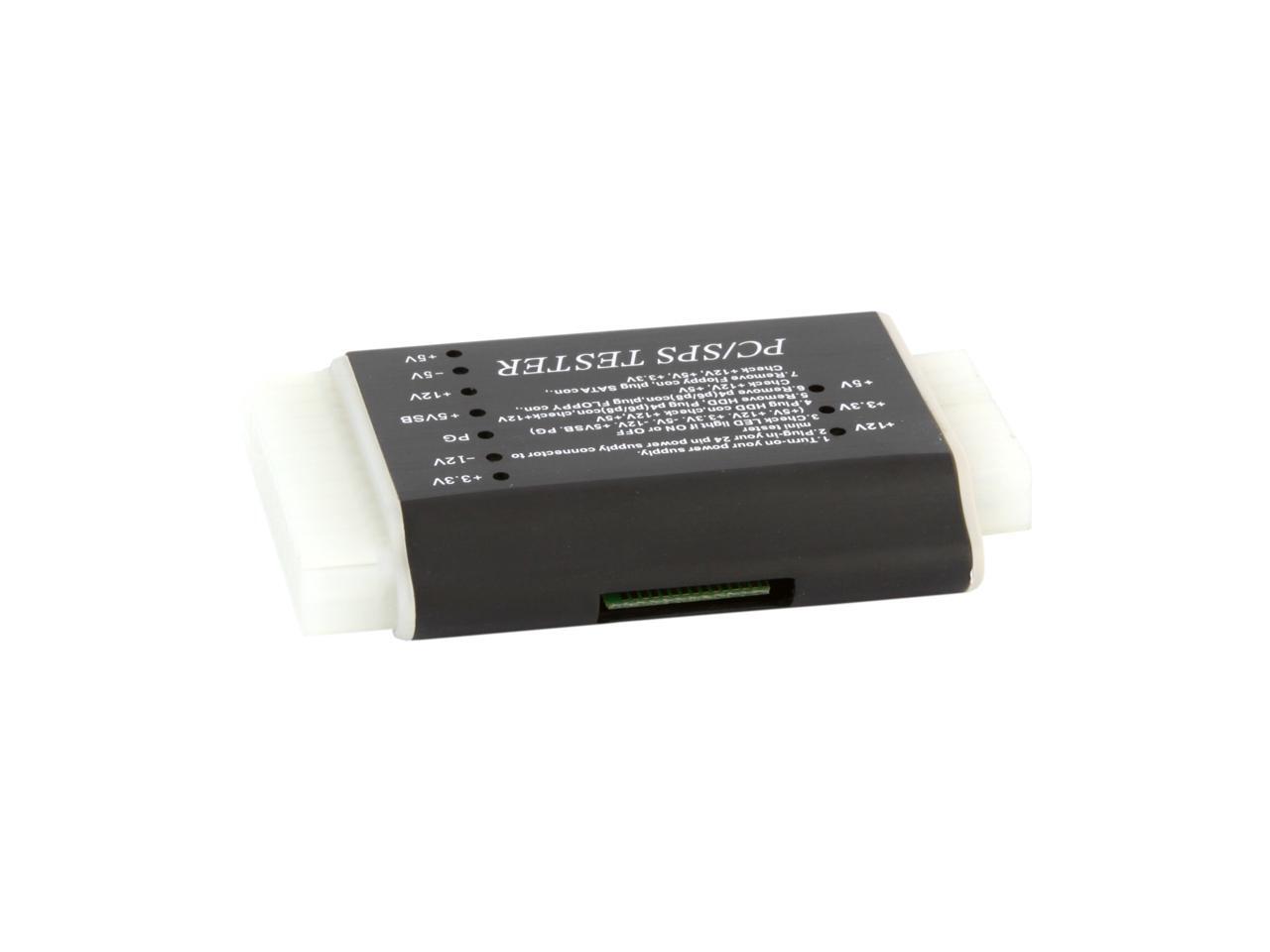
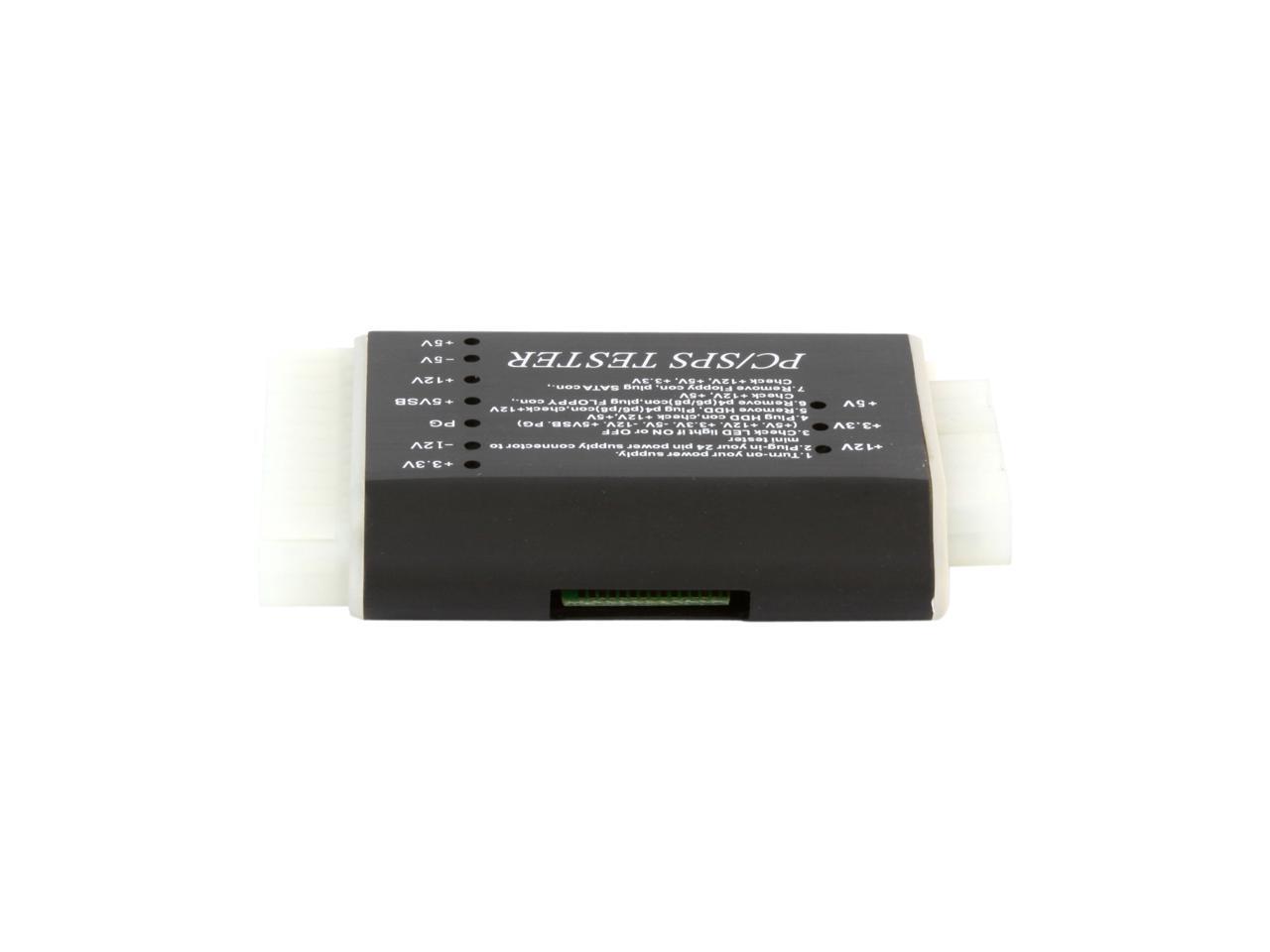
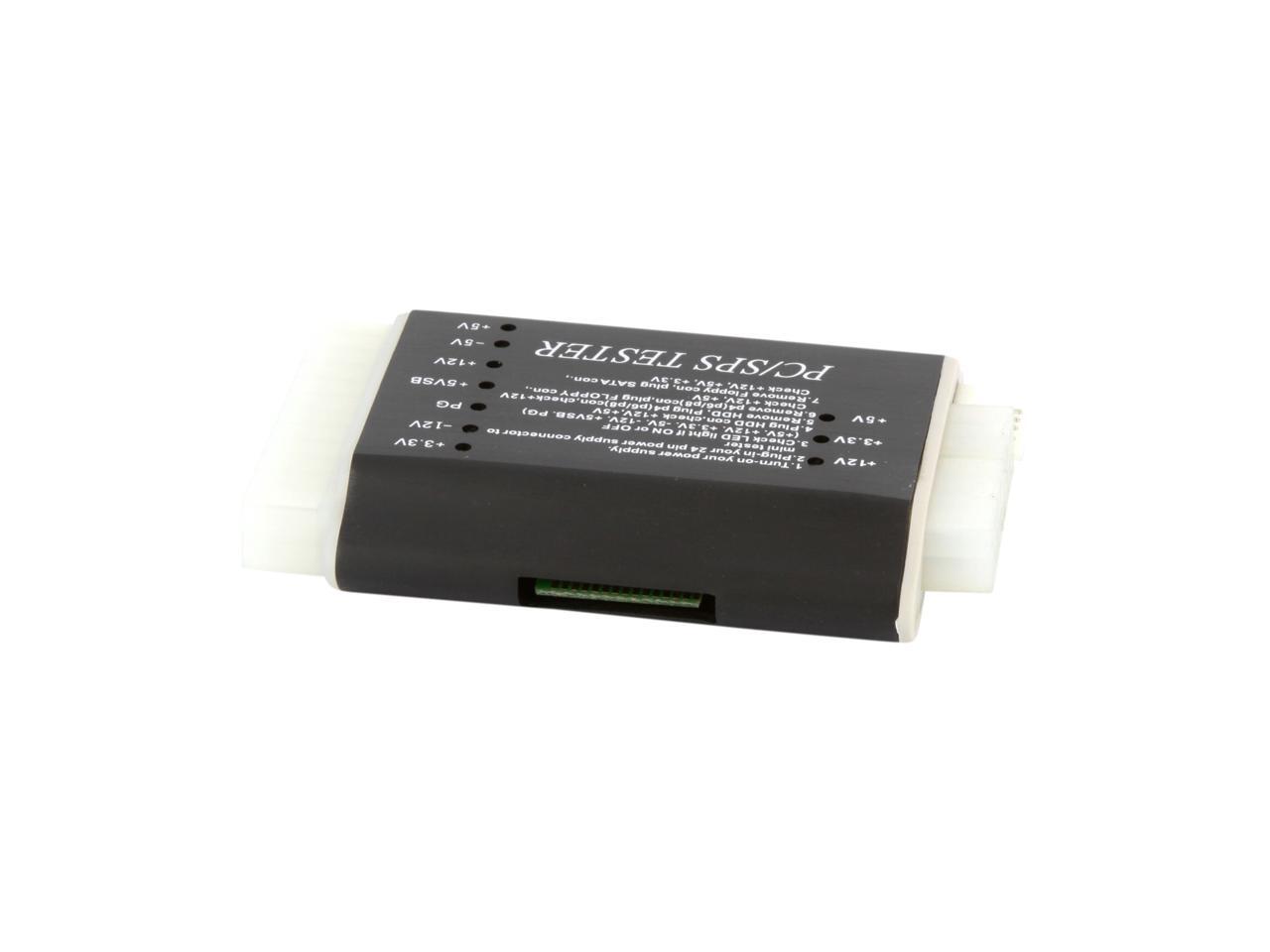
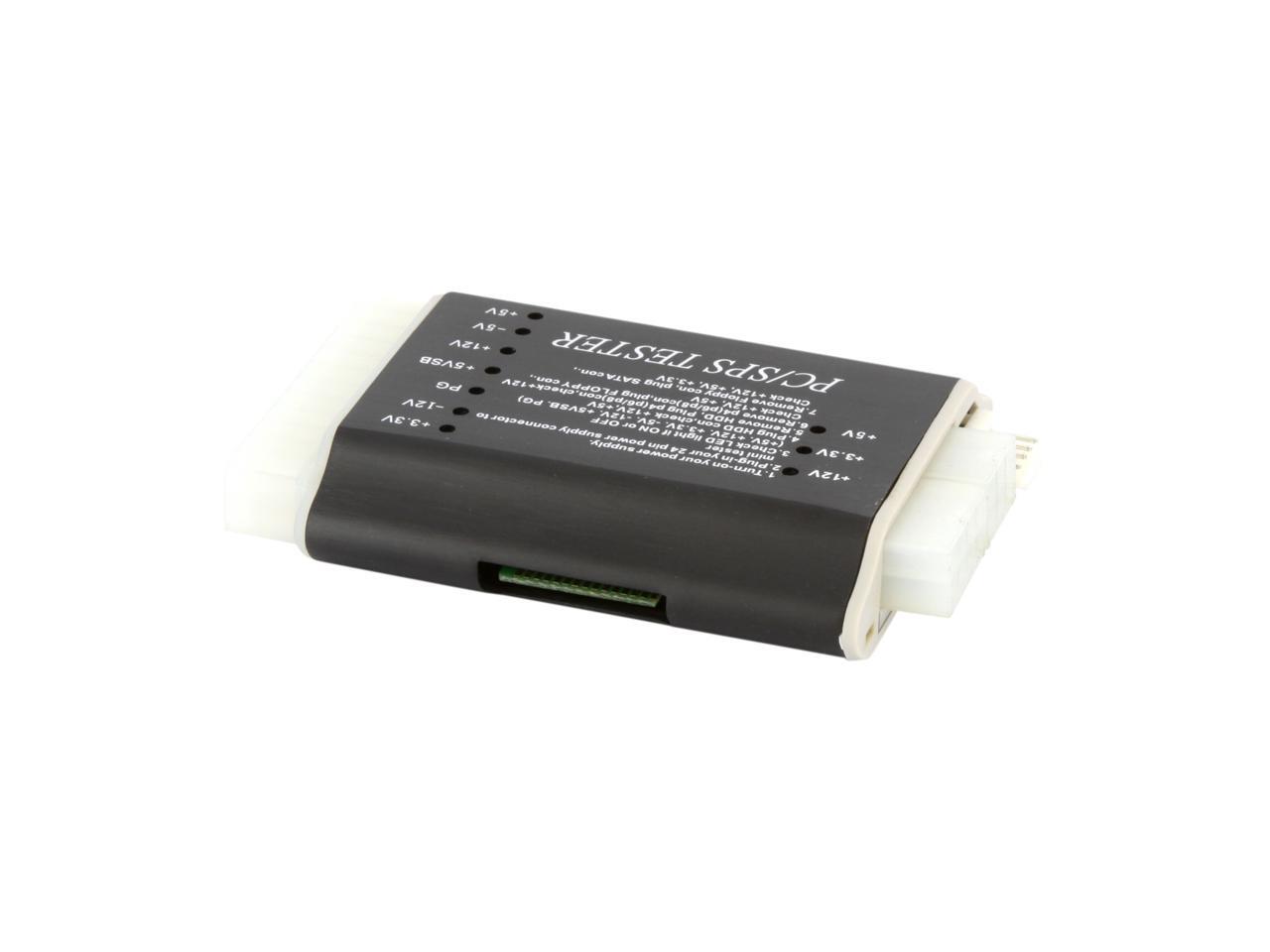
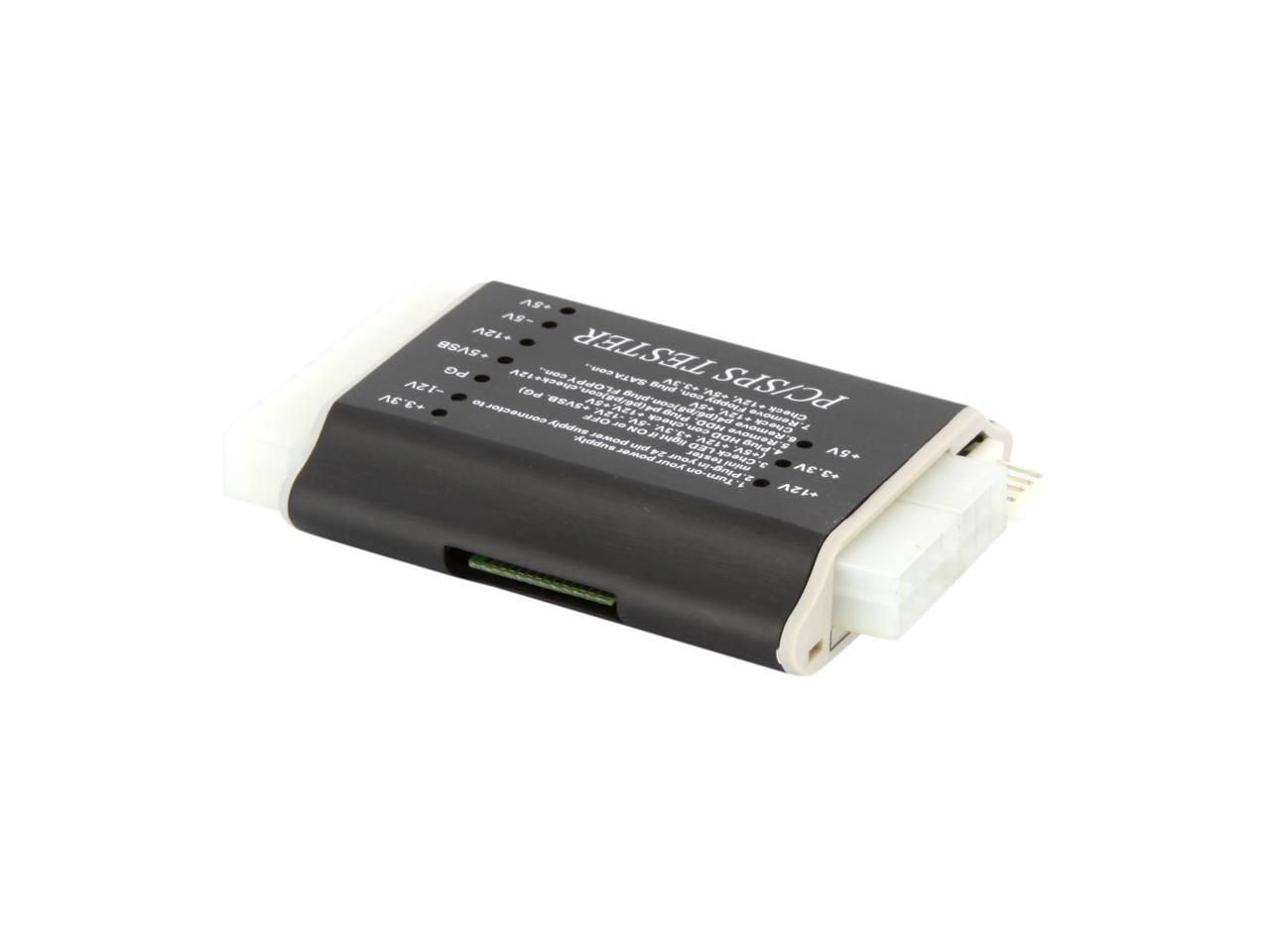
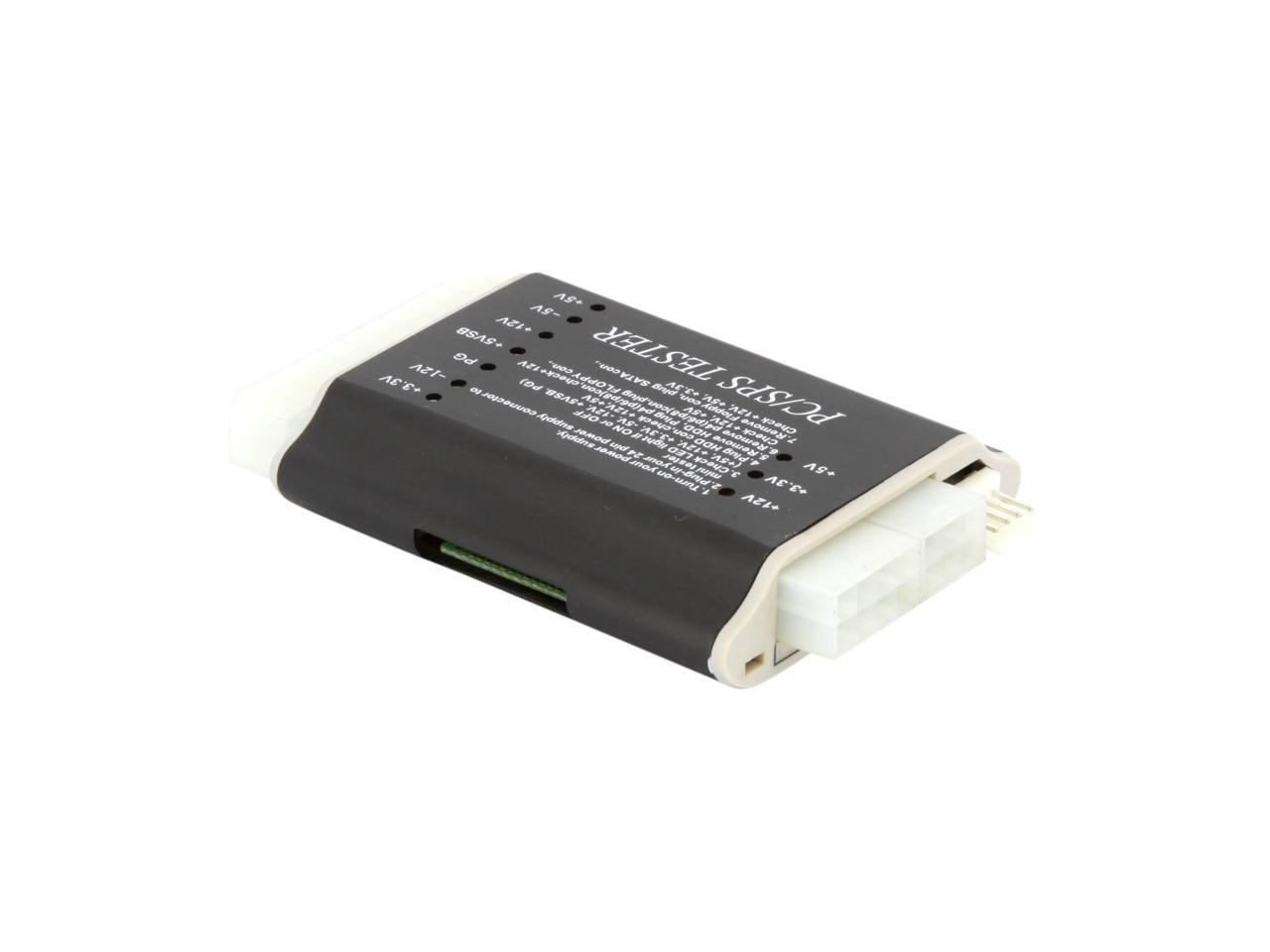
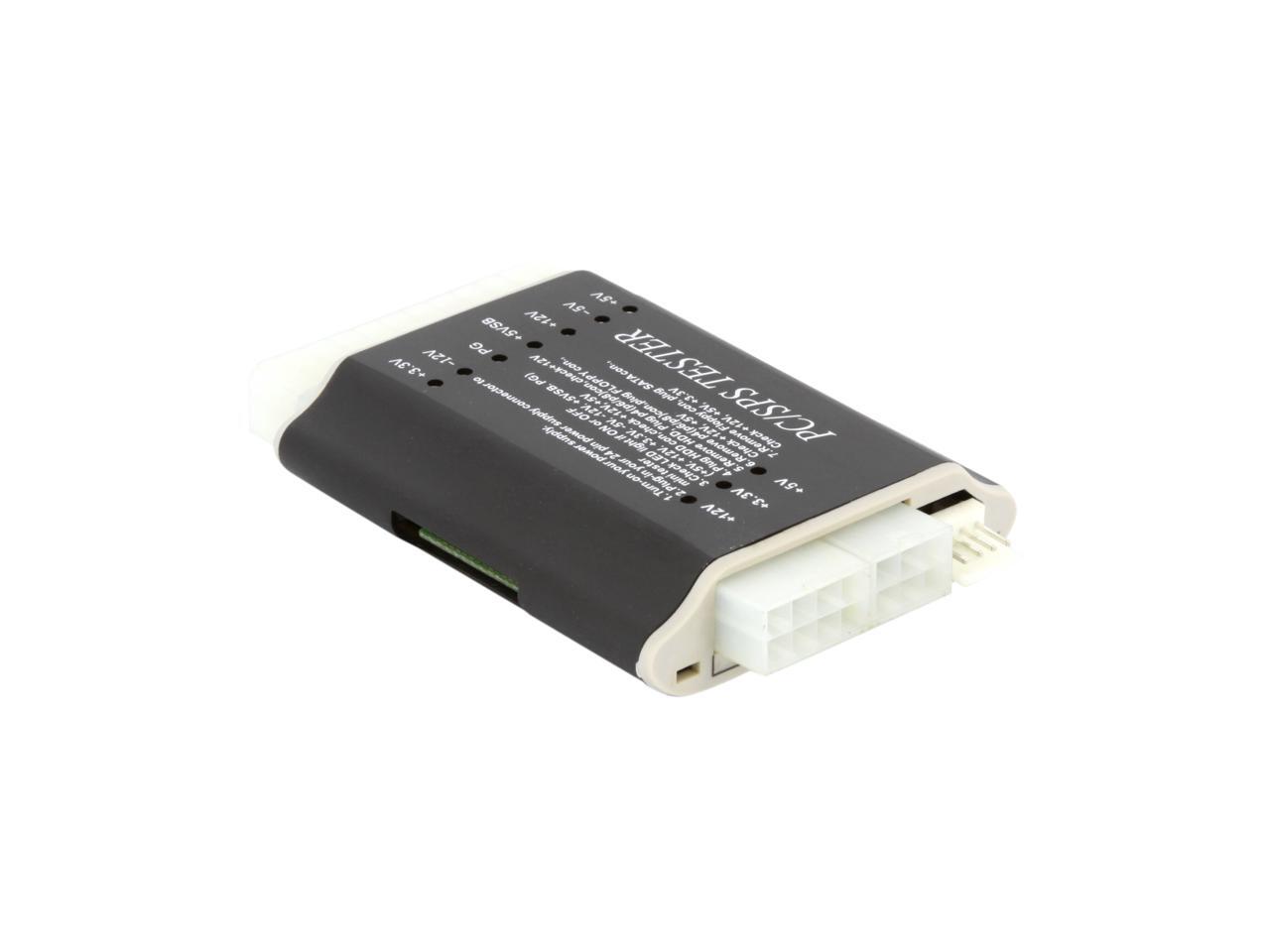
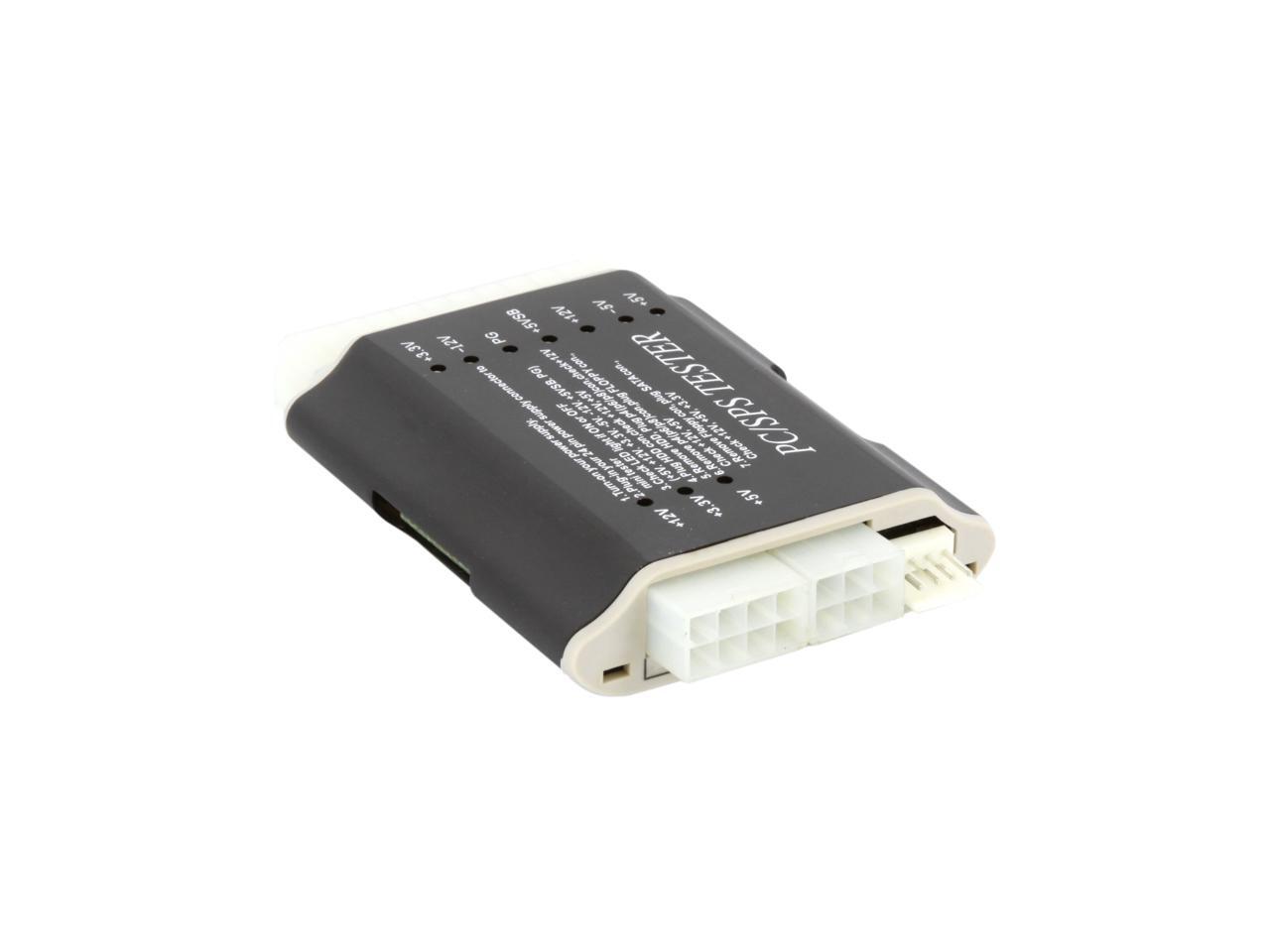
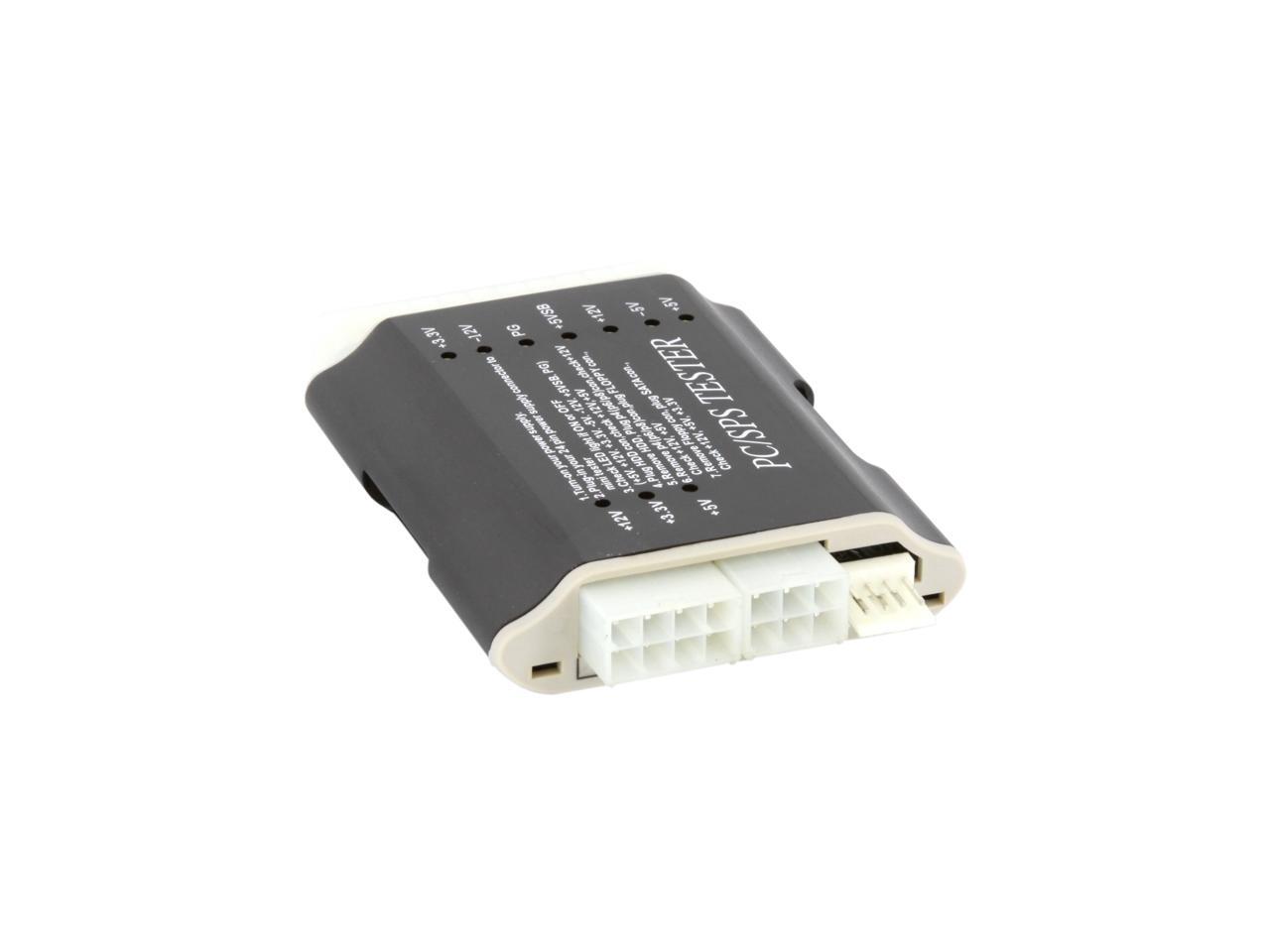
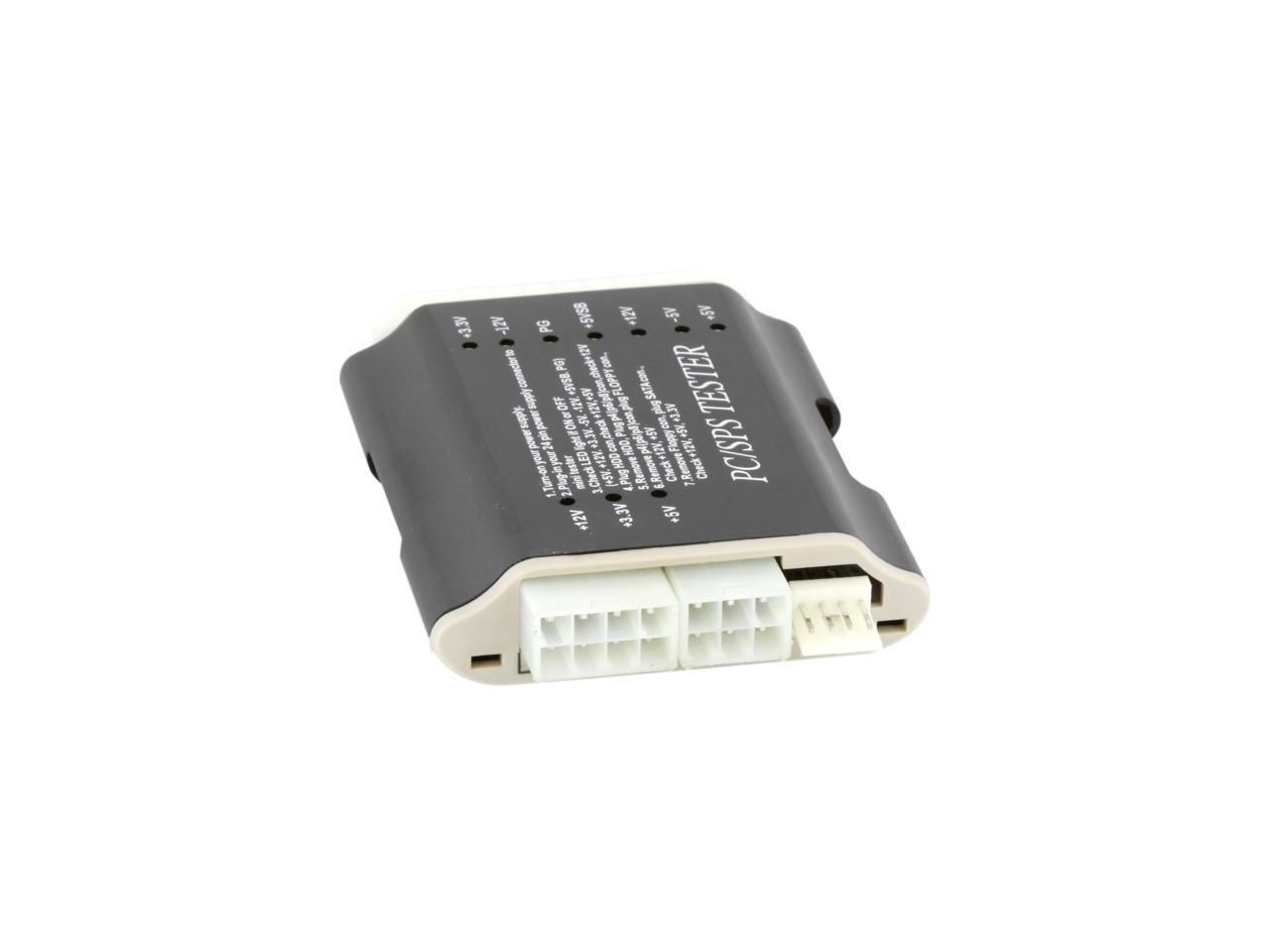
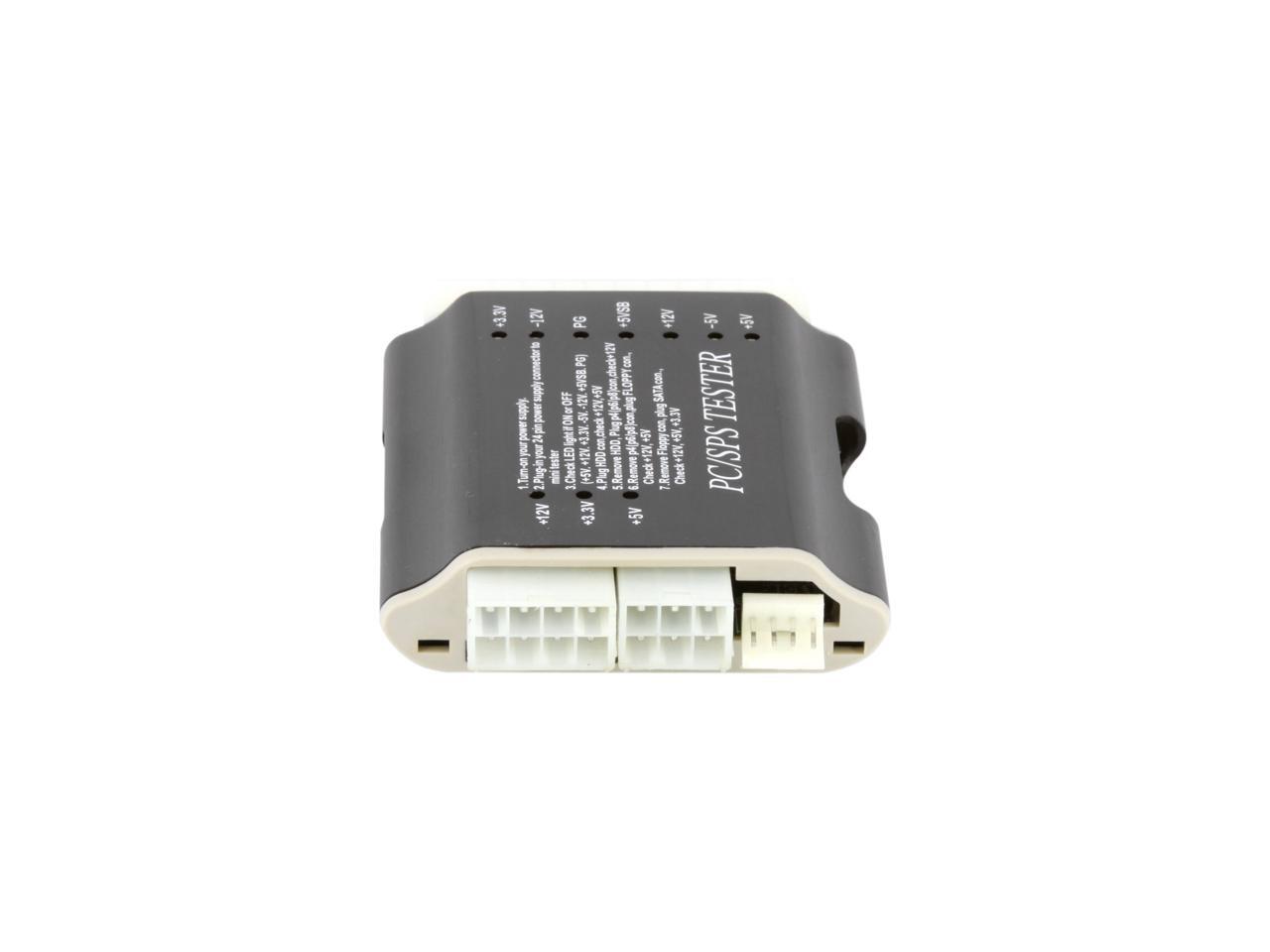
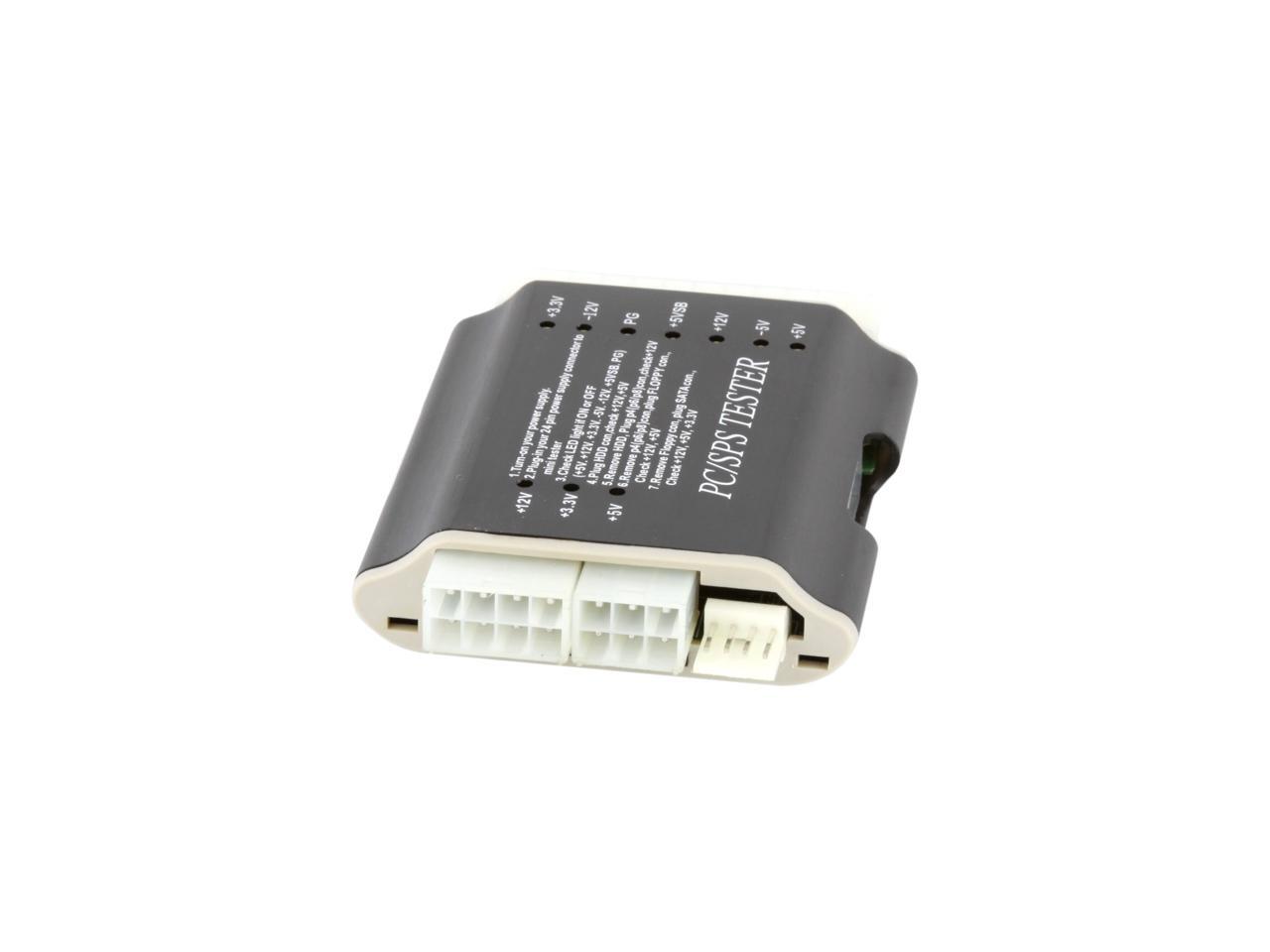
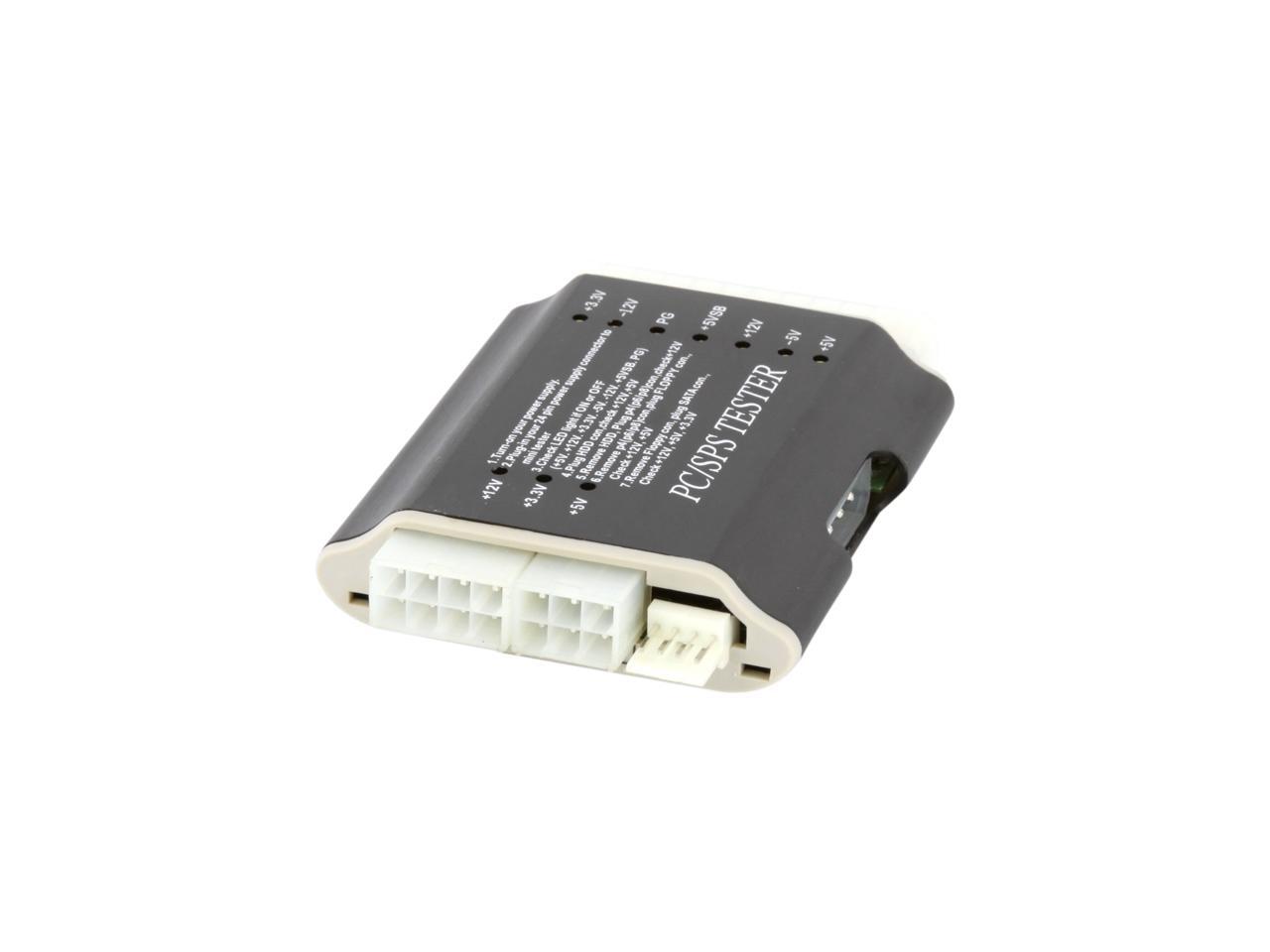
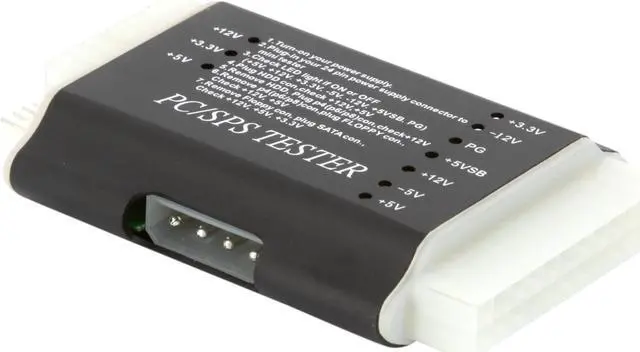
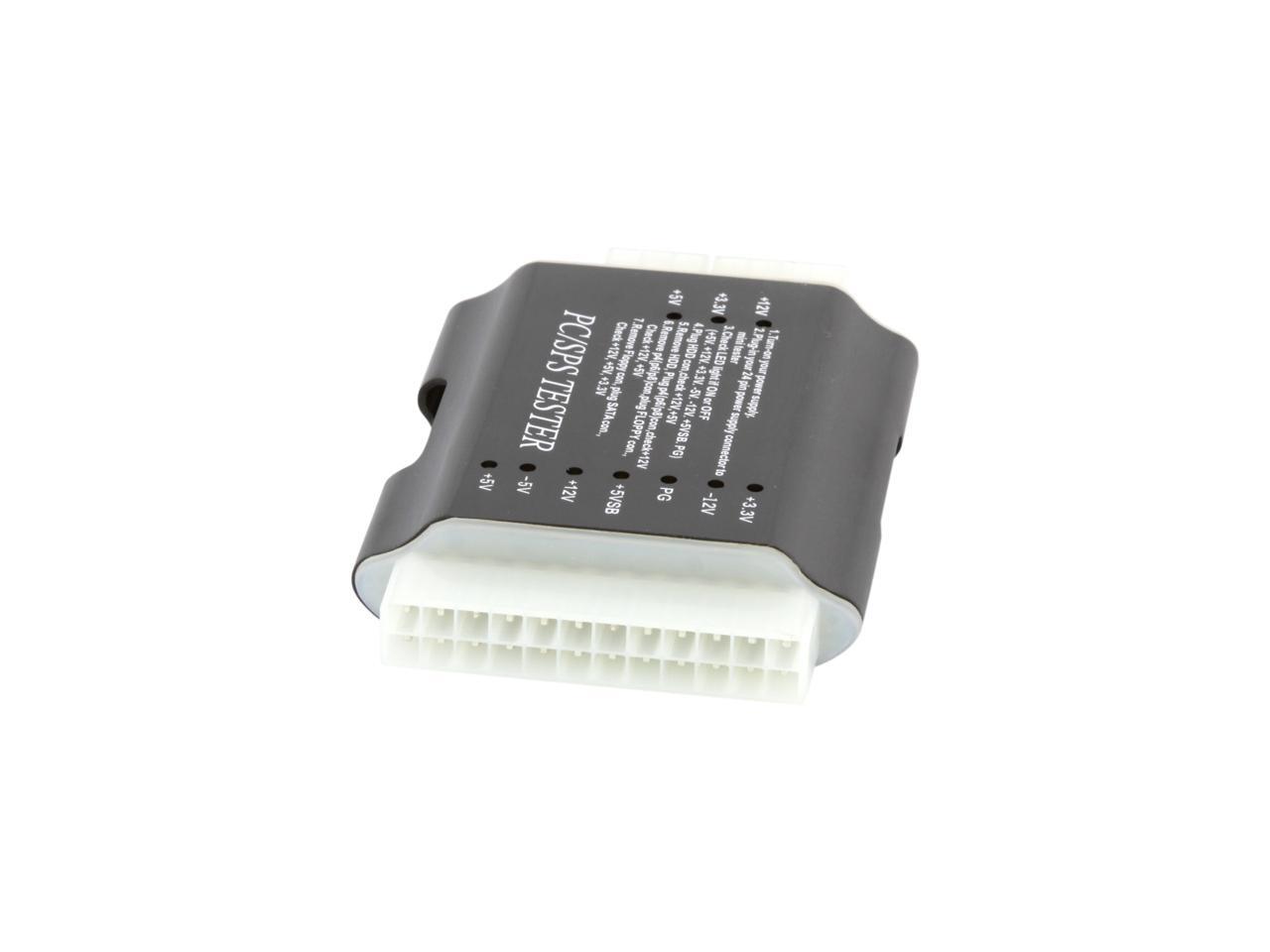
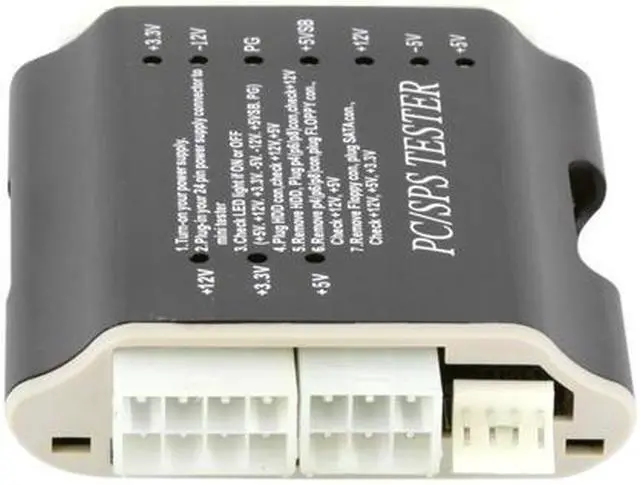
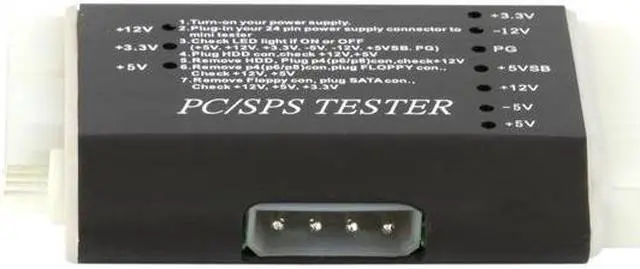
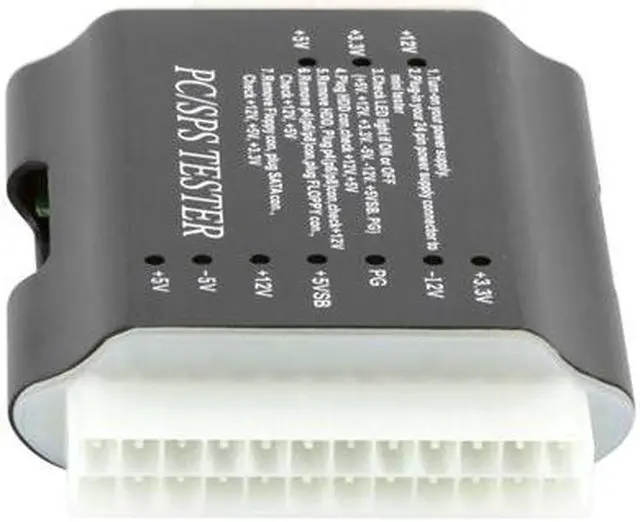
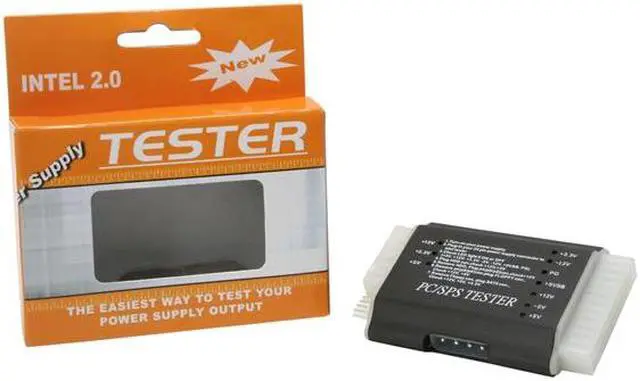
| Specifications | Test for: Tests 20-pin and 24-pin power supplies Tests SATA power Tests Pentium 4 power connector Tests PCI-Express power connectors Tests Xeon power connectors Tests Floppy drive connectors Tests standard 4-pin power supply connectors Tests for +3.3V, -12V, PG, +5VSB, +12V, -5V, +5V outputs Note: The -5V DC output is took off from Intel ATX12V design guide since the 1.2 version. 1. The -5V usage was for last generation ISA slot. But the old ISA had been phased out since 1993~1994. 2. Neither P3 nor P4 systems will need -5V output. |
|---|
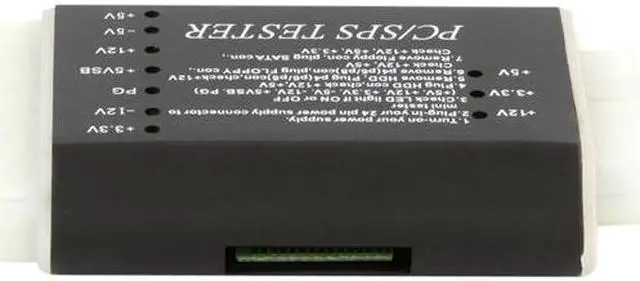
| Features | This product is a simple tester for switching power supply. It makes it easy to test the power supply output. 1. Turn-on your power supply. 2. Plug-in your 24 pin power supply connector to mini tester 3. Check LED light it ON or OFF (+5V. +12V. +3.3V. -5V. -12V. +5VBS. PG) - If the power output is working, the LED will light and you will hear a sound - If the power output fails, you won't see the LED light & no sound 4. Plug the HDD con, check +12V, +5V 5. Remove HDD, Plug p4(p6/p8)con, check +12V 6. Remove p4(p6/p8)con, plug FLOPPY con, check +12V, +5V 7. Remove Floppy con, plug SATA con, check +12V, +5V, +3.3V 8. Do not plug wrong position when you use P4 connector Warning: This product is designed only for power supply output tests. Do not leave it connected to the power supply unattended. It generates heat and could possibly damage your power supply. |
|---|