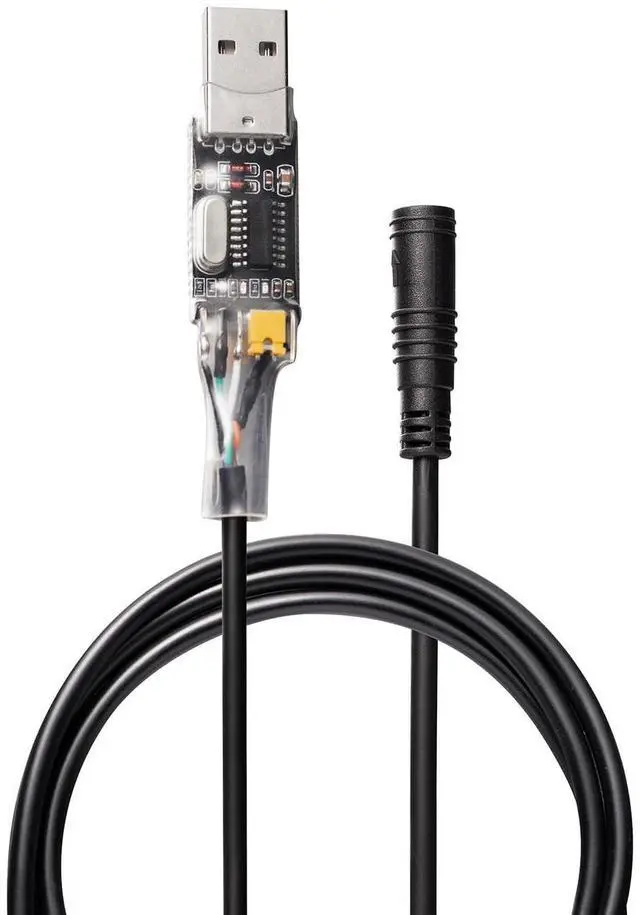
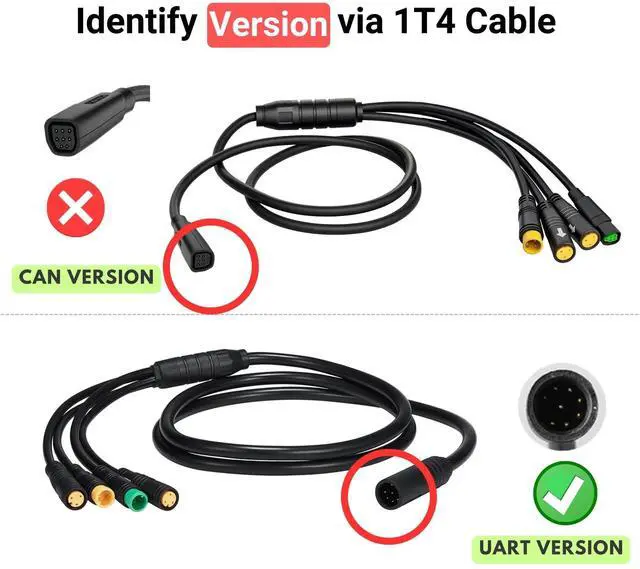
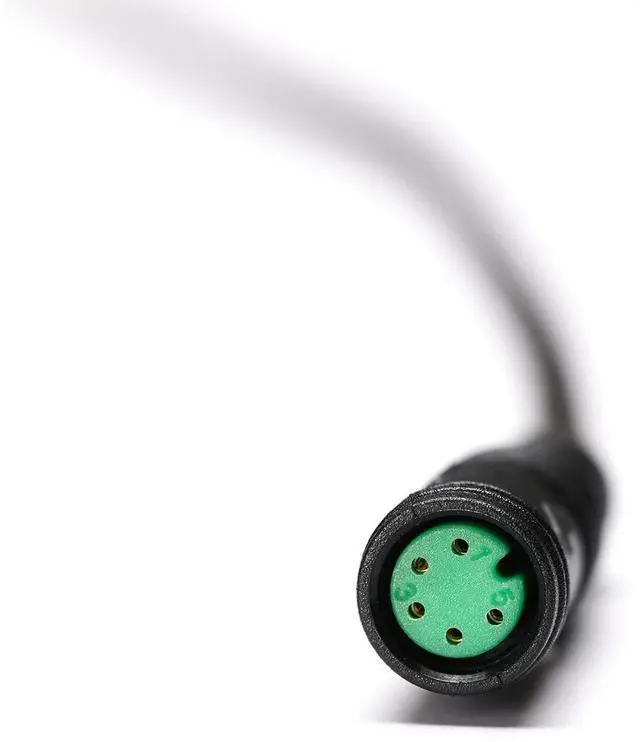
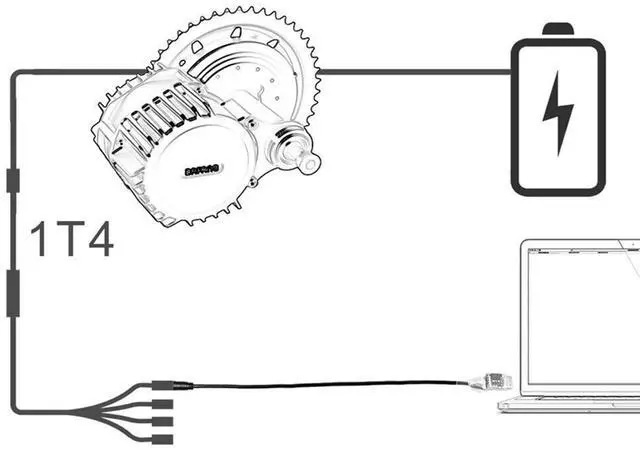
USB Programming Cable for BAFANG BBS BBSHD Mid-Drive Motors (UART ONLY), NOT work for CAN style; NOT work with any other motor/model not listed in item title, even if it is a BAFANG brand; If you find the connector on your motor does not match this cable, do NOT waste your money buying this, if you already receive it, do NOT waste your time cutting the connector and wiring it with your controller, just return the item as it was received, because it WON'T work.
Key Features: Connect your desktop or Android (version 6-12) device to the BAFANG-BBS BBSHD mid-drive motor to make user-level controller adjustments Safe parameter modifications with no firmware changes, ensuring motor safety
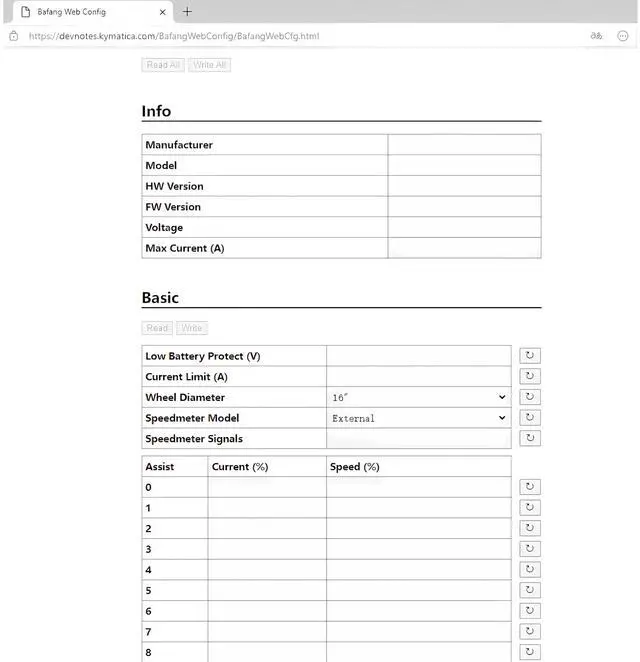
Addresses customer concerns: throttle response enhancement, current draw reduction to 18A for battery and motor longevity Enables full throttle in PAS levels 1-9 and throttle override of speed limitsUser GuideProgram on PC Open your up to date web browser(Chrome, Edge or Opera) Google "bafangwebconfig", you can easily find the website from the search result Connect your PC to the motor with programming cable Open the website, or refresh the page if it's already opened, click "Open serial port" button, select "USB ***", they will be connectedProgram on Android phone(with Type C connector, Android version 6 ~12) Scan QR code from the card to download and install the "Speeed" APP Connect your phone to the motor with programming cable and OTG adapter Run the APP to start programmingPackage
Includes: 1 x USB Programming Cable1 x OTG adapter1 x User Manual