




Attach The Tray
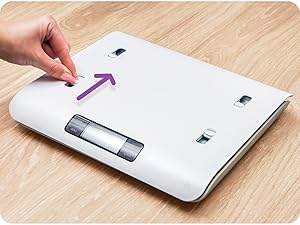
Open Ports
Slide open the four ports on top of the scale.
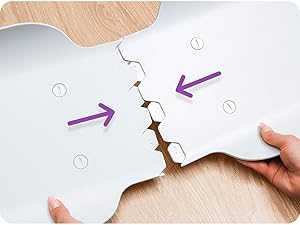
Assemble Tray
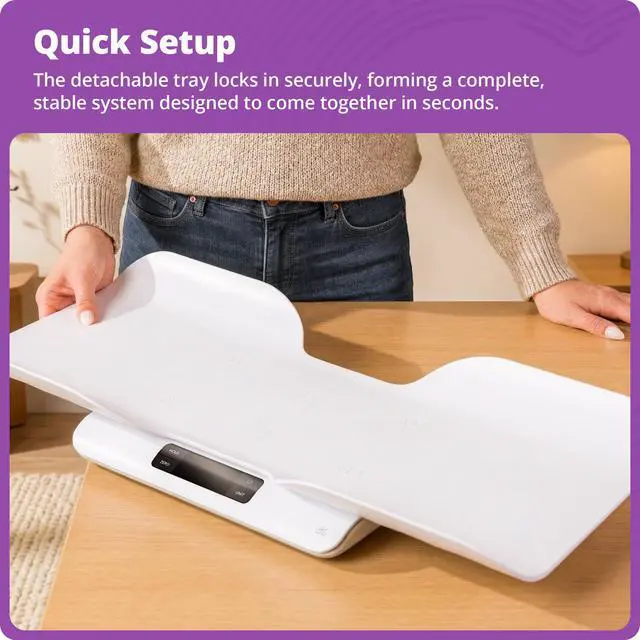
The tray separates into two pieces for storage—align the grooved ends and slide them into place.
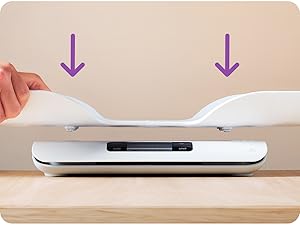
Line It Up
Place the assembled tray on the scale, aligning its fasteners with the four open ports.
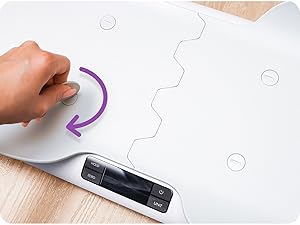
Lock In Place
Secure the tray by tightening the four fasteners with the included assembly key.
A Simpler Way to Keep Track
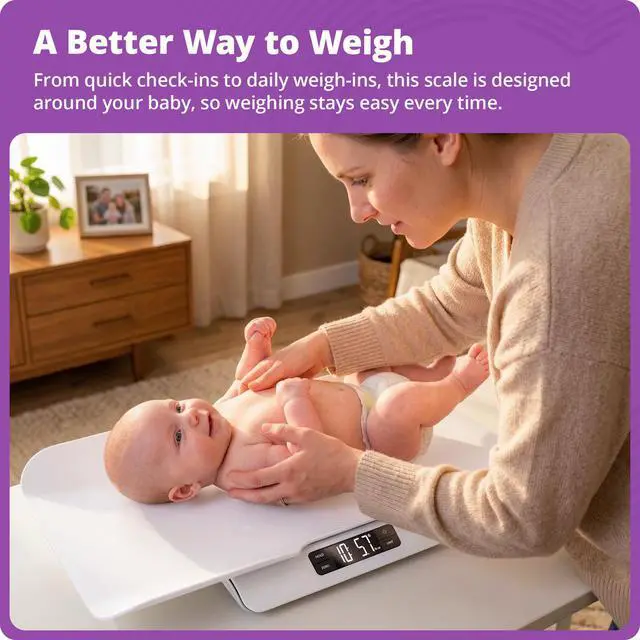
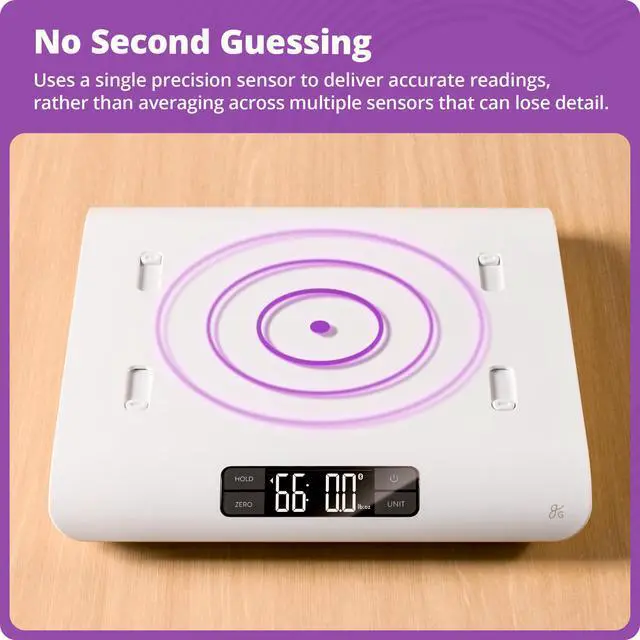
There’s a lot happening with a new baby, and a lot on your mind. The Greater Goods Smart Baby Scale brings structure to your baby’s growth with a simple, reliable way to stay on top of it at home. Each weigh-in syncs to the app, keeping a complete record in one place. Designed around your baby and built to grow with them up to 66 lb, it’s a dependable tool that handles the details so you don’t have to track it all yourself.
Greater Goods Bluetooth Smart Baby Scale
Merchant VideoHow can I make sure the scale is accurate?
The scale is pre-calibrated and ready to use. For the most accurate readings, use the ZERO feature to reset the scale before weighing, especially when using blankets or added layers. This keeps each measurement consistent and reliable.
My baby’s weight doesn’t look right. What should I check?
Make sure your baby is centered on the tray and that nothing is touching or pressing against it from below. Even slight contact can affect the reading.
Does this baby scale connect to an app?
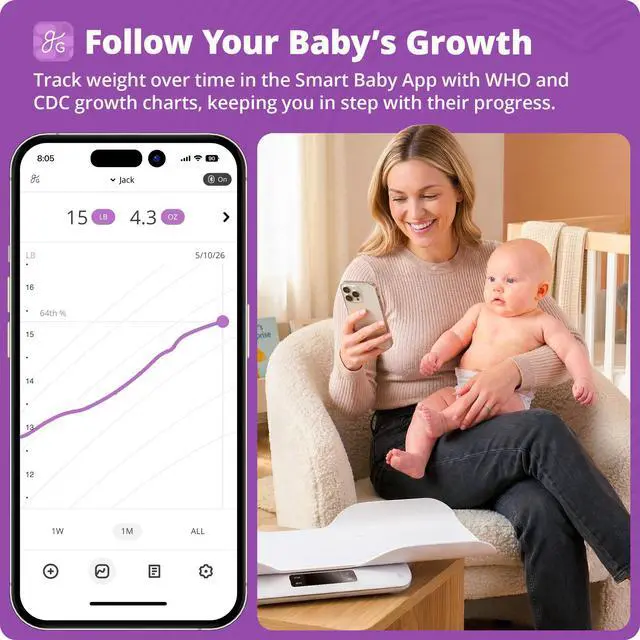
Yes. Each weigh-in is automatically recorded in the Greater Goods Smart Baby App, giving you a clear view of your baby’s progress over time. App use is optional and available for iOS and Android.
Can I track more than one child in the app?
Yes. You can create separate profiles for each child. Simply select the child before weighing, and each measurement syncs to the correct profile so everything stays organized.
Is product support and coverage offered?
Yes. Your scale is backed by 5-year product coverage, and our St. Louis–based team is here for you whenever you need help—from setup through everyday use and long after your purchase.
The Baby Scale Family
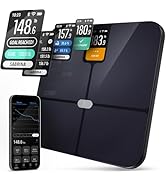
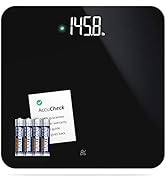
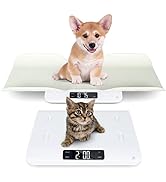
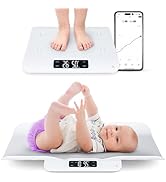
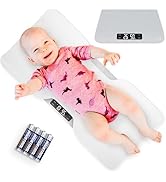
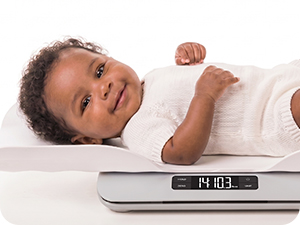 Non-Connected Scale | 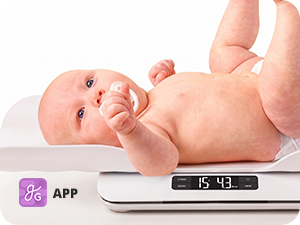 Medical-Grade Scale | 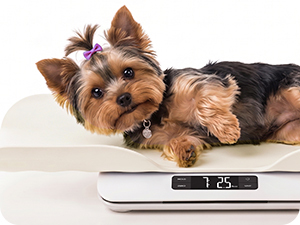 Pet Scale |
|---|---|---|
Straightforward Setup No app or pairing needed—just turn it on and start weighing. | Clinical-Grade Design Built to the same standards you’d expect in clinical environments. | Also for Furbabies A stable, supportive surface designed with small pets in mind. |
From Infant to Toddler Removable tray and 66 lb capacity support long-term use. | Tested for Infant Contact Materials are tested to be non-toxic and gentle against your baby’s skin. | Settles Through Movement Wiggle-resistant algorithm locks in weight even as they move. |

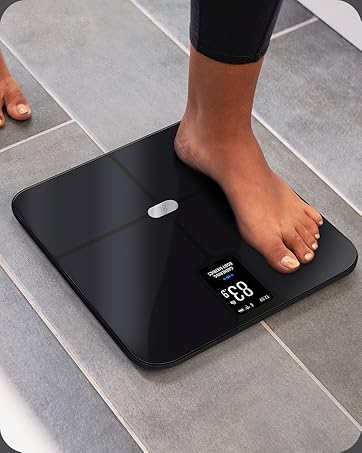
High-Definition Display
A high-contrast LCD screen shows your baby’s weight in bright, bold numbers.
Easy-to-Clean Touch Buttons
Flush touch buttons sit seamlessly within the display, making the surface easy to wipe clean between uses.
Multiple Units
Switch between lb:oz and kg to measure in the format you prefer.
Secure Bluetooth Connection
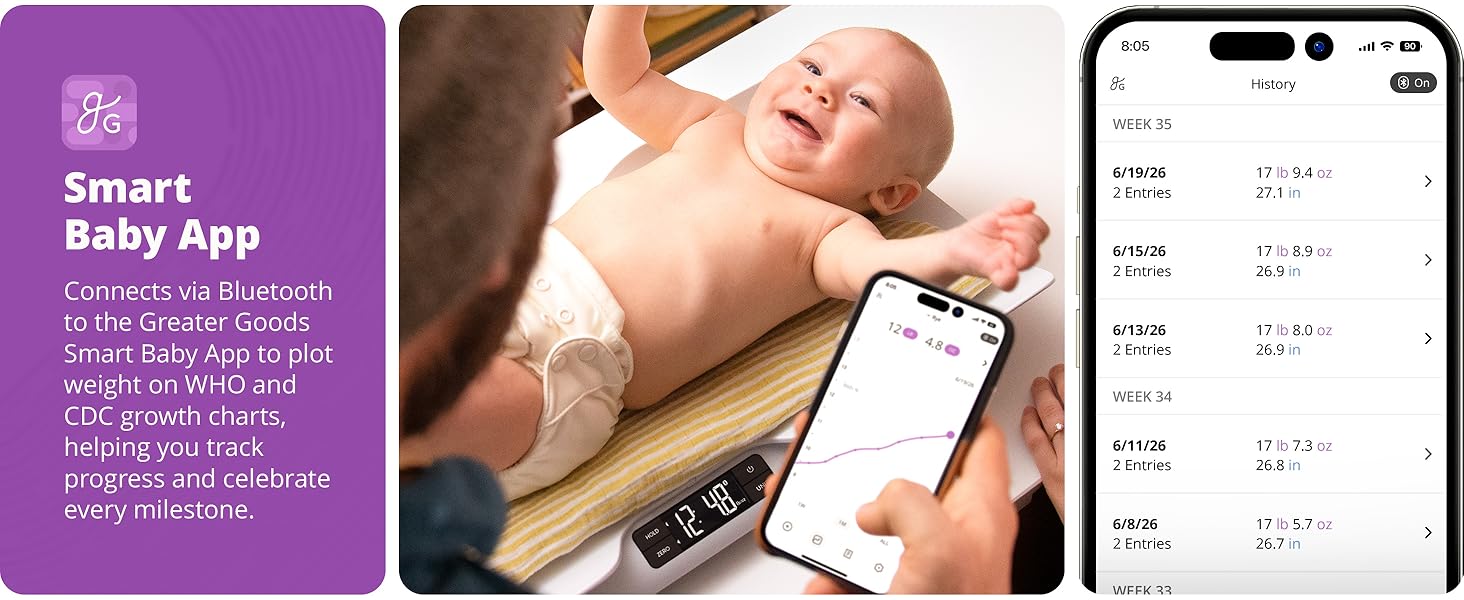
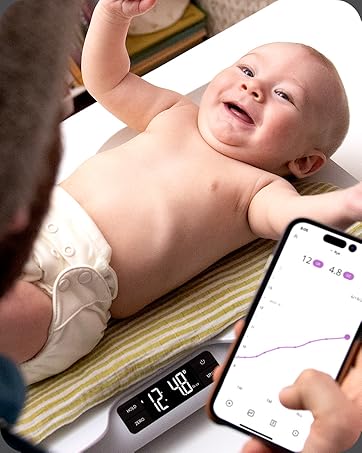
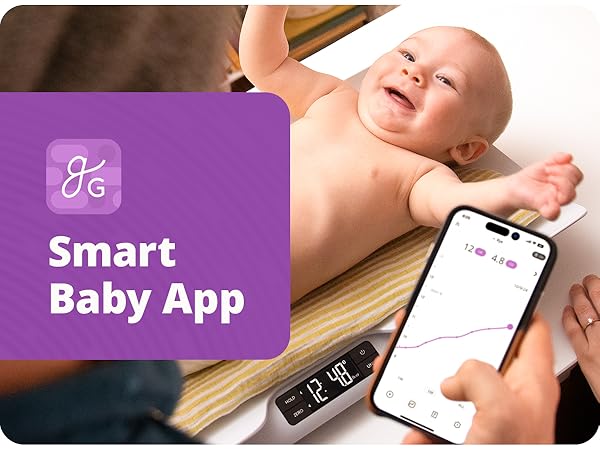
Automatically connects to the gG Smart Baby App via a secure 1:1 Bluetooth connection for dependable syncing.
Smart Baby App
Sync weigh-ins to the free app to track progress over time and maintain a complete record of growth.
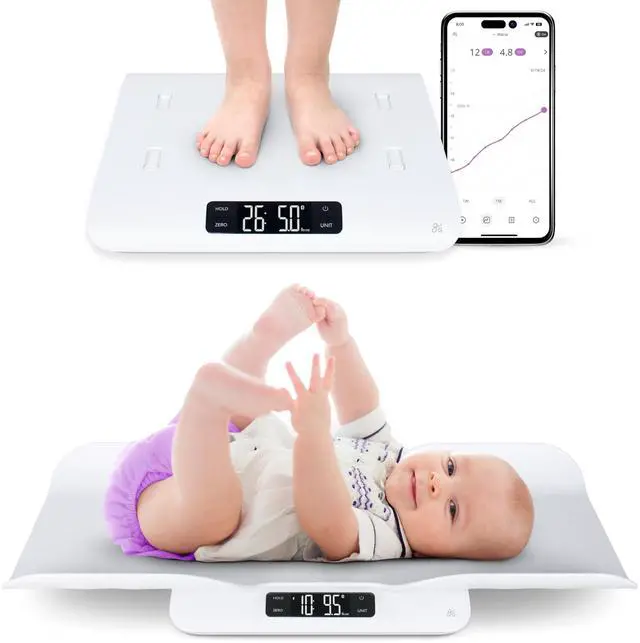
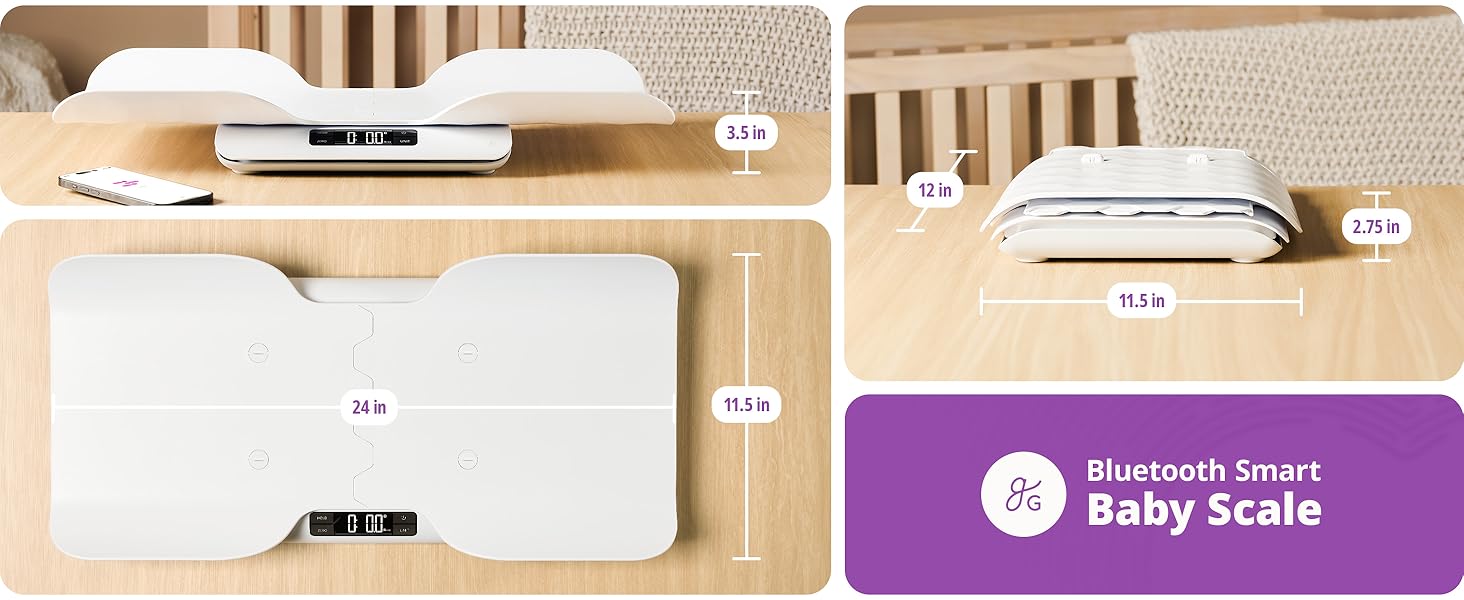
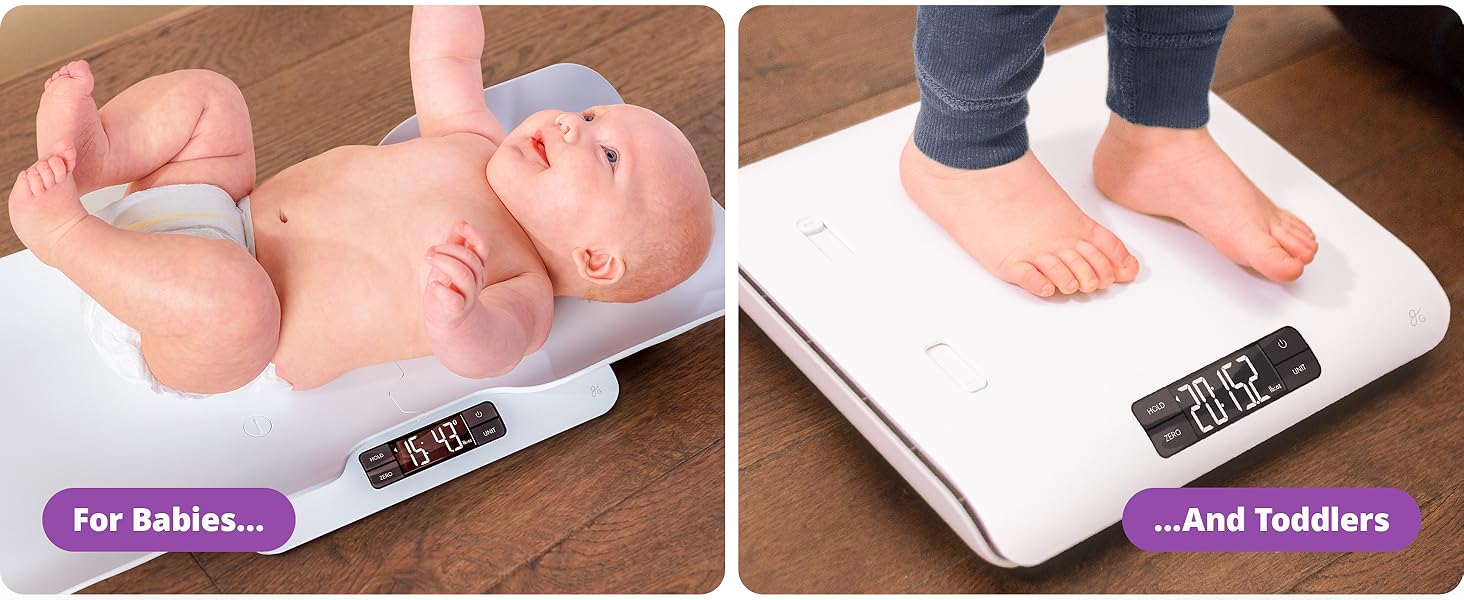
Use With Tray
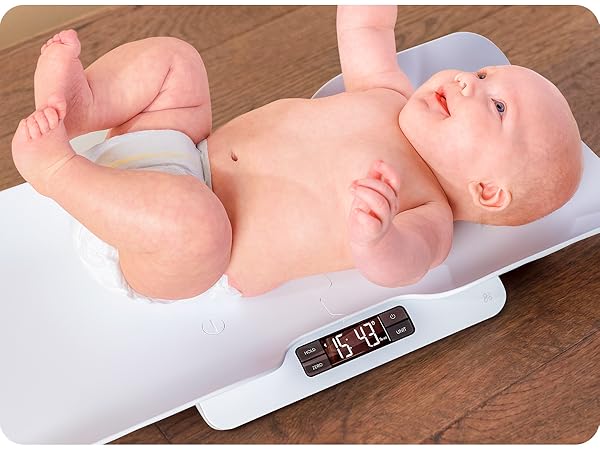
Attach the tray to create a secure, stable surface designed for weighing infants comfortably.
Use Without Tray
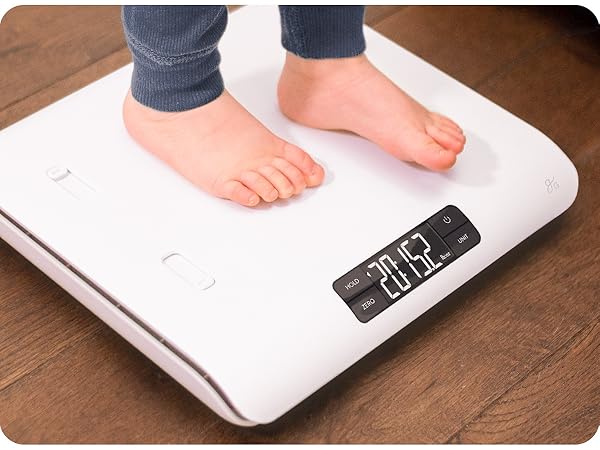
Remove the tray to convert the scale for step-on use as your child grows.
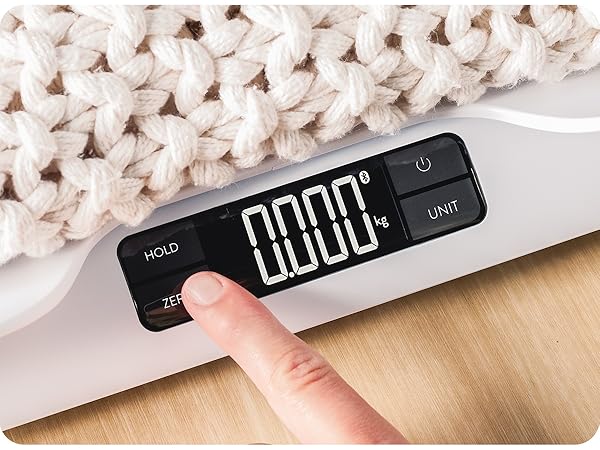
Zero Before Weighing
Add blankets or other items for comfort, then zero their weight before weighing your baby for an accurate measurement.
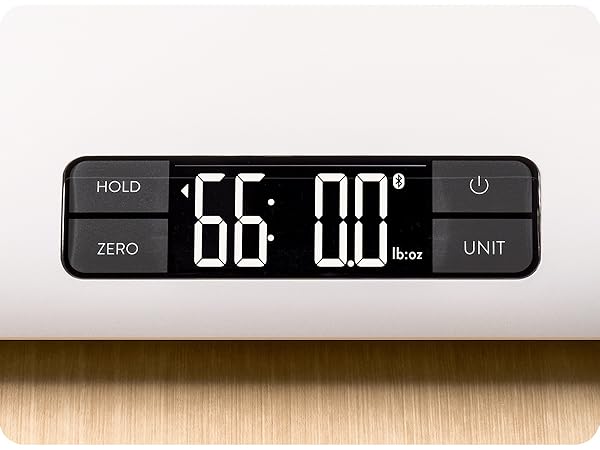
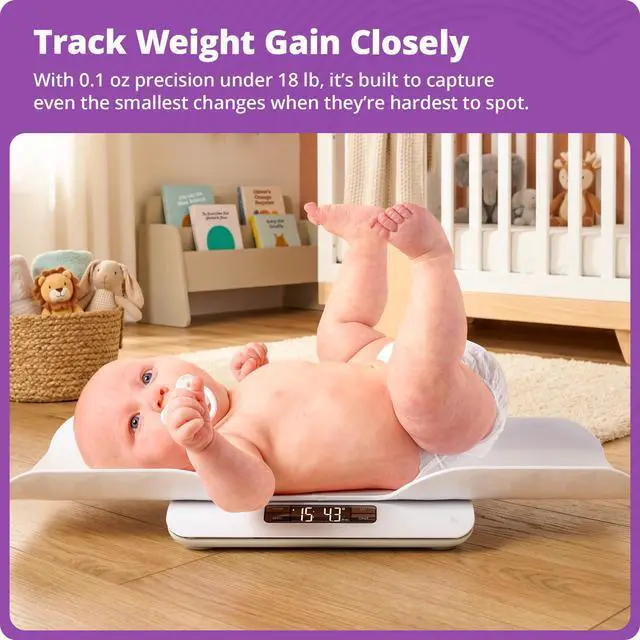
Up to 66 lb, Down to 0.1 oz
Measures from newborns up to 66 lb, with sensitivity down to 0.1 oz for detecting small changes during early growth. Stable readings and app syncing begin above 2.2 lb (1 kg).
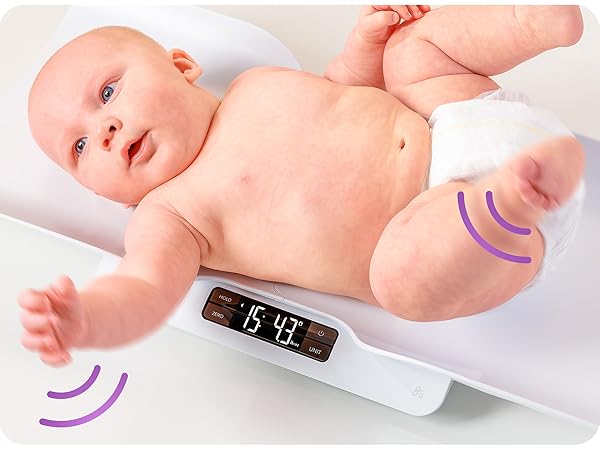
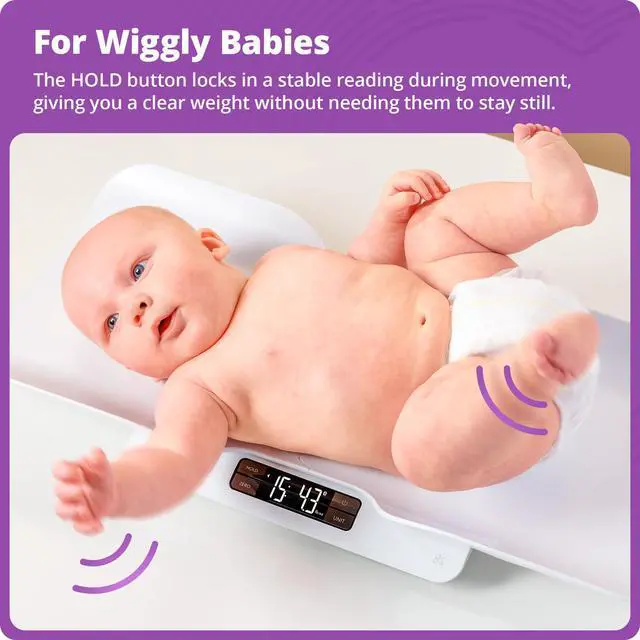
Hold Function
Takes rapid measurements and settles on a stable reading when your baby keeps moving, so you can get a consistent weight without repeated attempts.
Attach The Tray
Open Ports
Slide open the four ports on top of the scale.
Assemble Tray
The tray separates into two pieces for storage—align the grooved ends and slide them into place.
Line It Up
Place the assembled tray on the scale, aligning its fasteners with the four open ports.
Lock In Place
Secure the tray by tightening the four fasteners with the included assembly key.
Greater Goods Bluetooth Smart Baby Scale
Merchant VideoA Simpler Way to Keep Track
There’s a lot happening with a new baby, and a lot on your mind. The Greater Goods Smart Baby Scale brings structure to your baby’s growth with a simple, reliable way to stay on top of it at home. Each weigh-in syncs to the app, keeping a complete record in one place. Designed around your baby and built to grow with them up to 66 lb, it’s a dependable tool that handles the details so you don’t have to track it all yourself.
How can I make sure the scale is accurate?
The scale is pre-calibrated and ready to use. For the most accurate readings, use the ZERO feature to reset the scale before weighing, especially when using blankets or added layers. This keeps each measurement consistent and reliable.
My baby’s weight doesn’t look right. What should I check?
Make sure your baby is centered on the tray and that nothing is touching or pressing against it from below. Even slight contact can affect the reading.
Does this baby scale connect to an app?
Yes. Each weigh-in is automatically recorded in the Greater Goods Smart Baby App, giving you a clear view of your baby’s progress over time. App use is optional and available for iOS and Android.
Can I track more than one child in the app?
Yes. You can create separate profiles for each child. Simply select the child before weighing, and each measurement syncs to the correct profile so everything stays organized.
Is product support and coverage offered?
Yes. Your scale is backed by 5-year product coverage, and our St. Louis–based team is here for you whenever you need help—from setup through everyday use and long after your purchase.
The Baby Scale Family
AccuCheck Scales
More Scales
