




 here!
I’m your shopping assistant for PC builds, upgrades, and everything tech.
Got questions? Ask away!
Start a conversation
here!
I’m your shopping assistant for PC builds, upgrades, and everything tech.
Got questions? Ask away!
Start a conversationShipped by Newegg


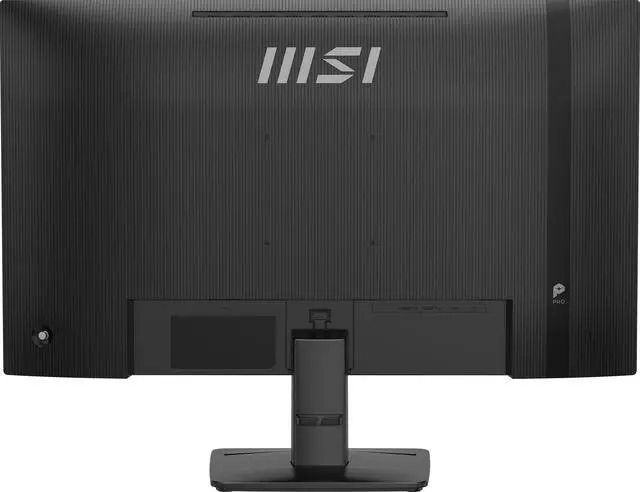
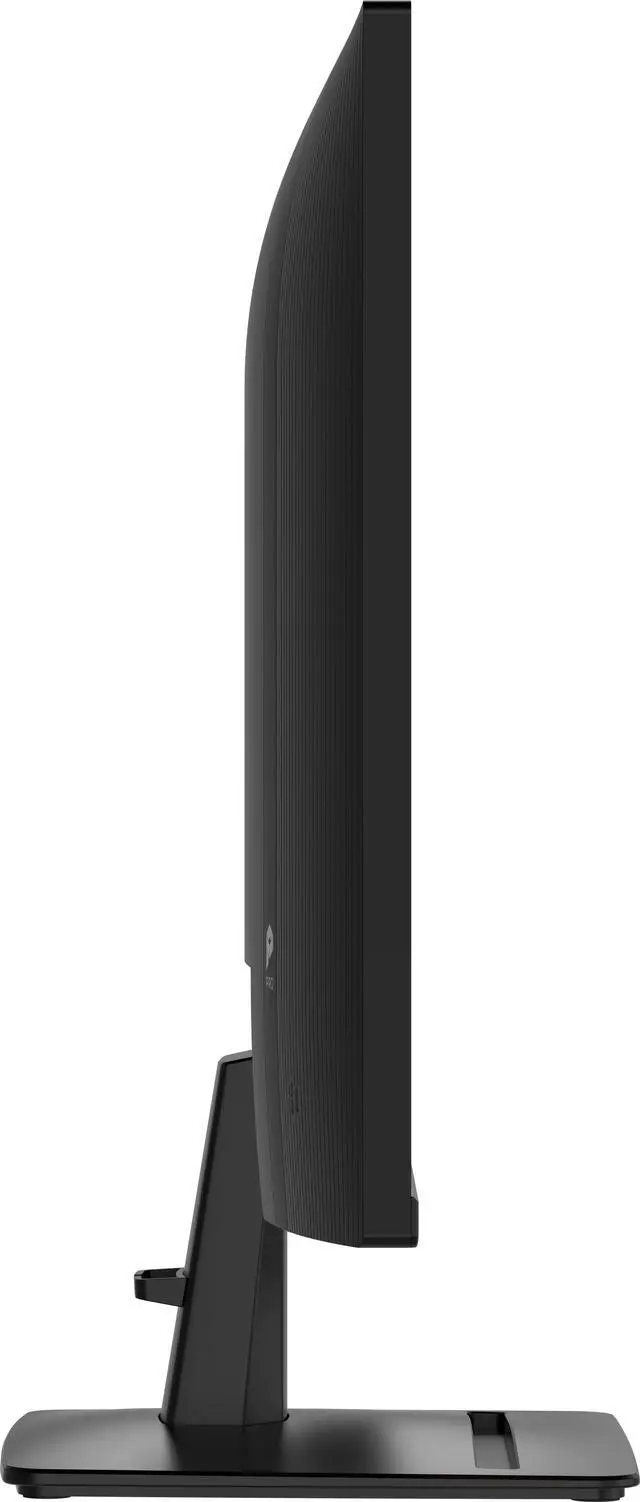
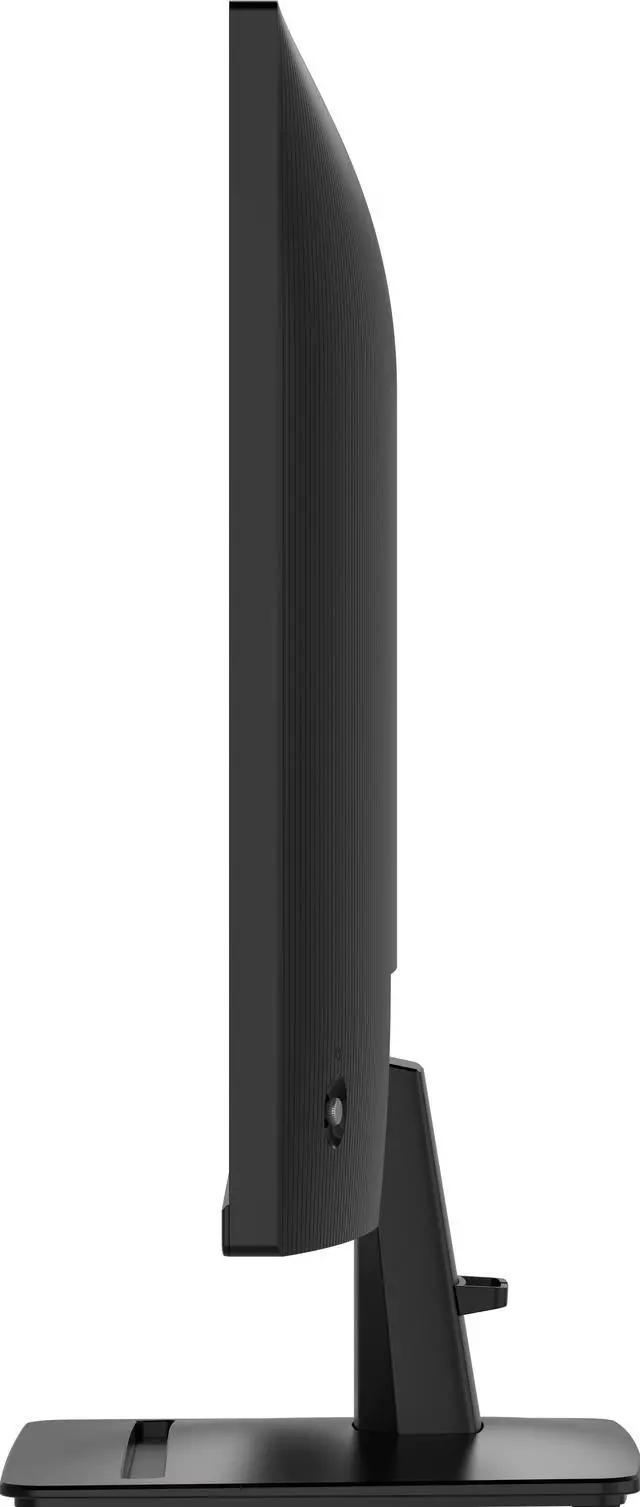



Any questions? Ask CelesteSM will help you find out quickly.


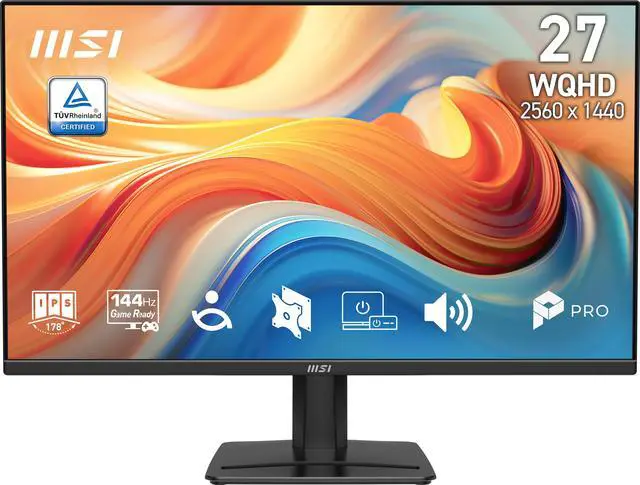
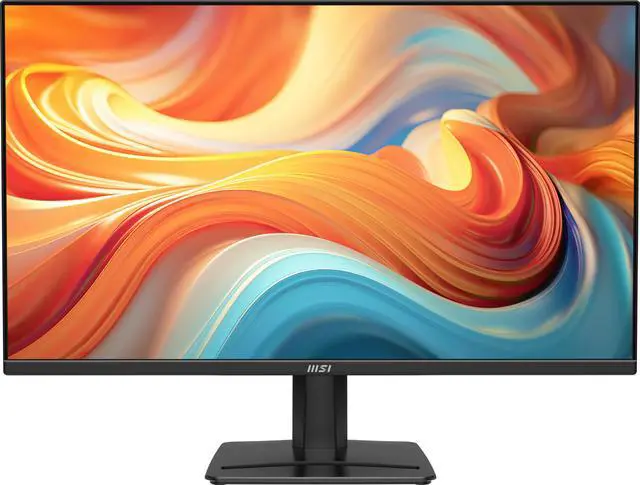
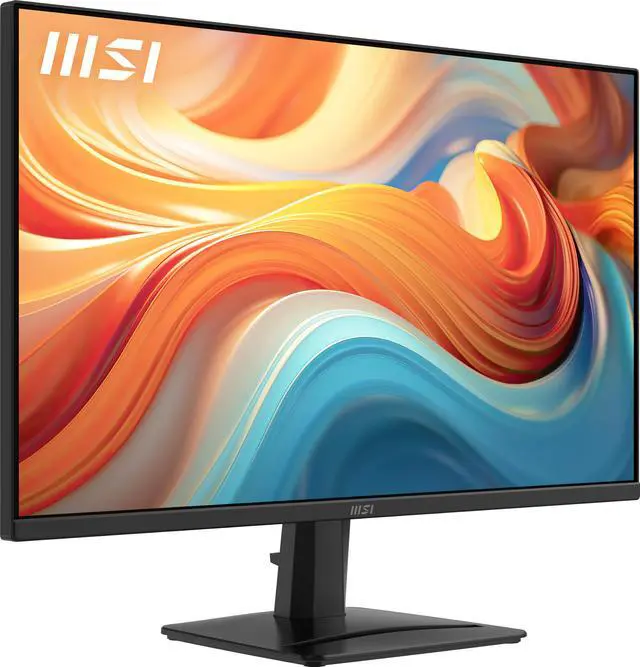
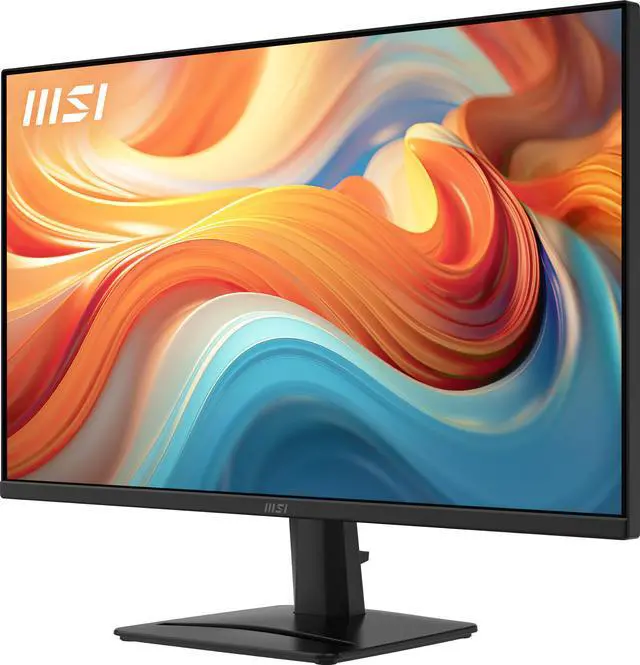
The MSI PRO MP275Q E14 PerfectEdge monitor features a frameless design and 144 Hz refresh rate to provide users with a smoother and more immersive viewing experience. Outfitted with a compact base stand, EyesErgo technology, and easy-to-use hardware such as MSI Power link, the PRO MP275Q E14 ushers in a new era of workplace monitors optimized for comfort & productivity.

Experience the full capabilities of a high refresh rate 144 Hz monitor. Enjoy seamless multitasking, ultra-smooth gameplay, and fluid AI-generated visuals. Ideal for creators, gamers, and innovators alike, this level of performance delivers a visual experience that’s both vivid and precise.
HDR Ready can be enabled to provide enhanced contrast.

Mini-PC Mountable stand design makes the monitor compatible with the MSI Cubi Series mini-PC for an invisible desktop setup.

Two built-in speakers (2W) provide convenient audio output for sound / music files, attending online conferences, or video editing without requiring external speakers or headphones.

Stay focused and reduce eye fatigue with built-in features designed to help improve work productivity:
Less Blue Light employs software-based filter technology, while retaining a vivid colour palate with uncompromising detail.
Less Blue Light technology*
Anti-Flicker Panel**
Anti-Glare Surface
* TÜV Rheinland Low Blue Light (Software solution) Certificate Q 50705312, 2025-12-02
** TÜV Rheinland Flicker Free Certificate Q 50705312, 2025-12-02

The front of the base features a convenient accessory slot for an MSI Pen stylus or use as a smartphone support.
The stand and panel can be assembled or disassembled easily and in moments thanks to a no-fuss, tool-free design and includes a cable management clip.
The monitor is tilt-adjustable -5°~20° and includes a Kensington lock.

MSI Display Kit software supports a broad array of additional functionality, including:
Direct keyboard & mouse setting adjustments while in the program
Preset display profiles that can be assigned to software
Split window multitasking on one screen

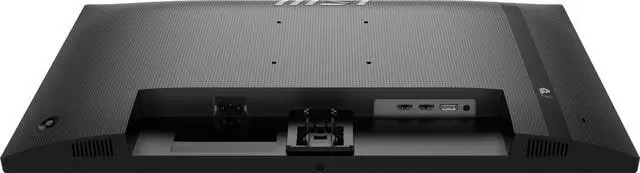
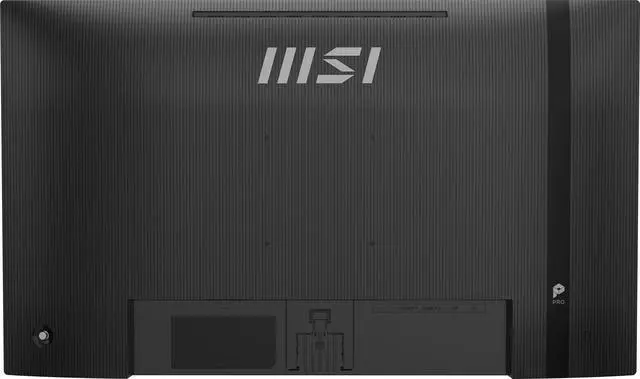
The MSI PRO MP275Q E14 supports a standard 100mm VESA mount* and is compatible with the MSI Cubi Series mini-PC for an invisible desktop setup.
MSI Power Link with HDMI CEC lets the MSI mini-PC be powered on by the monitor's button, enhancing efficiency and user experience.
* Enjoy a cleaner desktop and superior Cable Management with the MSI VESA Arm MT81 (not included).

Our professional monitor is designed to keep you connected and enhance your productivity with a variety of input ports. Whether you're working or entertaining, the versatile connectivity options ensure seamless integration with all your devices.
We want to ensure your holiday shopping this year is hassle-free. That’s why we’re automatically extending our return policies on almost every product! For purchases placed between November 1st, 2026 and December 31, 2026 you will have until January 31, 2027 to return your product.
The MSI PRO MP275Q E14 is a 27-inch QHD IPS monitor with a 144Hz refresh rate and AMD FreeSync, suited to people who want a sharp screen for everyday work and smoother motion for gaming.
| Attribute | Value |
|---|---|
| Best For | Desktop business use and gaming, with a QHD IPS display, 144Hz refresh rate and FreeSync support |
| Panel And Resolution | 27-inch flat IPS display with 2560 × 1440 resolution, 16:9 aspect ratio, anti-glare finish, 178° horizontal and vertical viewing angles, and 0.2331mm pixel pitch; rated at 300 cd/m² brightness, 1,500:1 contrast and 1.07 billion colors, with 82% Adobe RGB, 85% DCI-P3 and 115% sRGB gamut coverage |
| Refresh Rate And Response | 144Hz refresh rate, 1ms response time and AMD FreeSync adaptive sync |
| Ports And Connectivity | 1 DisplayPort 1.2a, 2 HDMI 2.0b ports and a headphone jack |
| Audio | Built-in stereo speakers rated at 2W each |
| Stand And Ergonomics | Tilt adjustment, 100 × 100mm VESA mounting, Kensington lock and cable management |
| Eye Care And Display Features | Eye-care features include Low Blue Light, Flicker-Free and Eye-Q Technology; HDR is listed as an additional feature |
| Dimensions And Weight | With stand: 17.97 × 24.16 × 8.14 inches; without stand: 14.23 × 24.16 × 2.03 inches; weight: 8.93 lb |
| Power Requirements | 100–240 VAC, 50/60Hz |
| In The Box | HDMI 1.4 cable, C13 power cord and quick guide |
| Model Identifiers | MSI Pro Series, model PRO MP275Q E14 |
Q: Should I choose the MSI PRO MP275Q E14 or the PRO MP275Q for 1440p work and gaming?
A: Choose the PRO MP275Q E14 if you want a higher refresh rate: both are 27-inch QHD IPS monitors, while the E14 supports up to 144Hz and the PRO MP275Q up to 100Hz. The E14 also includes two 2W speakers and AMD FreeSync, making it a fit for a mixed work-and-gaming setup.
Q: MSI PRO MP275Q E14 or MAG 275QF E20: which suits work and gaming?
A: The PRO MP275Q E14 is positioned as a business and productivity monitor, with QHD resolution, 144Hz refresh, built-in 2 × 2W speakers, and listed coverage of 85% DCI-P3 and 115% sRGB. The MAG 275QF E20 is positioned for gaming and offers a 200Hz refresh rate, Rapid IPS, and AMD FreeSync Premium. Choose the E14 for a work-and-gaming mix with built-in speakers; choose the MAG when its higher refresh rate is the priority.
Q: Is the MSI PRO MP275Q E14 an upgrade from the PRO MP275Q?
A: It is an upgrade in maximum refresh rate: the PRO MP275Q E14 reaches 144Hz, compared with 100Hz for the PRO MP275Q. Both have a 27-inch 2560 × 1440 IPS panel, so the E14 is the more suitable choice when you want to keep that size and resolution while moving to a higher refresh rate.
Q: Is this monitor suitable for office work and gaming?
A: Yes. Its 27-inch 2560 × 1440 IPS display suits everyday office work, while the 144Hz refresh rate and FreeSync support smoother gaming. It has built-in speakers, but no webcam; the stand offers tilt adjustment only.
Q: Does it have built-in speakers, and can I use it for video meetings?
A: It has two built-in 2W speakers for audio, but no built-in webcam. You can use it for meetings with a separate webcam; use headphones or external speakers if you need a different audio setup.
Q: Can I connect it to a console or computer, and what ports does it have?
A: Yes. It has two HDMI 2.0b ports and one DisplayPort 1.2a port, and supports 2560 × 1440 resolution up to 144Hz over those inputs. The device and game must also support the resolution and refresh rate you want to use.
Q: Can I mount it on a monitor arm or wall mount?
A: Yes. It supports 100 × 100mm VESA mounting. Its included stand provides tilt adjustment only; a compatible VESA mount or arm is needed for other positioning adjustments.
Q: Can I mount the MSI PRO MP275Q E14 on a monitor arm?
A: Yes. It supports a 100 × 100 mm VESA mount. Check that the arm supports that pattern and the monitor’s weight. A Reddit user discussing this model reported difficulty lowering their setup, so arm adjustment may depend on the arm’s tension and setup.
Q: What should I do if the monitor flashes colors and shows no image?
A: One Reddit commenter identified the PRO MP275Q E14 while reporting flashing colors and no on-screen menu after trying different cables and ports. That single report does not establish a common defect. If the issue persists with another cable or device, contact the seller about return or replacement options.


