here!
I’m your shopping assistant for PC builds, upgrades, and everything tech.
Got questions? Ask away!
Start a conversation
here!
I’m your shopping assistant for PC builds, upgrades, and everything tech.
Got questions? Ask away!
Start a conversation




Any questions? Ask CelesteSM will help you find out quickly.


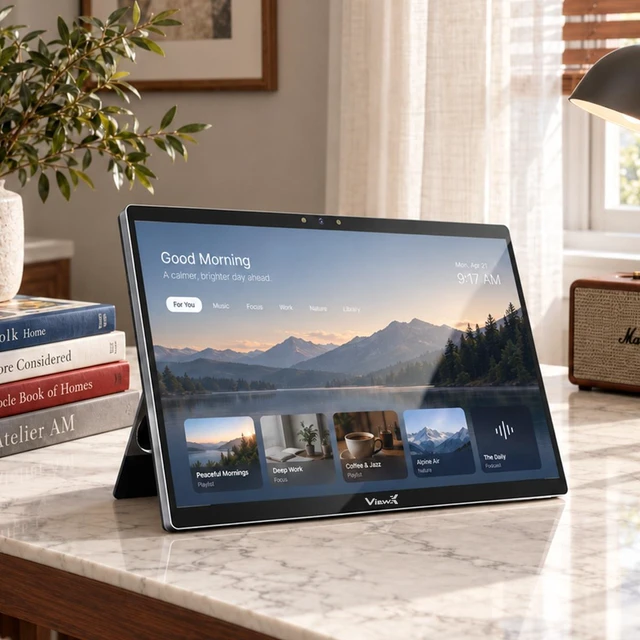
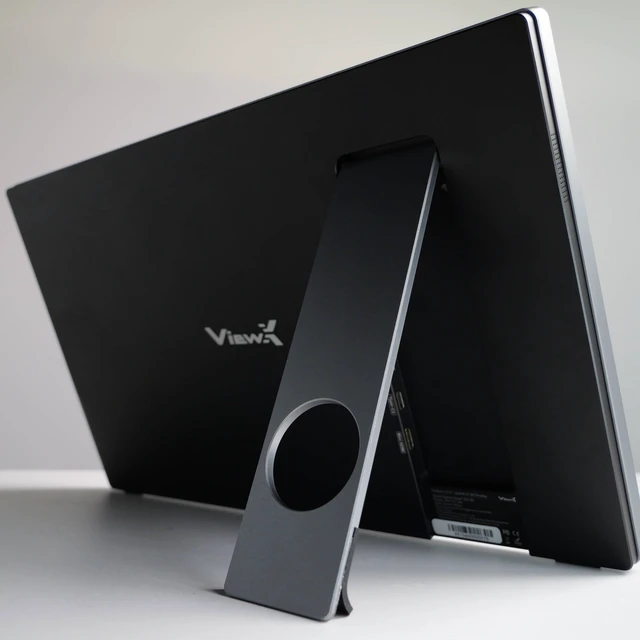
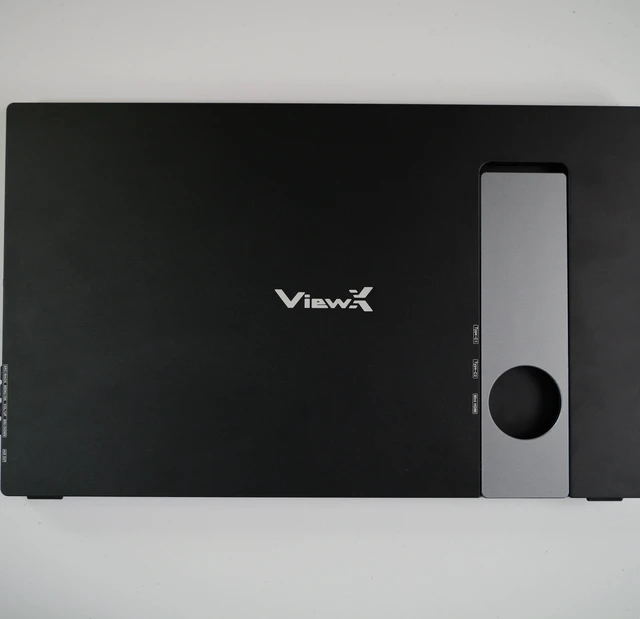
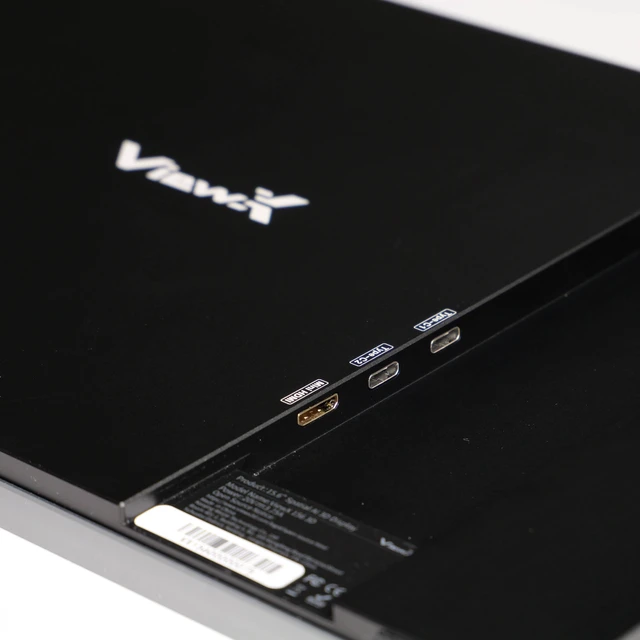
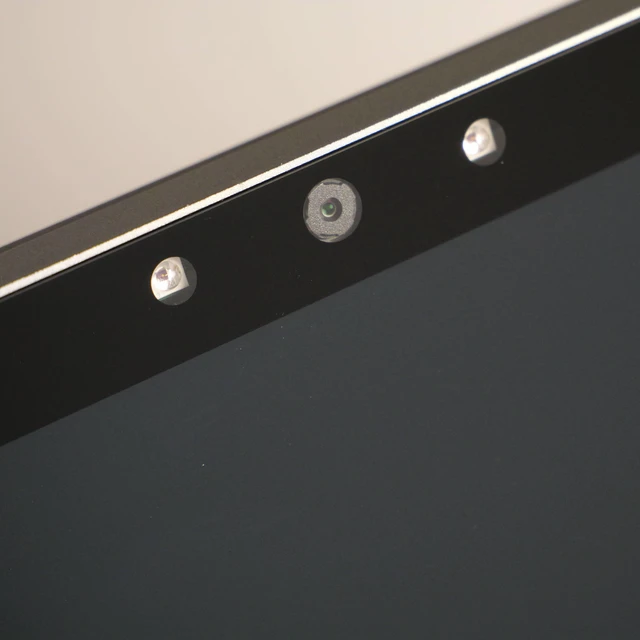
The ViewX Liber is a 15.6-inch 4K glasses-free 3D monitor with on-device AI 2D-to-3D conversion and eye tracking, suited to users who want to explore compatible games, movies, and videos in spatial 3D without glasses.
| Attribute | Value |
|---|---|
| Best For | A compact 15.6-inch 4K monitor for gaming, entertainment, and productivity, with built-in speakers |
| Panel And Resolution | 15.6-inch widescreen display with 3840 × 2160 (4K) resolution and no LED backlight |
| Refresh Rate And Response | 60Hz refresh rate and 25 ms response time |
| Audio Setup | Built-in speakers |
| Model Identifiers | ViewX |
Q: ViewX Liber or a standard 4K portable monitor—which is better for glasses-free 3D?
A: Choose ViewX Liber if you want a 15.6-inch 4K portable display that can also show glasses-free 3D. Its AI-powered 2D-to-3D conversion and eye tracking add spatial viewing alongside a native 2D mode; a standard 4K portable monitor comparison centers on conventional 2D viewing.
Q: Should I choose the ViewX Liber over a 1080p portable monitor for 4K and 3D?
A: Choose ViewX Liber if you want a portable monitor with 3840 × 2160 resolution and glasses-free 3D features. It combines native 4K display resolution with AI-powered 2D-to-3D conversion, so the comparison is especially relevant when both detailed 4K viewing and spatial display features matter.
Q: ViewX Liber in 2D or 3D mode—which should I use?
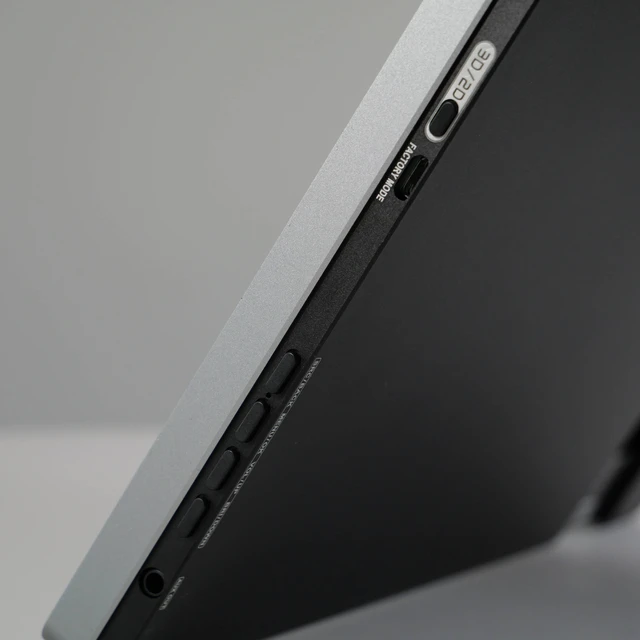
A: Use 2D mode for conventional desktop work and viewing, and switch to AI-powered 3D mode when you want compatible 2D content converted into a glasses-free spatial presentation. ViewX describes the monitor as supporting both native 2D and AI-powered 3D modes.
Q: ViewX Liber or a regular portable monitor—which offers eye-tracked 3D?
A: Choose ViewX Liber if eye-tracked, glasses-free 3D is a priority in a portable display. Its eye tracking adjusts the spatial presentation based on viewer position, while the monitor also supports standard 2D viewing.