




 here!
I’m your shopping assistant for PC builds, upgrades, and everything tech.
Got questions? Ask away!
Start a conversation
here!
I’m your shopping assistant for PC builds, upgrades, and everything tech.
Got questions? Ask away!
Start a conversationShipped by Newegg
 Top Rated

Make informed decisions with expert advice. Learn More





Any questions? Ask CelesteSM will help you find out quickly.
We want to ensure your holiday shopping this year is hassle-free. That’s why we’re automatically extending our return policies on almost every product! For purchases placed between November 1st, 2026 and December 31, 2026 you will have until January 31, 2027 to return your product.
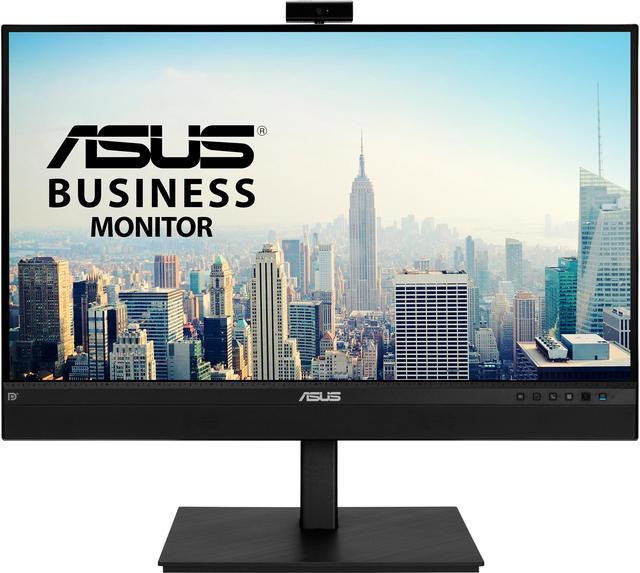
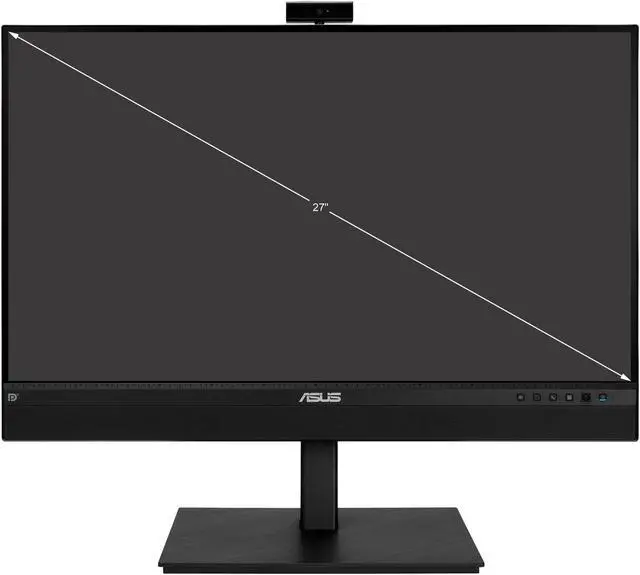
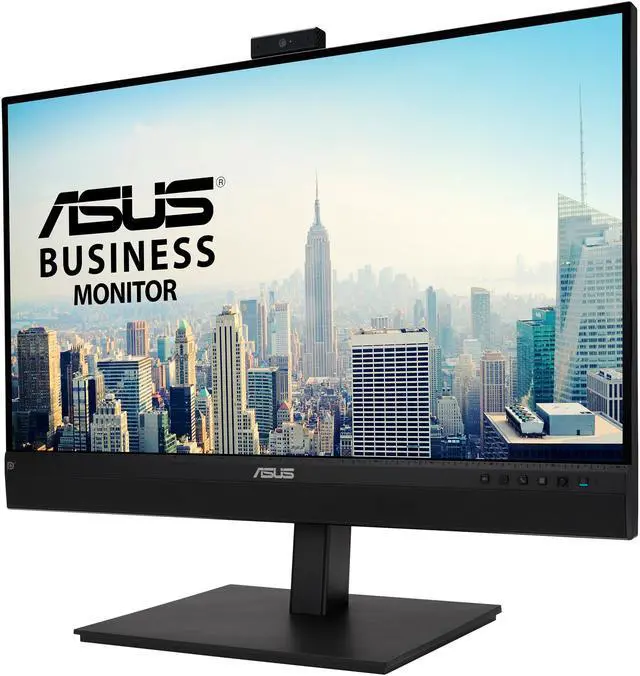
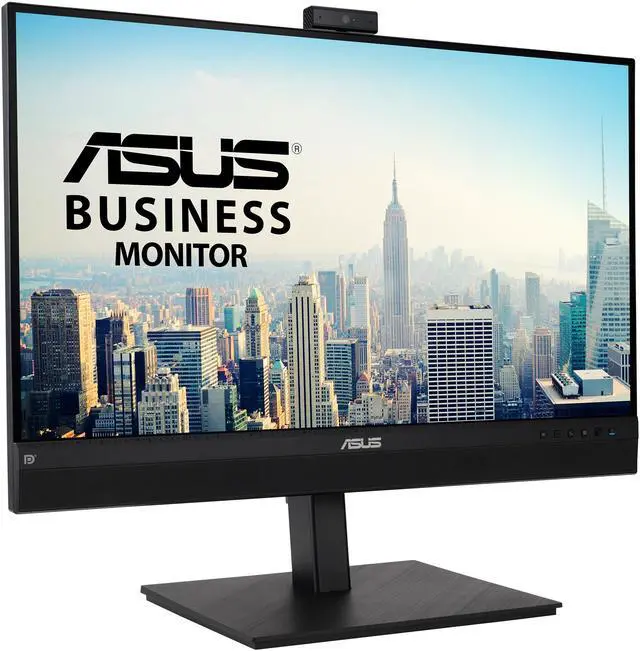
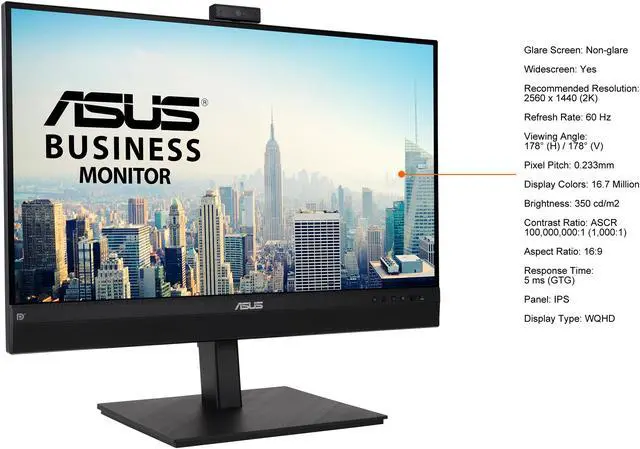
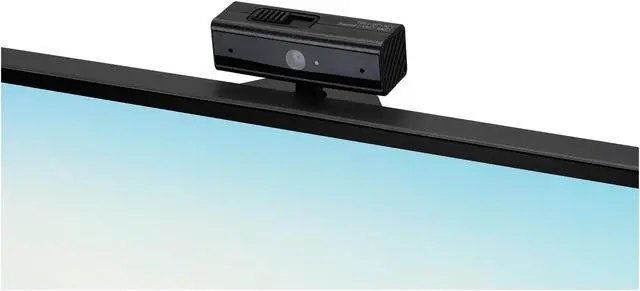
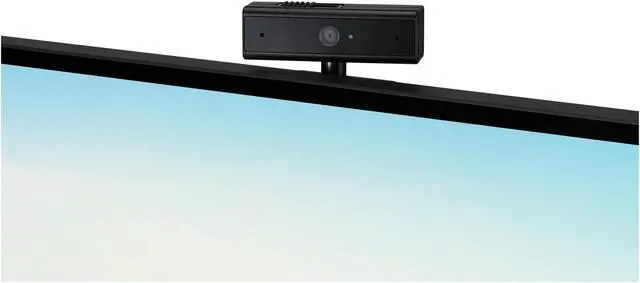
The ASUS BE27ACSBK is a 27-inch QHD video-conferencing monitor with a built-in 1080p webcam, microphone array, stereo speakers, and USB-C with up to 80W power delivery, making it a good fit for home-office professionals and remote learners who want a streamlined desk setup.
| Attribute | Value |
|---|---|
| Best For | Business video conferencing, supported by an integrated webcam, microphone array, and stereo speakers |
| Panel And Resolution | 27-inch 2560 × 1440 WQHD IPS panel with a 16:9 aspect ratio, non-glare finish, 178° horizontal and vertical viewing angles, 350 cd/m² brightness, and 1,000:1 contrast ratio |
| Refresh Rate And Response | 60 Hz refresh rate and 5 ms GTG response time |
| Color And Eye Care | 16.7 million colors, 100% sRGB and 72% NTSC coverage, with flicker-free operation and a blue-light filter |
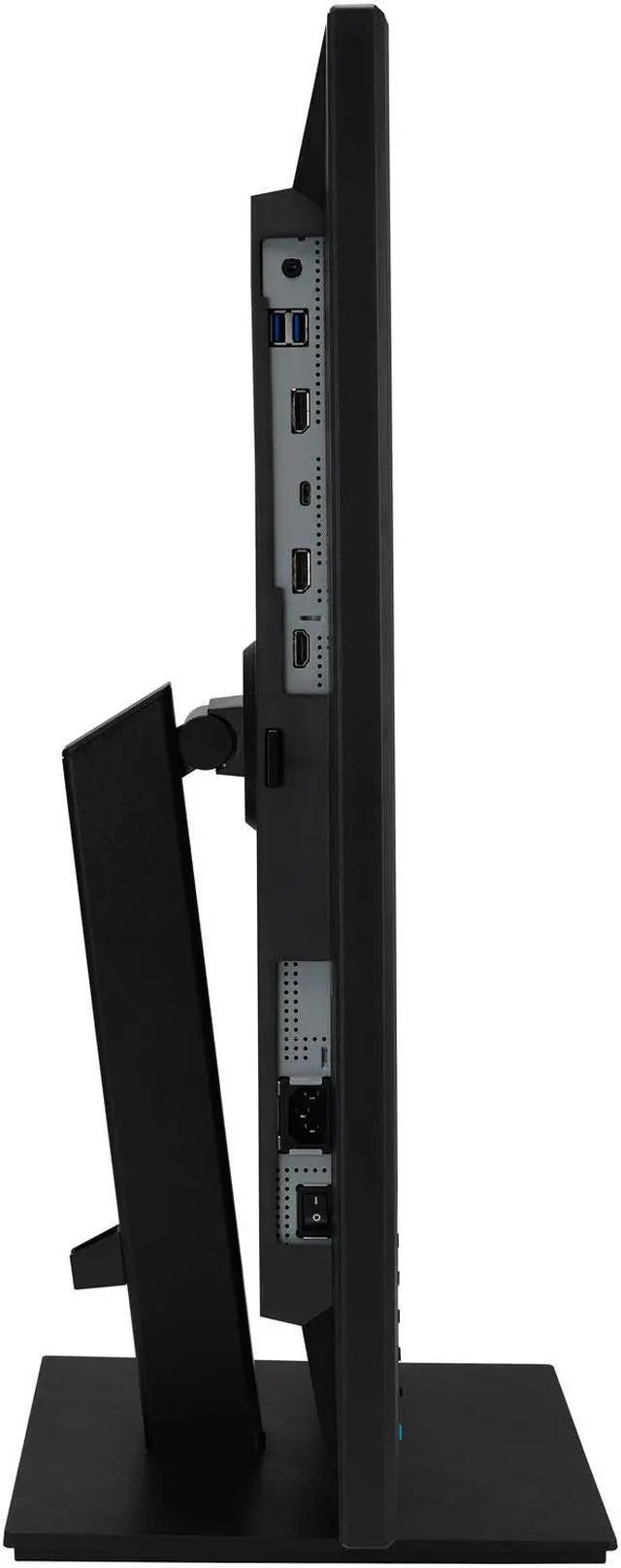
| Ports And Connectivity | 1 × HDMI 1.4, 2 × DisplayPort 1.2 with daisy-chain support, 1 × USB-C with DisplayPort Alt Mode and 80 W power delivery, 4 × USB 3.0 Type-A downstream ports, and an earphone jack |
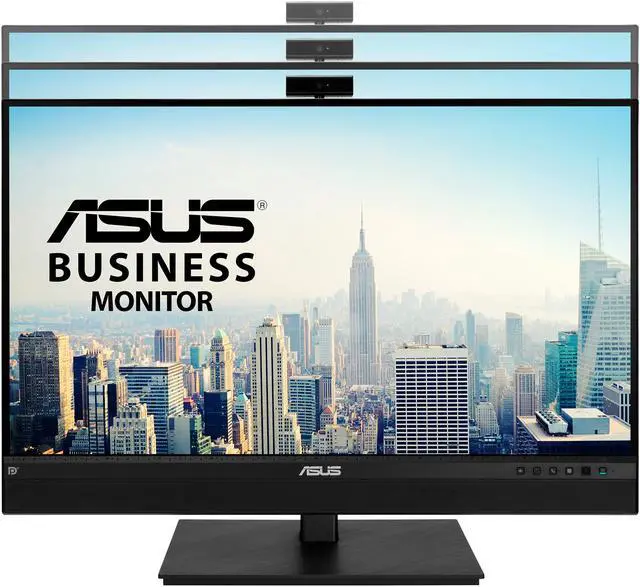
| Webcam, Microphone And Audio | 2 MP 1080p webcam with swivel and tilt adjustment, built-in microphone array, and stereo speakers rated at 2 W per channel |
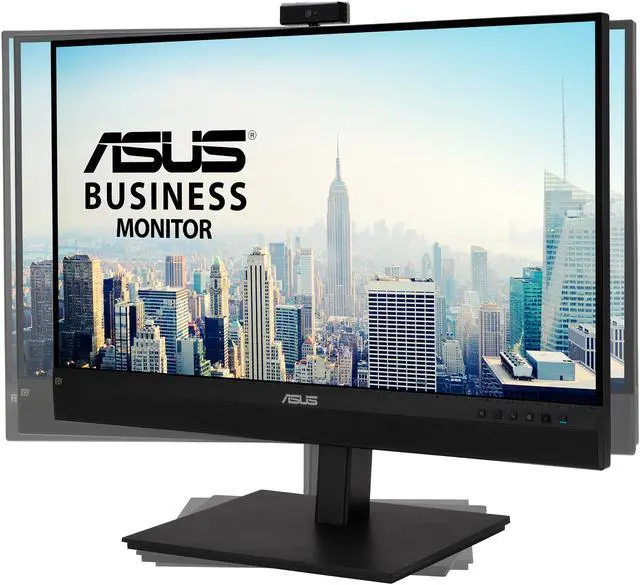
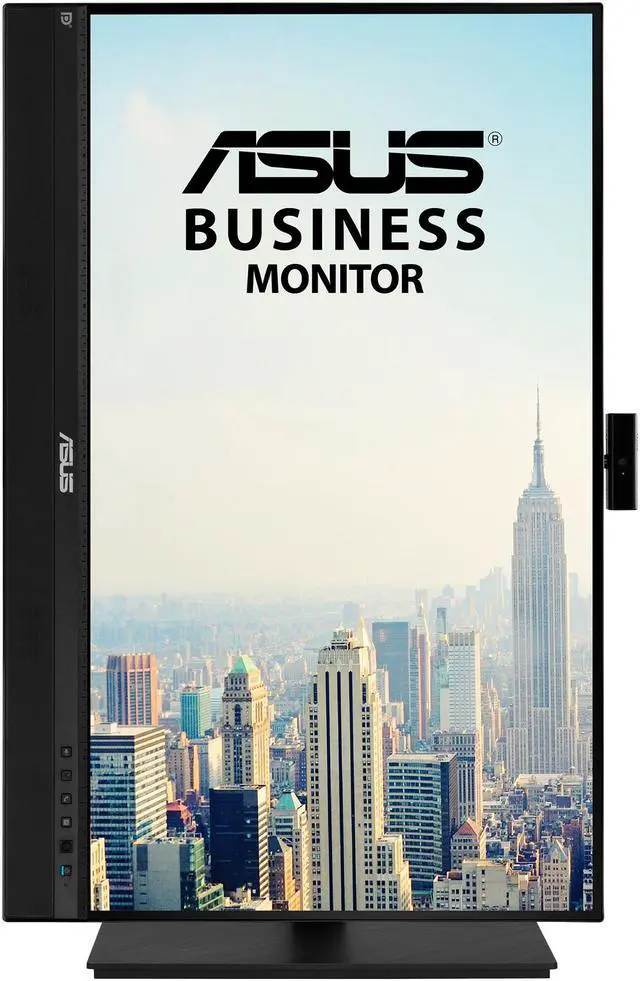
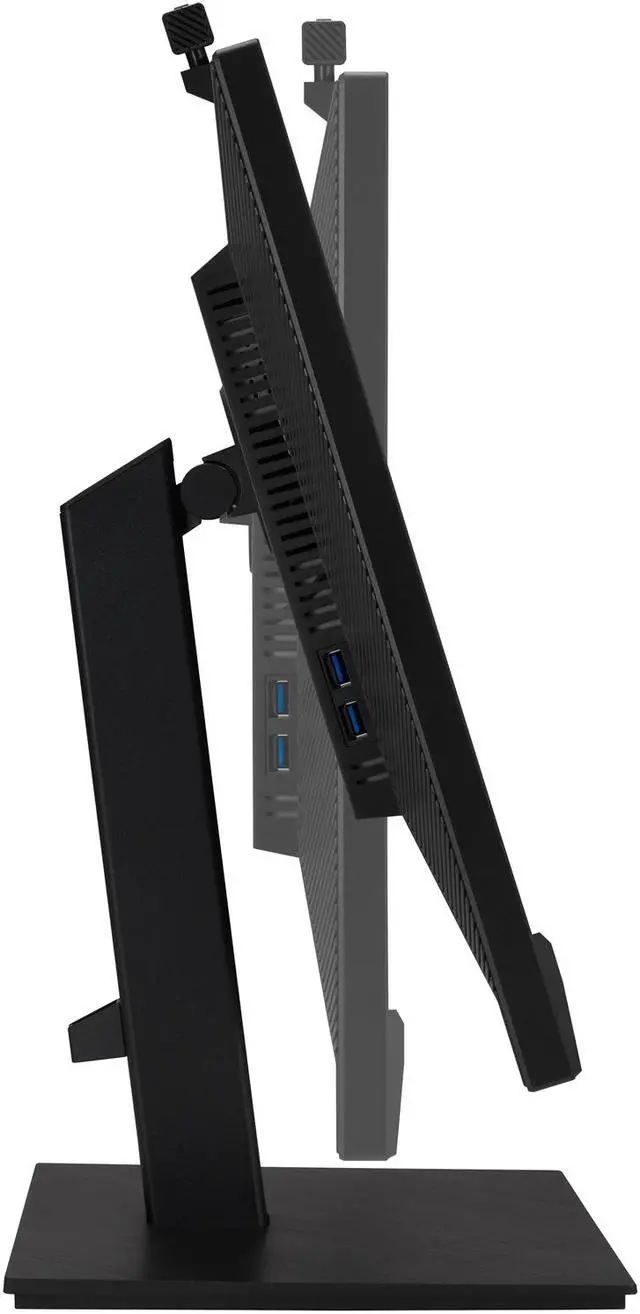
| Stand And Mounting | Height-adjustable stand with tilt, swivel, and pivot; compatible with 100 × 100 mm VESA mounts |
| Power And Consumption | 100–240 VAC, 50/60 Hz input; power consumption under 21.3 W, under 0.5 W in power-saving mode, and 0 W when switched off |
| Dimensions And Weight | 24.11 × 10.20 inches wide and deep; height is 17.39–21.57 inches with the stand or 16.82 inches without it. Weighs 18.96 lb with the stand or 12.79 lb without it |
| Model Identifiers | ASUS BE27ACSBK, part number 90LM03I1-B013B0 |
| In The Box | Power cord, HDMI cable, USB-C cable, mini PC kit, warranty card, and Quick Start Guide |
Q: ASUS BE27ACSBK vs ASUS BE279QSK: what’s the difference?
A: The model in the supplied specifications is the ASUS BE27ACSBK: a 27-inch QHD (2560 × 1440) video-conferencing monitor with USB-C power delivery up to 80W. The ASUS BE279QSK is a separate 27-inch Full HD (1920 × 1080) video-conferencing monitor. Choose the BE27ACSBK for a higher-resolution screen and USB-C laptop docking; choose the BE279QSK for a 27-inch Full HD display. ([asus.com](https://www.asus.com/us/displays-desktops/monitors/business/be27acsbk/?utm_source=openai))
Q: ASUS BE27ACSBK vs BE24ECSNK: which is better for a video-call desk?
A: Both are ASUS Zoom-certified webcam monitors with a Full HD webcam, AI noise-canceling microphone array, speakers, and USB-C power delivery up to 80W. Choose the BE27ACSBK for its 27-inch QHD screen; choose the 23.8-inch BE24ECSNK for a smaller Full HD display. ([asus.com](https://www.asus.com/us/displays-desktops/monitors/business/be27acsbk/?utm_source=openai))
Q: ASUS BE27ACSBK vs BE24EQK: which gives me a larger, sharper workspace?
A: The BE27ACSBK provides a 27-inch QHD workspace, while the ASUS BE24EQK is a 23.8-inch Full HD video-conferencing monitor. Choose the BE27ACSBK for more screen area and QHD resolution; choose the BE24EQK for a smaller Full HD setup with an integrated webcam, microphone array, and speakers. ([asus.com](https://www.asus.com/us/displays-desktops/monitors/business/be27acsbk/?utm_source=openai))
Q: Can I connect a laptop to this monitor with one USB-C cable?
A: Yes, if the laptop’s USB-C port supports DisplayPort Alt Mode. A compatible connection can carry video and USB data while delivering up to 80W of power to the laptop. The monitor also needs its own power connection.
Q: Is this monitor suitable for office work and video meetings?
A: Yes. Its 27-inch QHD IPS screen is suited to everyday office work, and the built-in 1080p webcam, microphone array, and stereo speakers support video meetings without requiring separate conferencing peripherals. It also has height, tilt, swivel, and pivot adjustments.
Q: Can this monitor be wall-mounted?
A: Yes. It supports a 100 × 100 mm VESA mount. Check that the mount is rated for the monitor’s weight and supports that mounting pattern.


