




 here!
I’m your shopping assistant for PC builds, upgrades, and everything tech.
Got questions? Ask away!
Start a conversation
here!
I’m your shopping assistant for PC builds, upgrades, and everything tech.
Got questions? Ask away!
Start a conversation Top Rated





Any questions? Ask CelesteSM will help you find out quickly.
We want to ensure your holiday shopping this year is hassle-free. That’s why we’re automatically extending our return policies on almost every product! For purchases placed between November 1st, 2026 and December 31, 2026 you will have until January 31, 2027 to return your product.
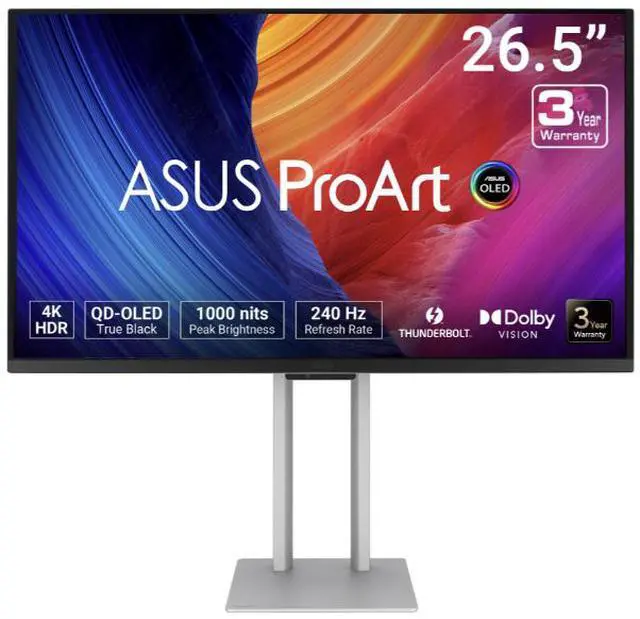
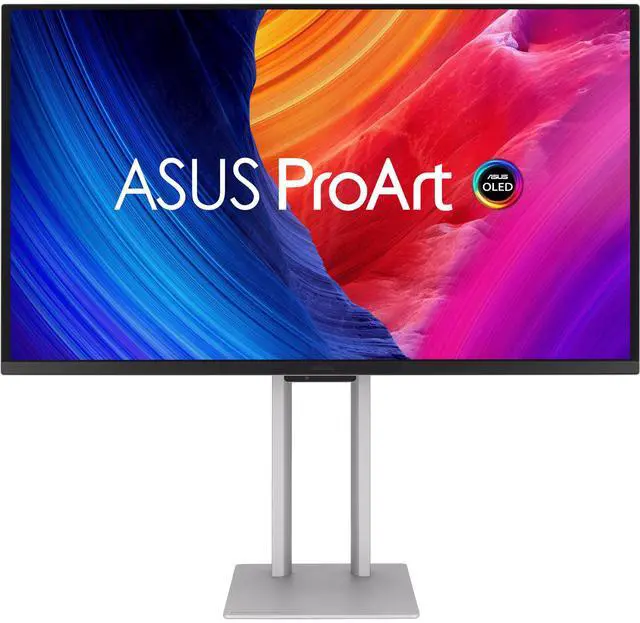
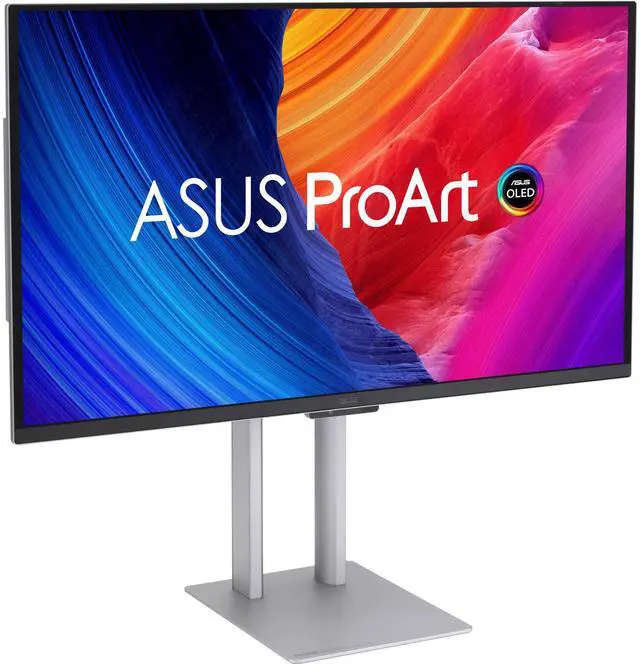
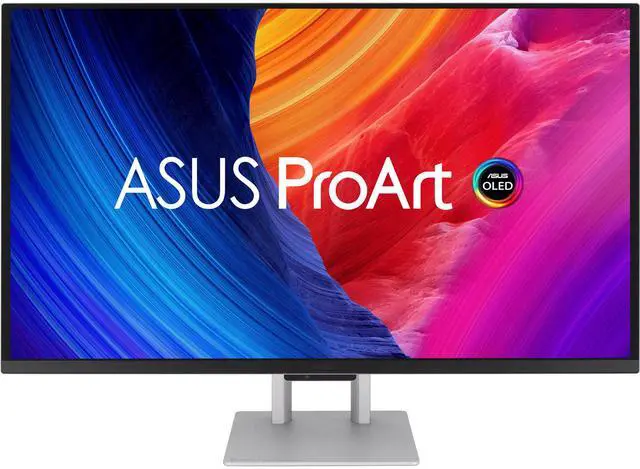
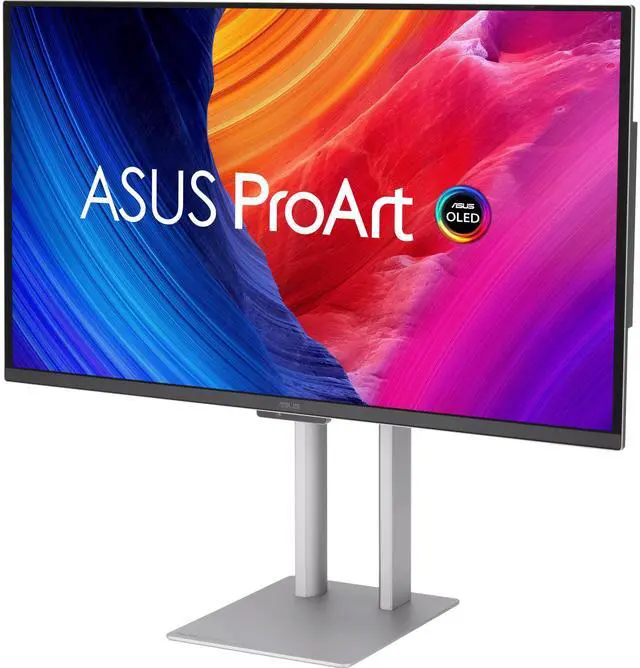
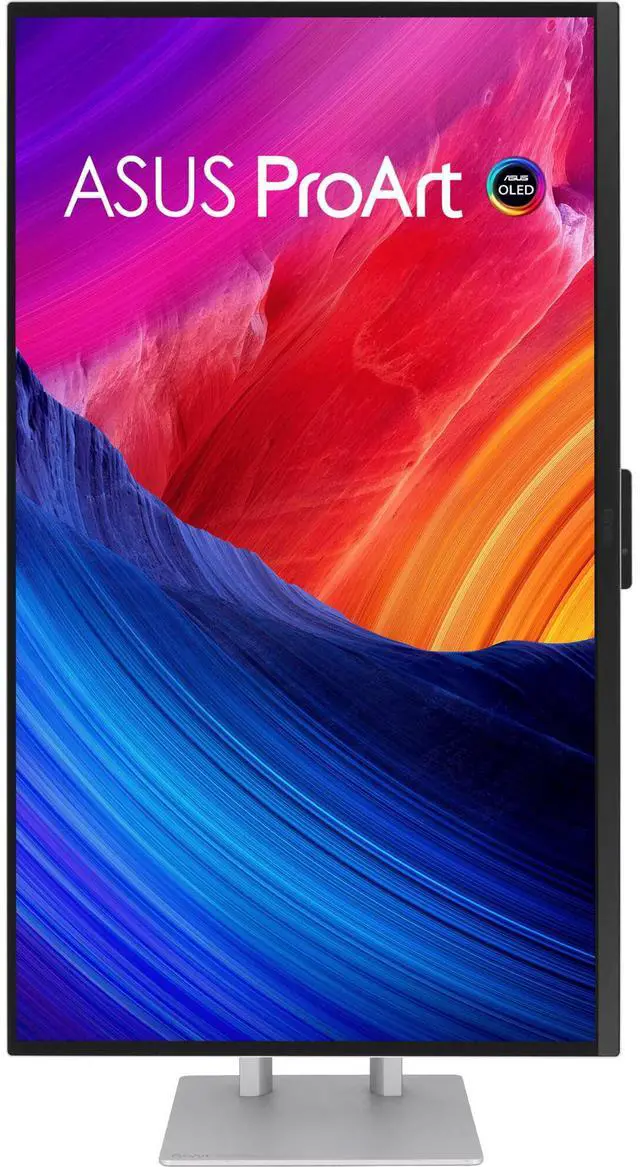
The ASUS ProArt PA27UCDMR is a 26.5-inch 4K QD-OLED monitor with ΔE < 1 color accuracy, hardware calibration, and 99% DCI-P3 coverage, suited to creative professionals who need precise color for photo, video, and HDR work.
| Attribute | Value |
|---|---|
| Best For | Gaming, home and business use, entertainment, and photo/video editing, with a 4K QD-OLED display suited to high-refresh viewing |
| Panel And Resolution | 27-inch flat OLED display with 26.5-inch viewable area, 3840 × 2160 4K UHD resolution, 16:9 aspect ratio, anti-glare finish, 0.155 mm pixel pitch, and 178° horizontal and vertical viewing angles |
| Refresh Rate And Response | 240 Hz refresh rate with 0.1 ms response time and Adaptive-Sync; listed as G-SYNC Compatible |
| Color And HDR | 10-bit color with 1.073 billion display colors, 100% sRGB and 99% DCI-P3 coverage, 1,500,000:1 contrast ratio, 250 cd/m² brightness, and VESA DisplayHDR True Black 400 |
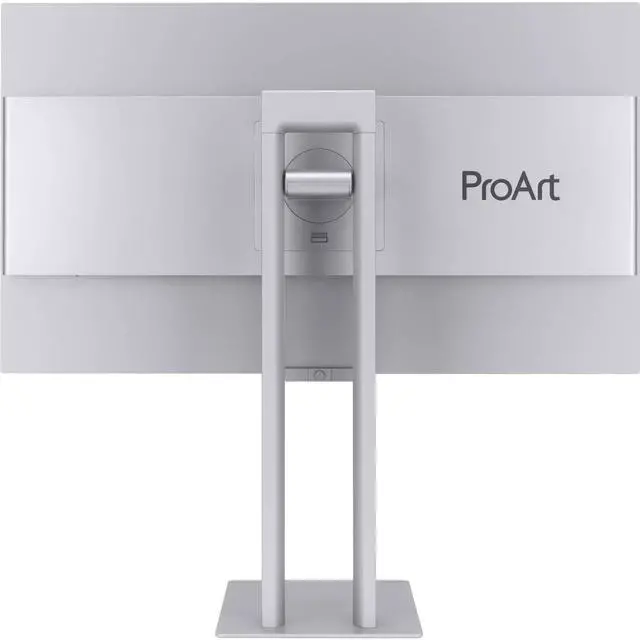
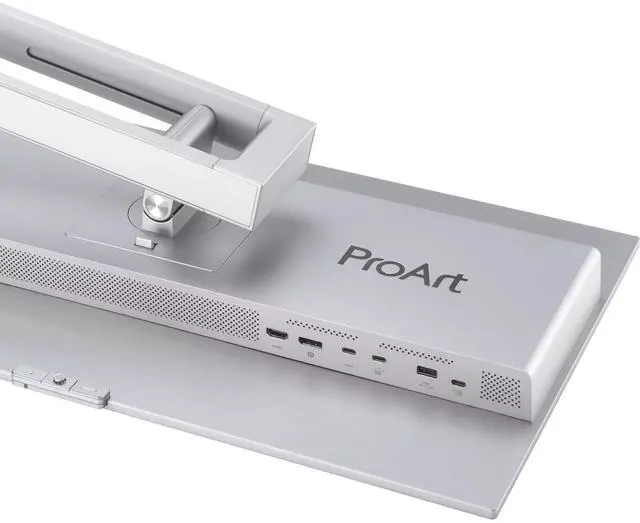
| Ports And Connectivity | 2 Thunderbolt 4 ports, 1 DisplayPort 1.4, 1 HDMI 2.1, 1 USB 3.2 Gen 2 Type-C, and 1 USB 3.2 Gen 2 Type-A; USB-C Power Delivery up to 96 W and HDCP support |
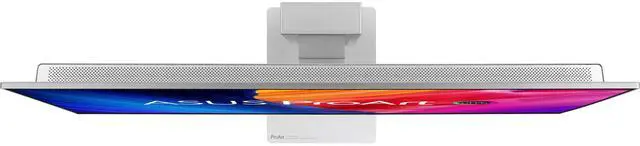
| Stand And Mounting | Height, pivot, and tilt adjustments; 0–130 mm height adjustment and ±90° pivot; compatible with 100 × 100 mm VESA mounts |
| Audio And Webcam | Two built-in 3 W speakers; no built-in webcam |
| Eye Care And Sensors | Blue-light filter and flicker-free features, with ambient-light and proximity sensors |
| Power And Efficiency | 100–240 VAC, 50/60 Hz input; power consumption under 25.3 W, under 0.5 W in power-saving mode, and 0 W when switched off |
| Physical Dimensions And Weight | With stand: 22.48 × 23.94 × 8.98 in and 15.87 lb; without stand: 13.94 × 23.94 × 1.85 in and 10.36 lb |
| Model Identifiers | ASUS ProArt PA27UCDMR, silver cabinet |
Q: ASUS ProArt PA27UCDMR or ROG Swift OLED PG27UCDM for 4K creative work and gaming?
A: Both are 27-inch-class 4K QD-OLED monitors with a 240Hz refresh rate. Choose the PA27UCDMR for ProArt color workflows, including ΔE < 1 color accuracy, hardware calibration, Calman Ready support and dual Thunderbolt 4 ports with up to 96W power delivery. Choose the ROG Swift PG27UCDM for gaming-focused features such as DisplayPort 2.1a and G-SYNC compatibility.
Q: Should I choose the 27-inch PA27UCDMR or the 32-inch PA32UCDM?
A: Choose the PA27UCDMR for a more compact 4K QD-OLED workspace with higher pixel density; it offers 166 PPI and 240Hz. Choose the PA32UCDM for a larger 31.5-inch viewing area while retaining 4K resolution, QD-OLED, 240Hz and 99% DCI-P3 coverage.
Q: PA27UCDMR or PA27UCGE for color-accurate 4K work?
A: Choose the PA27UCDMR for QD-OLED contrast, 240Hz refresh and a 0.1ms response time, alongside hardware calibration and ΔE < 1 color accuracy. Choose the PA27UCGE for an IPS panel, a built-in motorized colorimeter, 600-nit full-screen brightness and a 160Hz refresh rate.
Q: Can I connect and charge my laptop with one cable?
A: Yes, a compatible laptop can connect through Thunderbolt 4 for video and data while receiving up to 96W of power. Check that the laptop’s Thunderbolt or USB-C port supports video, and confirm that 96W meets its charging needs; a higher-power laptop may still need its own charger.
Q: Is this monitor suitable for all-day office work and reading?
A: It can suit office work: it has a 4K resolution, adjustable stand, and Thunderbolt connectivity. However, it uses an OLED panel, and prolonged display of static elements such as spreadsheets, toolbars, or taskbars can raise burn-in concerns. For a workday dominated by static content, use the panel’s care features and screen-sleep settings, and consider whether OLED is right for your usage.
Q: Who is this monitor best suited for?
A: It is suited to people who want one desktop display for color-sensitive creative work and high-refresh gaming. Its 4K QD-OLED panel supports 240Hz, 0.1ms response time, a stated 99% DCI-P3 gamut, and hardware calibration features. It is less compelling if you need a portable display or want to avoid OLED’s considerations around long periods of static screen content.
Q: Is the PA27UCDMR a good choice for both gaming and creative work?
A: It suits people who want one display for both: the 4K QD-OLED panel supports up to 240Hz, while its wide color gamut and calibration features are aimed at creative work. Reddit users discuss this mixed-use case, and a YouTube review evaluates it for creators and gamers. Whether you can use 4K at 240Hz depends on your computer and connection.
Q: Is it worth paying more than a gaming-focused QD-OLED monitor?
A: It is more compelling if you will use its ProArt-focused color features and Thunderbolt connectivity for creative work. If gaming is your main use and those features are not important to you, Reddit discussion points to cheaper gaming QD-OLED alternatives as an option to consider.
Q: Is it ready for professional color grading without extra calibration?
A: The product information lists factory calibration and a color pre-calibration report. However, Reddit discussion among colorists emphasizes that reference-critical work may still require a calibrated workflow, potentially including external calibration or video I/O equipment. Treat the factory report as a starting point, not proof that every professional setup needs no further calibration.
Q: Should OLED burn-in concerns affect using it for design or office work?
A: Consider how much of your workday shows the same static interface elements. Reddit discussions about using OLED for design and gaming raise burn-in as a trade-off, but they do not establish a specific burn-in rate for this model. If you prefer to avoid that concern for prolonged static desktop use, compare it with an LCD alternative.


