


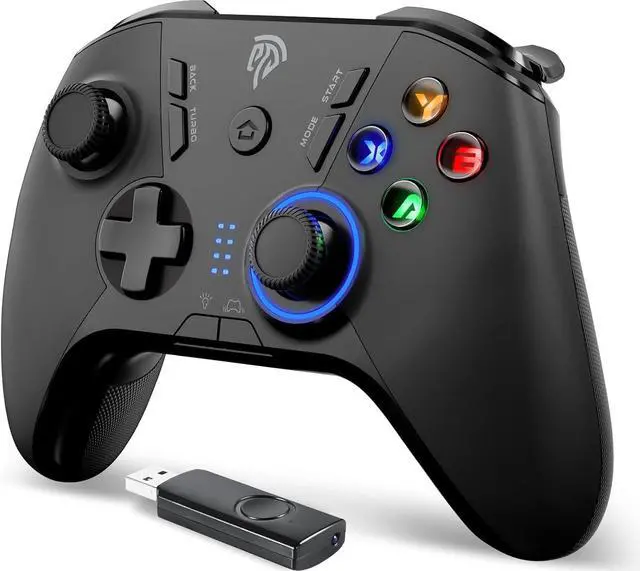
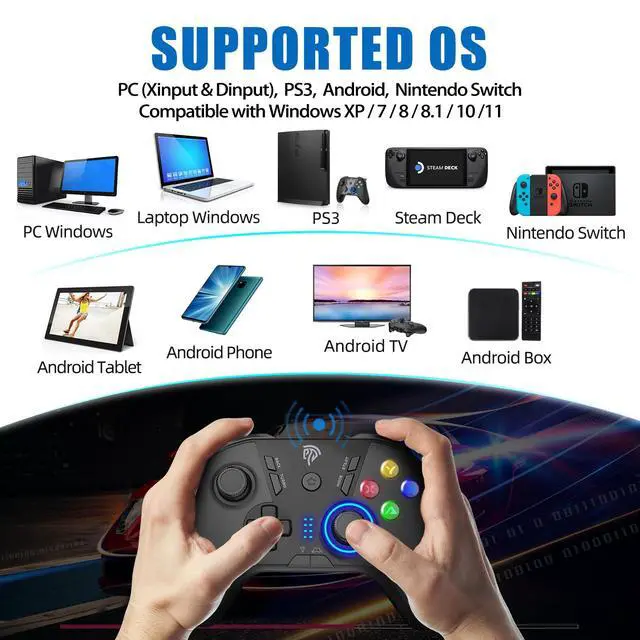
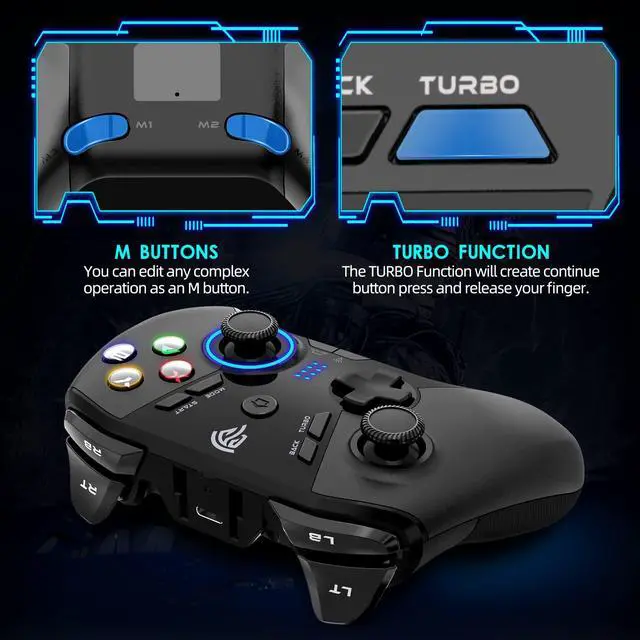
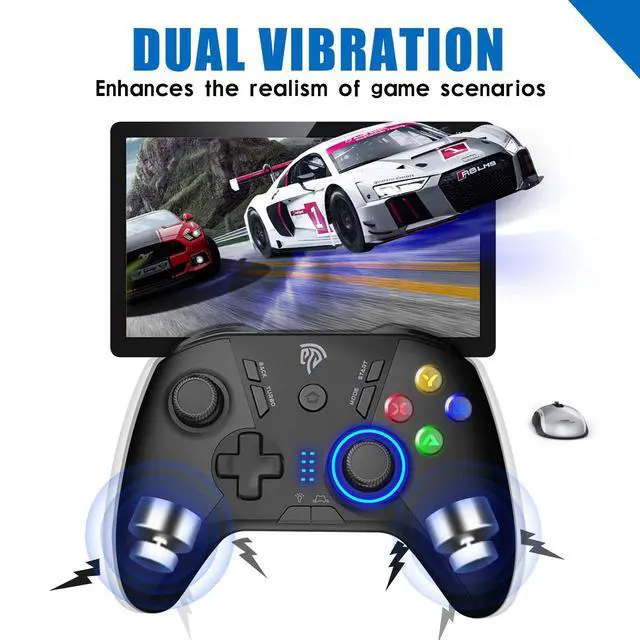
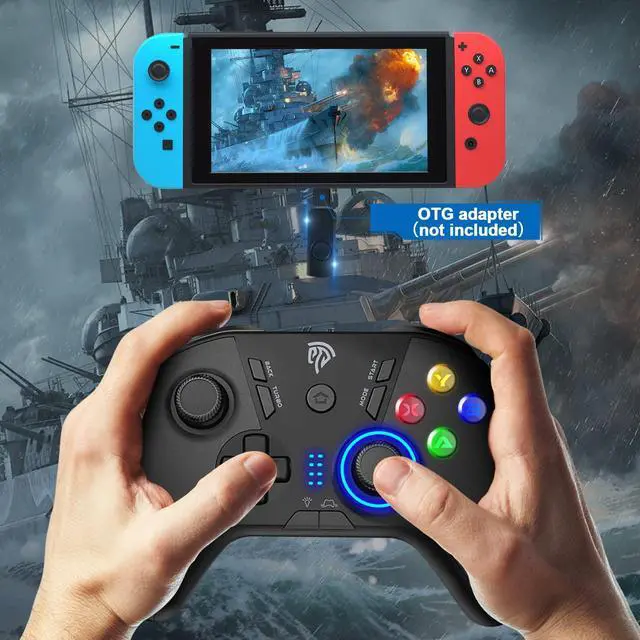
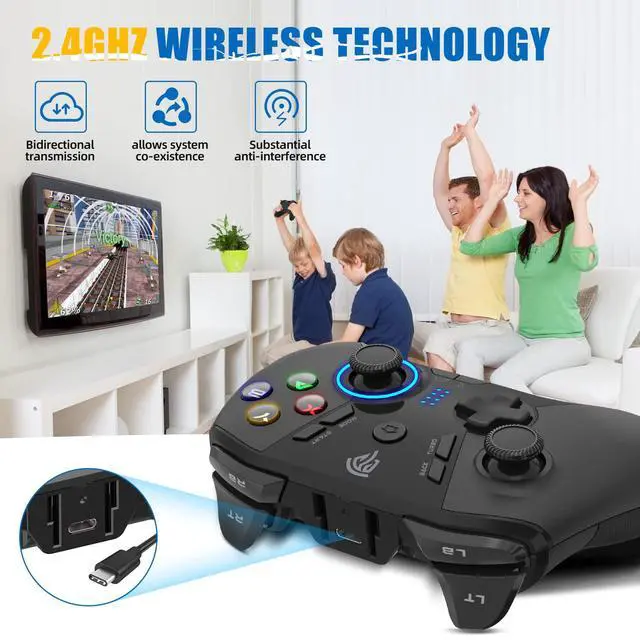
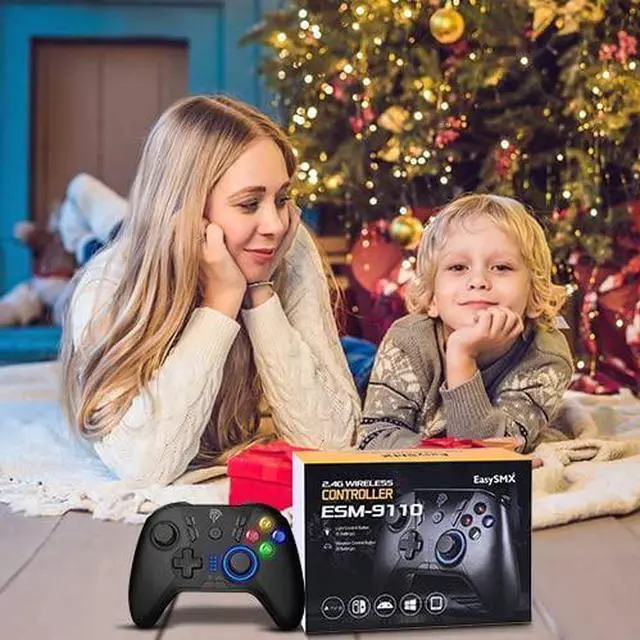


EasySMX 9110 controller overview
Merchant Video


1. Does this work with a Xbox
No, EasySMX Controller does not support Xbox, Playstation, and Fire TV.
2. Does it support Bluetooth?
No, it only connects via a 2.4GHz USB receiver or through a Type-C cable in wired mode
3. Will this works with Tesla
Yes, Ps use the glovebox USB-A port to connect since Model3/Y 2022 do not have data transmission function in center console ports.
You’ll need a female USB-A to male USB-C adapter if your TESLA have no USB A port
4. How to change mode if i play with a different console
Press and Hold the MODE button for 5 seconds to switch mode
5. How can I turn off the controller
It turns off automatically after 5 minutes of inactivity
Hold down the Home button for 30 seconds, it will turn off
EasySMX 9110 controller overview
Merchant Video


1. Does this work with a Xbox
No, EasySMX Controller does not support Xbox, Playstation, and Fire TV.
2. Does it support Bluetooth?
No, it only connects via a 2.4GHz USB receiver or through a Type-C cable in wired mode
3. Will this works with Tesla
Yes, Ps use the glovebox USB-A port to connect since Model3/Y 2022 do not have data transmission function in center console ports.
You’ll need a female USB-A to male USB-C adapter if your TESLA have no USB A port
4. How to change mode if i play with a different console
Press and Hold the MODE button for 5 seconds to switch mode
5. How can I turn off the controller
It turns off automatically after 5 minutes of inactivity
Hold down the Home button for 30 seconds, it will turn off