


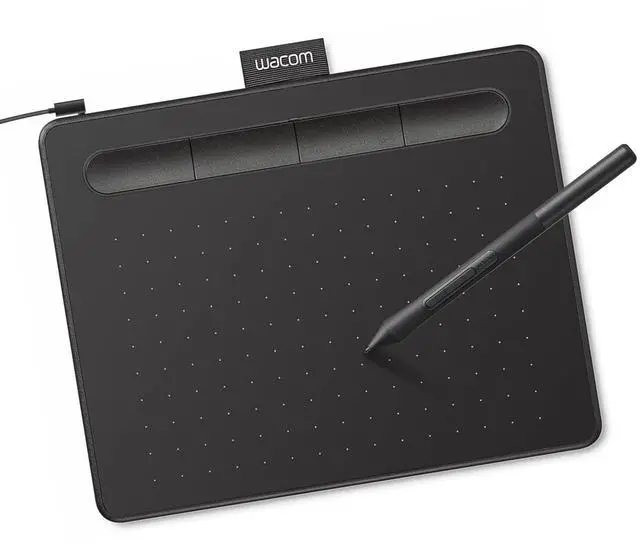








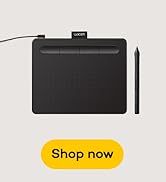





Everything you need to start creating: tablet, battery-free pen, creative software, and training. Bundled together at a beginner-friendly price from the pen technology company trusted by professionals for 40+ years.

Software & Training Included
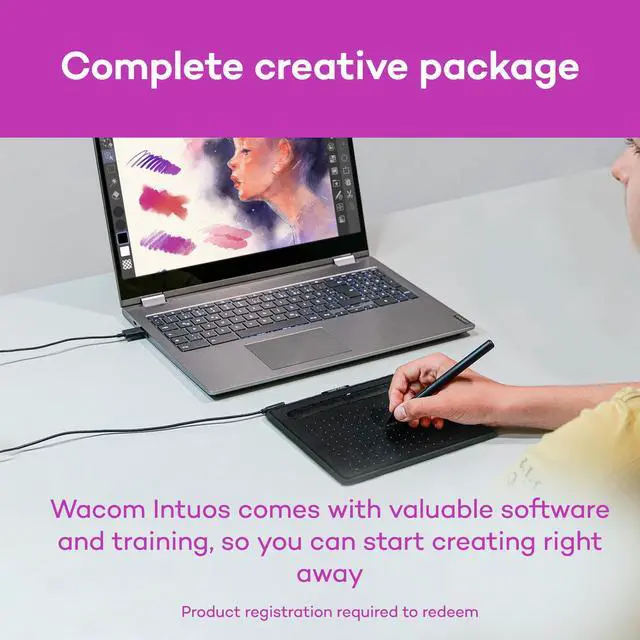
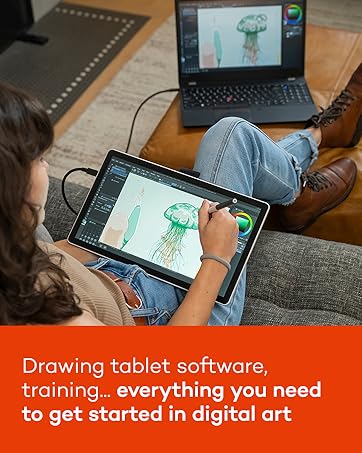
You're not just buying a drawing tablet - you're getting a complete solution to start creating today. With 2 years of CLIP STUDIO PAINT PRO, 12 months of Boris FX Optics, trials of Corel Painter, Corel Aftershot, Magma, Luminar Neo, & Concepts. Plus access to Skillshare training courses. Register your tablet to access this software and training package.

No Dead Batteries. No Lag. No Jitter.
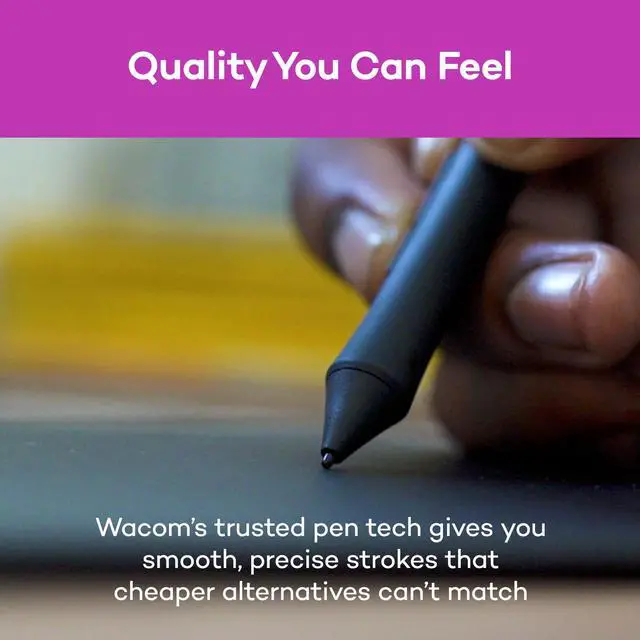
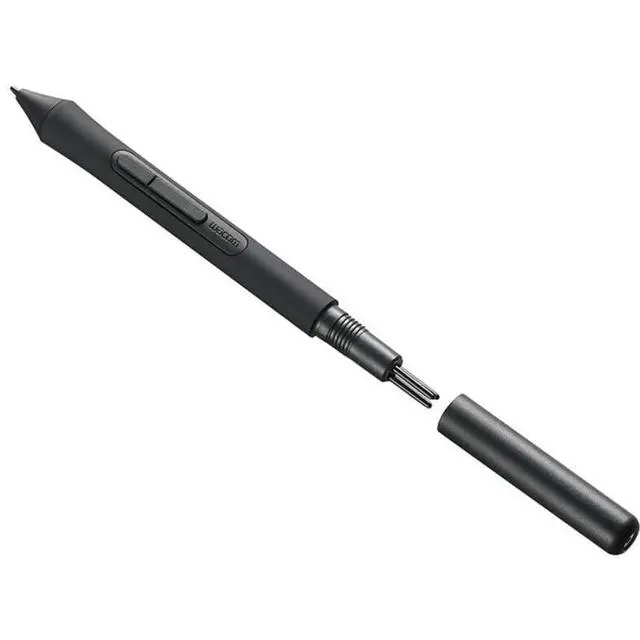
Battery-free pressure-sensitive pen means no dead batteries mid-project, no lag when you're in the zone, no jittery lines that ruin your work. Wacom's proven EMR technology delivers consistent performance - the first stroke feels the same as the thousandth. Unlike some tablets where pressure sensitivity degrades or stops working after a few months, Wacom Intuos maintains smooth, reliable response for years.

Built to Last Years, Not Months
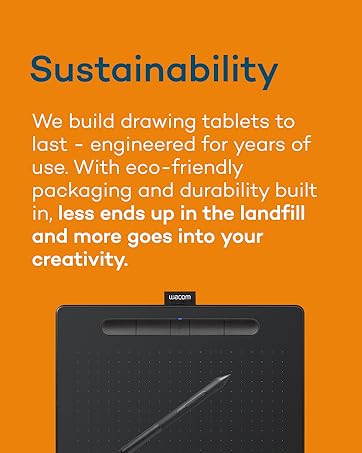
Wacom Intuos delivers reliable performance year after year with stable drivers that work after every operating system update, durable construction that won't wear out, and a responsive customer care team when you need help. One quality tablet that grows with your skills - better for your wallet and your creative momentum.

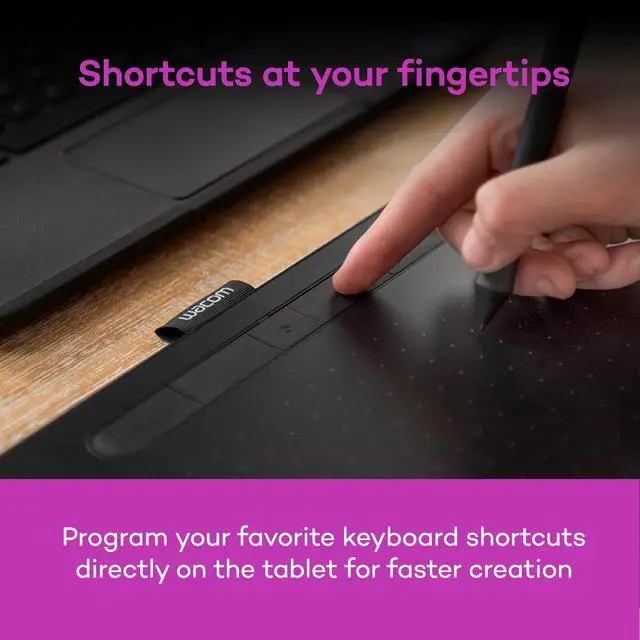
These aren't just features - they're designed to make creating easier. The battery-free pen never needs charging and the pressure sensitivity responds naturally to your touch. ExpressKeys keep your keyboard shortcuts within reach so you stay focused on creating, not hunting through menus. Compatible with Chromebook, Windows, Mac, and all major creative apps - start creating immediately.
How People Use Wacom Intuos

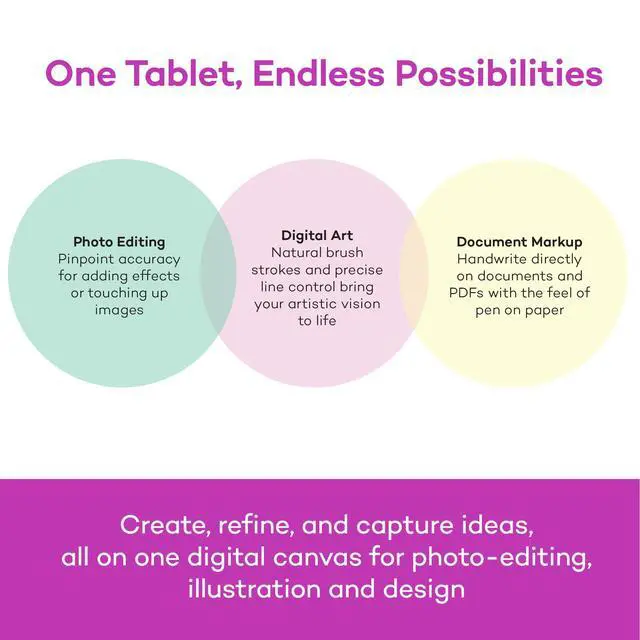
Drawing and Painting
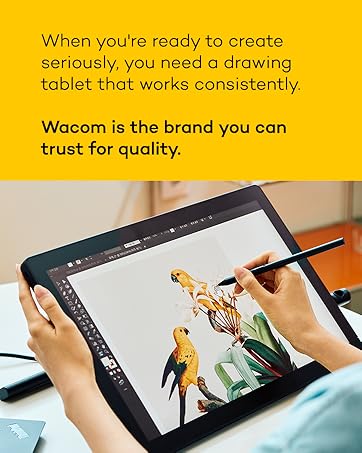
Create manga, characters, or digital paintings with pen precision. Your pen becomes whatever you need - pencil for sketches, brush for bold strokes, eraser for fixes. The pressure-sensitive pen responds instantly to your touch, making digital drawing feel as natural as paper.

Design with Precision
Whether you're designing a logo, creating something for school, or exploring visual ideas, precise pen control makes design easier. Create smooth curves, adjust colors accurately, and refine details with natural hand movements. ExpressKeys give you instant access to your favorite keyboard shortcuts so you can stay in your creative flow.

Photo Editing & Effects
Edit photos with the precision of a pen instead of wrestling with a mouse. Make exact selections for perfect cropping, smooth out imperfections, or add effects that make your images stand out. The pressure-sensitive pen gives you control that feels natural - like working with real art tools instead of clicking around.

Annotation, Markup & Teaching
The pen-on-tablet feel makes it easy to capture ideas and mark up documents in OneNote, Canvas, or PowerPoint. Many educators also appreciate the wireless tablet's ability to control their computer while moving around the classroom.

Why Buy Wacom
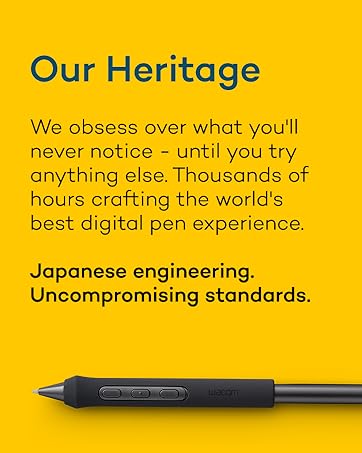
Choosing your first drawing tablet is a big decision. When you buy Wacom you get: Japanese engineering, software and training included, responsive customer care team, stable drivers that work after OS updates, and durable construction that lasts for years. For over 40 years, Wacom has been trusted by professionals and beginners who want reliable tools. The price difference isn't markup - it's measurable value. Start with confidence. Start with Wacom.
Everything you need to start creating: tablet, battery-free pen, creative software, and training. Bundled together at a beginner-friendly price from the pen technology company trusted by professionals for 40+ years.
Software & Training Included
You're not just buying a drawing tablet - you're getting a complete solution to start creating today. With 2 years of CLIP STUDIO PAINT PRO, 12 months of Boris FX Optics, trials of Corel Painter, Corel Aftershot, Magma, Luminar Neo, & Concepts. Plus access to Skillshare training courses. Register your tablet to access this software and training package.
No Dead Batteries. No Lag. No Jitter.
Battery-free pressure-sensitive pen means no dead batteries mid-project, no lag when you're in the zone, no jittery lines that ruin your work. Wacom's proven EMR technology delivers consistent performance - the first stroke feels the same as the thousandth. Unlike some tablets where pressure sensitivity degrades or stops working after a few months, Wacom Intuos maintains smooth, reliable response for years.
Built to Last Years, Not Months
Wacom Intuos delivers reliable performance year after year with stable drivers that work after every operating system update, durable construction that won't wear out, and a responsive customer care team when you need help. One quality tablet that grows with your skills - better for your wallet and your creative momentum.
These aren't just features - they're designed to make creating easier. The battery-free pen never needs charging and the pressure sensitivity responds naturally to your touch. ExpressKeys keep your keyboard shortcuts within reach so you stay focused on creating, not hunting through menus. Compatible with Chromebook, Windows, Mac, and all major creative apps - start creating immediately.
How People Use Wacom Intuos
Drawing and Painting
Create manga, characters, or digital paintings with pen precision. Your pen becomes whatever you need - pencil for sketches, brush for bold strokes, eraser for fixes. The pressure-sensitive pen responds instantly to your touch, making digital drawing feel as natural as paper.
Design with Precision
Whether you're designing a logo, creating something for school, or exploring visual ideas, precise pen control makes design easier. Create smooth curves, adjust colors accurately, and refine details with natural hand movements. ExpressKeys give you instant access to your favorite keyboard shortcuts so you can stay in your creative flow.
Photo Editing & Effects
Edit photos with the precision of a pen instead of wrestling with a mouse. Make exact selections for perfect cropping, smooth out imperfections, or add effects that make your images stand out. The pressure-sensitive pen gives you control that feels natural - like working with real art tools instead of clicking around.
Annotation, Markup & Teaching
The pen-on-tablet feel makes it easy to capture ideas and mark up documents in OneNote, Canvas, or PowerPoint. Many educators also appreciate the wireless tablet's ability to control their computer while moving around the classroom.
Why Buy Wacom
Choosing your first drawing tablet is a big decision. When you buy Wacom you get: Japanese engineering, software and training included, responsive customer care team, stable drivers that work after OS updates, and durable construction that lasts for years. For over 40 years, Wacom has been trusted by professionals and beginners who want reliable tools. The price difference isn't markup - it's measurable value. Start with confidence. Start with Wacom.
New Arrivals
Products for Casual Artists
Products for Creative pros