



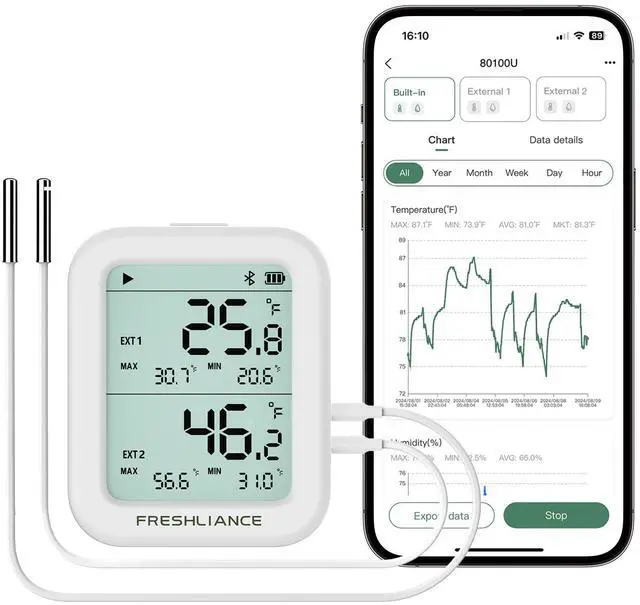
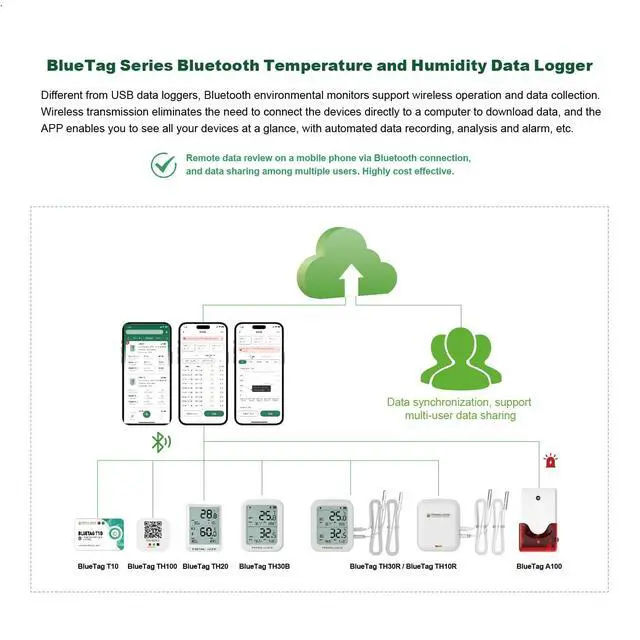



FRESHLIANCE BLUETAG TH30R-I

SPECIFICATIONS


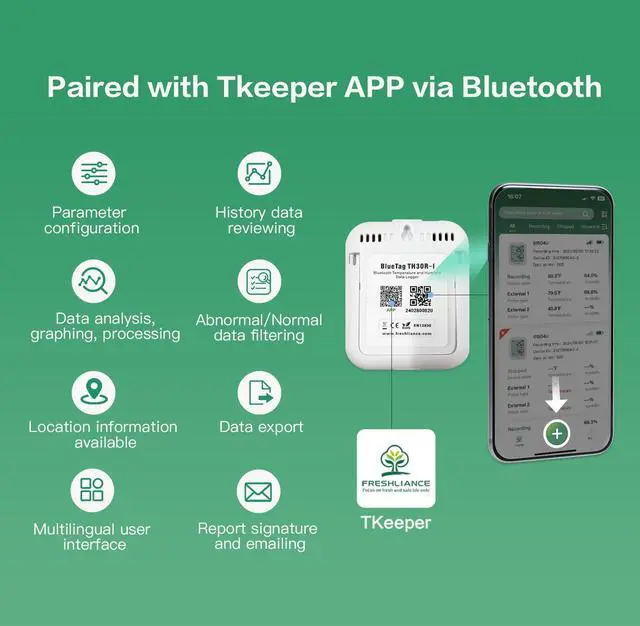
How to use the data logger for the first time?
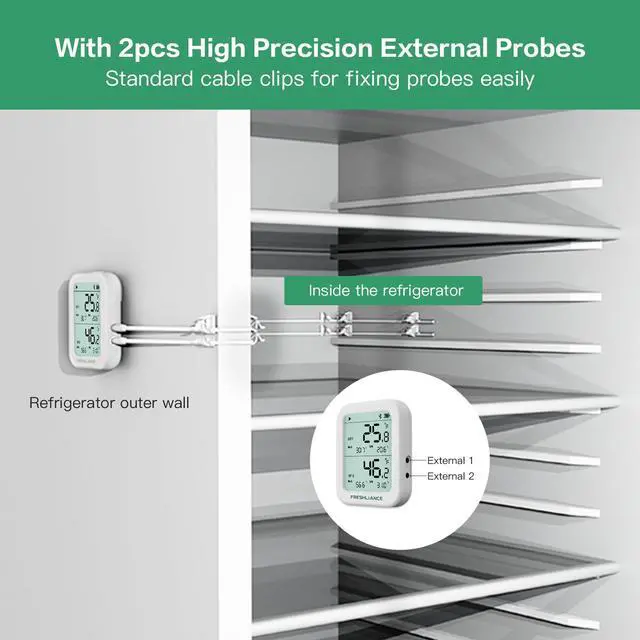
1. Please plug the external probe to the main device before usage.
2. Download and install Tkeeper APP on the phone.
3.Scan the Q R Code, or manually enter device ID to add the device.
4. The device starts recording after configuring the parameters.
What will happen if the external probe is not connected well before configuring device?
In this case, only the built-in sensor can be configured.
Please connect the external probe first, wait for about 20 seconds, and then re-add the device and configure the external probe.
What to do if device addition fails?
Please check whether "Bluetooth" keeps on
Please place the device near the mobile phone.
Please ensure that the device Q R code is clean and undamaged, and try in a bright environment.
How to switch between ? and ? on the device?
Press and hold the button on the top of the device for 3s to switch the display between ? and ?.


FRESHLIANCE BLUETAG TH30R-I

SPECIFICATIONS
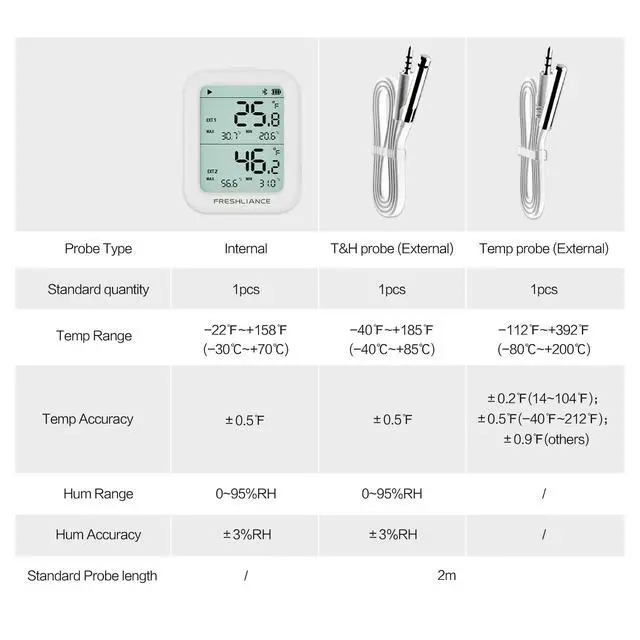
| Model | Freshliance BlueTag TH30R-I |
|---|---|
| Internal Measure Range | -30?~+70?(-22?~+158?) / 0~95%RH |
| Internal Accuracy | ±0.3?(±0.5?)F.S. / ±3%RH |
| External Probe Type | 2 Probe included (1*Temp probe, 1*T&H probe) |
| External Temp Probe | -80?~+200?(-112?~+392?) |
| External Temp Probe Accuracy | ±0.2?(+14?~+104?); ±0.5?(-40?~+212?); ±0.9?(Others) |
| External T&H Probe | -40?~+85?(-40?~+185?) / 0~95%RH |
| External T&H Probe Accuracy | ±0.3?(±0.5?)F.S. / ±3%RH |
| Memory Capacity | Add 20,000 readings per probe |
| Wireless Range | 150ft (Open space) |
| Software Required | Free Tkeeper APP( Android, ISO) |
| Report Format | PDF/CSV |
| Alarm | High and Low alarms, Max. 6 alarm points for each temperature humidity probe/senor (User configurable) |
| Start Delay | 0min~72h(User configurable) |
| Logging Interval | 1min~99min(User configurable) |
| Battery | 3.7V 1000mAh lithium battery, battery rechargeable |


How to use the data logger for the first time?
1. Please plug the external probe to the main device before usage.
2. Download and install Tkeeper APP on the phone.
3.Scan the Q R Code, or manually enter device ID to add the device.
4. The device starts recording after configuring the parameters.
What will happen if the external probe is not connected well before configuring device?
In this case, only the built-in sensor can be configured.
Please connect the external probe first, wait for about 20 seconds, and then re-add the device and configure the external probe.
What to do if device addition fails?
Please check whether "Bluetooth" keeps on
Please place the device near the mobile phone.
Please ensure that the device Q R code is clean and undamaged, and try in a bright environment.
How to switch between ? and ? on the device?
Press and hold the button on the top of the device for 3s to switch the display between ? and ?.


