

Your Browsing History
- Free 30-day Returns
$271.58


Meet Your Seller


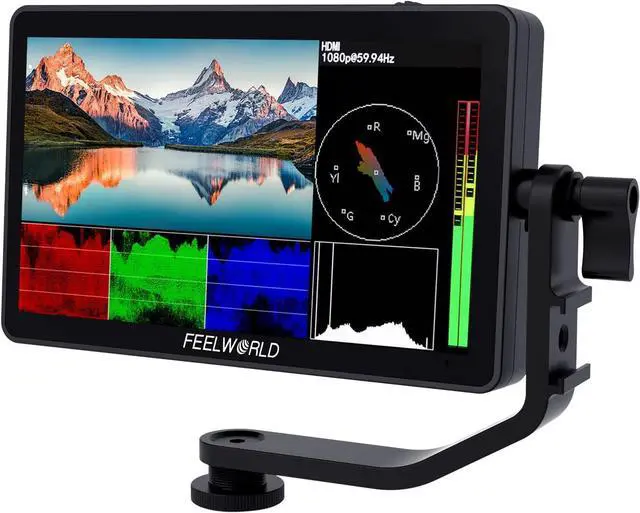
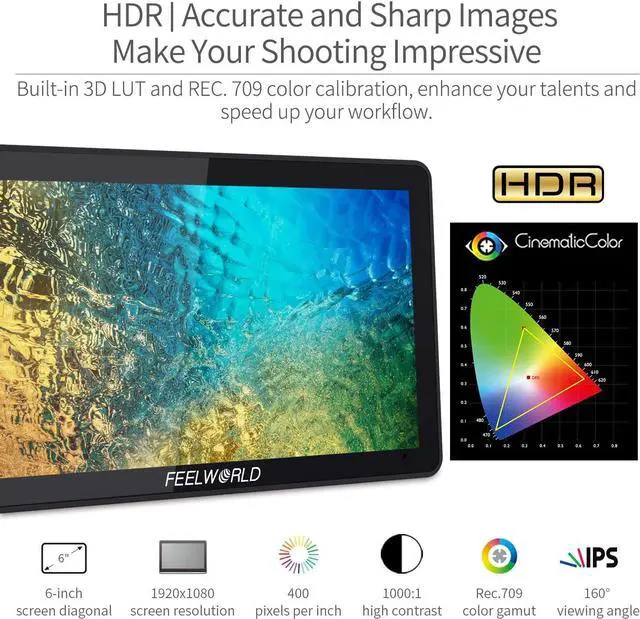
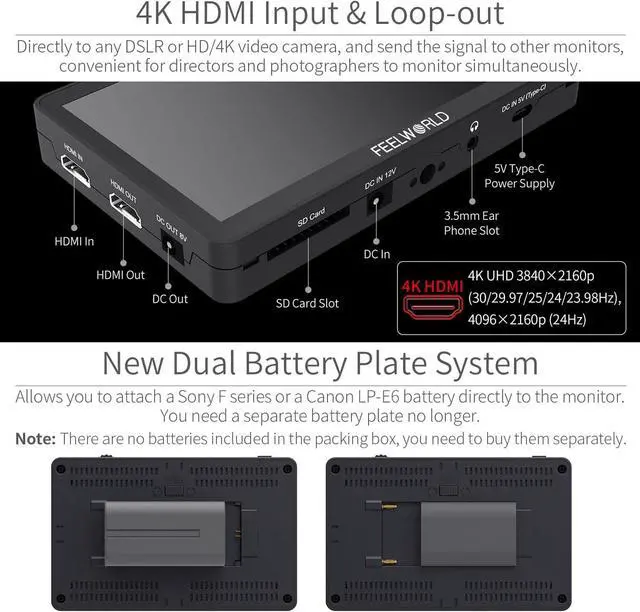


F6 Plus V2 6 inch DSLR Camera Field Touch Screen Monitor with HDR 3D Lut Small Full HD 1920x1080 IPS Video Peaking Focus Assist 4K HDMI 8.4V DC Input Output Include Tilt Arm
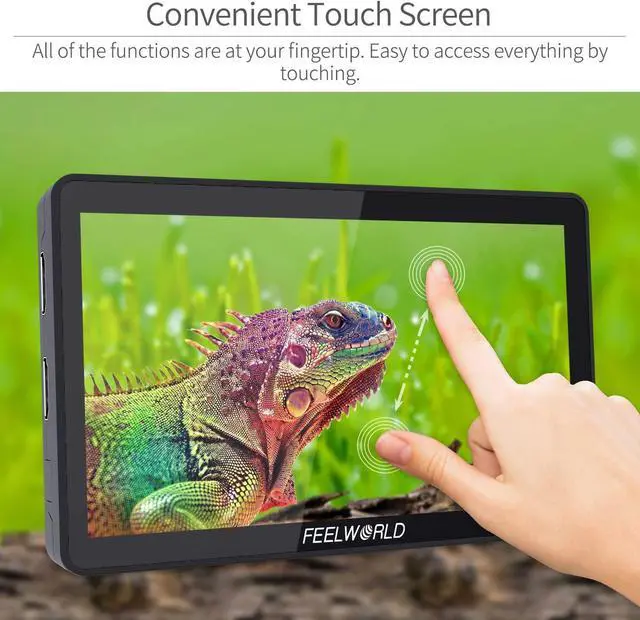
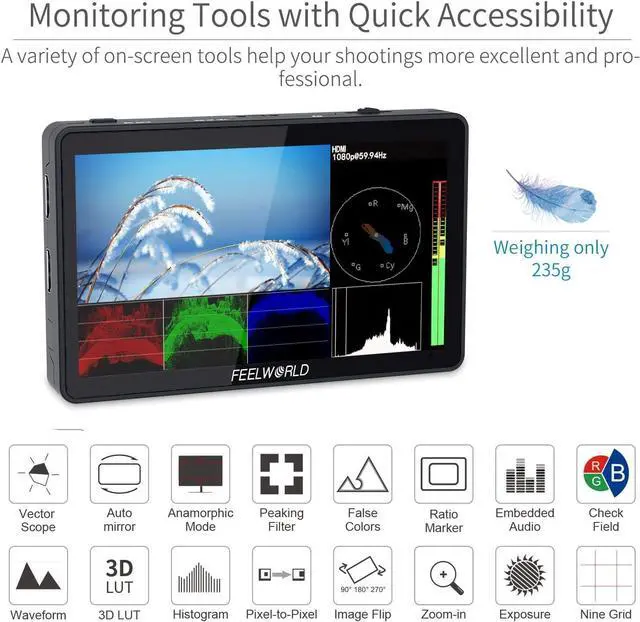
- Newest Innovative Touch Screen Get rid of complicated Buttons! All of the functions are at your fingertips. Short press to turn on and off the screen touch function. Its touchscreen allows you to zoom your image freely with a pinch gesture and access the menu settings conveniently. Used Versions is 5.5 inch without type-c interface and Waveform
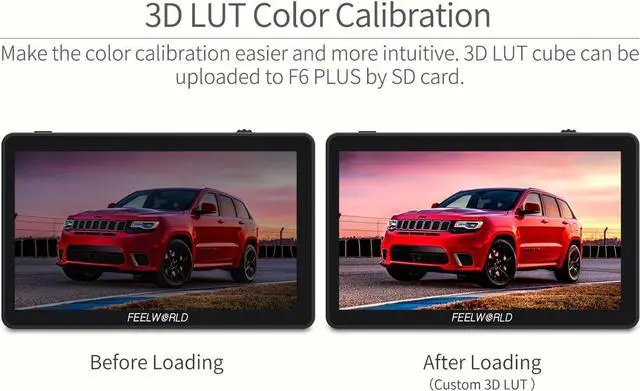
- Custom 3D LUT Support The LUT loading function makes the color calibration easier and more intuitive, helps you optimize the work-flow efficiently. You can upload 3D LUT cube to F6 Plus via SD card.
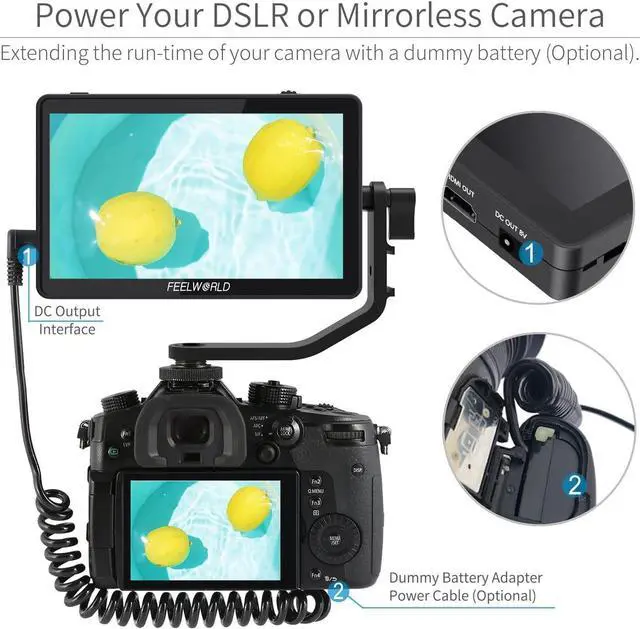
- Ideal Camera Partner Efficient DC output design. With a dummy battery(Optional), it can power your DSLR or mirrorless camera at any time, extend the run-time of your camera, while provide a more usable display. Convenient Mounting - Tilt Arm Allows F6 Plus monitor to rotate 360°for viewing, Includes a shoe mount of its own for accessories like a microphone, LED light, or wireless receiver, etc
+
+
Overview
Specs
Reviews

Any questions? Our AI mode will help you find out quickly.
Try me now
Flexible Dual-purpose Battery Plate Built-in two-in-one battery plate, compatible with Sony F Series and Canon LP-E6 batteries, providing long-time working condition. You dont need to buy battery plates separately.
Package Include1× F6 Plus Monitor, 1× Micro HDMI Cable, 1× Sunshade, 1× Tilt Arm, 1× Manual. Not include the battery and power adapter
Product Description
Previous page
Next page
Can't turn on the monitor
Make sure to use the standard 12V 1.5A power adapter to connect the monitor. If power is supplied by battery, please check if the battery is fully charged.
Have noise during recording
Long press < button and turn down volume to near zero, can aviod have not nosie during recording. Long press ">" is increase the volume.
The monitor display " no signal"
1Try another HDMI cable.
2And please try to connect monitor HDMI to your computer, try if the monitor have signal?
3Change the camera output singal, confirm the monitor input signal whether support the camera output signal.
When you turn on the focus peak, the information on the monitor will also display the focus peak and other problems.
You can try to turn off the "HDMI Information Display" under the "HDMI Settings" tab in the menu system, so that when the focus is turned on, it will not A similar situation occurred.
Display Spec.
Monitor Comparison
Recommended Accessories
Package Include1× F6 Plus Monitor, 1× Micro HDMI Cable, 1× Sunshade, 1× Tilt Arm, 1× Manual. Not include the battery and power adapter
Product Description
Previous page
Next page
Can't turn on the monitor
Make sure to use the standard 12V 1.5A power adapter to connect the monitor. If power is supplied by battery, please check if the battery is fully charged.
Have noise during recording
Long press < button and turn down volume to near zero, can aviod have not nosie during recording. Long press ">" is increase the volume.
The monitor display " no signal"
1Try another HDMI cable.
2And please try to connect monitor HDMI to your computer, try if the monitor have signal?
3Change the camera output singal, confirm the monitor input signal whether support the camera output signal.
When you turn on the focus peak, the information on the monitor will also display the focus peak and other problems.
You can try to turn off the "HDMI Information Display" under the "HDMI Settings" tab in the menu system, so that when the focus is turned on, it will not A similar situation occurred.
Display Spec.
Monitor Comparison
Recommended Accessories
Warranty & Returns
Warranty, Returns, And Additional Information
Warranty
- Please contact the Seller directly for warranty information. Warranty information may also be found on the Manufacturer's website.
- CONTACT
Return Policies
- Return for refund within: 30 days
- Return for replacement within: 30 days
- This item is covered by Halo Electronics Return Policy
Manufacturer Contact Info
- For a directory of all our manufacturers, please click below.
- Manufacturers Directory
LOADING...