From the Manufacturer
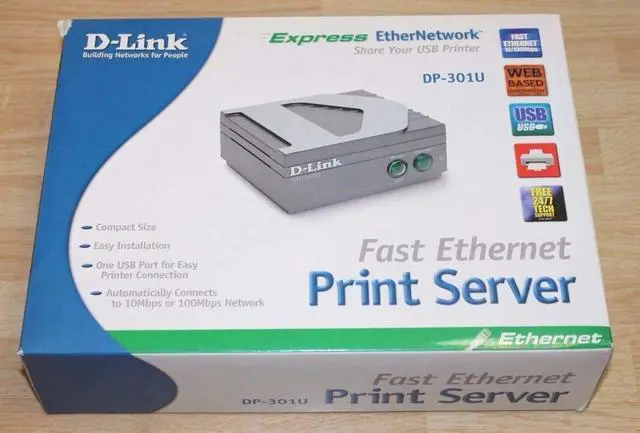
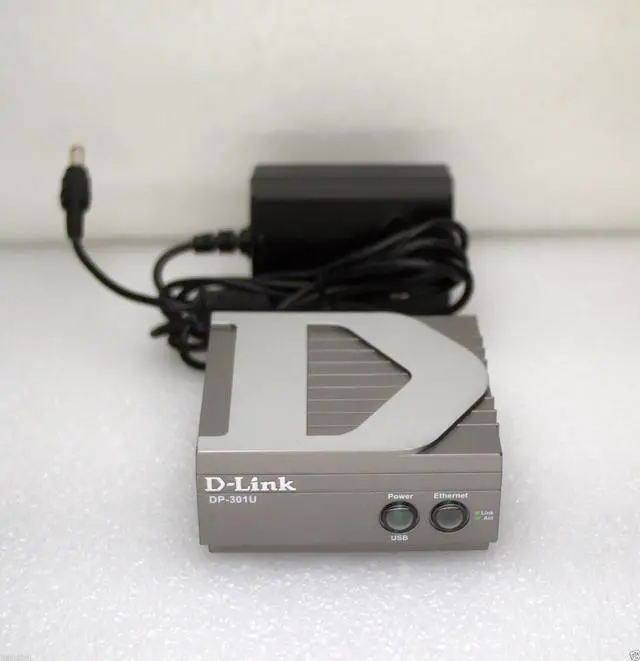
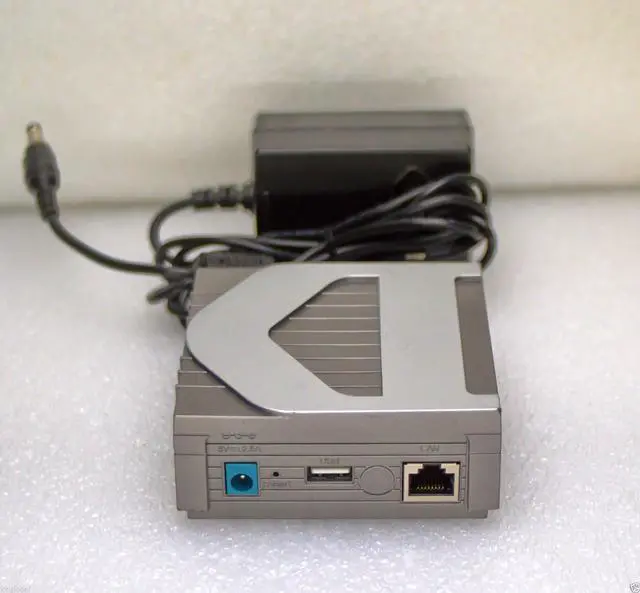
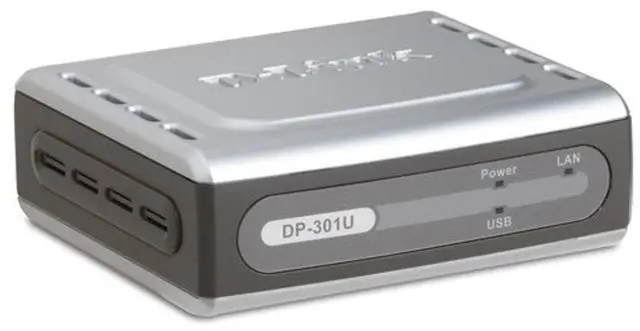
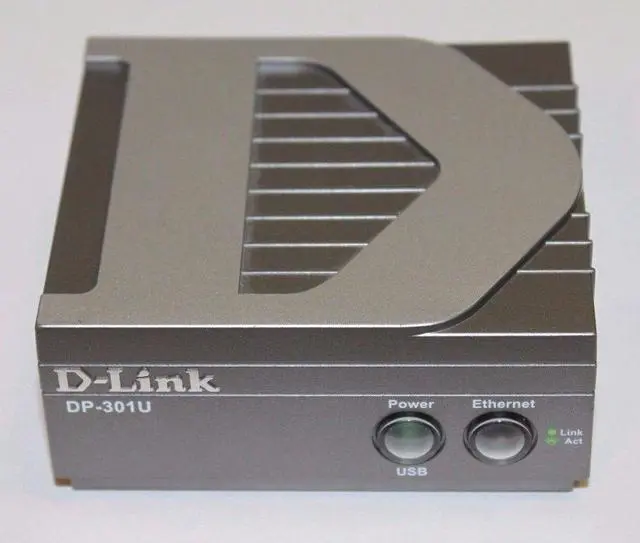
D-Link, the industry pioneer in networking, continues to offer innovative Ethernet products. The D- Link DP-301U is a compact print server that connects to your Ethernet or Fast Ethernet network. With its high-speed USB port, the DP-301U allows those on your network to access and share a USB printer no matter where they reside on the network.
The DP-301U is equipped with one USB version 1.1 port for seamless connection to most USB printers available on the market today. The DP-301U also supports all major network Operating Systems and protocols. With its compact size, the DP-301U can easily be placed anywhere.
The DP-301U is also easily configurable using a Web Browser or Windows based configuration program. Using Web Browsers on a PC connected to the network, configuration is simple and straight forward with the familiar D-Link interface. PS Admin, a Windows-based configuration program can also be used to configure the DP-301U.
The DP-301U print server is the ideal network printing solution for small offices, home offices, schools and other businesses that require printer sharing.
Product Description
D-Link DP-301U 10/100TX 1-USB Port Print Server