




 here!
here!
I’m your shopping assistant for PC builds, upgrades, and everything tech.
Got questions? Ask away!
Start a conversation
here!
I’m your shopping assistant for PC builds, upgrades, and everything tech.
Got questions? Ask away!
Start a conversation

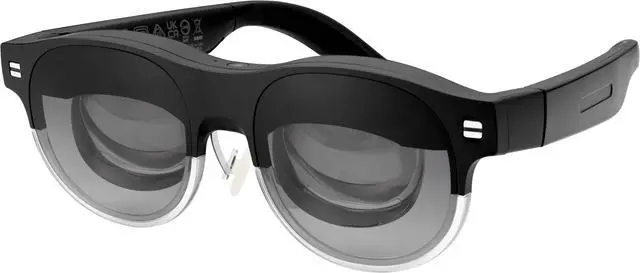
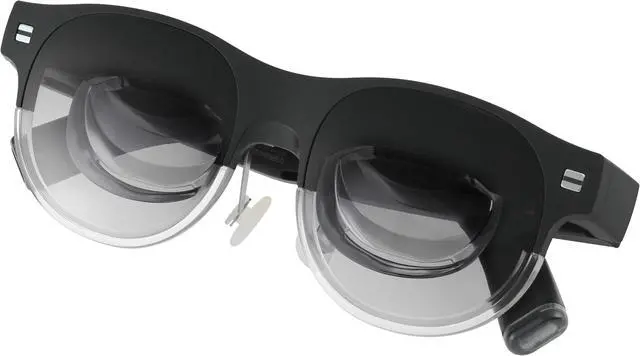
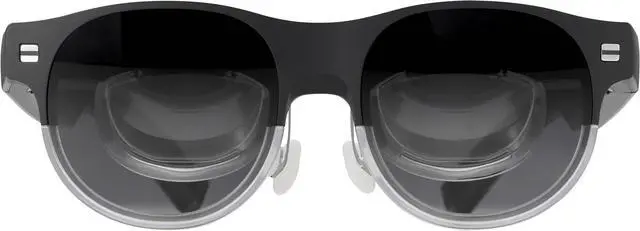




Any questions? Ask CelesteSM will help you find out quickly.



Up to
100"
Display
95%
DCI-P3
1,100
Nits
Ambient
Light Sensor
Built-in Speakers & Noise-Canceling Microphone

60%
Transparency
AirVision
App
Optimized for
Windows Devices
Like Laptop & ROG Ally

Screen Distance Adjustment

Multi-Screen Setup

Screen Pinning

Pupil Distance Adjustment
Unlock the full potential of your ROG Ally with enhanced visuals and immersive gaming, thanks to seamless compatibility and superior performance.

Elevate your productivity with the freedom to work on multiple screens anywhere. Enjoy a light and comfortable experience, perfect for multitasking and staying focused.

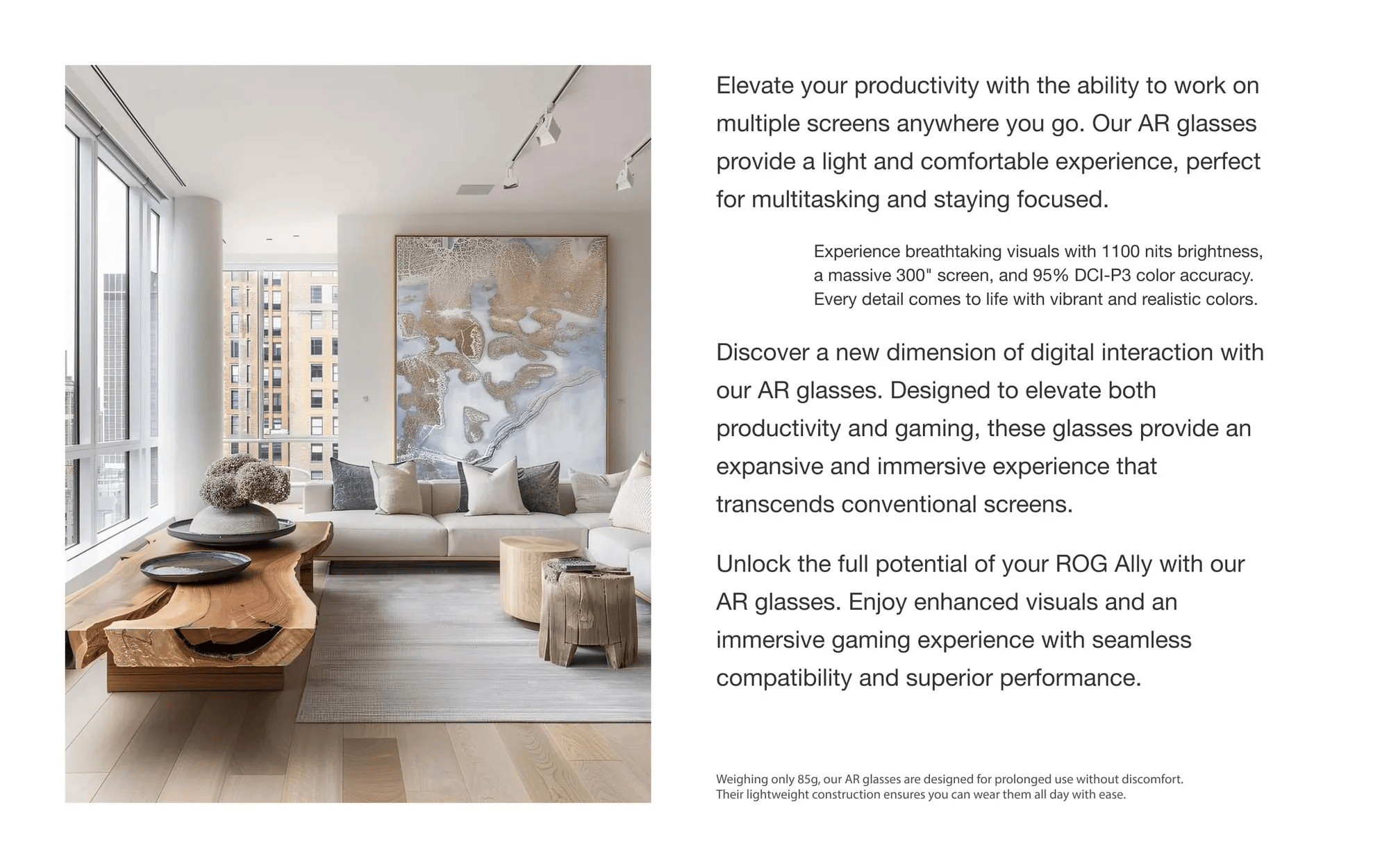
Experience breathtaking visuals with 1,100 nits brightness, a massive 100" screen, and 95% DCI-P3 color gamut. Every detail comes to life with vibrant and realistic colors.
DCI-P3
Brightness

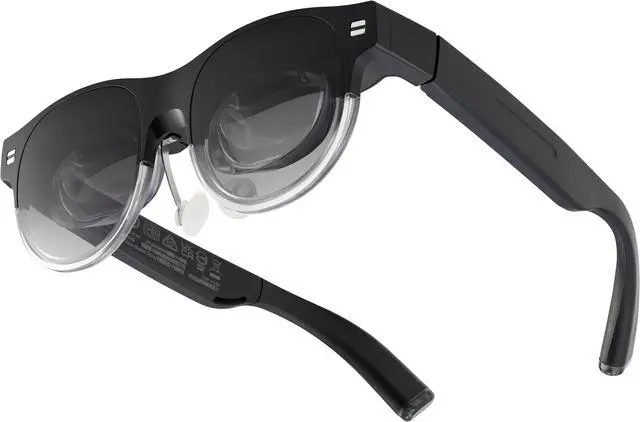
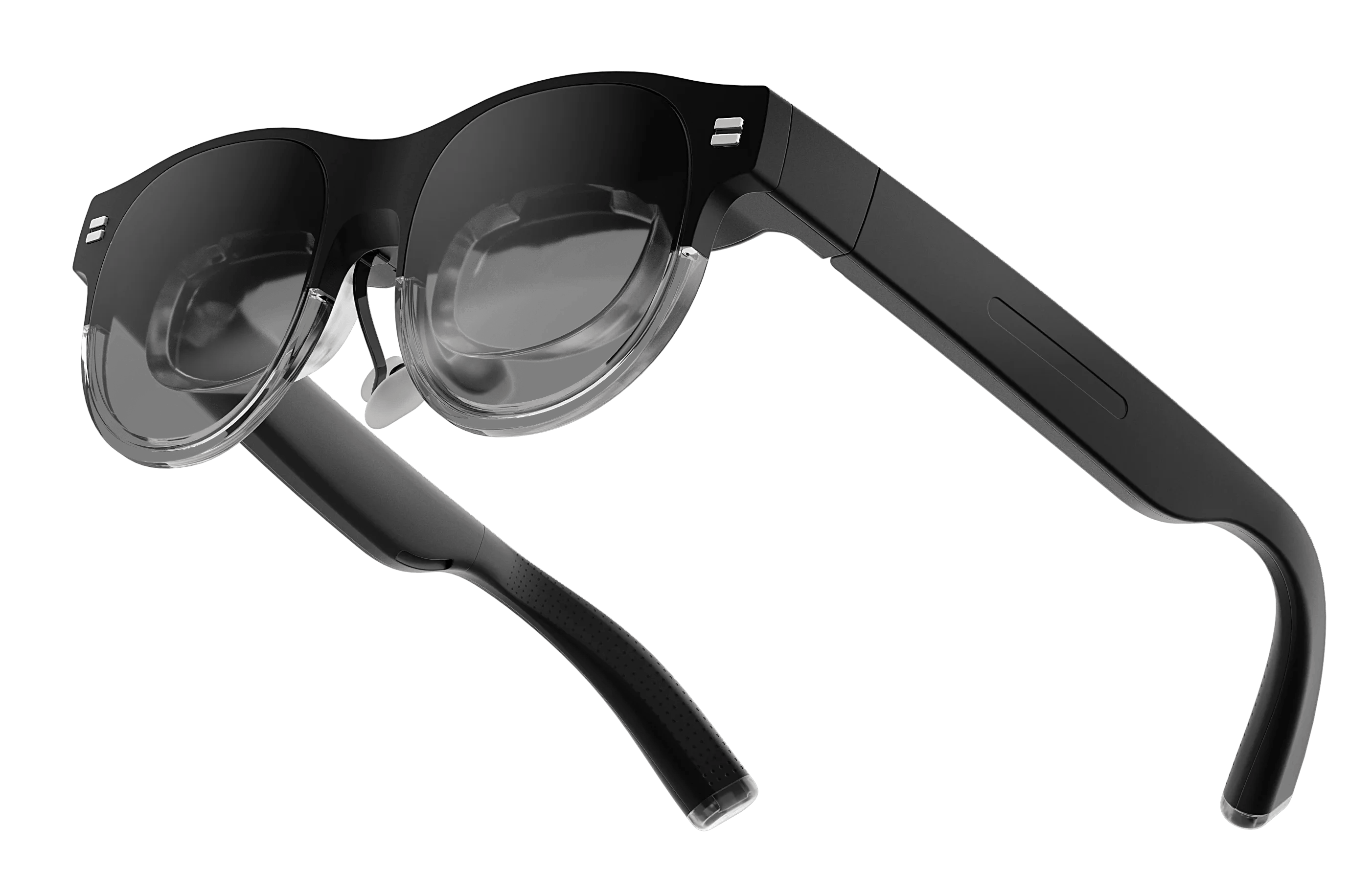
With 60% optical transparency, our device keeps you aware of your surroundings without compromising immersive viewing, compared to competitors' 12% transparency.

60% transparency

12% transparency
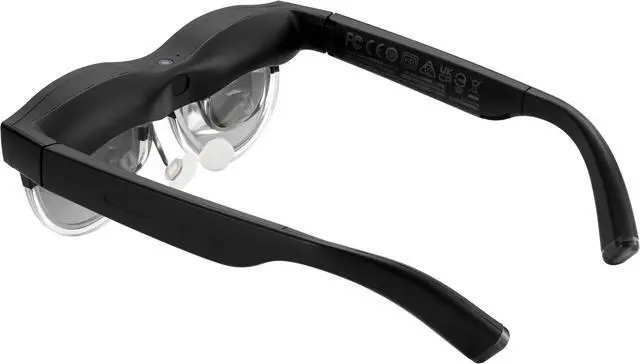
Weighing only 87g, it's designed for prolonged use without discomfort.
Super Light



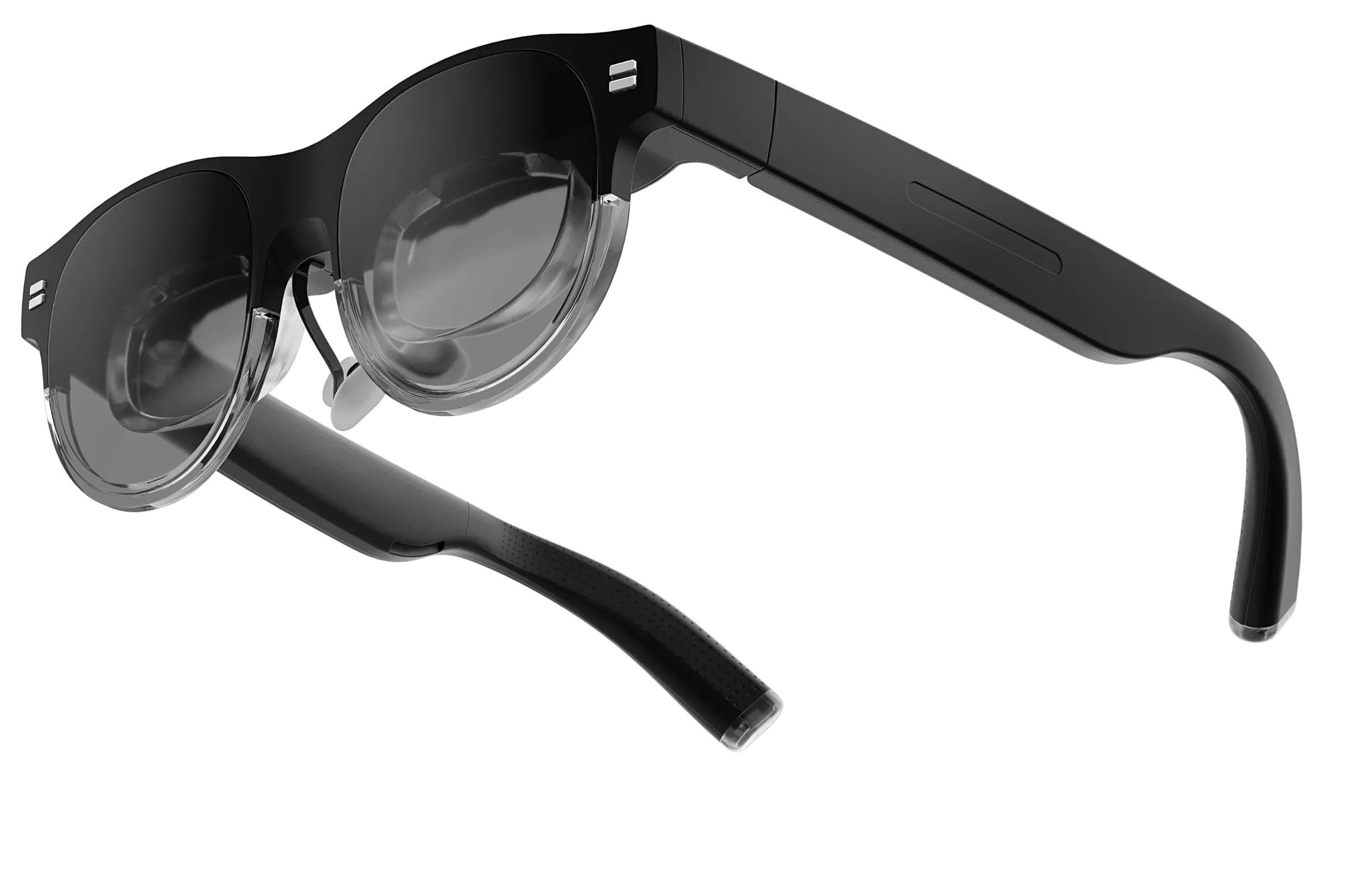

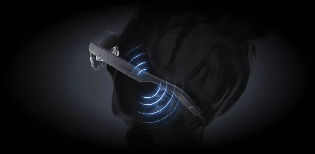
Enjoy a cinema-like experience with built-in speakers and a noise-canceling microphone, delivering clear and immersive audio while maintaining your privacy.
Speakers
Microphone
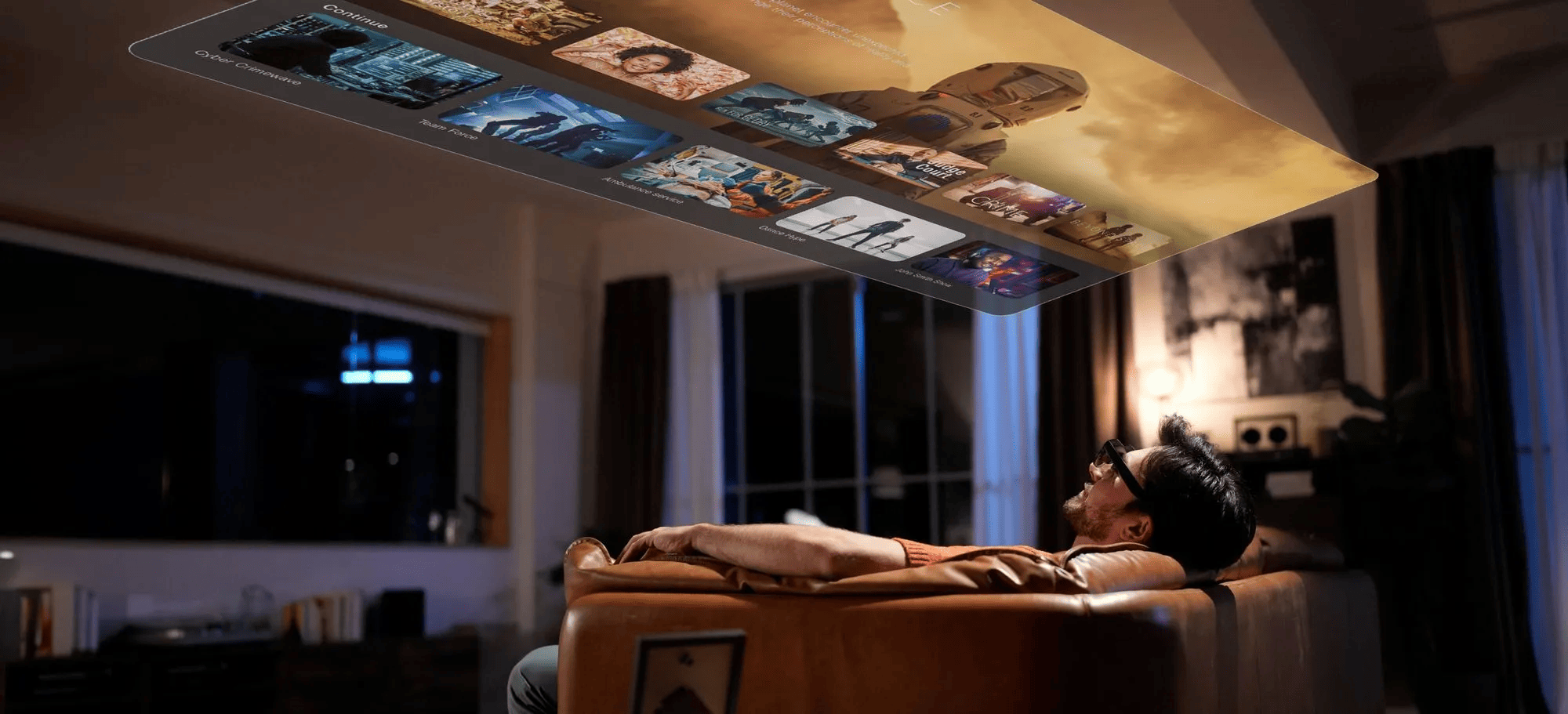
Crisp and clear text rendering with higher brightness ensures every detail is easily readable.

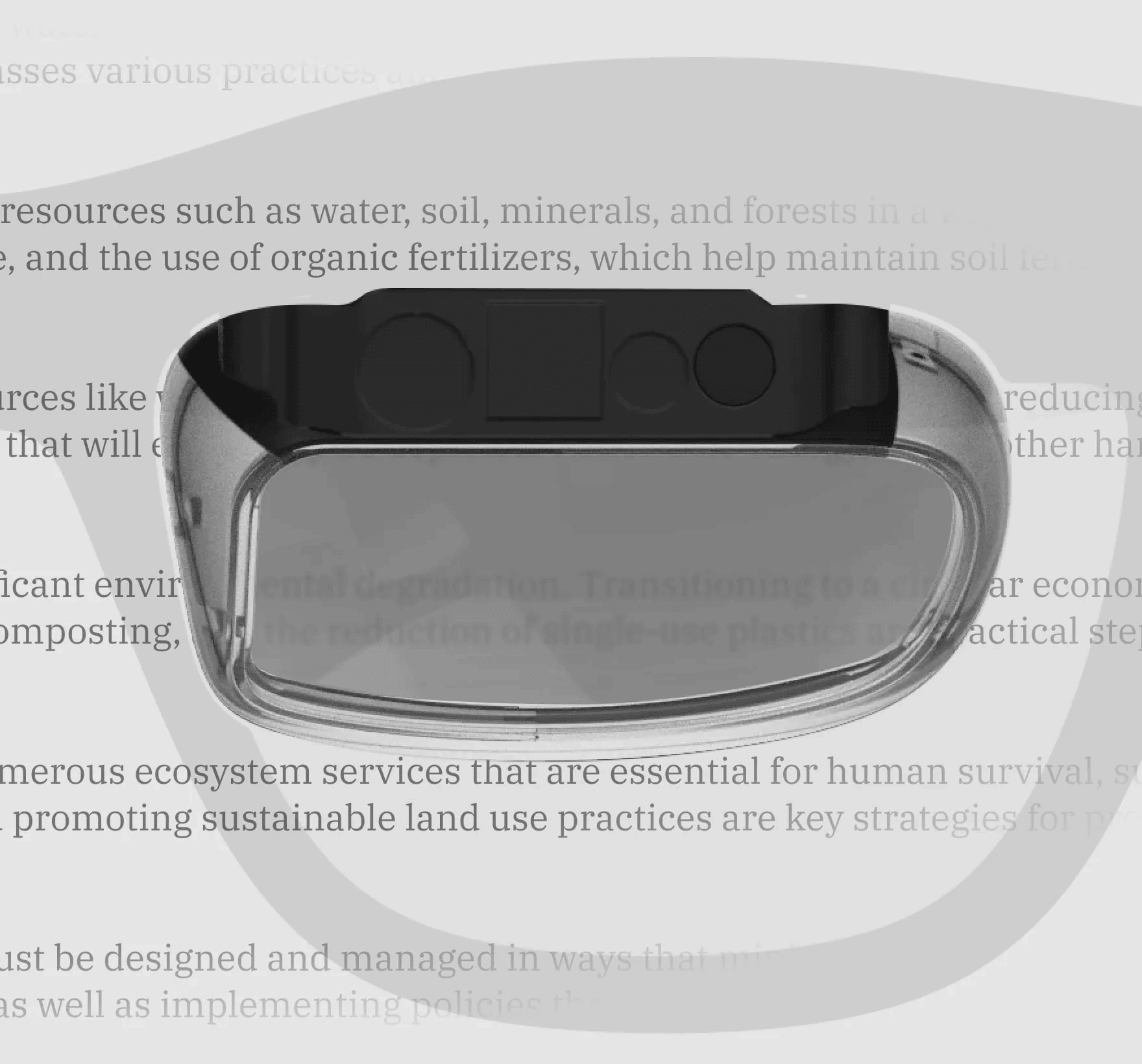
Certified to meet the highest standards for eye protection, reducing strain and providing a comfortable viewing experience.
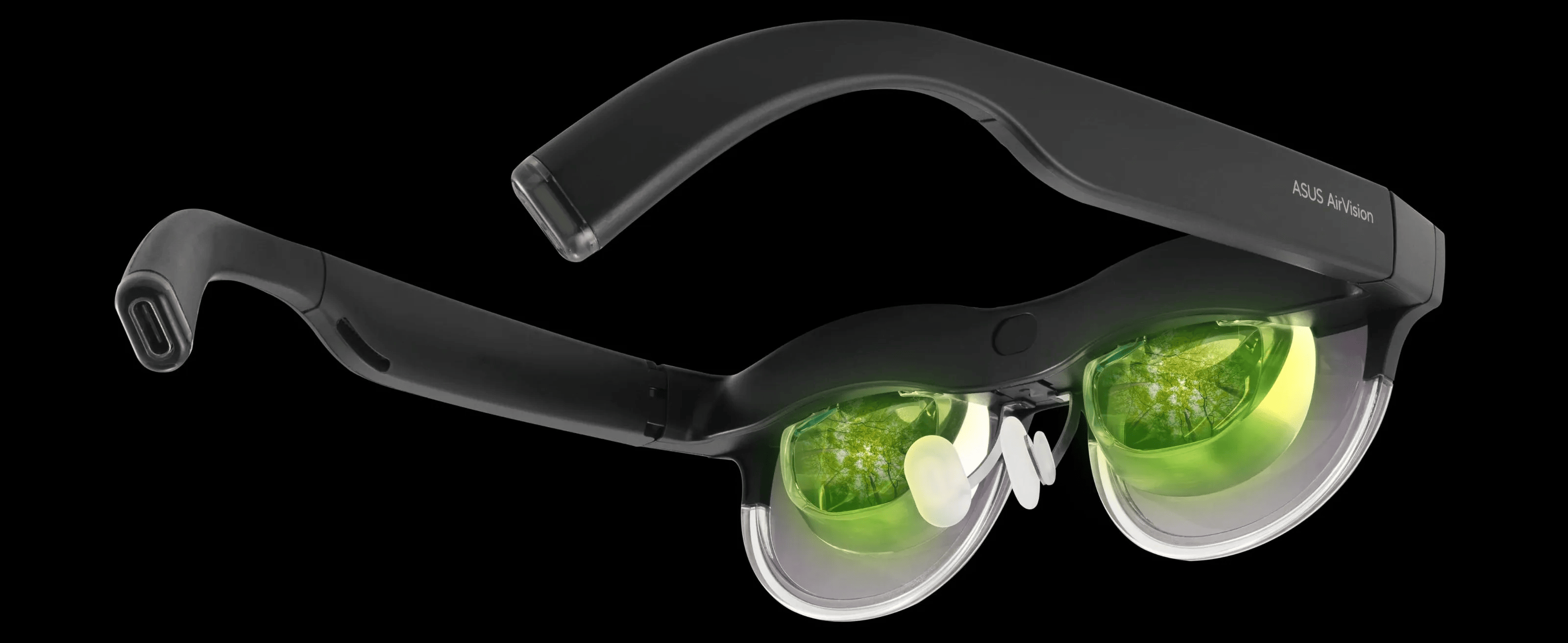
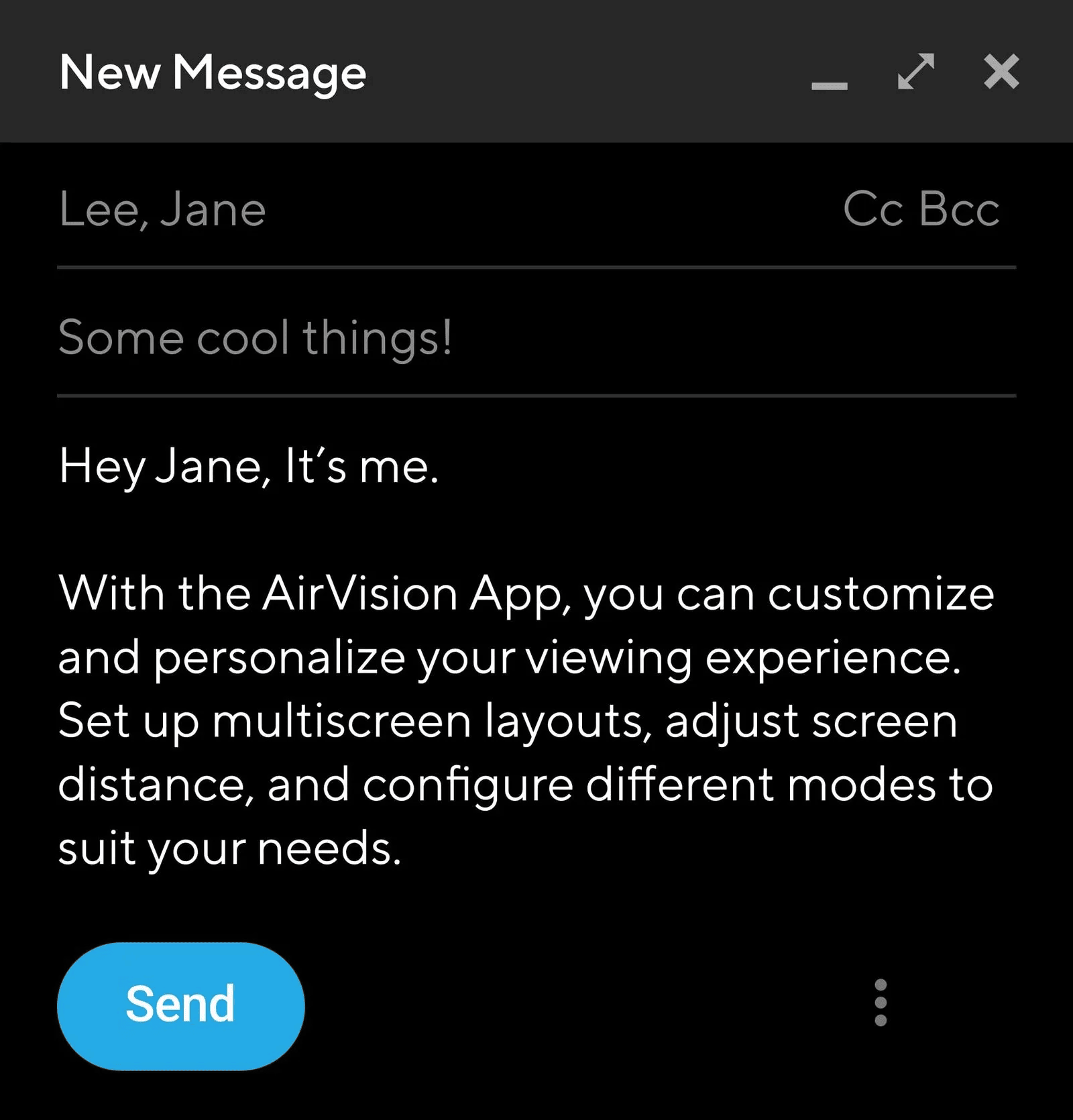
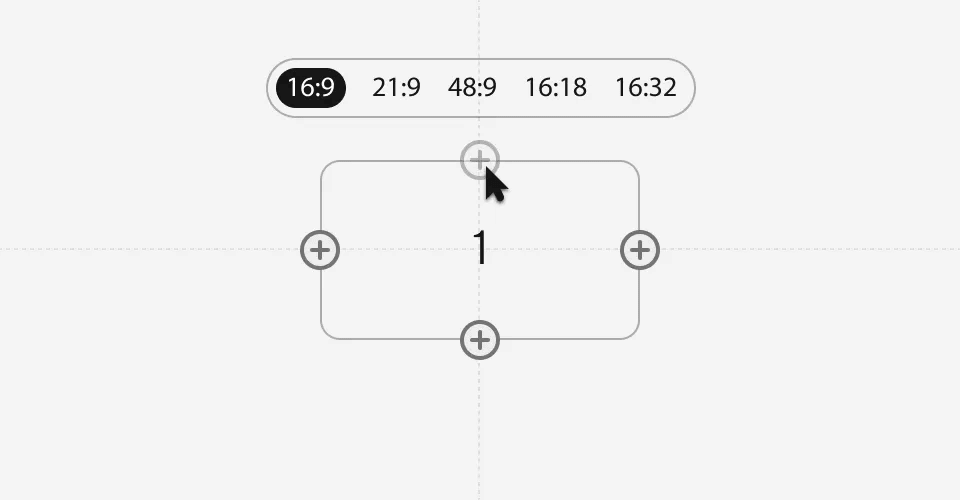
With the AirVision App, customize your viewing experience. Set up multi-screen layouts, adjust screen distance, and configure modes to suit your needs. For the best experience, it's recommended to use the latest version of Windows (version 24H2 or later).
Easily arrange multiple screens and control different aspects.
Find the perfect screen size and distance for your comfort.

Simple adjustment for individual pupil distances.

Switch between modes for various usage scenarios, and save your favorite layouts.
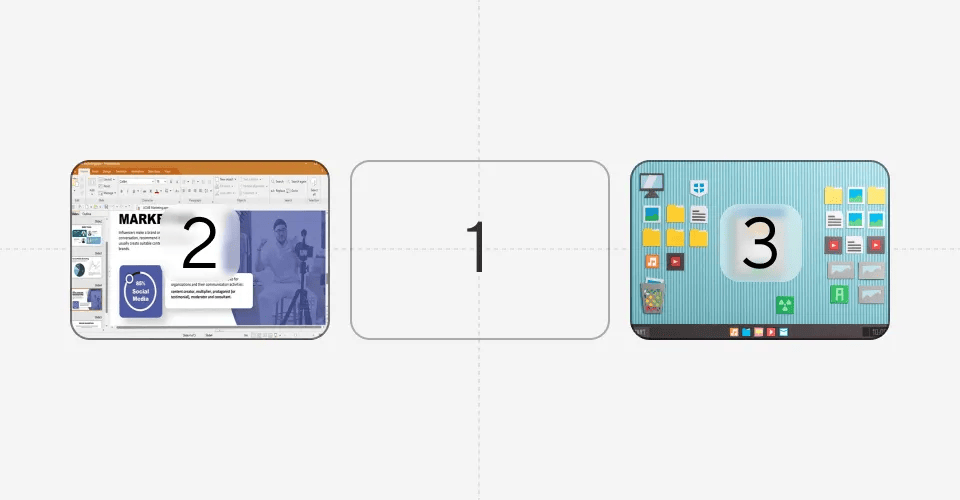
Working Mode

Gaming Mode
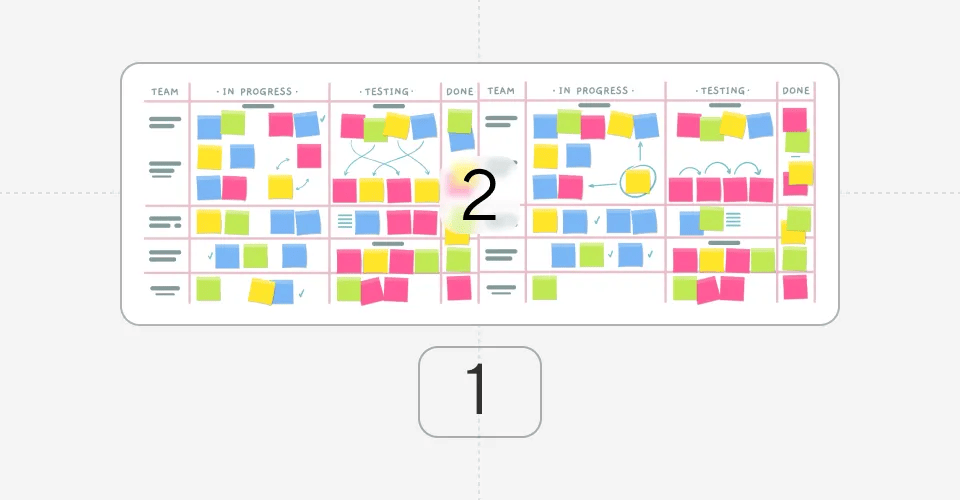
Infinity Mode
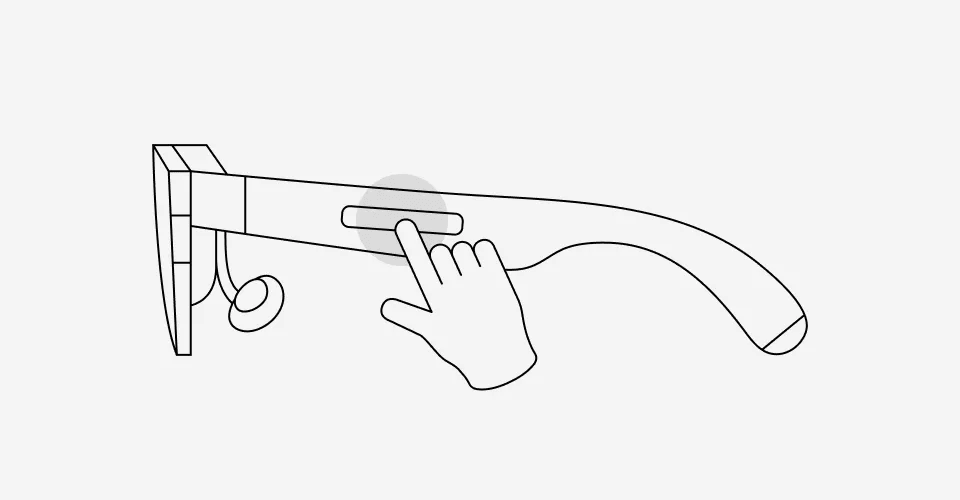
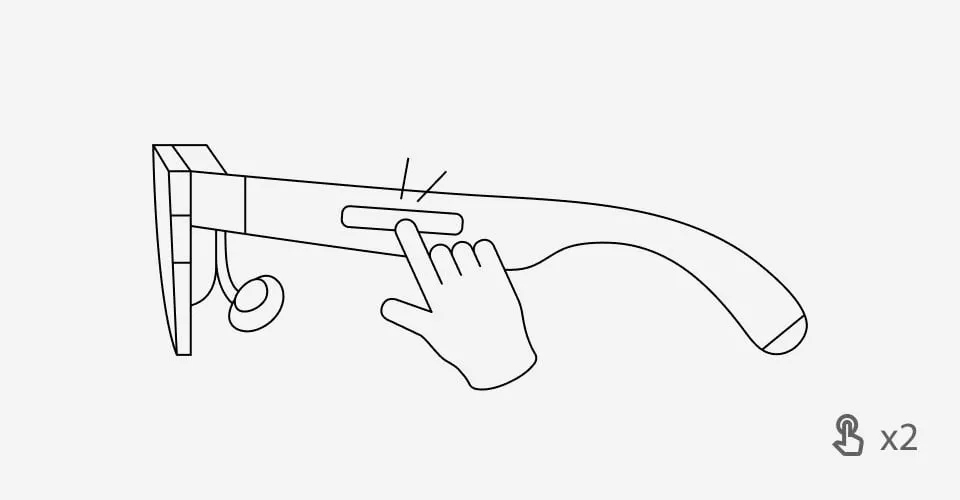
Featuring gesture control, adjust brightness, screen positions, and layouts with simple hand movements.
One-finger tap once
One-finger double tap
One-finger swipe
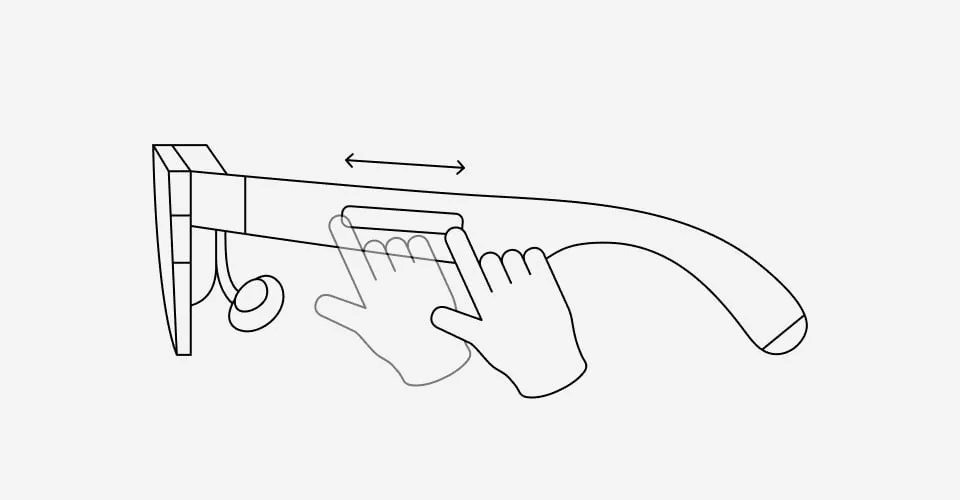
* Need to install AirVision App for gesture control
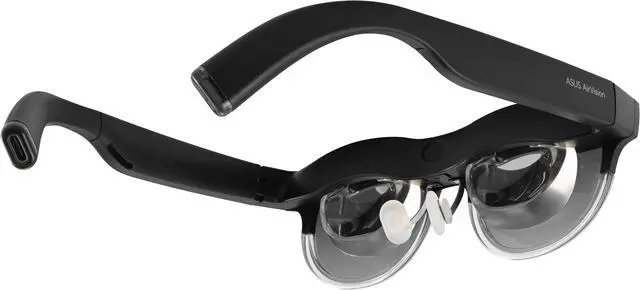
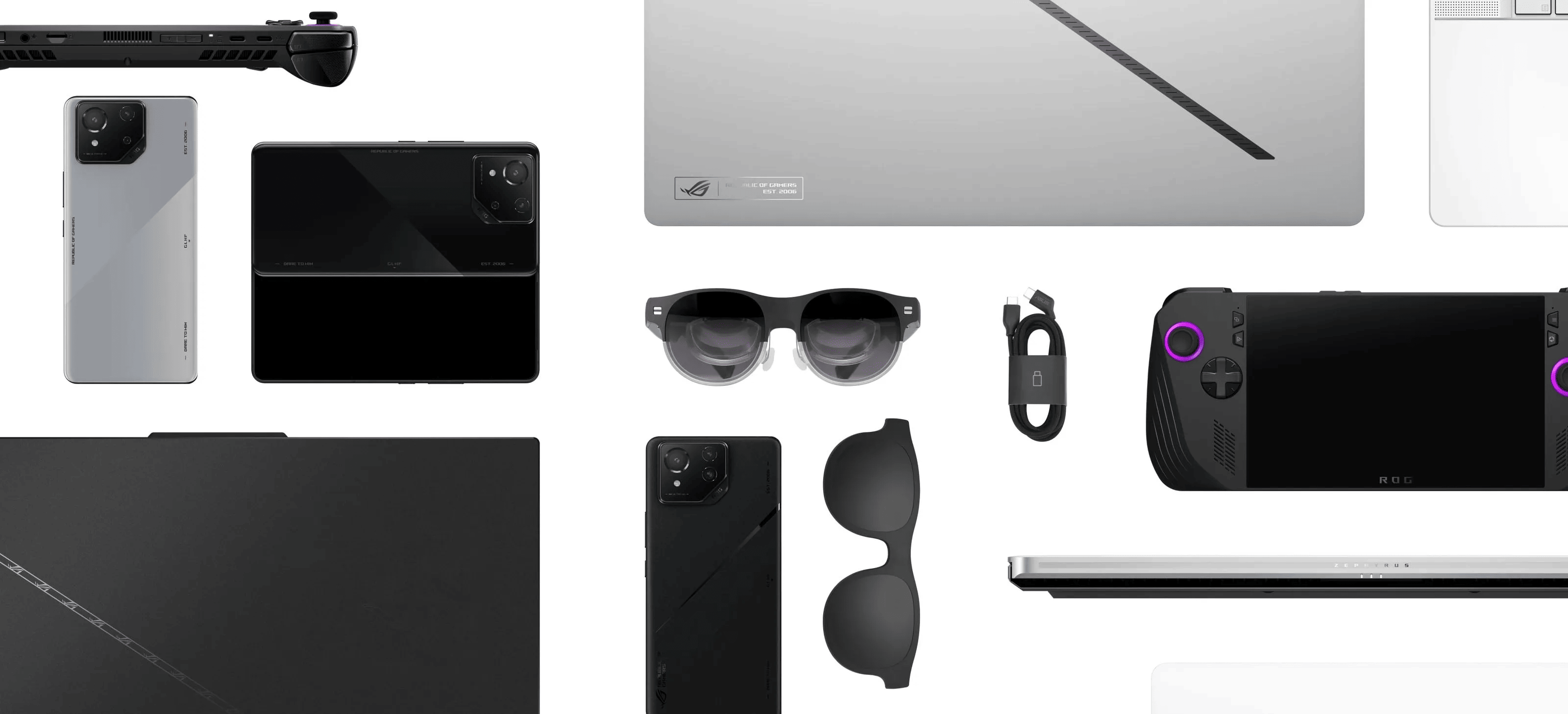
Seamlessly compatible with all Type-C Alt mode devices, including ROG Ally, notebooks, and phones with full-function Type-C ports.

Type-C
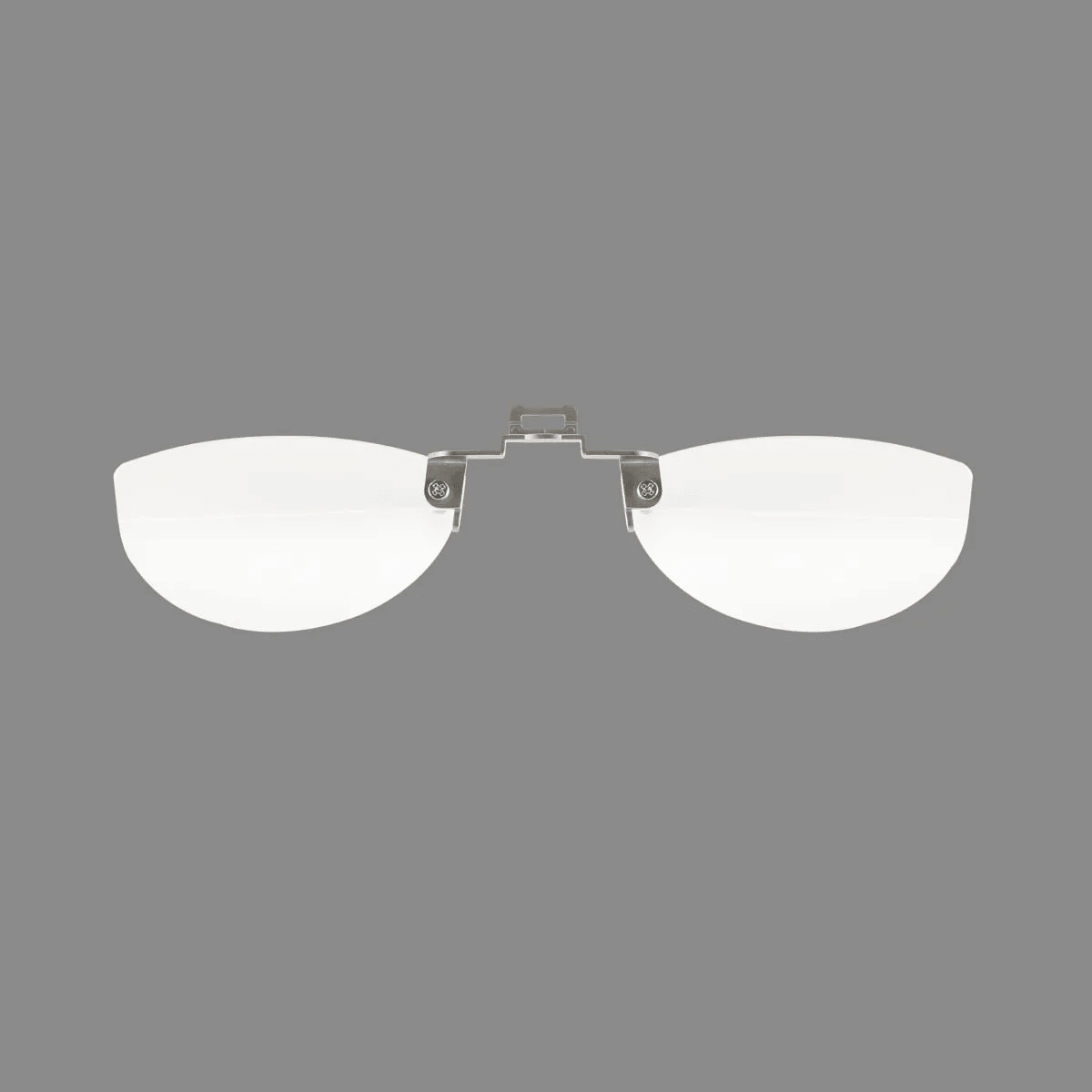
*Prescription Lens
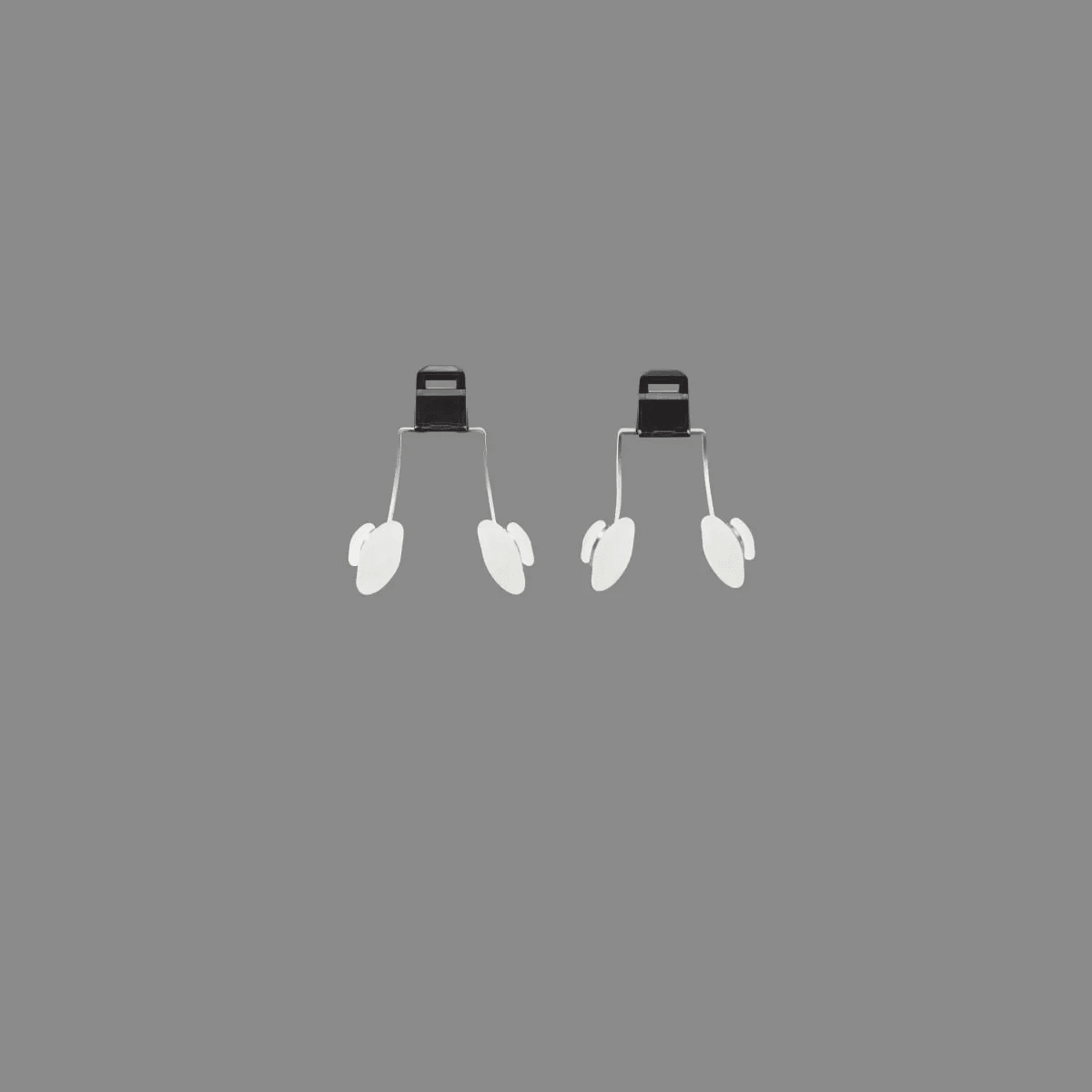
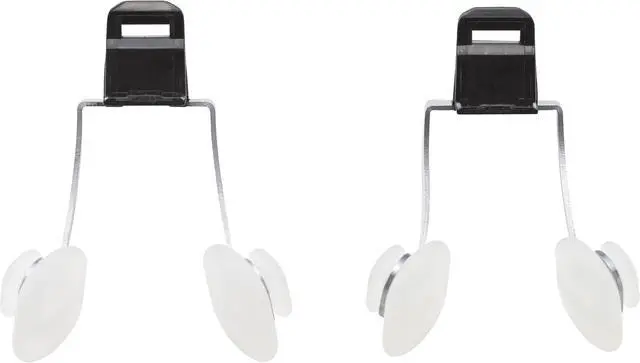
2 x Nose Pads*
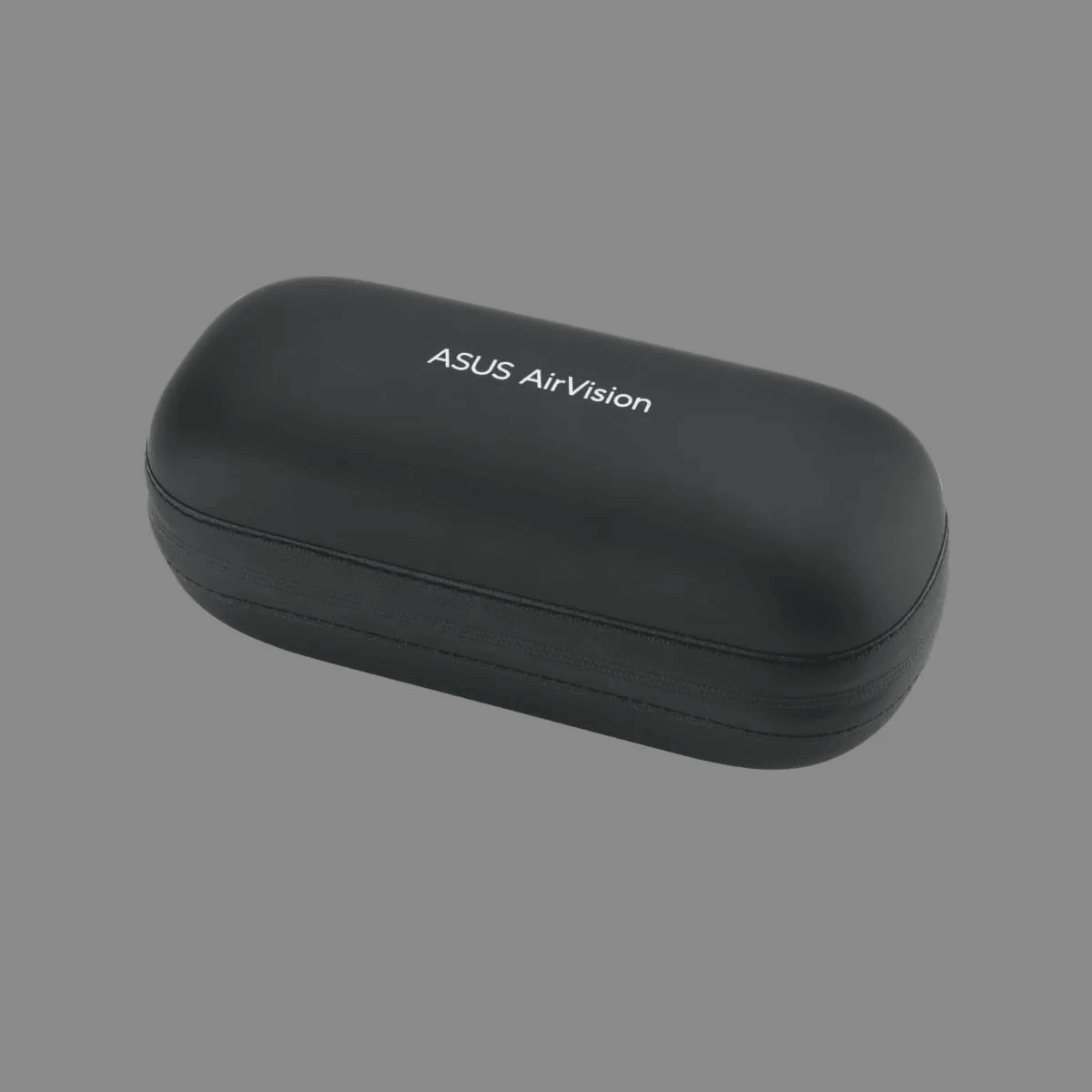
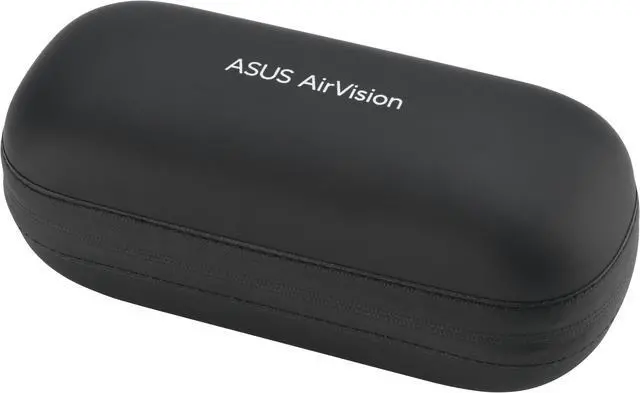
Carrying Case
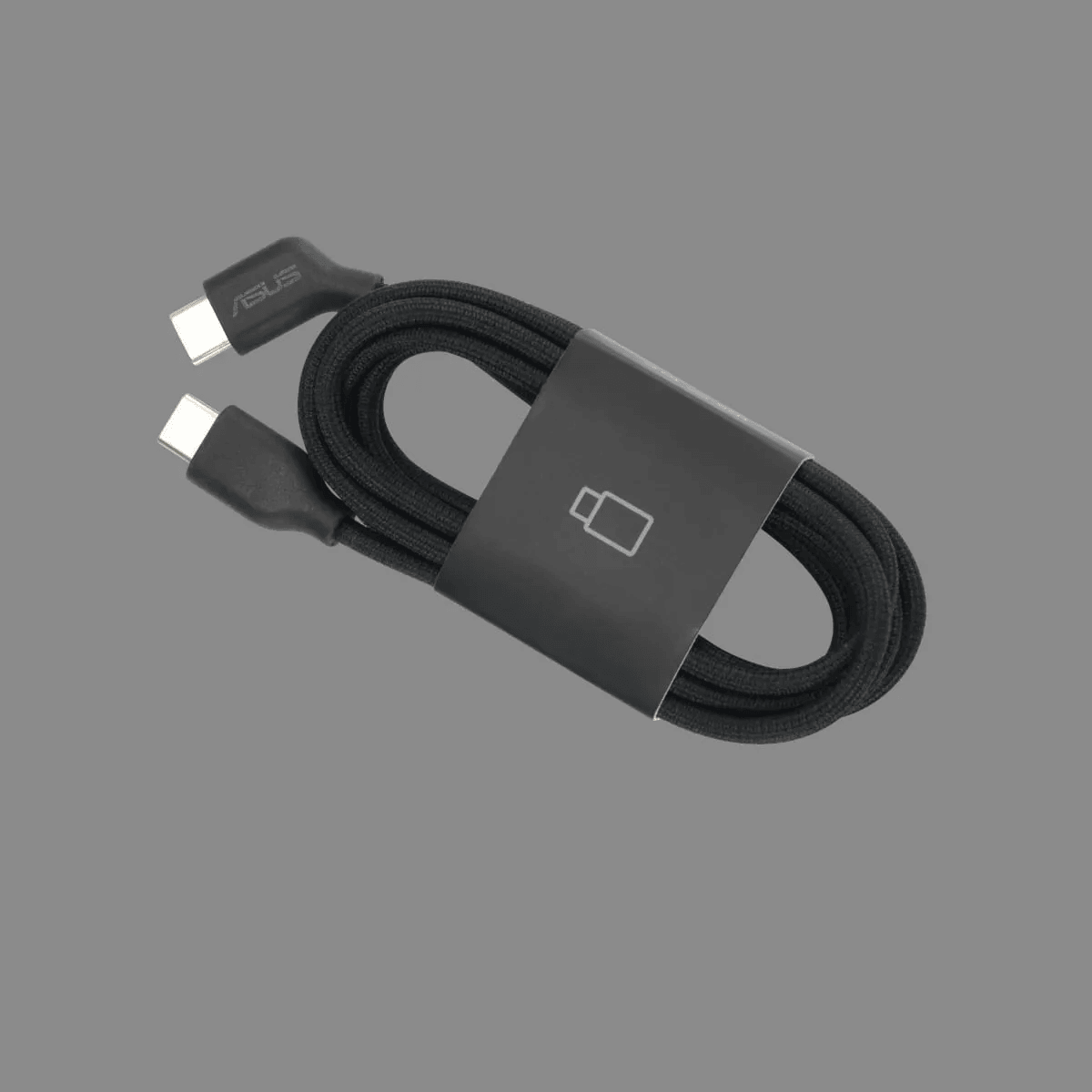
USB-C Cable
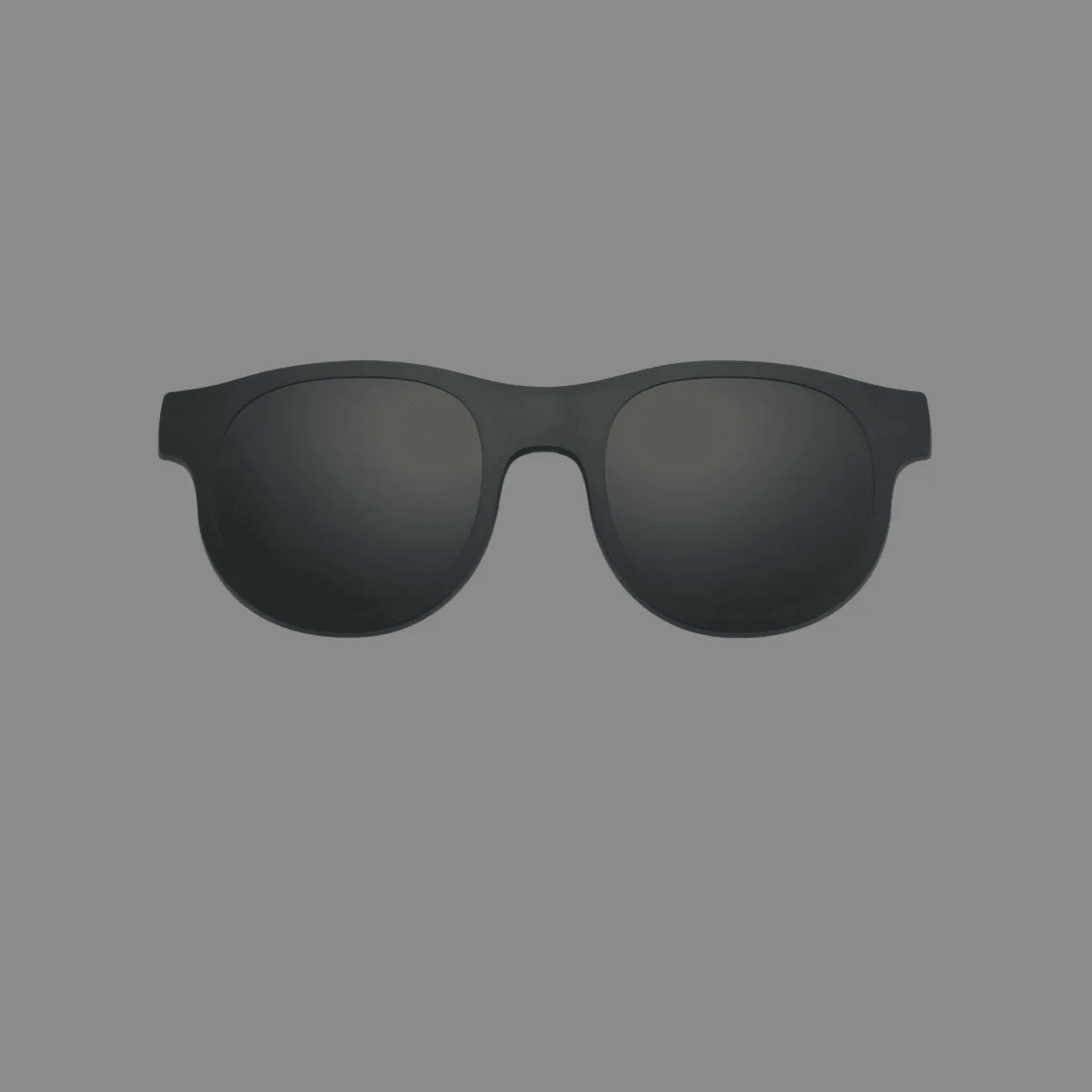
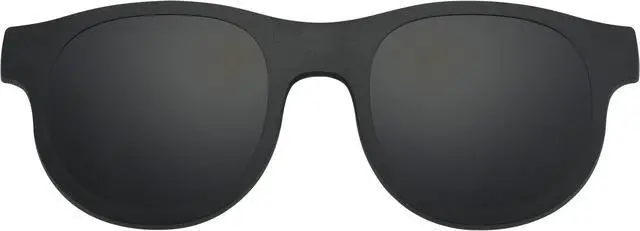
Light Shield
Cloth
* The attached lenses are non-prescription. For the best visual experience, please consult an optician to customize the lenses to your prescription.
* Offers two different sizes of ergonomic nose pads to suit various facial structures, providing optimal comfort and a secure fit.

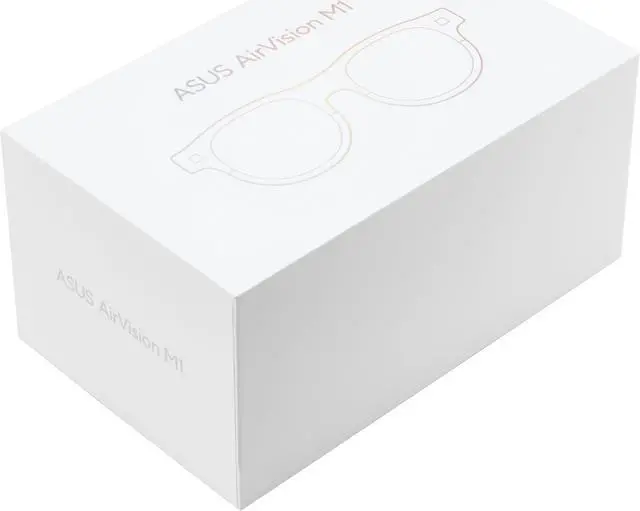
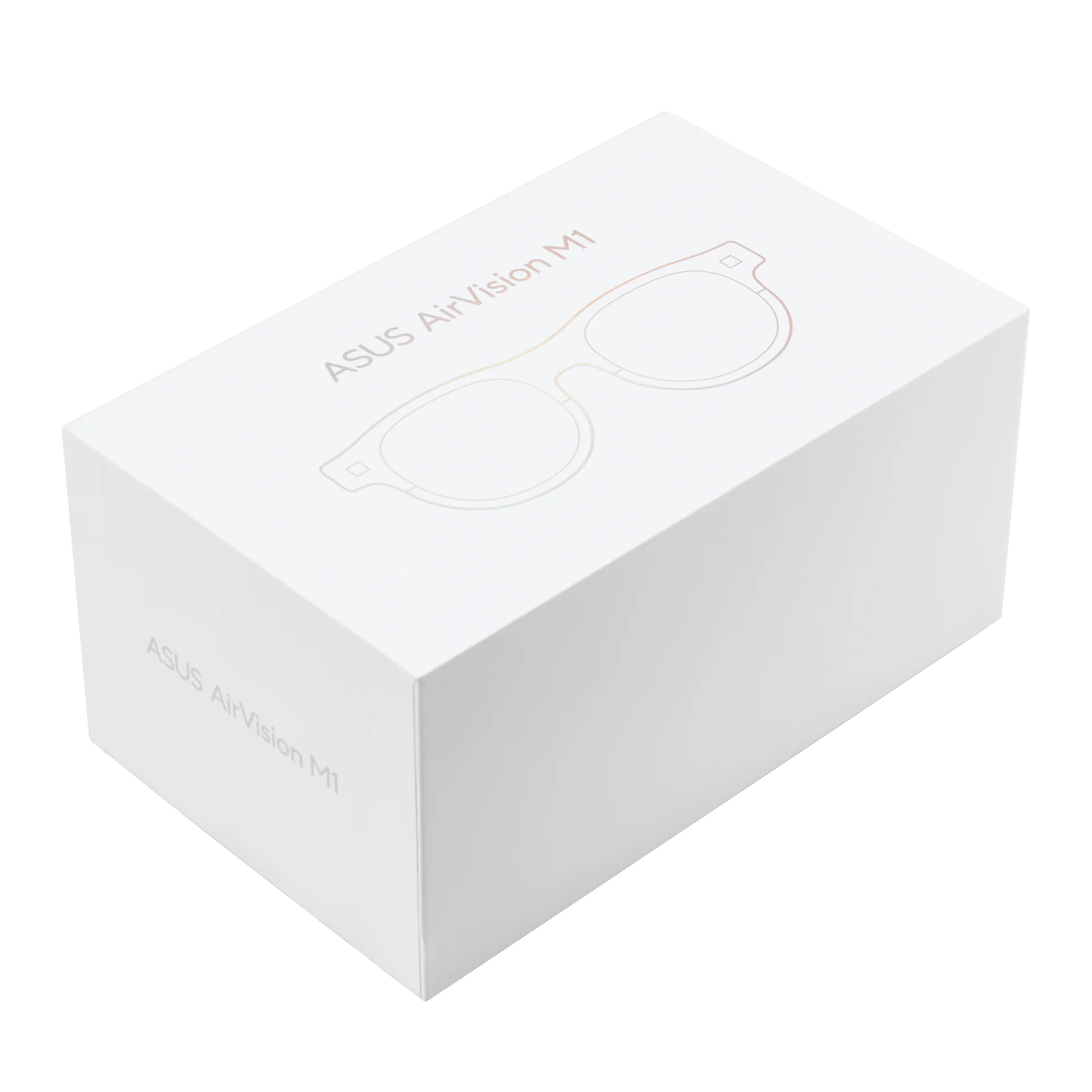
The paper-based packaging of ASUS AirVision M1 is FSC® Mix-certified eco-friendly cardboard box. And by using plastic-free packaging, ASUS is reducing its environmental impact and promoting a more sustainable future.

AirVision M1 has a power-saving light-load mode to achieve energy-efficient.


