
Your Browsing History
- In Stock
- Sold by Newegg
- Make an Offer
- New
- Combo Deals Only

Any questions? Our AI beta will help you find out quickly.
Try me now
Quick View
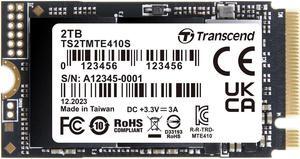
2TB Transcend 410S NVMe PCIe 4.0 M.2 2242 Gen4 x4 Internal SSD
- Model #: TS2TMTE410S
- $613.99 –
- More options from $411.87 - $839.38
Quick View
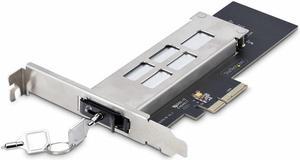
StarTech.com M.2 to PCIe Adapter Card M2-REMOVABLE-PCIE-N1
- Part Number: M2-REMOVABLE-PCIE-N1
- Model #: M2-REMOVABLE-PCIE-N1
- $118.12 –
- More options from $101.99 - $123.17
Quick View
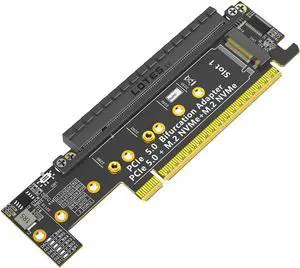
PCIe 5.0 X16 to Dual M.2 Mkey and PCIe x16(x8 Signal) Adapter Dual M.2 Mkey PCIe5.0 Adapter Compatible with M.2 NVMe SSD That Support PCI-e Bifurcation x8x4x4
- Model #: 690176845267458
- $45.00 –
- Free Shipping

Quick View
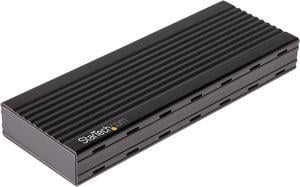
StarTech.com M2E1BMU31C M.2 NVMe SSD Enclosure for PCIe SSDs - USB 3.1 Gen 2 Type-C
- Color: Black
- Specifications: 4Kn Support: Yes General Specifications: Not compatible with M.2 SATA or AHCI based SSDs Maximum Data Transfer Rate: 10 Gbps MTBF: 233,398 Hours TRIM Support: Yes Type and Rate: USB 3.1 Gen 2 - 10 Gbit/s NVMe (PCIe Gen 3) UASP Support: Yes Host Connectors: 1 - M.2 (PCIe, M-Key, NVMe, NGFF) 1 - USB 3.1 USB Type C (10 pin, Gen 2, 10 Gbps) Female Dimension: 4.30" x 1.60" x 0.50" Weight: 2.30 oz.
- Model #: M2E1BMU31C
- $91.99
- $67.99 –
- Save: $24.00 (26%)
- More options from $67.99 - $75.06
- Free Shipping
Quick View
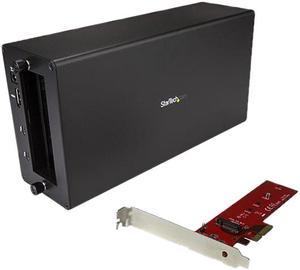
StarTech BNDTB4M2E1 Thunderbolt 3 to M.2 PCIe Adapter - External PCIe Enclosure / Chassis plus Card - with DisplayPort Monitor Port - PCIe SSD
- AC Adapter: Yes
- Material: Aluminum / Steel
- Dimensions: 11.00" x 5.60" x 3.20"
- Fan: 1 x 92mm Sleeve Bearing Fan
- Model #: BNDTB4M2E1
- $351.98 –
- More options from $351.98 - $405.18
- Free Shipping

Quick View
StarTech USB-C 10Gbps M.2 NVMe PCIe SSD Enclosure
- Model #: M2E1BRU31C
Quick View
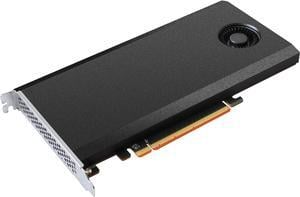
HighPoint SSD7101A-1 PCI-Express 3.0 x16 Full-Height 4 x dedicated 32 Gbps M.2 Ports to PCIe 3.0 x16 RAID Controller
- Dimensions: 5.00" x 8.39" x 0.85"
- Operating Systems Supported: Windows 10, Windows Server 2012 R2 or later Linux Kernel 3.3 or later macOS 10.13 or later
- Windows Vista: Windows 10 64-bit Linux Kernel 3.3 or later
- Package Contents: 1 x SSD7101A-1 RAID Controller 1 x Quick Installation Guide
- Model #: SSD7101A-1
- $474.66 –
- More options from $431.99 - $573.40
Quick View
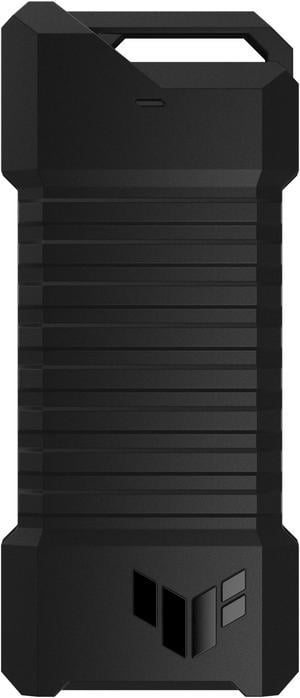
ASUS TUF Gaming A1 External Dual M.2 NVMe PCIe SSD Enclosure - USB-C, SATA interfaces, M.2 Q-Latch for easy installation, Drop resistance, IP68 water and dust resistance, PS5 and Xbox support

- Brand: ASUS
- Color: Black
- Part Number: 90DD02N0-M08000
- Type: Enclosure
- Model #: ESD-T1A/BLK/G/AS//
- $57.34 –
- More options from $49.99 - $129.21
- Free Shipping
Quick View
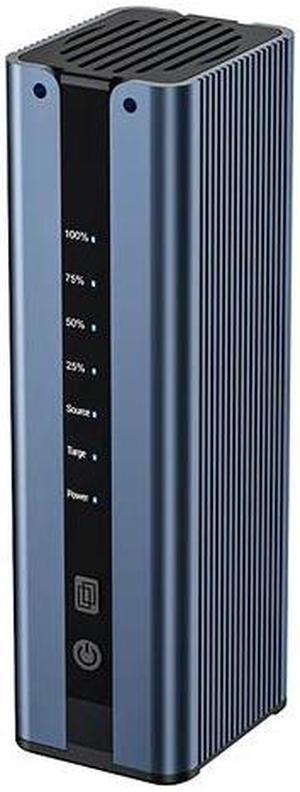
ACASIS NVMe Cloner, Dual-Bay Offline Clone with Cooling Fan, M.2 Duplicator Tool-less installation, 10Gbps NVME M.2 Duplicator for NVMe SSDs PCIe Size 2230/2242/2260/2280 (8TB Capacity)
Limited time offer, ends 02/26
- Type: Enclosure
- Number of Bay: 2 Bay
- Model #: EC-DM201
- $230.99 –
- More options from $94.99 - $230.99
- Free Shipping
Quick View
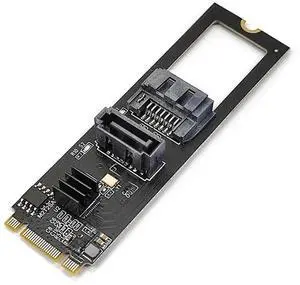
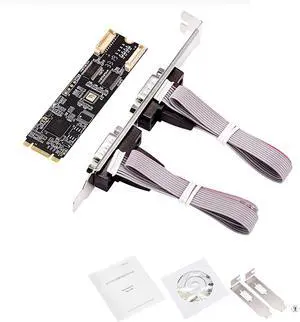
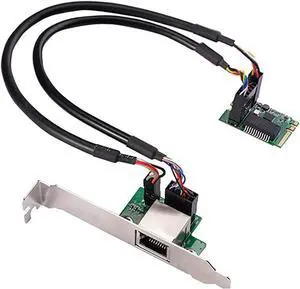
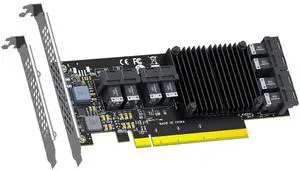
Vszerda ST538 8-Port SFF-8643 to PCIE 3.0 X16 Adapter Card with PEX8749 Controller for High-Density U.2/U.3/M.2 NVMe RAID Storage Solution
- Brand: GLOTRENDS
- Part Number: ST538
- Part: ST538
- Parts: 30 Day Warranty Against Manufacturer Defects
- Model #: F5614HJ98F4J
- $369.99 –
- Free Shipping

Quick View
M.2 NVMe SSD Convert Adapter Card for MacBook Air Pro Retina (Year 2013-2017), NVME/AHCI SSD Upgraded Kit for A1465 A1466 A1398 A1502
Limited time offer, ends 03/01
- Color: Black
- Specifications: Applications: 1. Make sure to move to High Sierra while still on your old drive, so that a newer firmware is installed that can handle NVMe. 2. Do a full backup to your TimeMachine. 3. Create a High Sierra Installer on a bootable USB stick. 4. Open the macbook and disconnect the battery while wsitching out the drive and make sure both adapter and new SSD sit snug. Finally reconnect the battery before closing the shell. 5. Insert the installer USB stick from step2, and press the option key while the machine starts. Once its up you can now go to the disk utils to format.
- Package Contents: 1x M.2 NVMe SSD Adapter Card for Upgrade of Macbook 2013-2017.
- Model #: NVMETMAC
- $11.95 –
- Free Shipping
Quick View
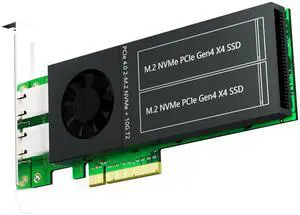
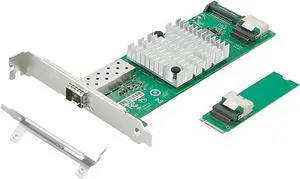
Vszerda ST5116 Dual M.2 PCIe Adapter with 2 x 10Gb RJ45 Port, PCIe 4.0 X8 Interface, Support PCIe Bifurcation, Setup Soft M.2 NVMe RAID via OS Tool
- Brand: GLOTRENDS
- Parts: 30 Day Warranty Against Manufacturer Defects
- Model #: T91HTRF981
- $699.99 –
- Free Shipping
Quick View
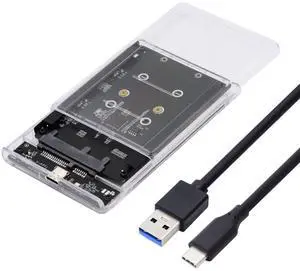
xiwai Dual NGFF B+M-Key M.2 SSD Card JOBD Raid0 Span Bridge to USB3.0 Type-C USB-C 2.5inch SATA Combo Enclosure
- Model #: 9158154881844
- $73.94 –
- More options from $73.94
- Free Shipping

Quick View

- Brand: HP
- Capacity: 2TB
- Model #: 223A4AA
- $1,069.56 –
- More options from $1,069.56 - $1,204.29
- Free Shipping
Quick View
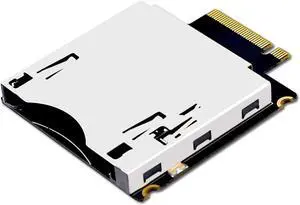
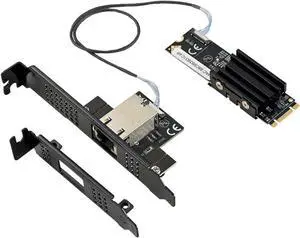
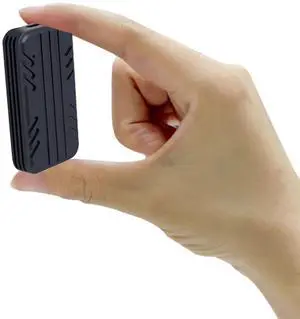
Bitsjour 2230 NVMe Enclosure USB-C 3.2, 10Gbps External Drive Case for M.2 2230 PCIe SSD M Key, Type C to Type C/USB A Cable, Support UASP Trim, Aluminum Alloy, Compatible with Windows, macOS, Linux
Limited time offer, ends 02/26
- Model #: 531028597307
- $49.98 –
- More options from $49.98 - $54.95
- Free Shipping
Quick View
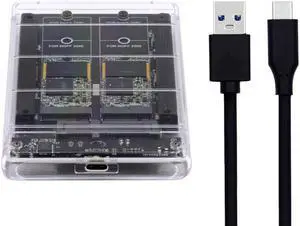
NFHK Dual NGFF B+M-Key M.2 SSD Card JOBD Raid0 Span Bridge to USB3.0 Type-C USB-C 2.5inch SATA Combo Enclosure
- Model #: 9158154854107
- $70.94 –
- More options from $70.94
- Free Shipping
Quick View
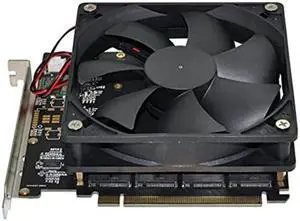
NFHK 4X NVME M.2 AHCI to PCI-E Express 3.0 Gen3 X16 Raid Card with Fan VROC Raid0 Hyper Adapter
- Model #: 9158154884913
- $77.94 –
- More options from $77.94
- Free Shipping
Quick View
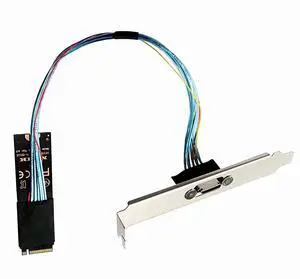
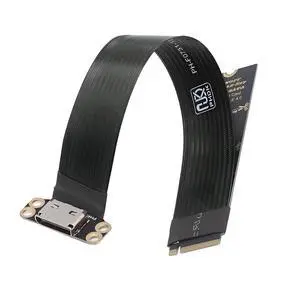
Vszerda 2280 PCI-E4.0 M.2 M-Key Male to Oculink SFF-8612 SFF-8611 Host Cable 30cm with Bracket for NVME U.2 SSD eGPU External Graphics Card Dock
- Model #: SF-02354JY9T84
- $44.99 –
- Free Shipping
Quick View
Vszerda 2280 PCI-E4.0 M.2 M-Key Male to Oculink SFF-8612 SFF-8611 Host Cable 15cm for NVME U.2 SSD eGPU External Graphics Card Dock
- Brand: NGFF
- Interface: Oculink
- Type: Oculink
- Part Number: SF-023-2280FL-NG
- Model #: SF-023-5645894
- $35.99 –
- Free Shipping
Quick View
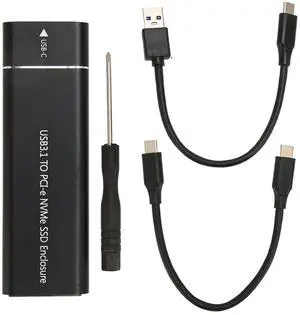
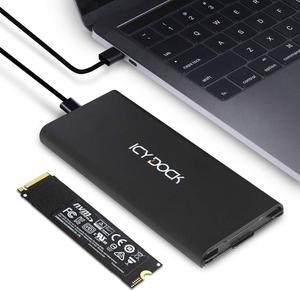
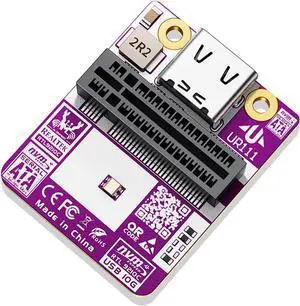
NFHK 20Gbps Type-C USB3.2 USB4 to NVME M-Key M.2 NGFF SATA SSD PCBA Enclosure 2280/2242/2230mm Adapter RTL9220 Chipset
- Model #: 612521366154
- $65.94 –
- More options from $65.94
- Free Shipping
Quick View
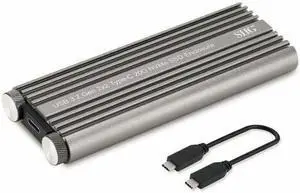
SIIG JU-SA0X11-S1 Silver USB 3.2 Gen 2 x 2 Type-C 20G NVMe SSD Enclosure
- Material: Aluminum
- Dimensions: 0.59" x 4.84" x 1.81"
- Specifications: Chipset: ASMedia 2364 Compliant with USB 3.2 Gen 2x2 specification revision 1.0 Compatible with PCIe 3.0 x 4 specification USB data transfer rate: Up to 20Gbps SSD type (not included): M.2 PCIe NVMe SSD (M Key). Note: Not compatible with M.2 SATA SSDs SSD size: 2230 / 2242 / 2260 / 2280mm Power source: USB-C Bus-powered (5V) UASP: Yes Hot plug: Yes
- Type: Enclosure
- Model #: JU-SA0X11-S1
- $43.84 –
- More options from $43.84 - $87.28
- $9.99 Shipping
Quick View
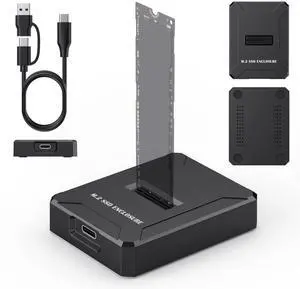
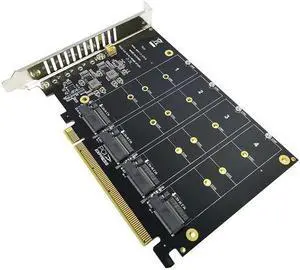
NVME To PCI-E X16 Adapter Card With Four M-Key PH44 NVME 4 Disk Array Expansion Card For 2230/2242/2260/2280 SSD
Limited time offer, ends 02/26
- Changer Type: USB to DB9 (RS-232)
- Model #: HT-PciAdapter000632
- $30.88 –
- Free Shipping