

Your Browsing History
- $660.00
- Free 30-day Returns
$560.00

Meet Your Seller


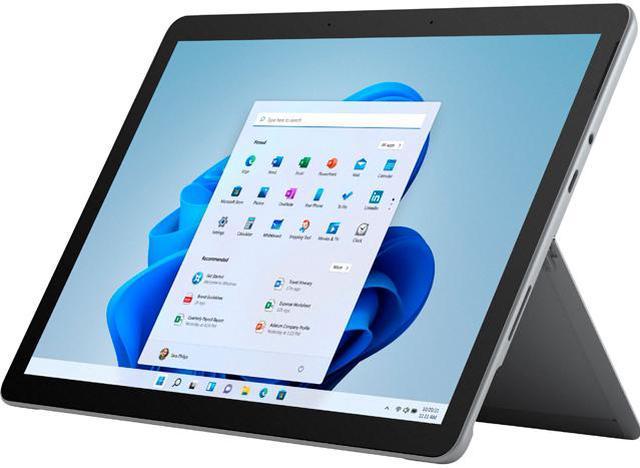
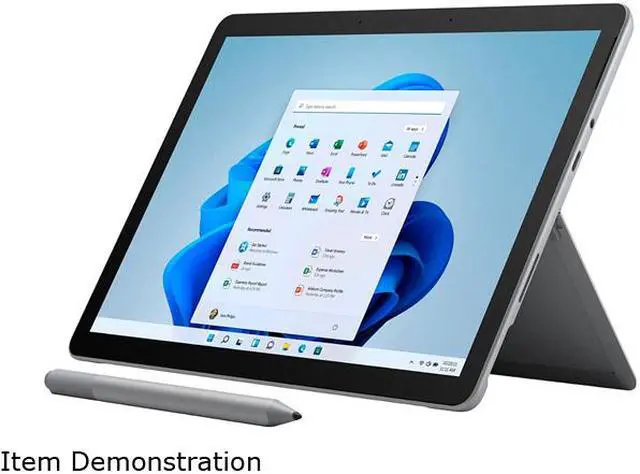
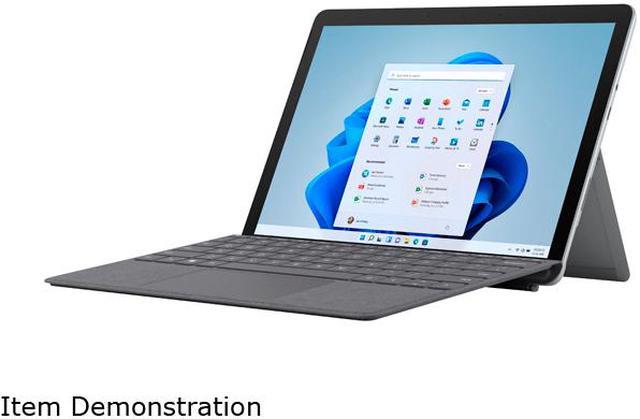
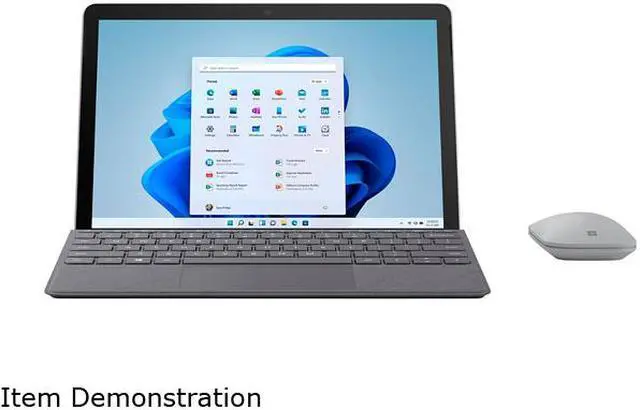
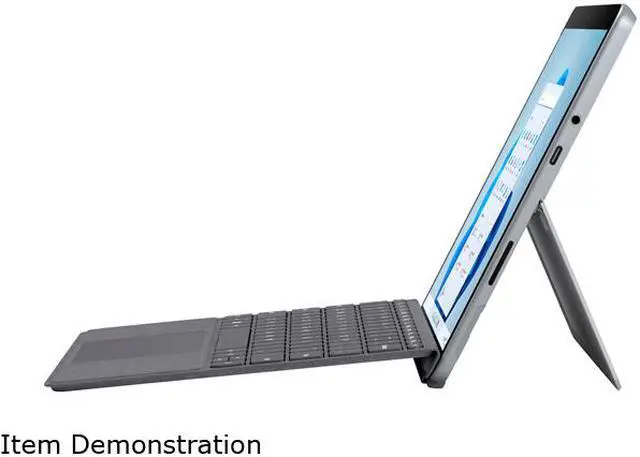
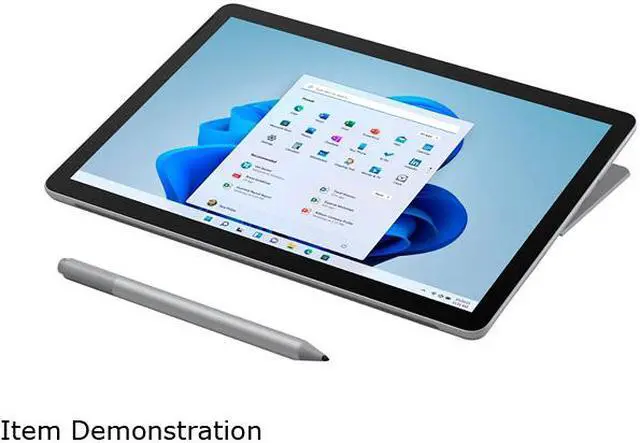
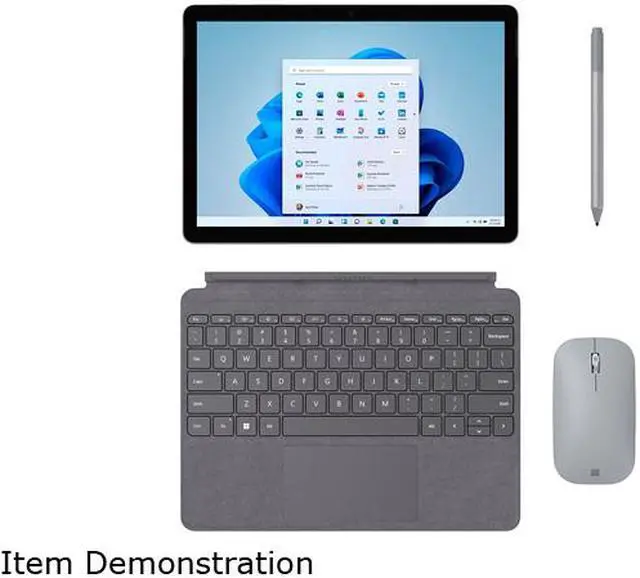
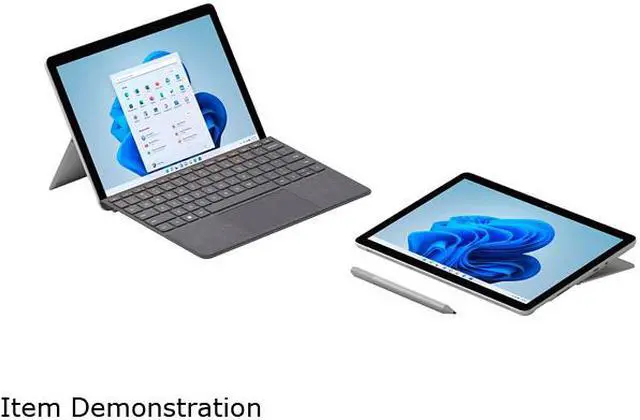


Microsoft Surface Go 3 2-in-1 Laptop Intel Core i3-10100Y 10.5" Windows 11 in S mode 8VH-00001
- Intel Core i3-10100Y
- 8GB Memory / 128GB SSD
- Intel UHD Graphics 615
- 10.5" 10-point multi-touch 1920 x 1280
- Detachable
- Windows 11 in S mode
- 9.65" x 6.90" x 0.33" 1.22 lbs.
+
+
Overview
Specs
Reviews
See all Q & A 
Any questions? Our AI mode will help you find out quickly.
Try me now
Warranty & Returns
Warranty, Returns, And Additional Information
Warranty
- Please contact the Seller directly for warranty information. Warranty information may also be found on the Manufacturer's website.
- Read full details
- CONTACT
Return Policies
- Return for refund within: 30 days
- Return for replacement within: non-replaceable
- This item is covered by COSMOGEEK-MOBILE Return Policy
Manufacturer Contact Info
- For a directory of all our manufacturers, please click below.
- Manufacturers Directory
LOADING...
Learn about this product
The Microsoft Surface Go 3 is a 10.5-inch detachable 2-in-1 with an Intel Core i3, 8GB memory, 128GB SSD, and Wi-Fi 6 plus LTE, making it well suited for students, travelers, and everyday users who want a very light Windows device for web, Office, video calls, and note-taking on the go.
Recommended For
- Students or note-takers who want a very small Windows device for OneNote, web research, document editing, and handwritten annotations in a bag-friendly 10.5-inch 2-in-1 format.
- Frequent travelers, field workers, or commuters who value low weight, kickstand flexibility, and optional LTE more than raw speed for email, remote access, forms, and light office tasks on the go.
- People who specifically need a compact Windows tablet rather than an iPad or Chromebook, including users who run standard Windows apps but only in light workloads such as browsing, Office, video calls, and simple multitasking.
- Users looking for a secondary PC for couch browsing, streaming, light admin work, and occasional keyboard use, especially if they already have a main laptop or desktop for heavier tasks.
Real-World Use Scenarios
- Portable note-taking and document markup for class, meetings, or field work: users can handwrite notes, annotate PDFs, and carry it easily all day, but many reviews and community reports suggest battery life may fall short of a full unplugged workday.
- Light Windows productivity on the go: users can comfortably handle Word, Excel, email, calendar, web apps, and basic multitasking, but should expect occasional pauses when too many apps or tabs are open.
- Travel and couch use as a secondary device: the small 10.5-inch detachable design works well for reading, browsing, checking messages, and quick work in tight spaces like planes or sofas, where low weight matters more than speed.
- Video calls, online classes, and remote teaching: the cameras and microphones are usable for meetings, but reviewers commonly report that performance can feel strained if users try to multitask heavily during calls.
- Streaming video and casual media consumption: it works well for YouTube, Netflix, and general tablet-style media use, but it is better suited to watching content than to heavier tasks like gaming, video editing, or creative workloads.
Reference Q&A
Q: Is the Surface Go 3 worth buying as a travel work device?
A: Yes, if you want a very light Windows device for email, web apps, documents, meetings, and light work while traveling. Its main strengths are portability, optional LTE, and full Windows compatibility. The trade-off is performance: the 10.5-inch Surface Go 3 is better as a secondary or light-duty travel PC than as your only work computer for heavier multitasking, large spreadsheets, or demanding apps.
Q: Is it good for note-taking, meetings, and Office work?
A: Yes, for light productivity. The Surface Go 3 works well for handwritten notes, video calls, Word, Excel, PowerPoint, email, and browser-based work. It is especially suitable if you want a small 2-in-1 for classes or meetings. The main limitation is that the keyboard and pen are sold separately, so the real work setup costs more than the tablet alone.
Q: Who is the Surface Go 3 best suited for?
A: It is best for students, travelers, field users, and buyers who want a compact Windows tablet-laptop hybrid for basic everyday tasks. The Core i3 / 8GB / 128GB version is the safer choice than entry-level Surface Go 3 models because it gives you more headroom for multitasking and storage. It is less suitable for creators, developers, or anyone replacing a full-size laptop for sustained heavy work.
Q: What are the main trade-offs versus an iPad or a larger Surface Pro?
A: The Surface Go 3 gives you full Windows in a smaller, lighter form, which is better for desktop-style apps, file management, and basic laptop tasks than a typical tablet-only setup. Compared with an iPad, it is usually the better fit if you specifically need Windows software. Compared with a Surface Pro, the trade-off is lower power, smaller screen space, and a less comfortable setup for long work sessions.
Q: Do Windows 11 in S mode and the accessory costs matter when deciding?
A: Yes. Out of the box, Windows 11 in S mode limits app installs to the Microsoft Store, which can be a real decision factor if you rely on desktop software outside the Store. You can switch out of S mode, but that change is permanent. Also, this model is sold as device only, so buyers who need a laptop-style setup should budget for the Type Cover keyboard and possibly the Surface Pen.
Q: Is the Surface Go 3 i3 a good choice for note-taking and light work?
A: Yes, if your main use is handwritten notes, OneNote, web browsing, email, and basic Office tasks. Reddit discussions repeatedly frame the i3/8GB/128GB version as acceptable for a secondary device, class notes, and light productivity, but not as a heavy multitasking machine.
Q: Can the Surface Go 3 replace a full laptop?
A: Usually no. It works best as a companion device rather than a primary computer. Community discussion consistently treats it as suitable for portable note-taking, reading, meetings, and light travel use, while a Surface Pro or standard laptop is a better fit for heavier work or more demanding multitasking.
Q: Is the Surface Go 3 a good travel device?
A: Yes, if portability matters more than performance. Its 10.5-inch detachable design and 1.22 lb weight make it easy to carry, and YouTube and Reddit discussions commonly describe it as useful for travel, meetings, and quick work on the go. The trade-off is limited power compared with larger laptops.
Q: What are the main trade-offs of buying the Surface Go 3 i3?
A: The main trade-offs are performance headroom, battery expectations, and add-on costs. The i3/8GB/128GB model is better suited than the base version for smooth everyday use, but it is still a low-power dual-core device. Buyers should also factor in that the keyboard and pen are sold separately, and it is not ideal for demanding creative apps or sustained heavy workloads.
Q: Is the Surface Go 3 good for video calls and multitasking while taking notes?
A: It can handle basic calls and note-taking, but it is not the best choice if you regularly need videoconferencing plus parallel multitasking. Reddit discussion around Surface Go use repeatedly points to limited headroom on this class of device, especially compared with larger Surface Pro models or mainstream laptops.