




 here!
I’m your shopping assistant for PC builds, upgrades, and everything tech.
Got questions? Ask away!
Start a conversation
here!
I’m your shopping assistant for PC builds, upgrades, and everything tech.
Got questions? Ask away!
Start a conversation


| Brand | Individual Software |
|---|---|
| Model | 8131888 |
| Type | Learning |
| Name | Professor Teaches Windows 10 - Download |
|---|---|
| Operating Systems Supported | Windows |
| System Requirements | Microsoft Windows 10, Windows 8, Windows 7, or XP Average 450 MB hard drive space available per application 1280 x 768 display or greater Sound card Mouse Speakers or headphones Internet access for activation Windows Tablet: Microsoft Windows 10, Windows 8 Average 450 MB hard drive space available per application Internet access for download and activation |
| Packaging | Download |
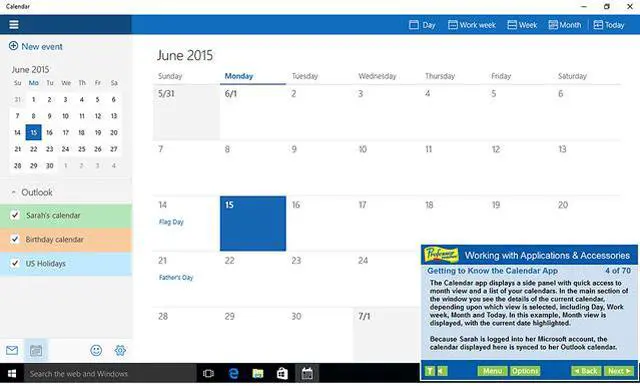
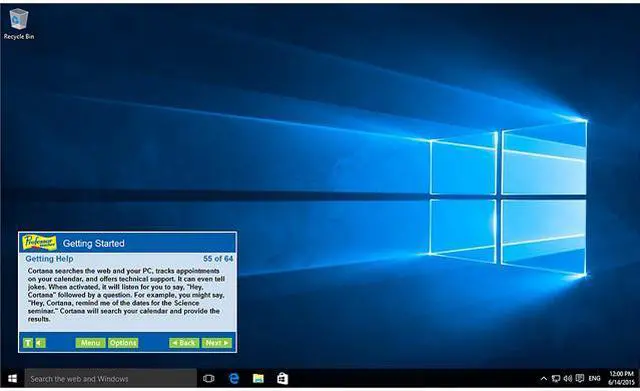
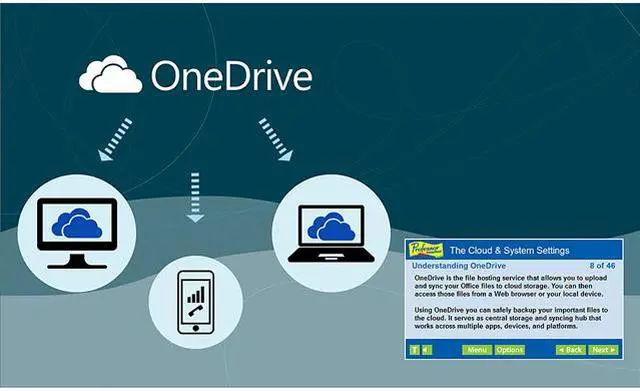
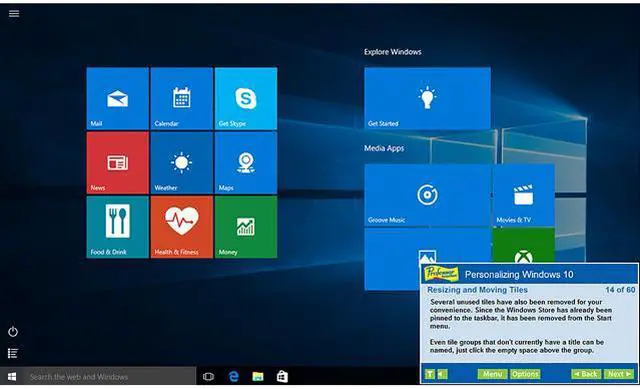
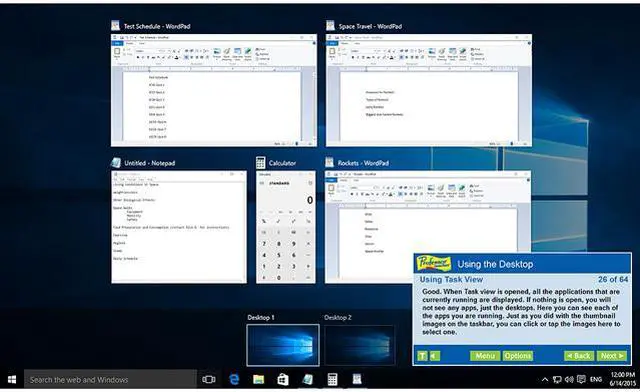
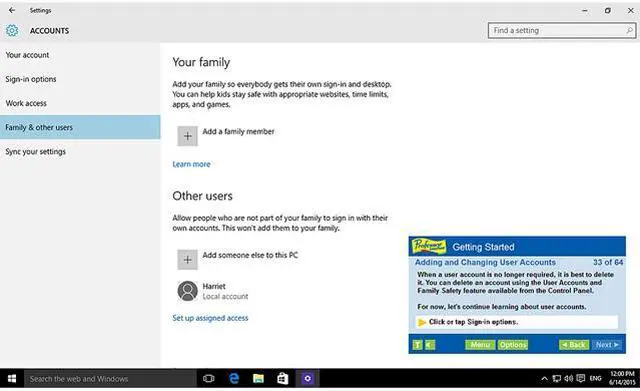
| Feature | Windows 10 - over 60 lessons! Adding and Changing User Accounts Introduction to Apps Getting to Know the Windows Store Getting Help Shutting Down your Computer Using Windows 10 on Touch Devices Understanding Gestures Getting to Know the Desktop Exploring the Taskbar Customizing the Taskbar Using Task View Managing Multiple Windows Creating Shortcuts Utilizing Virtual Desktops Personalizing the Start Menu Removing Tiles from the Start Menu Resizing and Moving Tiles Customizing Your Settings Personalizing User Accounts Exploring the Control Panel Personalizing the Desktop Changing the Monitor Resolution Modifying Folder Options Getting to Know the Calendar App E-mailing with Windows 10 Using the Pictures Library Using the Video App and more Internet Explorer - over 60 lessons! New Ways to Search Reading, Saving, and Annotating The Internet Explorer Window Working with Toolbars Listening to Radio Webcasts Customizing Search Settings Maintaining Security Browsing with InPrivate Working with Developer Tools Using the SmartScreen Filer and more |
|---|
| First Listed on Newegg | February 09, 2016 |
|---|
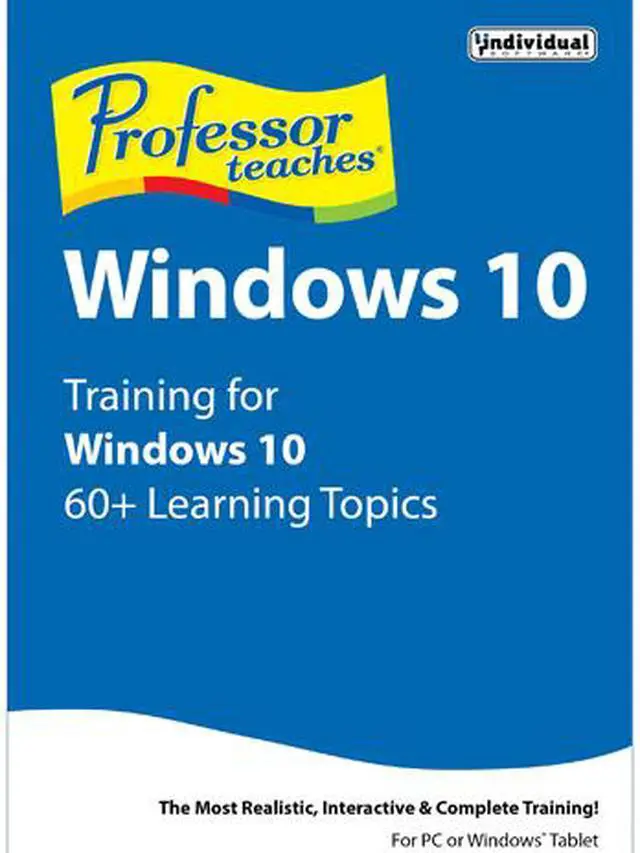
Individual Software Professor Teaches Windows 10 is a downloadable, narrated training course with 60 lessons on Windows 10 and more than 60 on Internet Explorer, suited to beginners through advanced learners who want self-paced instruction.
| Attribute | Value |
|---|---|
| Best For | Learners seeking instruction on Windows 10 features and Internet Explorer |
| Course Content | Windows 10 and Internet Explorer courses, each with over 60 lessons covering topics such as apps, settings, desktop and taskbar use, browsing, search, and security |
| Compatibility And System Requirements | Windows 10, 8, 7, or XP; requires an average of 450 MB of available hard drive space per application, a 1280 × 768 or higher display, sound card, mouse, speakers or headphones, and internet access for activation. Windows tablets require Windows 10 or 8, 450 MB of available space per application, and internet access for download and activation |
| Delivery | Download |
| Model Identifiers | Individual Software, model 8131888; Professor Teaches Windows 10 |


