




 here!
here!
I’m your shopping assistant for PC builds, upgrades, and everything tech.
Got questions? Ask away!
Start a conversation
here!
I’m your shopping assistant for PC builds, upgrades, and everything tech.
Got questions? Ask away!
Start a conversation


Any questions? Ask CelesteSM will help you find out quickly.
| Best Seller Ranking | #3 in Academic Software |
|---|
| Disclaimer | Currently, this item is available only to customers located in North America Note that only one redemption code can be redeemed per Adobe account. If you are looking to redeem another redemption code, click on "Use a different Adobe ID email" on the redemption page and log into a different account. If you have accidentally redeemed multiple codes using the same Adobe account, please contact Adobe Support to receive a replacement code. The license offers a full 3 years of access from the date of redemption, with no automatic renewal. |
|---|
| Brand | Adobe |
|---|---|
| Model | 30018286 |
| Name | Adobe Photoshop Elements & Premiere Elements 2027 | Student & Teacher Edition |
|---|---|
| Version | Student & Teacher |
| Contract Period | 3 Years |
| Operating Systems Supported | Windows & Mac OS |
| Packaging | Download |
| System Requirements | Photoshop Elements2027 & Premiere Elements 2027 Windows Intel Core 9th Generation or newer processor or AMD equivalent with AVX2 and SSE4.2 support; Windows on ARM processors not supported Microsoft Windows 11 (version 24H2) or later, 64-bit versions only; Windows 10, Windows 7, and Windows 8.1 not supported 8GB of RAM 14.7GB of available hard-disk space to install application; additional space required for downloading online content and for temporary files during product installation and usage (cannot install on a volume that uses a case-sensitive file system or on removable flash storage devices) 1440x900 display resolution (at 100% scale factor); 1920x1080 or higher recommended Microsoft DirectX 12 compatible sound and display driver Windows Media Player (required if importing Windows Media files) Internet connection required for product activation and download of online content macOS Apple silicon M1 or newer processor. Intel Processors not supported macOS 15 (15.5 or later), macOS 26 (26.5 or later) 8GB of unified memory 12GB of available hard-disk space to install application; additional space required for downloading online content and for temporary files during product installation and usage (cannot install on a volume that uses a case-sensitive file system or on removable flash storage devices) 1440x900display resolution (at 100% scale factor); 1920x1080 or higher recommended Internet connection required for product activation and download of online content Recommended for both Windows and macOS 16GB of RAM or unified memory for HD media 32GB or more of RAM or unified memory for 4K media 4GB of GPU VRAM Fast internal SSD for app installation and cache Additional high-speed drive(s) for media Adobe Premiere Elements supported import/export formats include: AVCHD (import), MPEG-1 (import), MPEG-2 (import), MPEG-4 (import), HEVC (import), DV-AVI (import on Windows), Windows Media (import on Windows), Apple ProRes, MXF OP1 |
| Feature | Make every photo and video incredible with Photoshop Elements & Premiere Elements in one complete bundle, powered by AI and designed for simplicity. Clean up distractions, sharpen details, and restore old photos to their former glory. Trim, resize, and color-correct your footage, and set the perfect mood with music and effects. Fix flaws fast, get step-by-step guidance, or take full creative control to shape your stories with confidence from start to finish. |
|---|
| First Listed on Newegg | September 16, 2026 |
|---|
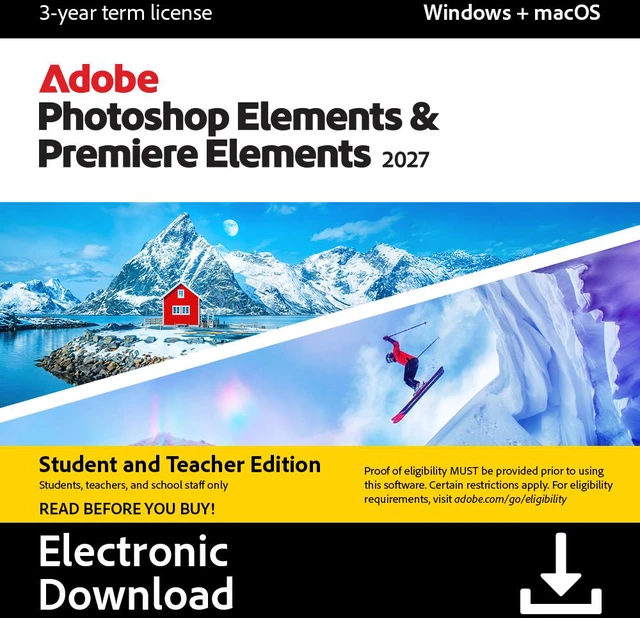
Adobe Photoshop Elements & Premiere Elements 2027 Student & Teacher Edition is a downloadable photo- and video-editing bundle for students and teachers who want guided tools, AI-powered creative features, and options ranging from quick edits to advanced control. It includes a three-year license with no automatic renewal.
| Attribute | Value |
|---|---|
| Best For | Students and teachers editing photos and videos on a compatible Windows PC or Mac |
| Software And License | Photoshop Elements 2027 and Premiere Elements 2027 Student & Teacher Edition, delivered as a download with a 3-year term |
| Windows Compatibility | Requires Windows 11 version 24H2 or later, 64-bit, and an Intel 9th-generation or newer processor or AMD equivalent with AVX2 and SSE4.2; Windows on ARM, Windows 10, Windows 7, and Windows 8.1 are not supported |
| Mac Compatibility | Requires Apple silicon M1 or newer and macOS 15 version 15.5 or later, or macOS 26 version 26.5 or later; Intel processors are not supported |
| Memory Requirements | Requires 8GB RAM on Windows or 8GB unified memory on Mac; 16GB is recommended for HD media and 32GB or more for 4K media |
| Storage Requirements | Requires 14.7GB available disk space on Windows or 12GB on Mac, plus additional space for online content and temporary files; a fast internal SSD is recommended for installation and cache, with additional high-speed drives for media |
| Display And Graphics Requirements | Requires 1440 × 900 display resolution at 100% scaling; 1920 × 1080 or higher is recommended, along with a DirectX 12-compatible sound and display driver on Windows; 4GB of GPU VRAM is recommended |
| Activation And Internet | Internet connection is required for product activation and downloading online content |
| Supported Media Formats | Premiere Elements supports importing AVCHD, MPEG-1, MPEG-2, MPEG-4, HEVC, Apple ProRes, and MXF OP1; DV-AVI and Windows Media import are supported on Windows |
| Model Identifier | Adobe model 30018286 |


