




 here!
I’m your shopping assistant for PC builds, upgrades, and everything tech.
Got questions? Ask away!
Start a conversation
here!
I’m your shopping assistant for PC builds, upgrades, and everything tech.
Got questions? Ask away!
Start a conversation





Any questions? Ask CelesteSM will help you find out quickly.
| Best Seller Ranking | #2 in Academic Software |
|---|
| Disclaimer | Acrobat Pro is a 3-year term license — it is non-renewing, so no subscription required. Note that Acrobat Pro cannot be used with AI Assistant (add-on). Paid features are not available on web browsers and mobile devices. VERIFICATION OF STUDENT/TEACHER required to activate. Note that only one redemption code can be redeemed per Adobe account. If you are looking to redeem another redemption code, click on "Use a different Adobe ID email" on the redemption page and log into a different account. If you have accidentally redeemed multiple codes using the same Adobe account, please contact Adobe Support to receive a replacement code. Currently, this item is available only to customers located in North America |
|---|
| Brand | Adobe |
|---|---|
| Model | 30006795 |
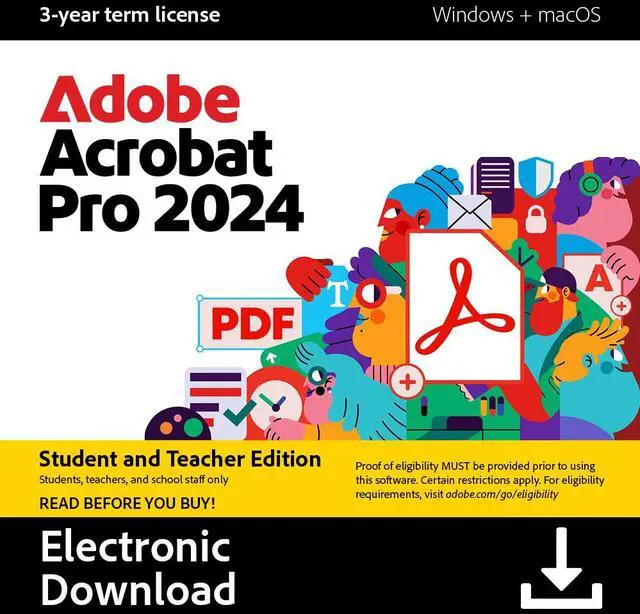
| Name | Adobe Acrobat PRO 2024 Student & Teacher Edition (3-Year Term License) Mac, Windows - Download |
|---|---|
| Version | Student & Teacher |
| Contract Period | 3 Years |
| Operating Systems Supported | Windows & Mac OS |
| Packaging | Download |
| System Requirements | Requirement Windows Processor: Intel® or AMD processor, 1.5GHz or faster processor Operating system: Windows 11 (64 bit), Windows 10 (64 bit) version 1809 or later, Windows Server 2016 (64 bit), or Windows Server 2019 (64 bit) or Windows Server 2022 (64 bit) RAM: 4GB of RAM Hard disk space: 4.5GB of available hard-disk space Graphics card: Video hardware acceleration (optional) MacOS Processor: Intel processor; M1, M2 Apple Silicon processor Operating system: macOS v12, macOS v13, or macOS v14 (Sonoma) RAM: 4GB of RAM Hard disk space: 4.5GB of available hard-disk space Monitor resolution: 1024x768 screen resolution * This product may integrate with or allow access to certain Adobe or third-party hosted online services (“Online Services”). Online Services are available only to users 13 and older and require agreement to additional terms of use and Adobe’s online privacy policy (see www.adobe.com/go/terms). Online Services are not available in all countries or languages, may require user registration, and may be discontinued or modified in whole or in part without notice. Additional fees or subscription charges may apply. |
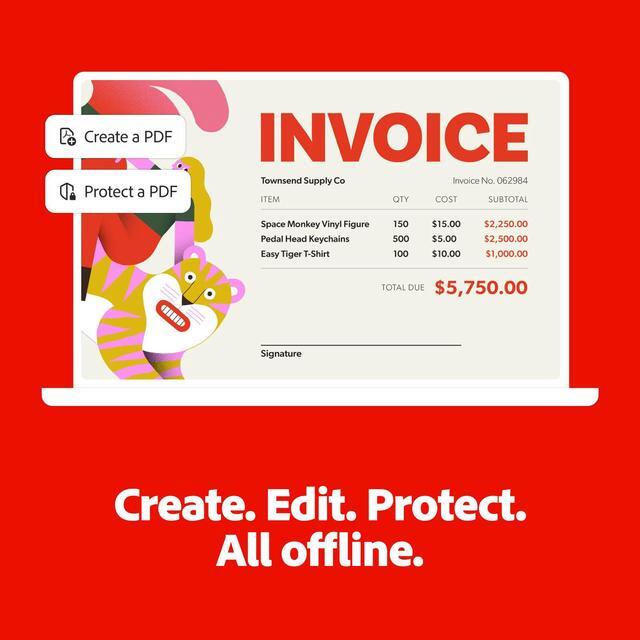
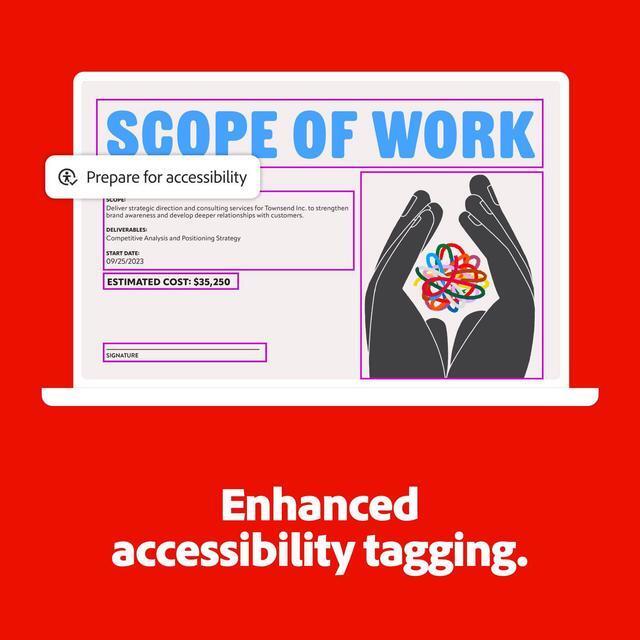
| Feature | Boost your productivity with the essential offline solution for all your PDF needs. With Adobe Acrobat Pro 2024, you can easily create, edit, convert, and protect your documents on Windows and Mac without connecting to the cloud. Manage your documents efficiently with new features including enhanced accessibility tools, star a document, and create a new form from scratch. The updated Acrobat interface also means that you’ll be able to easily find the tools you need to complete PDF tasks faster than ever. You can own this software for a full three years, no subscription required. |
|---|
| First Listed on Newegg | October 01, 2024 |
|---|
Adobe Acrobat Pro 2024 Student & Teacher Edition is downloadable PDF software for eligible students and teachers who need to create, edit, convert, sign, and protect documents on Windows or Mac. It includes desktop tools that work offline and a non-renewing three-year license; student or teacher verification is required to activate.
| Attribute | Value |
|---|---|
| Best For | Students and teachers who need to create, edit, convert, and protect PDFs offline on Windows or Mac |
| PDF Features | Create, edit, convert, and protect PDFs offline; includes accessibility tools, document favoriting, and form creation |
| License And Activation | Student & Teacher Edition with a non-renewing 3-year term license; student or teacher verification is required for activation. Only one redemption code can be used per Adobe account |
| Platform And Delivery | Download for Windows and Mac |
| System Requirements | Windows: 1.5 GHz or faster Intel or AMD processor, Windows 10 (64-bit, version 1809 or later), Windows 11 (64-bit), or Windows Server 2016, 2019, or 2022 (64-bit); 4 GB RAM and 4.5 GB available storage. Mac: Intel or M1/M2 Apple Silicon processor, macOS 12, 13, or 14; 4 GB RAM, 4.5 GB available storage, and 1024 × 768 display resolution. Video hardware acceleration is optional on Windows |
| Compatibility And Availability | Does not support AI Assistant; paid features are unavailable in web browsers and on mobile devices. Available only to customers in North America |
| Model Identifiers | Adobe Acrobat Pro 2024 Student & Teacher Edition; model 30006795 |


