




 here!
here!
I’m your shopping assistant for PC builds, upgrades, and everything tech.
Got questions? Ask away!
Start a conversation
here!
I’m your shopping assistant for PC builds, upgrades, and everything tech.
Got questions? Ask away!
Start a conversation


Any questions? Ask CelesteSM will help you find out quickly.
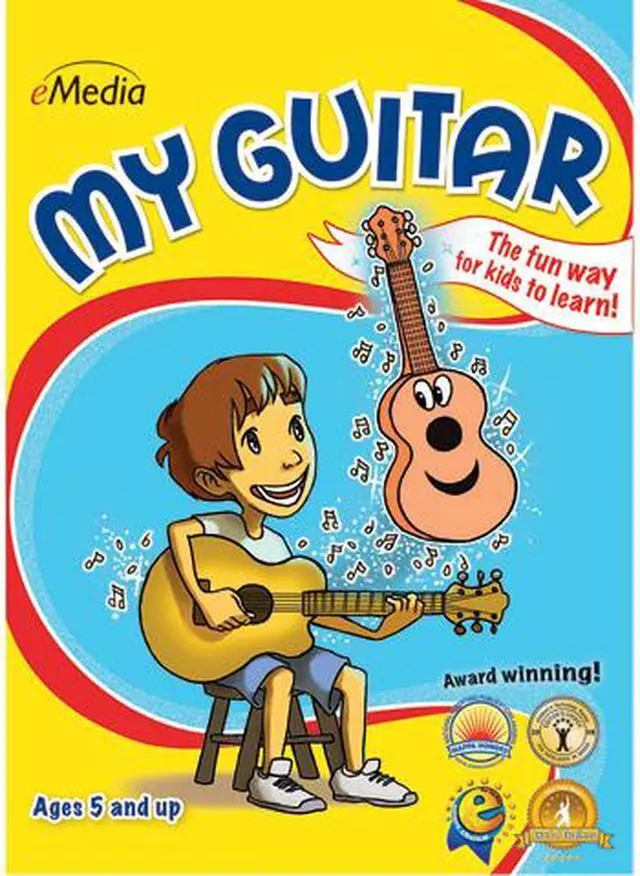
Learning how to play guitar helps develop a child’s creativity, self-discipline, and confidence. eMedia My Guitar features over 60 guitar lessons for kids designed by the award-winning guitarist and teacher Kevin Garry, Ph.D. In eMedia My Guitar, an animated character named Gary the Guitar teaches children how to tune the guitar, play easy guitar chords, read guitar TABs (guitar tablature, a popular guitar notation), and play easy kids’ guitar songs, such as Jingle Bells, Yankee Doodle, and many more.
Children learn guitar faster and easier with eMedia guitar lesson software due to its included interactive technologies. The Animated Fretboard shows kids where to put their fingers as the music plays. Instant Feedback highlights notes as they are played correctly (requires computer microphone). Music games for kids are also included to help make learning fun and engaging.
 The Fun Way to Learn!Now it’s easy for kids ages five and up to learn how to play acoustic guitar! An animated character named Gary the Guitar guides kids through 60 lessons by professional instructor Kevin Garry, Ph.D. (University of Colorado at Boulder), who has over 25 years of teaching experience. Games make learning fun, and kids will learn lots of songs that they can share with their friends!
 Now with Instant Feedback!Instant Feedback highlights notes in green as you play them correctly! (Just play the guitar into your computer’s microphone.)
 Animated FretboardThe animated fretboard shows the correct fingerings as the music plays. Double-clicking on any chord or note will also show kids where to put their fingers. Choose from right-handed, left-handed, and mirror views!
 Full-Motion VideosThe lessons are easy to follow with our large-format videos, featuring split-screens and close-ups that guide kids through songs and playing techniques.
 Interactive GamesGames help children learn chords and songs by reviewing what they learned in the lessons. By interacting with the playful characters and scenes, kids will have fun while learning music!
 Automatic TunerUsing either the computer’s built-in microphone or an external one, your child can get tuned up quickly and easily with the built-in interactive tuner. They can just line up the arrow with the right string and be in tune!
eMedia My Guitar for Mac is downloadable acoustic-guitar learning software for children ages 5 and up, with video lessons, an animated fretboard, interactive games, and instant feedback for beginners learning at home.
| Attribute | Value |
|---|---|
| Best For | Children ages 5 and up learning acoustic guitar |
| Mac Compatibility And Delivery | Downloadable software for Mac OS X 10.4 or later |
| Lessons And Learning Tools | Animated fretboard with right-handed, left-handed, and mirror views; full-motion video lessons with split-screens and close-ups; interactive learning games; instant feedback highlights correctly played notes in green |
| Chord Reference | Chord dictionary with over 250 charts, including playable chord sounds and fingerings |
| Practice And Audio Tools | Interactive tuner works with the computer's built-in microphone or an external microphone; adjustable metronome provides audio and/or visual timing cues; digital recorder can record performances through either microphone and save them to the computer |
| Model Identifiers | eMedia My Guitar (Mac); model EG12095DLM |


