




 here!
here!
I’m your shopping assistant for PC builds, upgrades, and everything tech.
Got questions? Ask away!
Start a conversation
here!
I’m your shopping assistant for PC builds, upgrades, and everything tech.
Got questions? Ask away!
Start a conversation


Any questions? Ask CelesteSM will help you find out quickly.

Turn Your Passion into Unforgettable Photos
Works with Mac
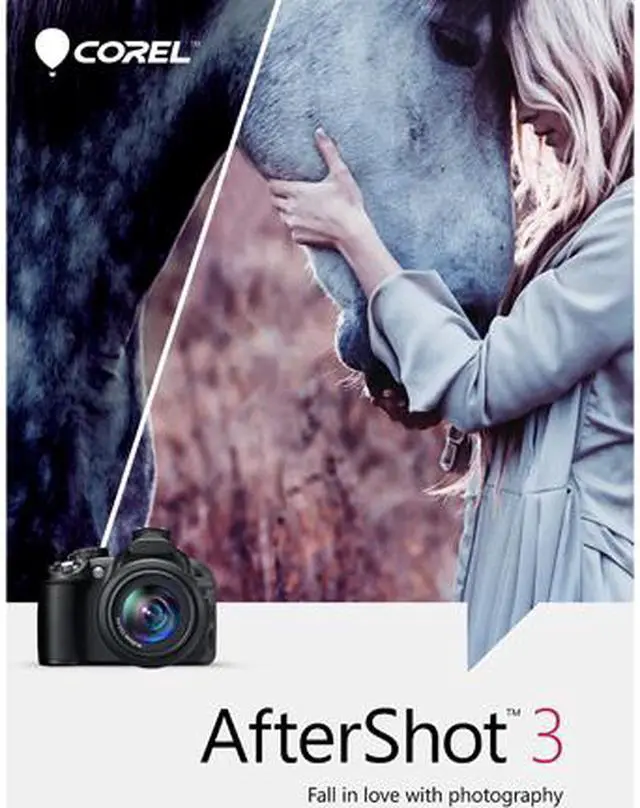
Turn your passion for photography into unforgettable photos–without spending hours at the computer. Corel AfterShot 3 is the simple, affordable way to quickly learn professional-grade photo editing. Make easy corrections and enhancements, and apply adjustments to one or thousands of photos at once with batch processing tools.

Highlight Recovery
Regain more of the detail and tone from your overexposed photos with enhanced Highlight Recovery. Powered by a new algorithm, this feature lets you access more of the data in your RAW files for superior image quality.

Blemish Remover
Save time and edit faster by doing more touchups and photo corrections in AfterShot 3, rather than jumping to PaintShop Pro or Adobe Photoshop. The new Blemish Remover offers circle, brush, polygon and freehand tools for detailed editing, making portrait editing faster and easier. Remove dust, spots, smudges and a variety of imperfections on any photo.

Image Preset Library
Now it's easier to tap into the power of presets to automate more of your repetitive processing jobs or quickly reproduce a look that would otherwise be tedious to replicate. The new Image Preset Library lets you browse, preview and download free and for-purchase presets.

Lens Corrections
Update to AfterShot 3 for new, sought–after lens corrections that build on the hundreds of lenses already supported by AfterShot to quickly correct the different types of distortion introduced by various lenses. Join the AfterShot Pro community on Facebook to discover when new lens corrections are posted or to share your own.

See What's New With Plugins
Find and install free and for–purchase plugins, and get updates in a flash with AfterShot 3's new Plugin Manager. Or make your own with our unique plugin API–a love of photography, a knowledge of C++ and the updated Plugin SDK are all you need. Share your plugins freely with the AfterShot community, or work with Corel to sell them.
Powerful Non–destructive Photo Editing

Powerful Adjustments
Whether you're shooting in RAW or JPEG, you can alter your photos using a wide variety of adjustment tools, including Crop, Straighten, Highlight Recovery, Noise Removal, Color, Temperature, Exposure, Highlights, Fill Light and more.

Multi-version Editing
Easily make adjustments to multiple versions of your master photo without ever changing your original file. Make an unlimited number of versions of one image, with a wide variety of corrections and customizable presets, including Black & White, Cross Processing and more.

Precise control with Selective Editing
Apply adjustments exactly where you want them with unique Layers and Regions capabilities that isolate precise areas of your photo for adjustment.

Red Eye Removal
Get precise control when cleaning up red eye in your photos. Also includes customizable workspace, easy integration with photo editors, quick review, web galleries, the world's fastest RAW processing and much more.
Corel AfterShot 3 for Mac is downloadable photo-editing and photo-management software for Mac users who want to correct images, retouch portraits, and process large batches without spending hours editing.
| Attribute | Value |
|---|---|
| Best For | Mac users seeking photo-editing software to organize photo collections, make image corrections, retouch photos, and batch-process edits |
| Photo Editing And Workflow | Includes image corrections for exposure, color, and distortion; retouching for dust, smudges, and other imperfections; photo collection management; and batch processing |
| Software Edition And Delivery | Standard version supplied as a download |
| Operating System Compatibility | Supports Mac OS |
| Model Identifiers | Corel AfterShot 3 for Mac; model ESDASS3ML-MAC |


