

Your Browsing History

Any questions? Our AI mode will help you find out quickly.
Try me now
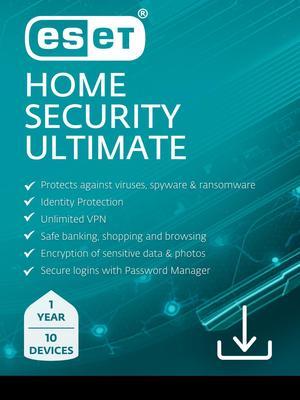
Quick View
ESET Home Security Ultimate + ID Protect + Unlimited VPN - 10 Devices / 1 Year
- Brand: ESET
- Name: ESET Home Security Ultimate + VPN + ID Protect - 10 Devices / 1 Year
- Type: Internet Security
- Version: Bundle
- Model #: RTL-EHSU-N1-10-1-XLS
- $119.99 –
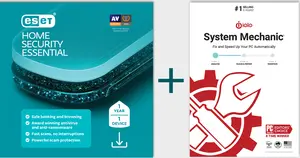
Quick View
ESET Home Security Essential 1 Device + iolo System Mechanic 1 Device -12 Months - Download
- Disclaimer: Currently, this item is available only to customers located in the United States.
- Disclaimer 2: ESET Licenses have a 2 year activation window
- Type: Internet Security
- Version: Essentials
- Model #: RTL-EHSE-N1-1-IOLO
- $89.99
- $59.99 –
- Save: $30.00 (33%)