

Your Browsing History

Meet Your Seller


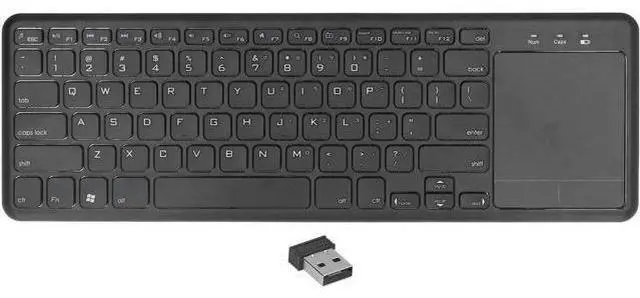
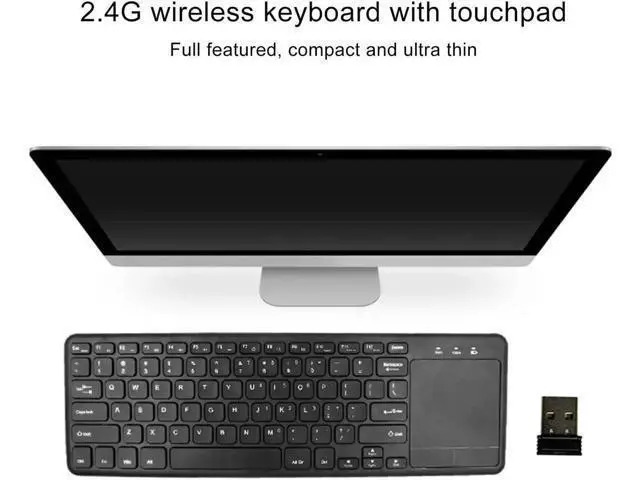


Wireless Keyboard, 78 Keys Portable Computer Keyboard with Touchpad Scissor Foot Key Design Ultra Slim Quiet Ergonomic Keyboard for Laptop PC Tablet
Limited time offer, ends 08/15 By Warm Cozy Harbor
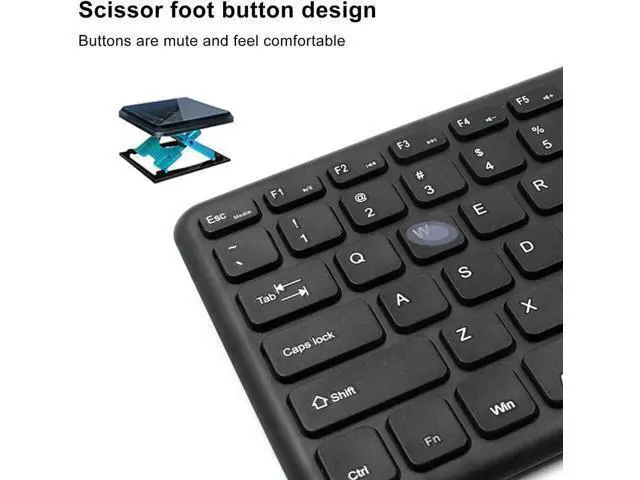
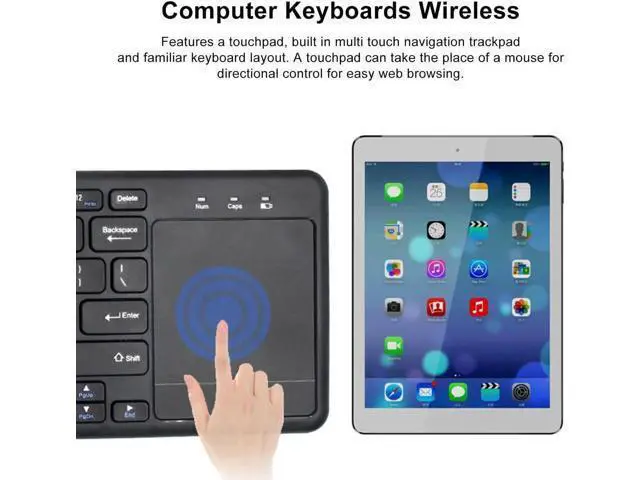
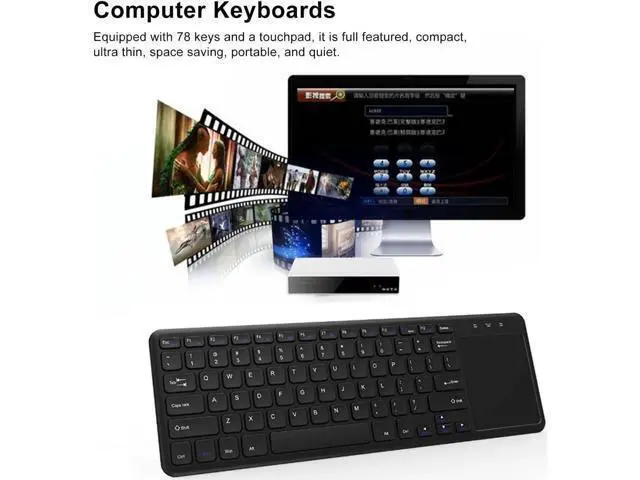
- wusu Wireless Keyboard, 78 Keys Portable Computer Keyboard with Touchpad Scissor Foot Key Design Ultra Slim Quiet Ergonomic Keyboard for Laptop PC Tablet; With Touchpad: Features a touchpad, built in multi touch navigation trackpad and familiar keyboard layout. A touchpad can take the place of a mouse for directional control for easy web browsing.; Scissor Foot Key Design: The keyboard adopts scissor foot key design. Scissor switch is great for silent press and quick rebound, releasing your hands from intense typing and offering you a premium experience.; Characteristics: This 78 keys typewriter keyboard is designed with a touchpad, which is convenient to operate. It is full featured, compact, ultra thin, space saving, portable, and quiet.; Automatic Sleep Function: After 20 seconds of inactivity, the wireless keyboard will enter a light sleep state. It will automatically enter deep sleep mode if not used for 15 minutes. Click any button to activate it.; Support System: This retro keyboard supports for Windows, for Android , for OS X. It is widely suitable for computer, laptop, smartphones, tablets, etc.
+
+
Overview
Specs
Reviews

Any questions? Our AI mode will help you find out quickly.
Try me now
How to
Use:
1. Connect the USB receiver to the device USB port
2. Assemble 2 AAA batteries, switch the power button to the ON side
3. After the red indicator light is on for 2 seconds, the keyboard can be used normally
Specification: Item
Type: Wireless
Keyboard Material: ABS
Working Distance: Up to 10 Meters
Modulation System: GFSK
Working Voltage: 1.8 - 3.0 v
Keyboard Working Current: 5mA
Backup Current: 0.3 - 1.5 mA
Sleep Current: < 0.2 mA
Key Force: 60+-10g
Button Life: 3 Million Times
Working Temperature: -10+-55 Battery
Package List: 1 x Wireless Keyboard 1 x USB Receiver 1 x User Manual
Use:
1. Connect the USB receiver to the device USB port
2. Assemble 2 AAA batteries, switch the power button to the ON side
3. After the red indicator light is on for 2 seconds, the keyboard can be used normally
Specification: Item
Type: Wireless
Keyboard Material: ABS
Working Distance: Up to 10 Meters
Modulation System: GFSK
Working Voltage: 1.8 - 3.0 v
Keyboard Working Current: 5mA
Backup Current: 0.3 - 1.5 mA
Sleep Current: < 0.2 mA
Key Force: 60+-10g
Button Life: 3 Million Times
Working Temperature: -10+-55 Battery
Specifications
: 2 AAA Batteries (not Included)Package List: 1 x Wireless Keyboard 1 x USB Receiver 1 x User Manual
Warranty & Returns
Warranty, Returns, And Additional Information
Warranty
- Please contact the Seller directly for warranty information. Warranty information may also be found on the Manufacturer's website.
- CONTACT
Return Policies
- Return for refund within: 30 days
- Return for replacement within: 30 days
- This item is covered by Warm Cozy Harbor Return Policy
Manufacturer Contact Info
- For a directory of all our manufacturers, please click below.
- Manufacturers Directory
LOADING...