
Your Browsing History




Any questions? Our AI beta will help you find out quickly.
Why choose MAHAHUM External CD/DVD Drive for Laptop?
MAHAHUM External CD/DVD Drive for Laptop brings the classic carriers back to life:
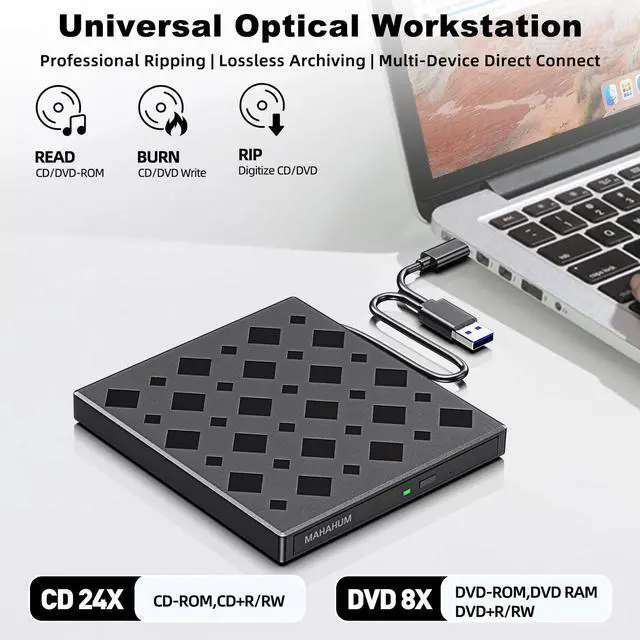
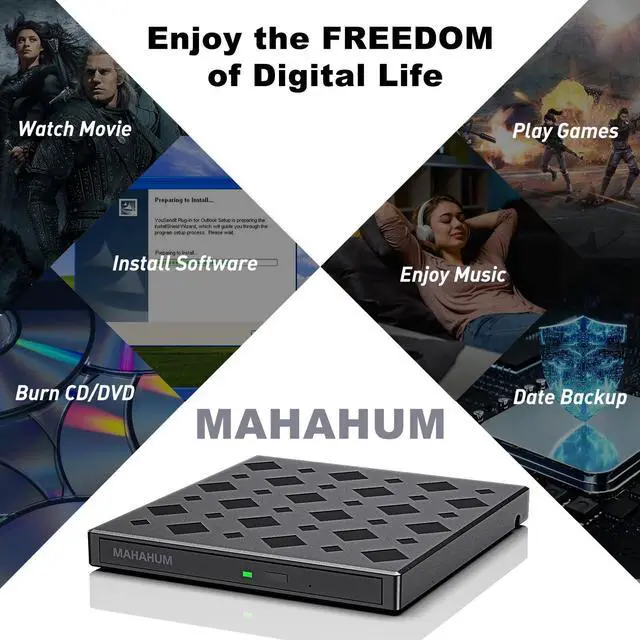
Full Scenario Digital Hub - Play/Burn/Erase/Rewrite/Rip/Backup, one machine realizes full life cycle management of optical discs.
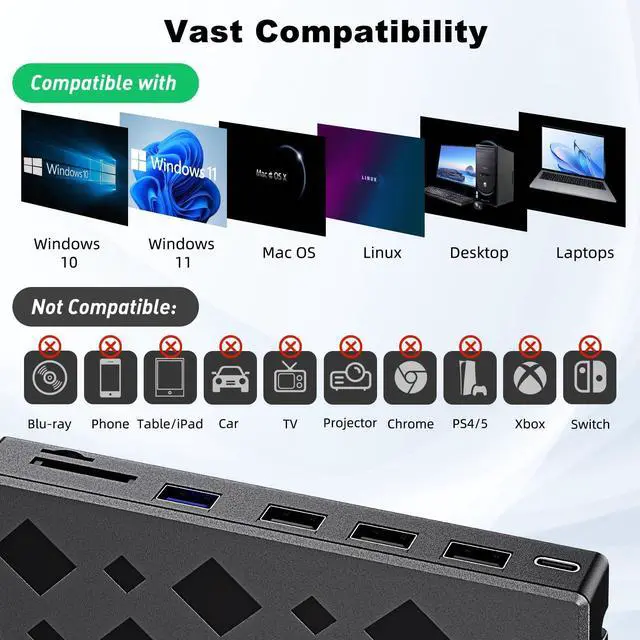
Cross-platform Plug & Play - Seamlessly compatible with Windows 11 to XP, macOS (with M1/M2/M3 chips), Linux.
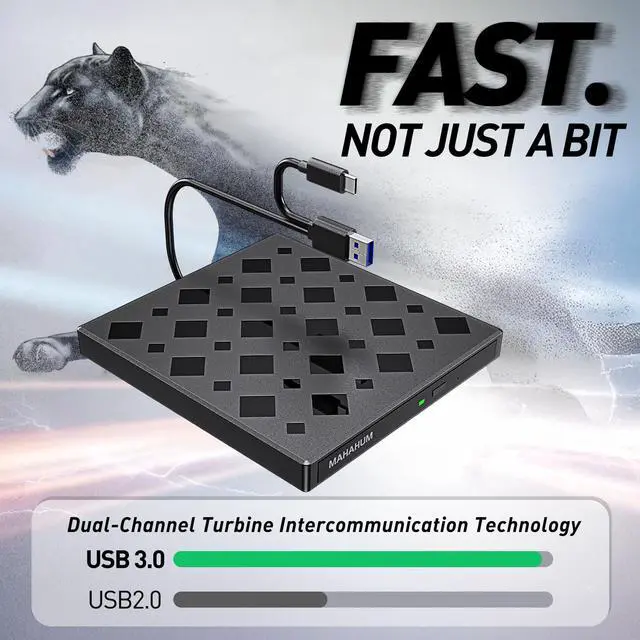
Super-speed transfer experience - USB 3.0 5Gbps speed transfer, CD 24X/DVD 8X read/write, intelligent acceleration technology.
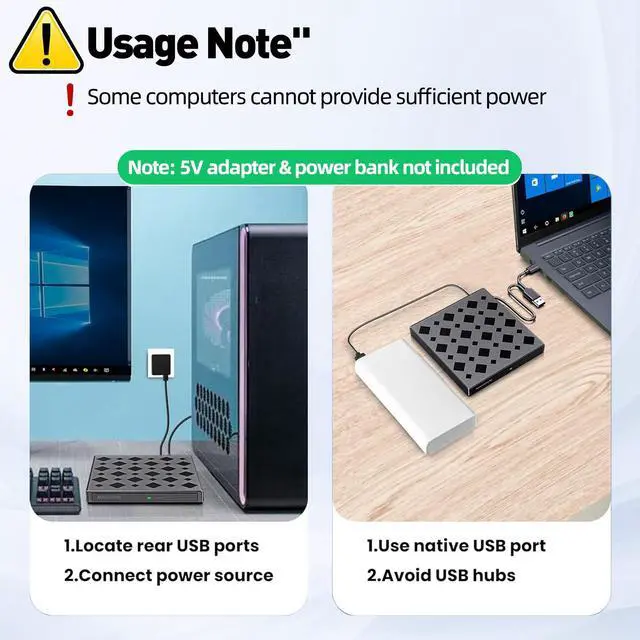
Dual power supply is more reliable - comes standard with a separate power cord for stable operation in high power consumption scenarios.
Portable and shockproof design - Ultra-thin body, business travel/teaching demonstration/data rescue travel without worry!
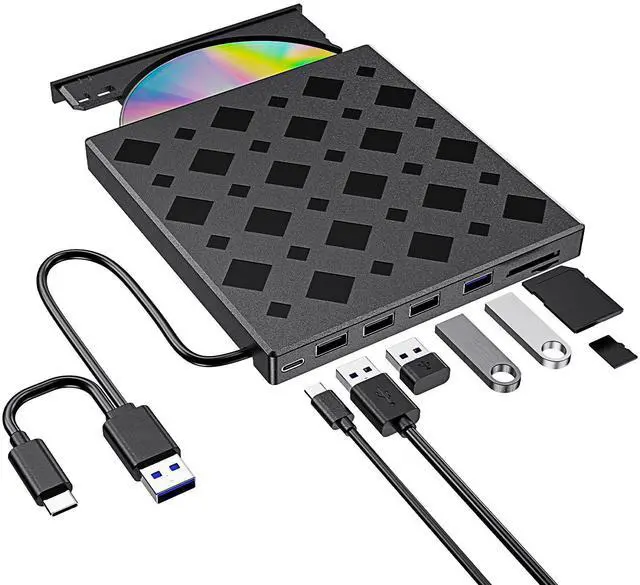
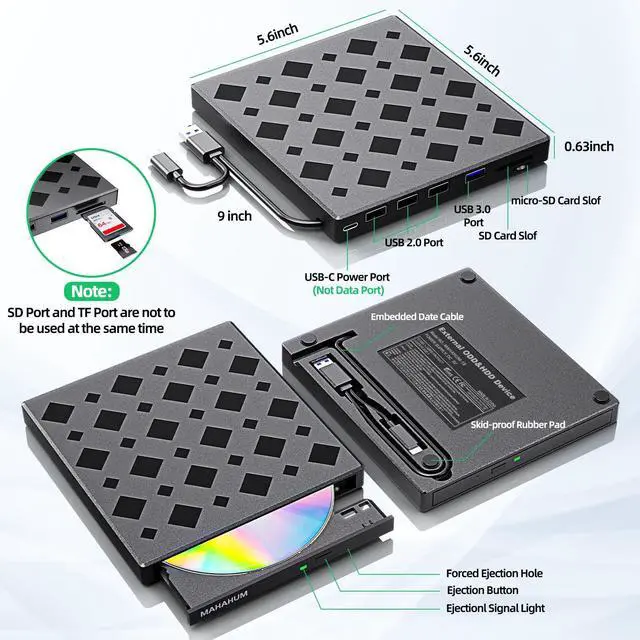
8-in-1 Optical Drive Hub- Supporting multi-scenario operation and compatible with USB 3.0 high-speed transmission
Technical SpecificationsTechnical knowledge for greater peace of mind
Full Format Support:
Support the reading, burning (writing/rewriting), and ripping (digitizing) of multi-types of discs including CD-ROM, CD-R, CD± RW, DVD-ROM, DVD-RAM, DVD±R, DVD±RW, DVD±R DL, VCD, SVCD. (Blu-ray Disc is NOT supported)
Smart Burning Recommendation:
CD recommended 10X burning | DVD recommended 4X-8X burning
Dual-layer DVD prioritizes 4X low speed to ensure data integrity
Supported Devices
All Windows computers (XP/7/8/10/11)All Mac models (including M1/M2/M3 chips)Linux mainstream systems
Incompatible Devices
Chromebooks/Car systems/Game consoles/Smart TVs/Tablet phones/ProjectorsBlu-ray playback (DVD/CD only)
Three minimalist stepsNewbies can easily get started!
Windows System
Plug and Play
Connect the USB-A or USB-C port of your computer with cable (Win11 requires internet connection to load the driver automatically)
Region Code Setting
Right-click on the optical drive icon Properties Hardware Click "Properties" at the bottomDVD region code set to #1 (5 modification opportunities only)
Playback/Burning
Insert a discAutomatic recognitionPlay movies with VLC or burn data with ImgBurn (power cord included to cope with high power consumption scenarios)
Mac system
System Configuration
Open Finder > Settings > Ensure "CDs, DVDs, and iOS Devices" is checked in the General Tab and Sidebar Tab
Native Burning
Insert a blank disc Automatic recognition Use the software to play, burn, or rip right-click on the desktop icon and select "eject," or choose "File" > "Eject" from the menu. (Note: The tray cannot open via the button due to MacOS limitations)
Mac OS Includes a Built-in Burning Function
Insert a blank disc click 'File select 'New Burn Folder [Burn Folder] drag in files click [Burn to Disc] eject the disc when finished Note that Mac OS only supports burning blank discs, and each disc can be burned only once.
Professional Operation
DVD lossless ripping by HandBrake+VLC combination (MacBook recommended to connect the power supply to ensure stable power supply)
Free Software Recommendations Unlocking the Professional Experience
Video and audio playback
Such as VLC Player Apple DVD Player
CD Burning Tracks
Such