
Your Browsing History




Any questions? Our AI beta will help you find out quickly.
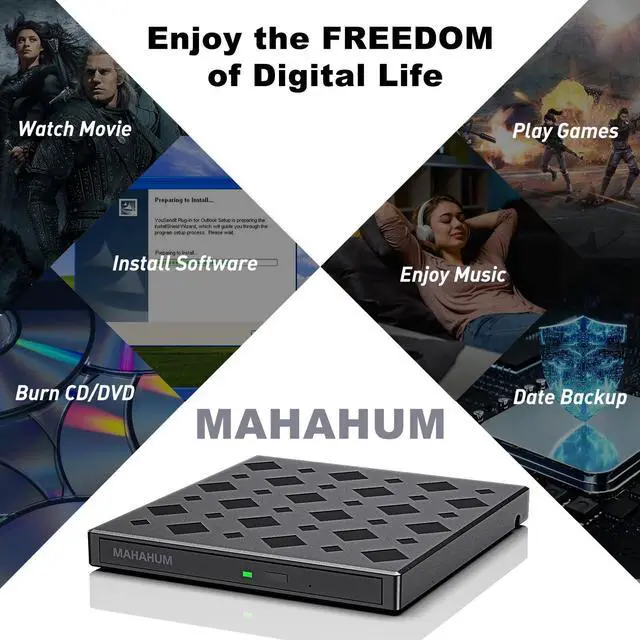
Why choose MAHAHUM External CD/DVD Drive for Laptop?
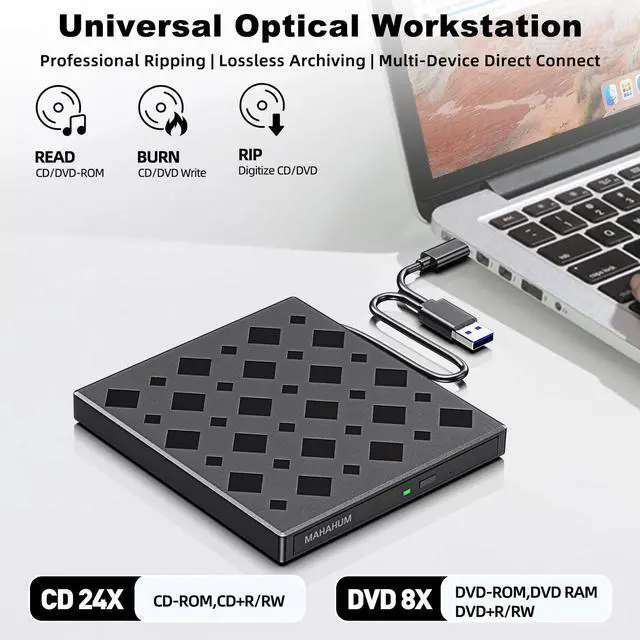
MAHAHUM External CD/DVD Drive for Laptop brings the classic carriers back to life:
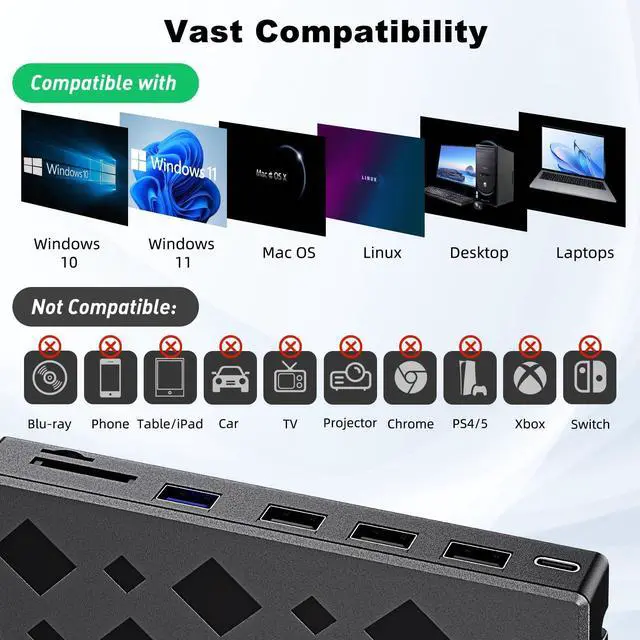
Fystems
Incompatible Devices
Chromebooks/Car systems/Game consoles/Smart TVs/Tablet phones/ProjectorsBlu-ray playback (DVD/CD only)
Three minimalist stepsNewbies can easily get started!
Windows System
Plug an the desktop icon and select "eject," or choose "File" > "Eject" from the menu. (Note: The tray cannot open via the button due to MacOS limitations)
Mac OS Includes a Built-in Burning Function
Insert a blank disc click 'File select 'New Burn Folder [Burn Folder] drag in files click [Burn to Disc] eject the disc when finished Note that Mac OS only supports burning blank discs, and each disc can be burned only once.
Professional Operation
DVD lossles
Region code needs to be set for the first time DVD playback (select #1 for US/Canada region, total modifications 5 times)
Recording recommendation: CD 10XDVD 8XDouble Layer DVD priority 4X Low Speed
Mac system need to exit the disk through software (physical eject button is not effective)
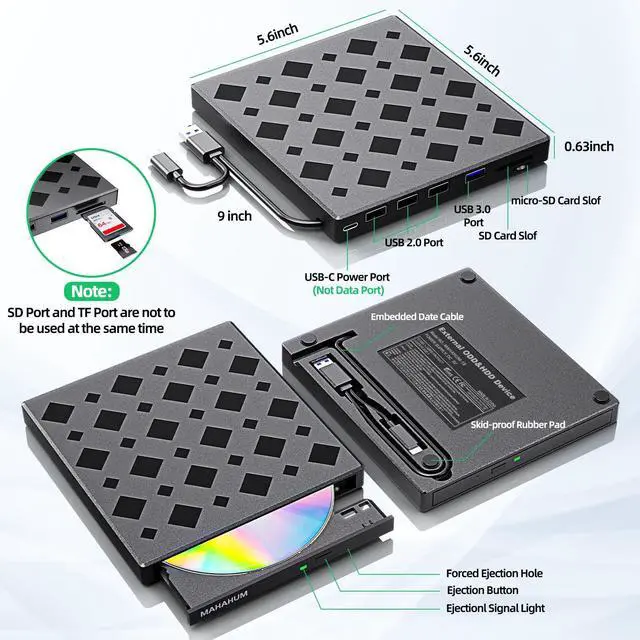
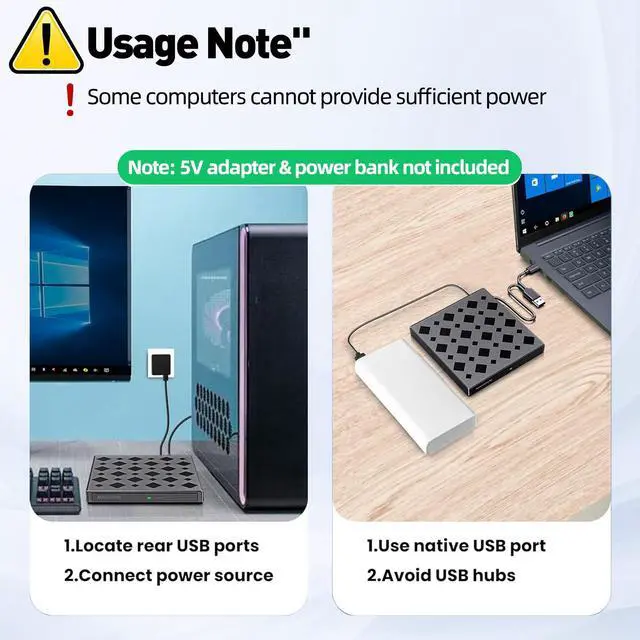
High power consumption scenarios must be connected to the included 5V power supply (e.g. burning dual-layer DVDs/external thin and light notebooks)
FAQSelf Help Solutions
Windows cannot recognize the USB DVD Drive External?
Basic troubleshooting
Prioritize using the native USB-A/C cable the device to connect directly to the computer's USB port
Replace the USB port test (avoid the blue USB 2.0 port)
High power consumption scenarios must be connected to the included 5V power supply
Driver Reset Guide
Win+X to open Device Manager Click View Check Show Hidden Devices.
Expand DVD/CD-ROM Uninstall the target device by right click.
Reboot your computer and replug the External Drive and reinstall the CD Rom External Drive for Laptop automatically (Win11 needs to stay connected).
Windows can read CD but can't play DVD?
Mandatory Settings
Use VLC player (Windows Media Player does not support DVD)
Right-click on the External CD/DVD Drive for Laptop icon Properties Hardware Click "Properties" at the bottomDVD region code set to #1 (5 modification opportunities only)
Mac doesn't show the CD Drive for Laptop icon?
System level fix
Finder SettingsGeneral SidebarCheck CD/DVD Devices.
Only show the icon when inserting a burned CD (blank disk needs to start the burning software)
Recommended to connect USB-C docking station when using iMac/Mac Studio.
Physical layer detection
Trial playback of CD-ROMs of different ages (old disks before 2000 or incompatible)
Optical drive spinning but no display? Force restart Finder process