

Your Browsing History
- Free 30-day Returns
$204.99

Meet Your Seller

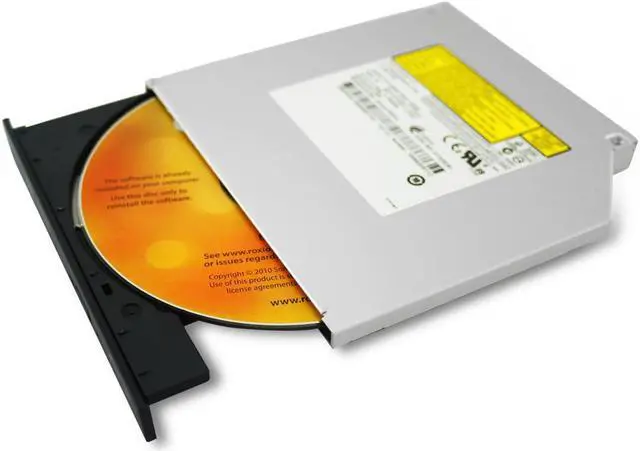
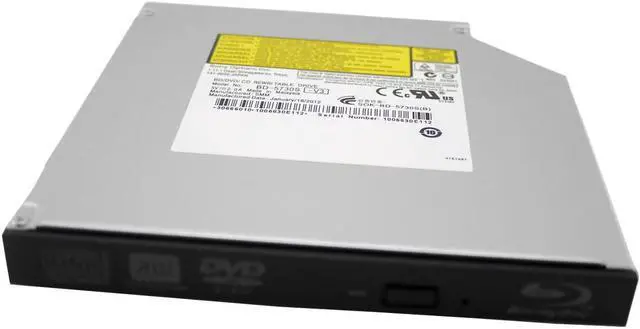
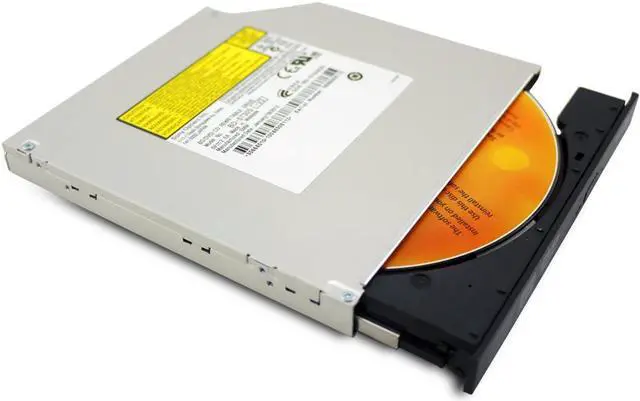
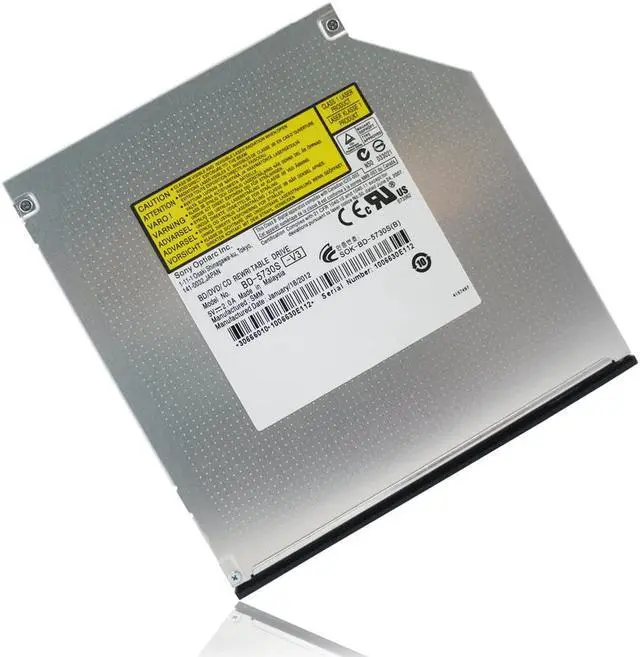
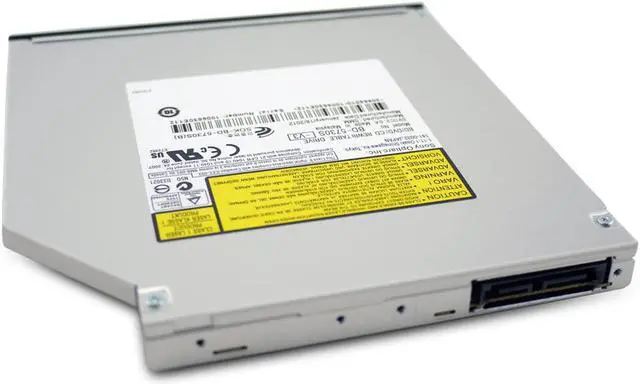


HIGHDING SATA Blu-ray BD-R/RE Drive Burner Writer Replacement for HP-Compaq 595761-001/665329-001/599538-001
- Read Speed: BD: 6x max. DVD: 8x max. CD: 24x max.
- Write Speed: BD-R: 6x max. BDXL: 4x max. BD-R DL: 4x max. BD-RE: 2x max. DVD-R: 8x max. DVD+R: 8x max. DVD-RW: 6x max. DVD+RW: 8x max. DVD-R DL: 6x max. DVD+R9: 6x max. CD-R: 24x max. CD-RW: 24x max.
- Compatibility: All Windows OS
- NOTE THAT : 1. Our optical drive is just a Blu-ray drive WITHOUT any original accessories( faceplate, mounting frames, hooks, brackets) 2. If you replace your old optical drive by yourself, you just need to remove your old optical drive's accessories with a screwdriver, then install them on our optical drive, then you can use it. 3. We will include one manual in package box for your reference, it is so easy to operate.
+
+
Overview
Reviews

Any questions? Our AI beta will help you find out quickly.
Try me now
Read Speed: BD: 6x max. DVD: 8x max. CD: 24x max.
Write Speed: BD-R: 6x max. BDXL: 4x max. BD-R DL: 4x max. BD-RE: 2x max. DVD-R: 8x max. DVD+R: 8x max. DVD-RW: 6x max. DVD+RW: 8x max. DVD-R DL: 6x max. DVD+R9: 6x max. CD-R: 24x max. CD-RW: 24x max.
Compatibility: All Windows OS
NOTE THAT : 1. Our optical drive is just a Blu-ray drive WITHOUT any original accessories( faceplate, mounting frames, hooks, brackets) 2. If you replace your old optical drive by yourself, you just need to remove your old optical drive's accessories with a screwdriver, then install them on our optical drive, then you can use it. 3. We will include one manual in package box for your reference, it is so easy to operate.
Write Speed: BD-R: 6x max. BDXL: 4x max. BD-R DL: 4x max. BD-RE: 2x max. DVD-R: 8x max. DVD+R: 8x max. DVD-RW: 6x max. DVD+RW: 8x max. DVD-R DL: 6x max. DVD+R9: 6x max. CD-R: 24x max. CD-RW: 24x max.
Compatibility: All Windows OS
NOTE THAT : 1. Our optical drive is just a Blu-ray drive WITHOUT any original accessories( faceplate, mounting frames, hooks, brackets) 2. If you replace your old optical drive by yourself, you just need to remove your old optical drive's accessories with a screwdriver, then install them on our optical drive, then you can use it. 3. We will include one manual in package box for your reference, it is so easy to operate.
Warranty & Returns
Warranty, Returns, And Additional Information
Warranty
- Please contact the Seller directly for warranty information. Warranty information may also be found on the Manufacturer's website.
- CONTACT
Return Policies
- Return for refund within: 30 days
- Return for replacement within: 30 days
- This item is covered by Zhanfu Technology Co., Limited Return Policy
Manufacturer Contact Info
- For a directory of all our manufacturers, please click below.
- Manufacturers Directory
LOADING...