
• $59.99
  • Free 30-day Returns
  • Price alert
    Sold by shiyishan

    Shipped by shiyishan

    Shop it at NeweggBusiness.

    Meet Your Seller

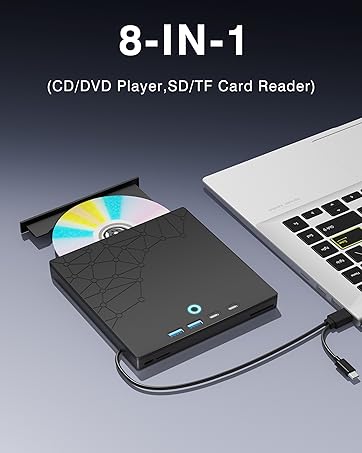
    Xadioei External CD/DVD Drive for Laptop, DVD Burner CD Reader for Laptop, 8-in-1 USB 3.0 Portable CD Players with SD/TF Ports, External Disk Drive Optical for MacBook Windows 11 10 PC Linux OS

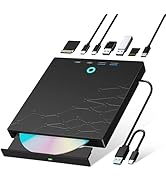
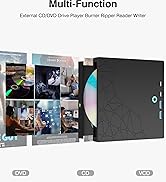
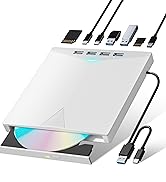
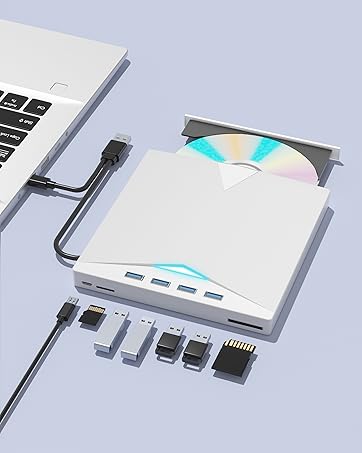
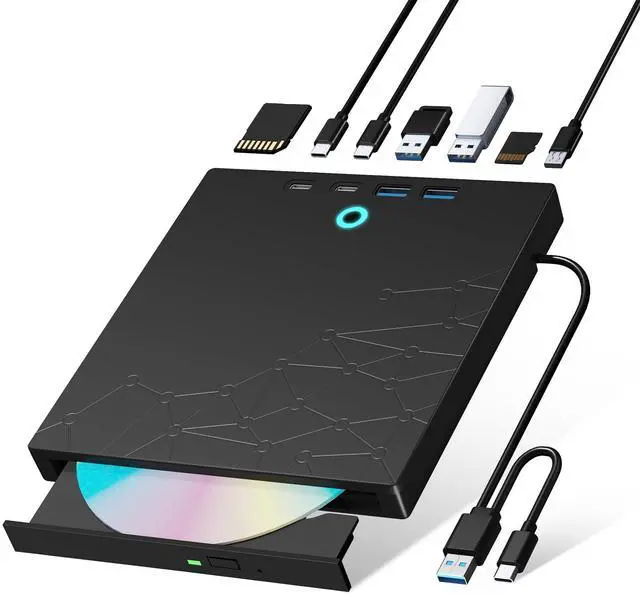
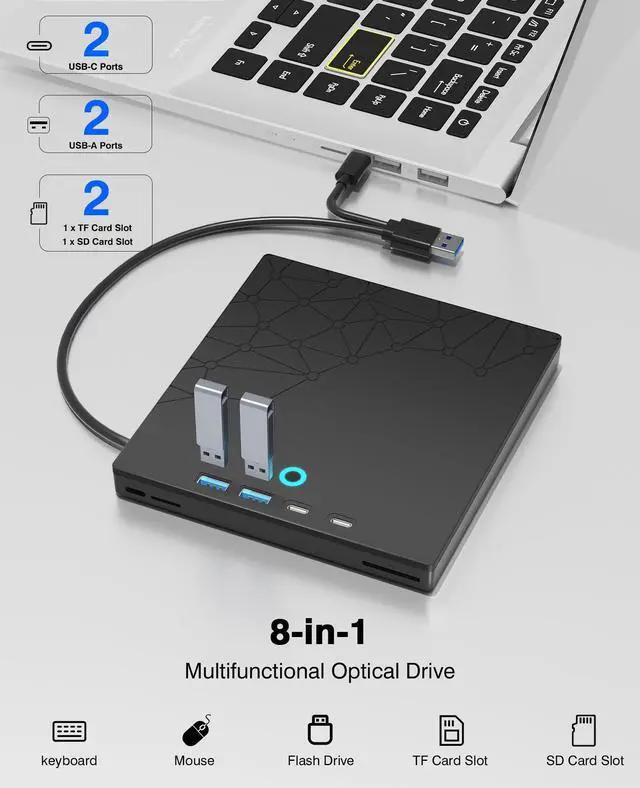
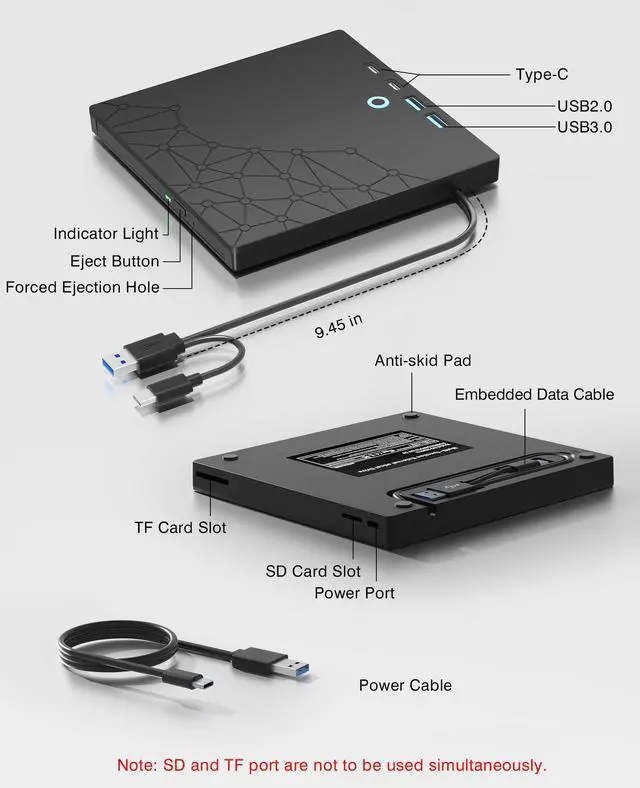
    • [8-in-1 Optical Drive]Our external CD/DVD drive is a versatile device that serves as a disc reader, cd burner, writer, rewriter, ripper, and multi-port hub (with 2 USB-A ports, 2 Type-C ports, and 2 TF/SD card slots). Use it with compatible media software to play DVDs or CDs, burn MP3s, videos, photos, and files to blank discs, import content from cameras, install software/games, and handle all other CD/DVD tasks. Please note: SD and TF cards cannot be used simultaneously.
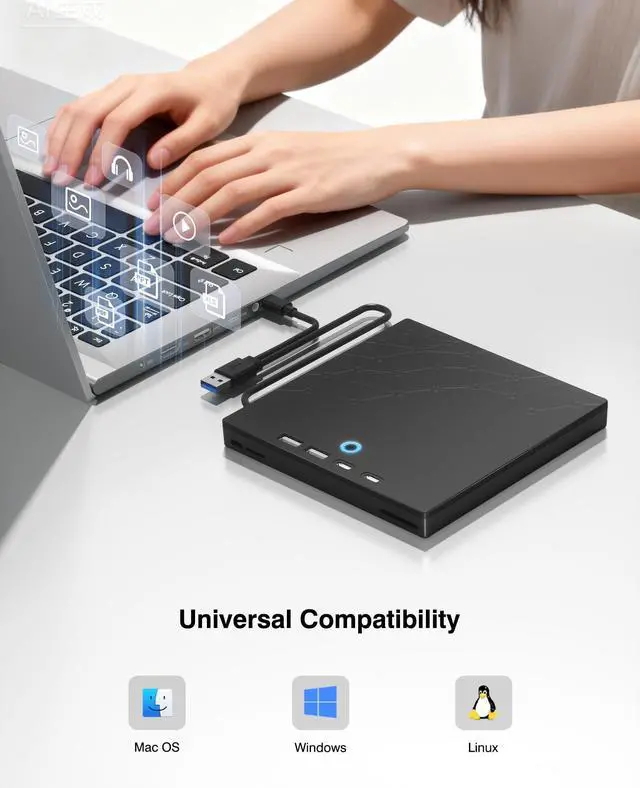
    • [Broad Compatibility]This external CD drive supports Windows 11/10/8.1/7/Vista/XP/98/SE/ME/2000, Linux, and all versions of Mac OS. It works with nearly all computers including MacBook Pro/Air, iMac, Mac Mini, laptops, desktops, PCs, and all-in-ones. Please note: This external DVD drive is NOT compatible with iPads/tablets/projectors/TVs/Chrome OS/car stereos/phones/ Blu-ray/4K discs.
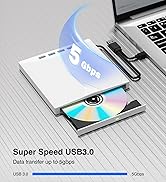
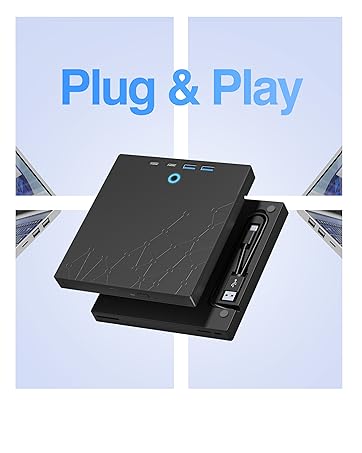
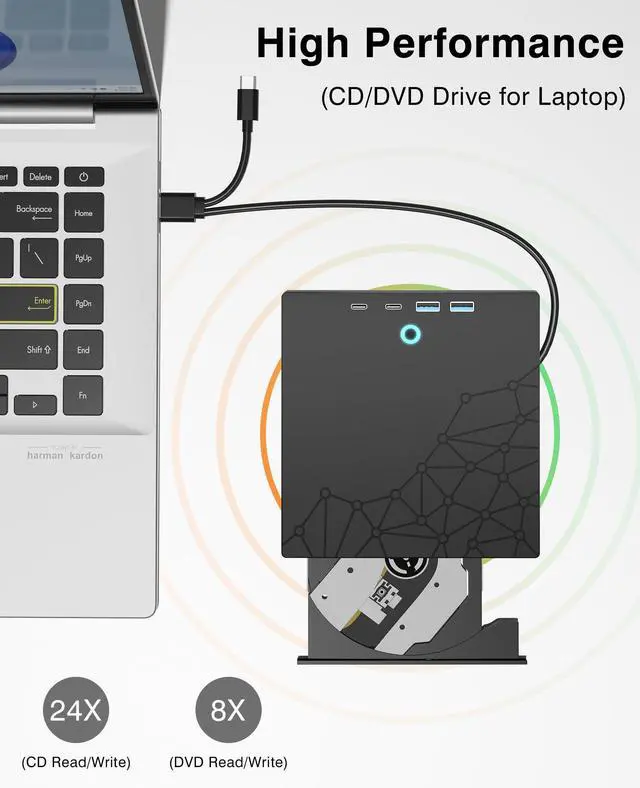
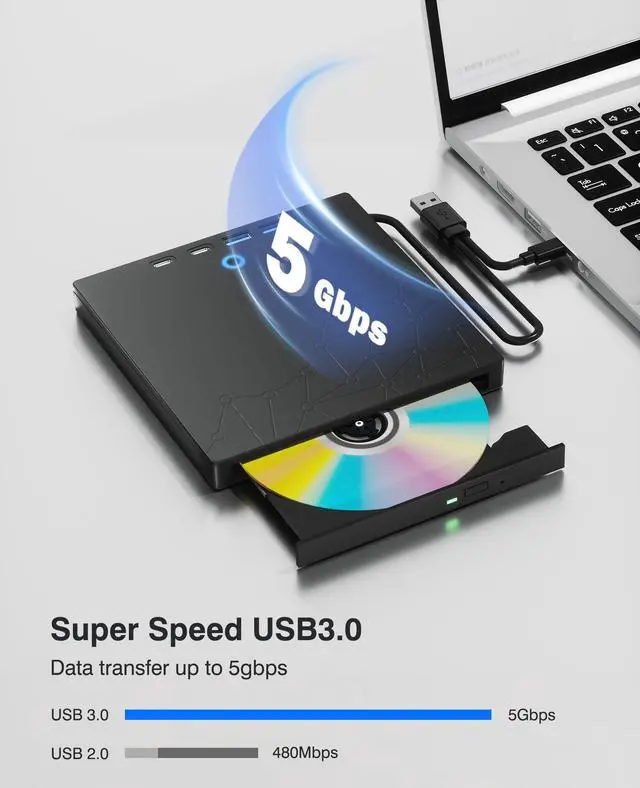
    • [Plug & Play]Super simple to set up just plug it into a USB port! This CD/DVD burner has a high-speed USB 3.0 data transfer port with speeds of up to 5 Gbps (625 MB/s). It offers maximum DVD writing/reading speeds of up to 8X and CD writing/reading speeds of up to 24X, which are faster than you would expect. This external DVD drive also features robust error correction, anti-skip and quiet operation.
    +
    +
    Overview
    Specs
    Reviews
    avatar

    Any questions? Our AI beta will help you find out quickly.

    external cd/dvd drive for laptop
    external cd drive

    How to use the external cd/dvd drive?

    Step1 : Plug the USB A or USB C connector into your computer's USB port instead of USB extension hub.

    Step2 : [For Windows OS] Your computer will recognize the drive and shows "CD/DVD-ROM" folder for optical drive.

    [For Mac OS] The Mac OS computer will not display the device icon until the disc is inserted into the optical drive and the disc is read successfully.

    Step3 : Set the DVDs region code (CDs do not have region code). The disc can only be played when there on code of the DVD drive matchesthe DVD. (Note: Only allows to change the region code 4-5 times)

    The steps of changing the region codes:

    1. Right-click My Computer and click Properties.

    2. Click Hardware. - Click Device Manager. - Expand DVD-ROM drives and select the optical drive. - Click Action and select Properties.

    3. Select the DVD Region tab.

    4. Choose the desired region.

    Step4 : The CD/DVD disk drive Not compatible with Blu ray,TV, car, tablet, phone, projector,PS5 and Chrome OS.

    external cd/dvd drive for laptop
    external cd drive

    How to use the external cd/dvd drive?

    Step1 : Plug the USB A or USB C connector into your computer's USB port instead of USB extension hub.

    Step2 : [For Windows OS] Your computer will recognize the drive and shows "CD/DVD-ROM" folder for optical drive.

    [For Mac OS] The Mac OS computer will not display the device icon until the disc is inserted into the optical drive and the disc is read successfully.

    Step3 : Set the DVDs region code (CDs do not have region code). The disc can only be played when there on code of the DVD drive matchesthe DVD. (Note: Only allows to change the region code 4-5 times)

    The steps of changing the region codes:

    1. Right-click My Computer and click Properties.

    2. Click Hardware. - Click Device Manager. - Expand DVD-ROM drives and select the optical drive. - Click Action and select Properties.

    3. Select the DVD Region tab.

    4. Choose the desired region.

    Step4 : The CD/DVD disk drive Not compatible with Blu ray,TV, car, tablet, phone, projector,PS5 and Chrome OS.

    1. Important Usage and Safety Instructions A. For Your Safety: -Laser Hazard: Never look directly at the laser inside the drive, as it can cause serious eye damage. Setup & Placement: -Stable Surface: Place the drive on a stable, flat surface to ensure proper operation. -Avoid Magnets: Keep the drive away from strong magnetic fields to prevent damage. 2.Troubleshooting Common Issues: A. Drive Not Recognized? - Connect the drive directly to a USB port on your computer (avoid using unpowered hubs). For desktop computers, use the USB ports on the back of the tower. B. Discs Not Playing or Reading? -Ensure the disc is inserted correctly and is clean and free of scratches. -Verify that your computer has a media player installed (e.g., VLC Media Player). -Check that the correct region code is set in your player software for the disc you are trying to play. 3. Performance Notes: A. Data Transfer Speed: The actual read/write speed can vary depending on your computer's hardware and system performance. B. Driver Software: The drive should automatically install basic drivers on modern systems. If it doesn't, try using it on another computer to see if the issue is with the drive or your computer's configuration.


    Product information

    Special Feature Error Correction, Lightweight, Plug & Play, Slip Resistant
    Hardware Interface USB 3.0 Type C
    Brand Xadioei
    Optical Storage Write Speed DVD:8X CD:24X
    Optical Storage Read Speed DVD:8X CD:24X
    Item model number D-PTKL-XD041
    Hardware Platform Laptop, PC
    Operating System Windows 11, Windows 10, Windows 8.1, Windows 7, Windows Vista, Windows XP, Windows 98, Windows SE, Windows ME, Windows 2000, Linux, Mac OS
    Item Weight 13.4 ounces
    Package Dimensions 7.28 x 6.65 x 1.26 inches
    Color Black
    Manufacturer Xadioei
    Date First Available November 18, 2025

    Additional Features

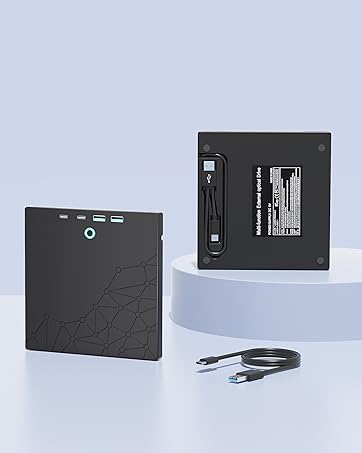
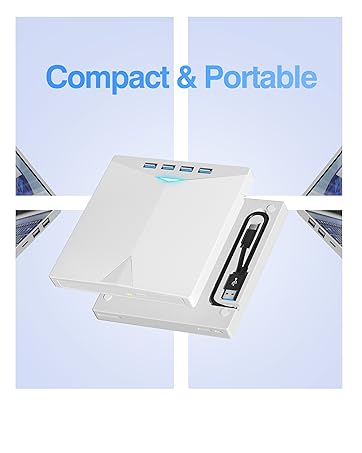
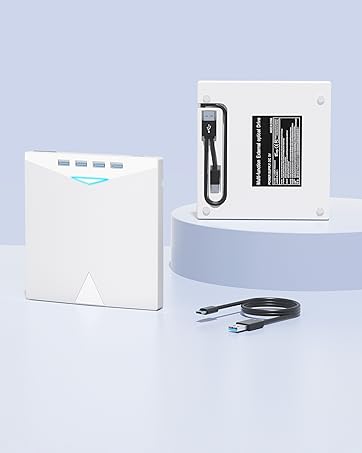
    • [Slim & Portable Design]This usb cd drive is ultra-thin and lightweight, featuring a built-in cable for easy use and storage. The eject button and disc tray are designed for smooth operation. With non-slip rubber padding and a sleek, stylish look, you can easily carry and use this portable DVD drive external anywhere.
    • [Customer Support]The cd burner comes with reliable service and a 1-year warranty. If you have any questions about this portable CD/DVD player for laptop, feel free to contact uswe guarantee a response within 24 hours.

    Warranty & Returns

    Warranty, Returns, And Additional Information

    Warranty

    • Please contact the Seller directly for warranty information. Warranty information may also be found on the Manufacturer's website.
    • CONTACT

    Return Policies

    • Return for refund within: 30 days
    • Return for replacement within: non-replaceable
    • This item is covered by shiyishan Return Policy

    Manufacturer Contact Info

    LOADING...