
 Holiday Shipping Details & Extended Holiday Returns


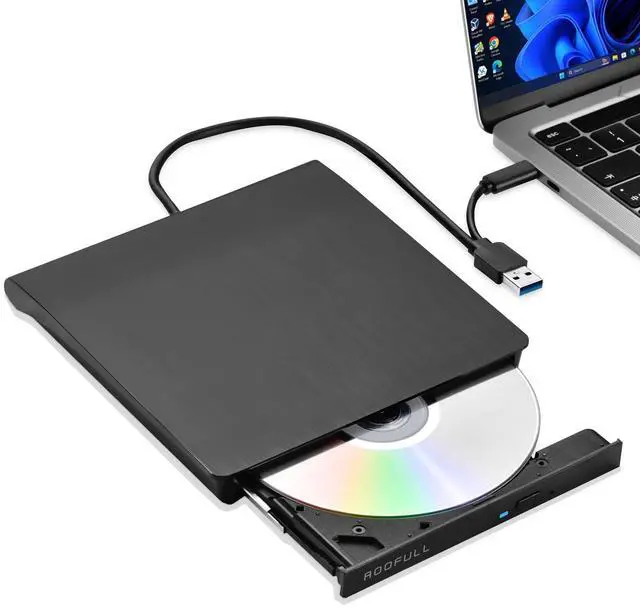
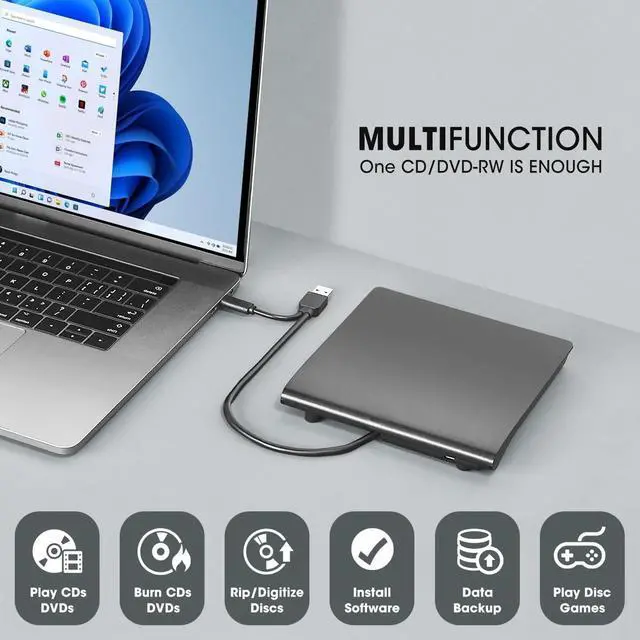
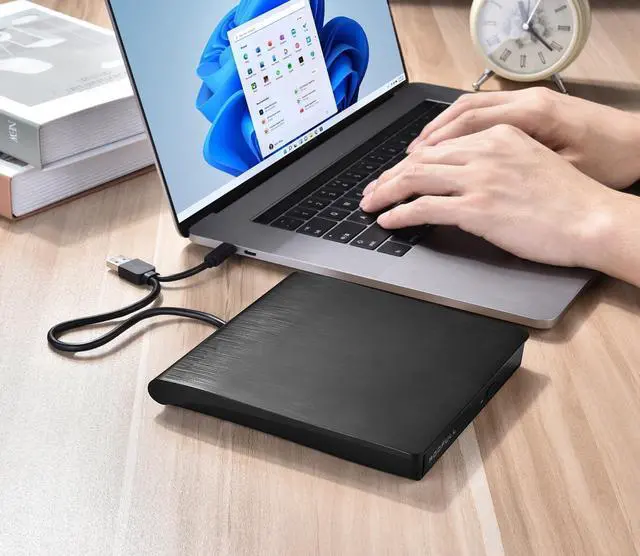


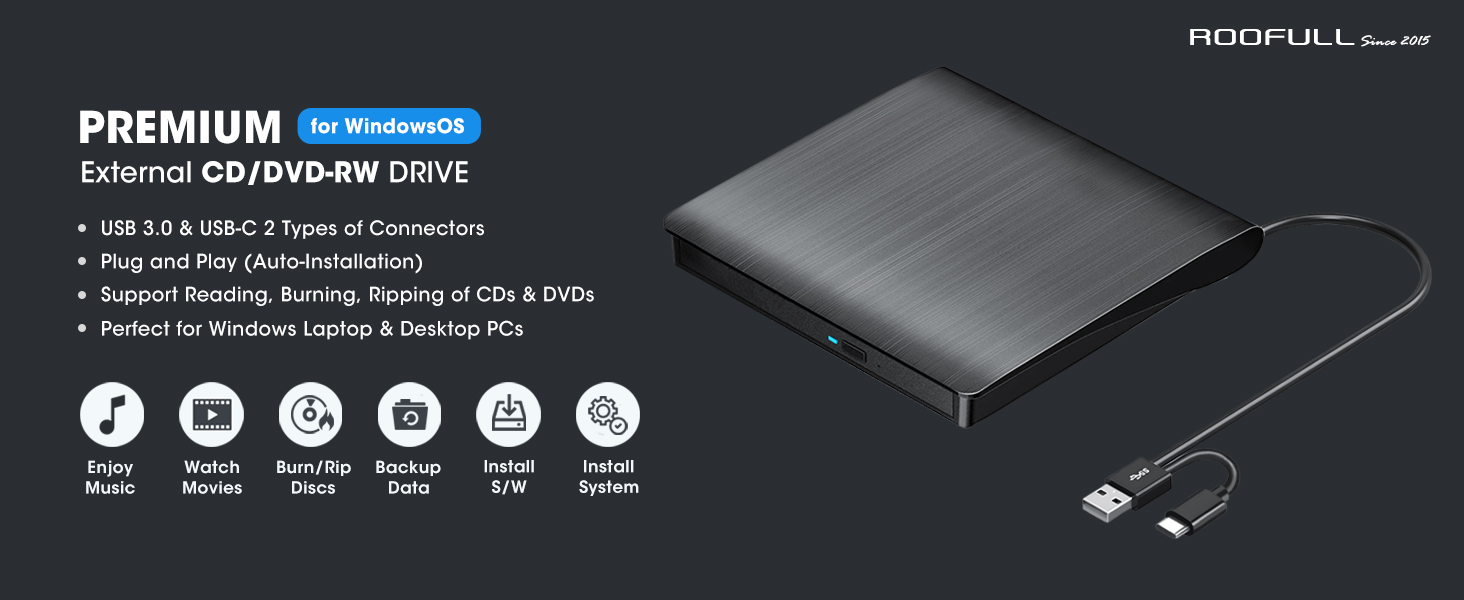
Best USB 3.0 external CD and DVD player burner ripper—designed for all new & old Windows laptops and desktop computers!
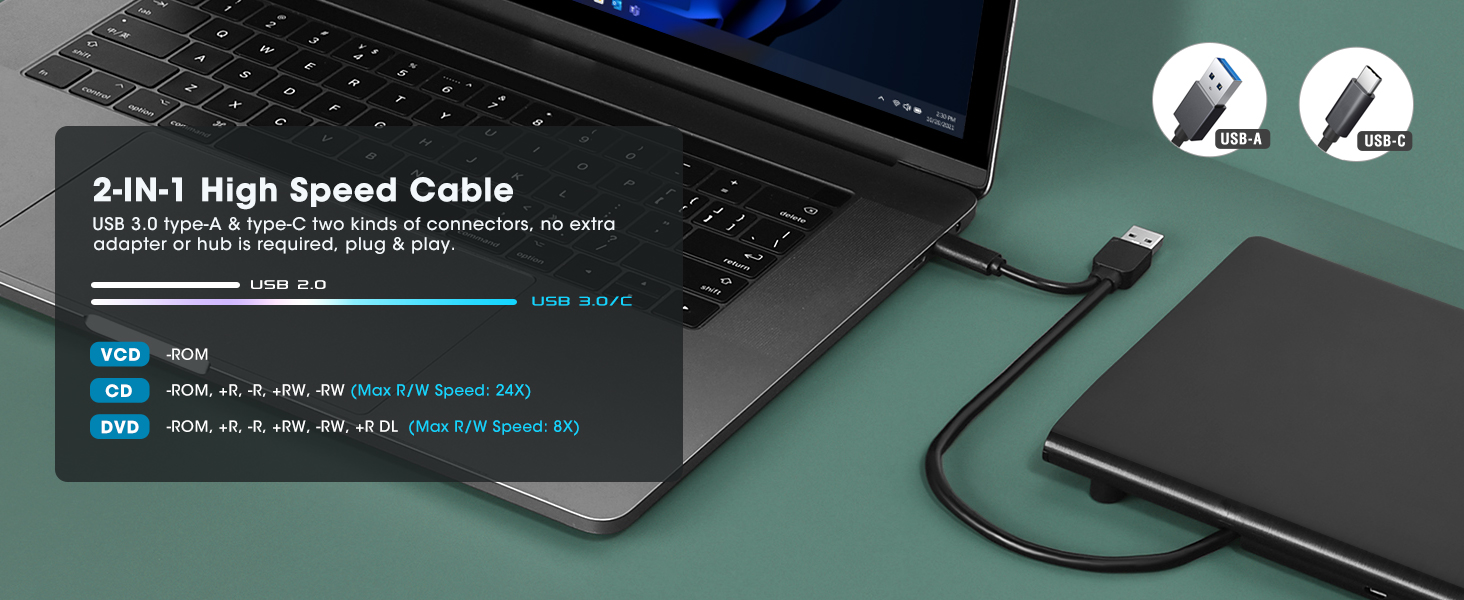
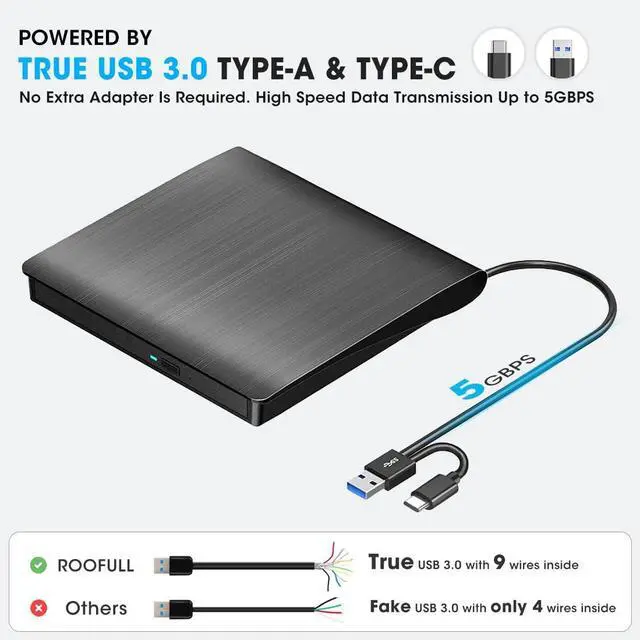
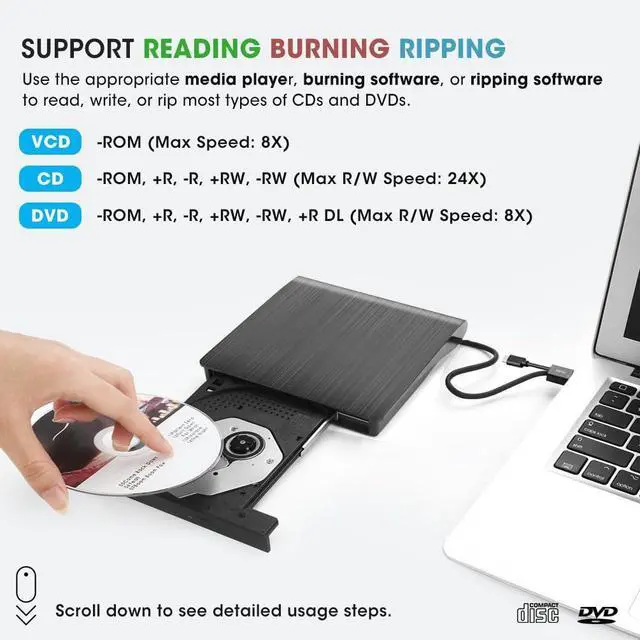
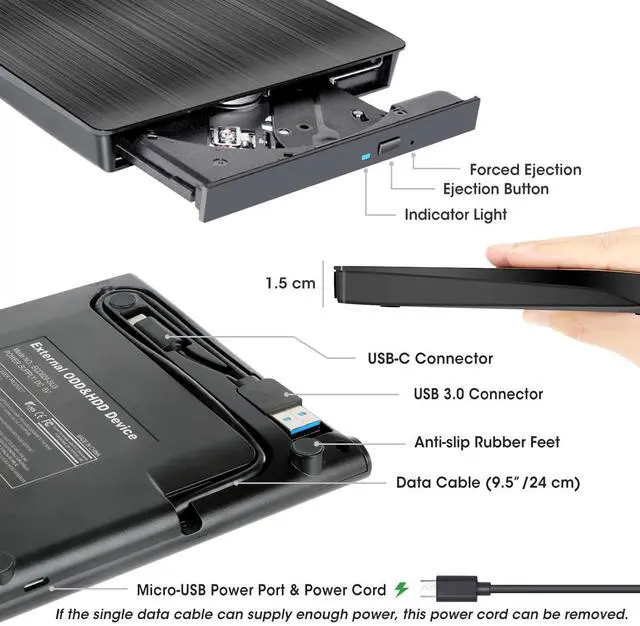
USB-A and USB-C 2 kinds of connectors make it easier to connect all kinds of computers without an adapter or hub required. USB 3.0 high-speed technology ensures a smooth operating experience. The max reading & writing speed is up to CD:24X and DVD: 8X.
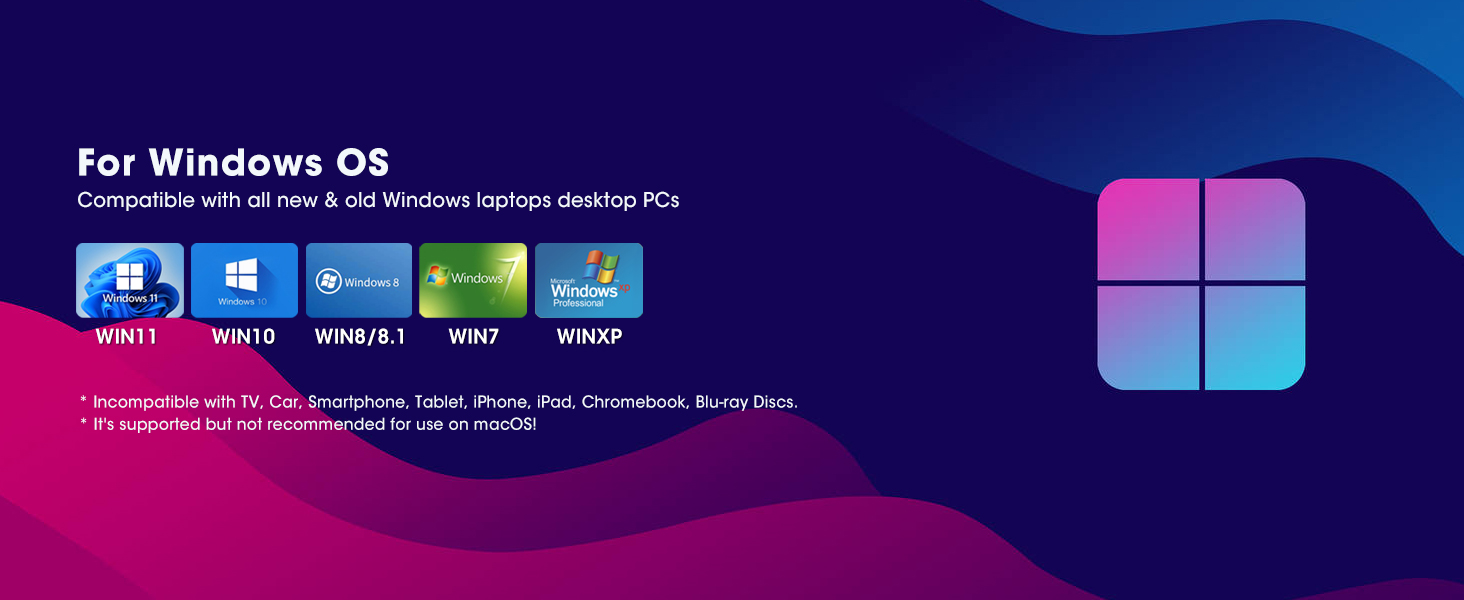
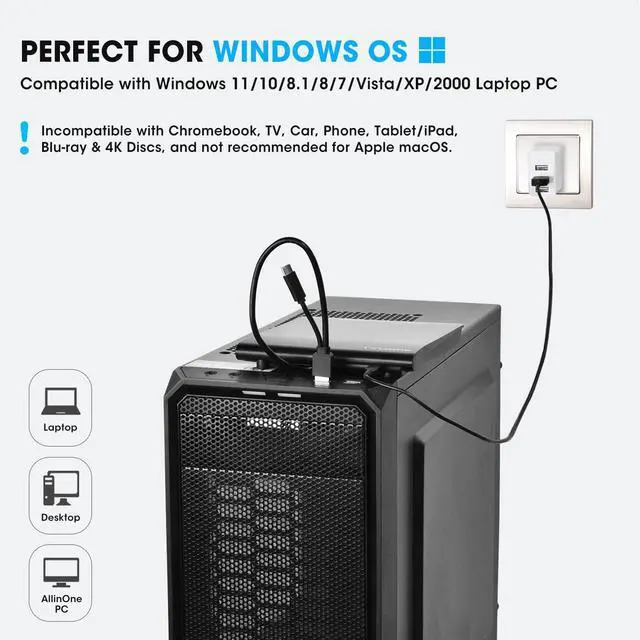
Perfectly compatible with most Windows laptops, desktops, and all-in-one PCs. Including Windows 11, Windows 10, Windows 8.1/8, Windows 7, Windows Vista, Windows 2008, and Windows 2003.
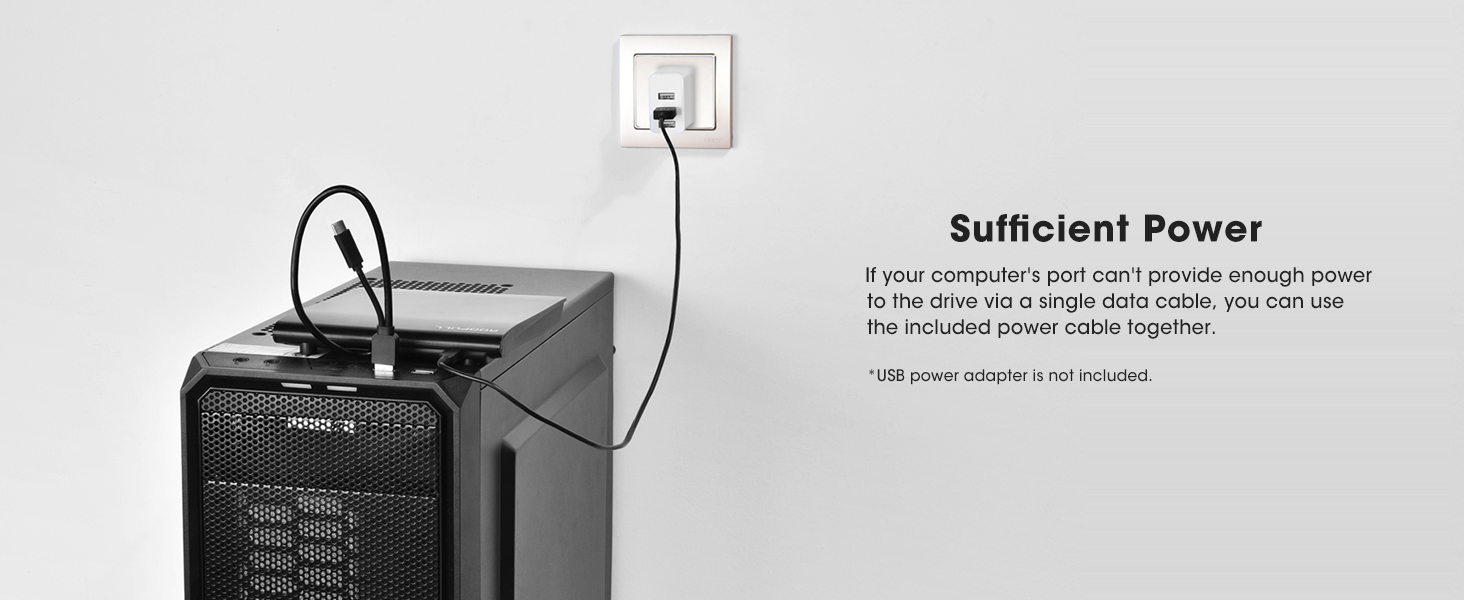
If the USB ports on your laptop or desktop PC cannot supply sufficient power for this drive through a single data cable, please connect the separate power supply cord to a USB power adapter or power bank to get extra power.
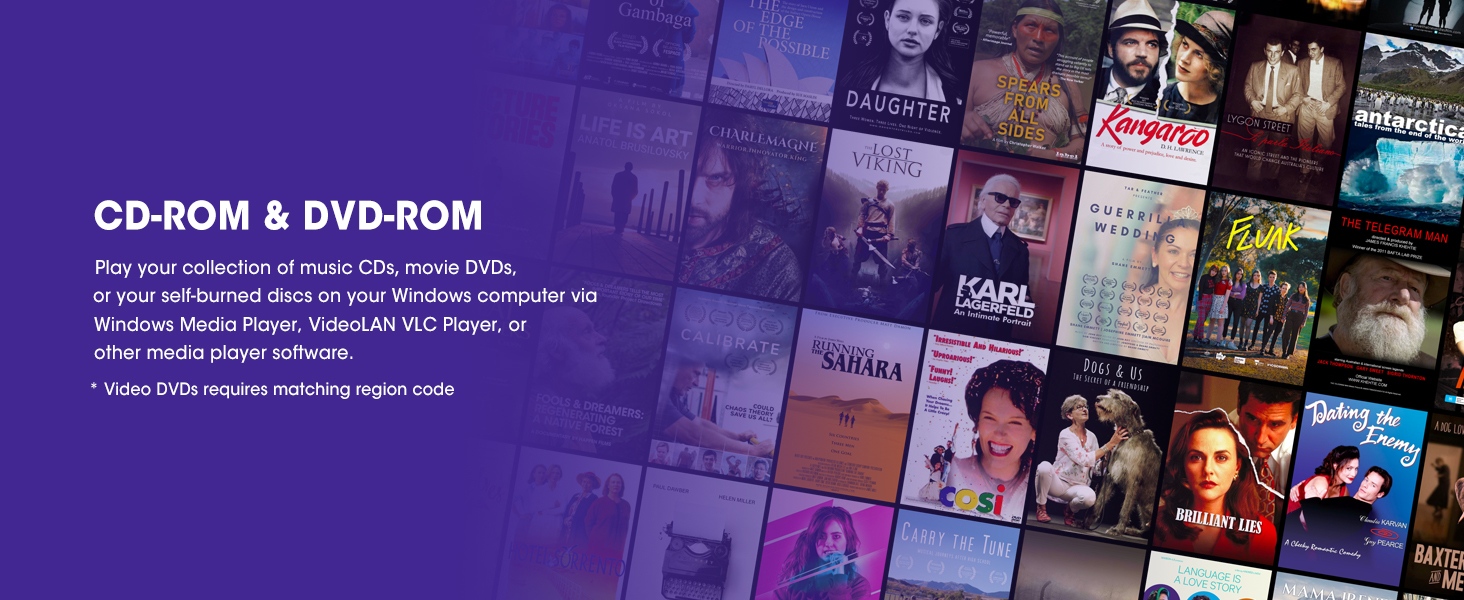
Best Things to Know Before Buying
TOP ROOFULL EXTERNAL CD/DVD-RW DRIVE FOR LAPTOP MAC
 ECD829-Y (for Windows) |  ECD829-Y with Case |  B21-Y |  A41-SU | 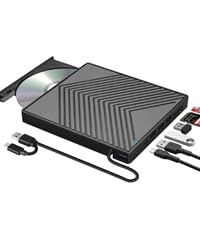 UL41-Y | 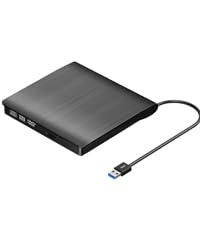 ECD819-SU3 | 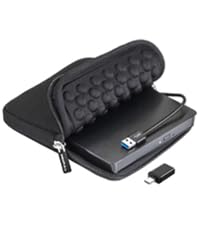 ECD819-SU3 with Case | |
|---|---|---|---|---|---|---|---|
Customer Reviews | — | — | — | — | — | — | — |
Price | — | — | — | — | — | — | — |
Hardware Interface | USB 3.0 & USB-C | USB 3.0 & USB-C | USB 3.0 & USB-C | USB 3.0 & USB-C | USB 3.0 & USB-C | USB 3.0 | USB 3.0 & USB-C Adapter |
Compatible OS | Windows | Windows, Mac OS, Linux | Windows, Mac OS, Linux | Windows, Mac OS, Linux | Windows, Mac OS, Linux | Windows, Mac OS, Linux | Windows, Mac OS, Linux |
Hardware Platform | Laptop, Desktop PC | Laptop, PC, Mac | Laptop, PC, Mac | Laptop, PC, Mac | Laptop, PC, Mac | Laptop, PC, Mac | Laptop, PC, Mac |
Optical Storage Read Speed | Max 24xCD / 8xDVD | Max 24xCD / 8xDVD | Max 24xCD / 8xDVD | Max 24xCD / 8xDVD | Max 24xCD / 8xDVD | Max 24xCD / 8xDVD | Max 24xCD / 8xDVD |
Optical Storage Write Speed | Max 24xCD / 8xDVD | Max 24xCD / 8xDVD | Max 24xCD / 8xDVD | Max 24xCD / 8xDVD | Max 24xCD / 8xDVD | Max 24xCD / 8xDVD | Max 24xCD / 8xDVD |
Additional Expansion | No | No | USB 3.0, 2.0, USB-C, SD Slot | USB 3.0, 2.0, SD Slot | USB 3.0, 2.0, SD Slot | No | No |
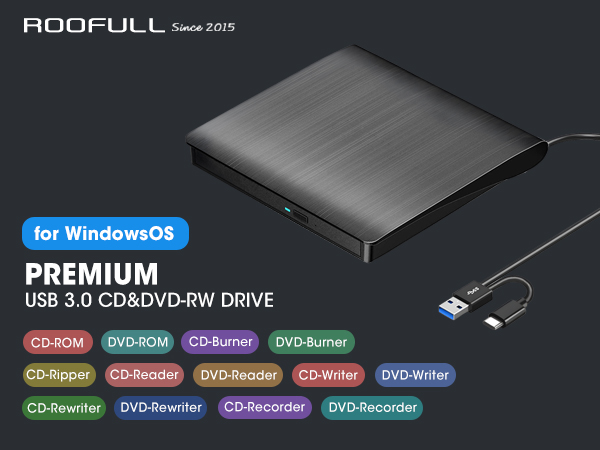
Best USB 3.0 external CD and DVD player burner ripper—designed for all new & old Windows laptops and desktop computers!
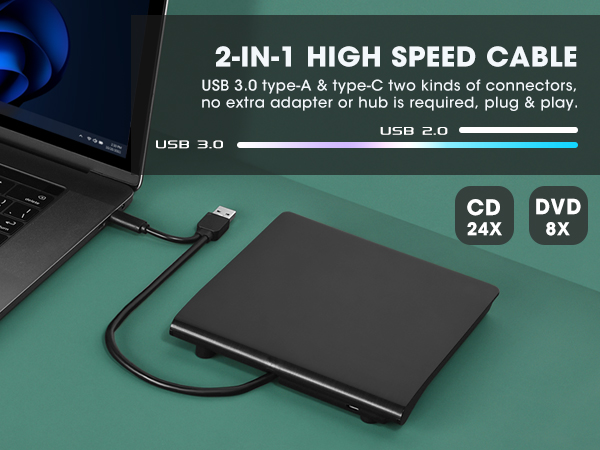
USB-A and USB-C 2 kinds of connectors make it easier to connect all kinds of computers without an adapter or hub required. USB 3.0 high-speed technology ensures a smooth operating experience. The max reading & writing speed is up to CD:24X and DVD: 8X.
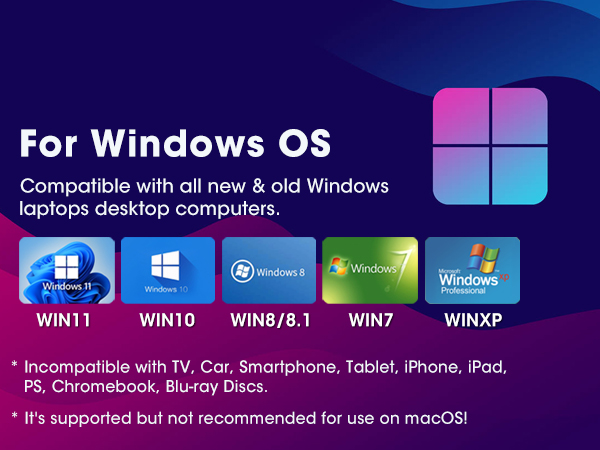
Perfectly compatible with most Windows laptops, desktops, and all-in-one PCs. Including Windows 11, Windows 10, Windows 8.1/8, Windows 7, Windows Vista, Windows 2008, and Windows 2003.
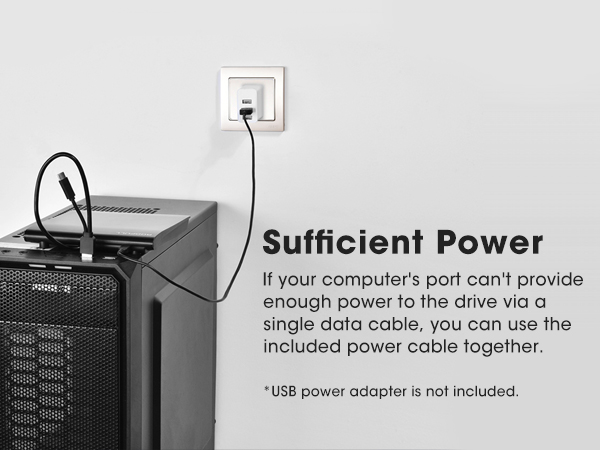
If the USB ports on your laptop or desktop PC cannot supply sufficient power for this drive through a single data cable, please connect the separate power supply cord to a USB power adapter or power bank to get extra power.
Best Things to Know Before Buying
| How to Use it on Windows PC? | Prepare software based on your needs and network connection > Plug the data cable (located under the drive) into your computer's USB port directly. If needed, connect the power supply cord to a USB power adapter or bank to ensure sufficient power supply > You will see a DVD RW icon in Windows Explorer > For video DVDs, set the region code to number #1 to play US or CA DVDs (CDs do not have region code) > Insert your CDs or DVDs > Use the software you’ve prepared to play, burn, or rip the disc. |
|---|---|
| Change Region Code | For video DVDs, make sure to set the DVD region code to match your disc before playback, here are the steps: Right-click the "DVD-RW Drive" icon and select "Properties" > Go to the "Hardware" tab and select your CD/DVD drive > Click "Properties" at the bottom > Open the "DVD Region" tab > Choose the right region (e.g., Region 1 for US/Canada) and click "OK". (Note: You can only change the region code 4~5 times.) |
| Data Cable & Power Supply Cord | The data cable is on the bottom of the drive. Please plug the data cable to your computer's USB port or a self-powered USB hub. If needed, connect the attached separate power supply cord to a USB power adapter or bank to ensure sufficient power supply. |
| If It can't be Detected by PC | [1] Please make sure to use the data cable instead of the power cable. [2] Please try different USB port on your PC and do not use a USB hub. [3] For a desktop PC, try using the USB port on the back of the host computer [4] You can reach out to us for detailed steps to reinstall the drive, 99% of of similar problems can be solved. [5] If the problem is not solved, you don’t need to return the item, just let us know |
| Best Media Player Software | Free audio CD media player (Windows media player, VideoLAN VLC Player). Free video/movie DVD media player (VideoLAN VLC Player, Kodi, 5K Player) |
| Best Burning Software | Free audio CD ripping software (ImgBurn, CDBurnerXP, BurnAware Free), Free video DVDs burning software (ImgBurn, BurnAware Free, CDBurnerXP, Freemake Video Converter) |
| Best Ripping Software | Audio CD Ripping Software (Windows Media Player, iTunes, CDex, Exact Audio Copy [EAC], Fre:ac). Video DVD Ripping Software (HandBrake, MakeMKV, VLC Media Player) |
| Windows 11 Requirements | Windows 11 needs a media player (such as VideoLAN VLC player or KODI) and a network connection. |
| About Burning Speed | Although the max R/W speed (CD: 24X/ DVD: 8X), the recommended burning/ripping speeds (CD: 10x or lower; DVD: 4x to 8x). Slower writing speeds like 4x or 8x are often ideal to ensure data integrity, particularly for high-capacity or dual-layer discs. These speeds allow for more precise data encoding, reducing the risk of read errors in the future. |
| About Media Format & Burning | Before burning an audio or video disc, make sure your blank disc capacity is sufficient, use the right burning software, and the multimedia format is compatible with the blank disc, otherwise the burned disc will not play properly. You can use software (such as HandBrake or Freemake Video Converter) to convert video files to DVD-compatible formats (e.g., MPEG-2) or audio files to CD-compatible formats (e.g., WAV or MP3). |
| Incompatible | This drive is not compatible with Chrome OS, TVs, tablets, iPads, phones, gaming consoles (PS4/PS5, Xbox, Nintendo Switch), or projectors, and does not support Blu-ray/4K discs. |
| What's Plug and Play? | Plug and play means you don't need to manually install the driver, but you'll still need a media player, burning, or ripping software to play, burn, or copy your discs. |
TOP ROOFULL EXTERNAL CD/DVD-RW DRIVE FOR LAPTOP MAC
ECD829-Y (for Windows) | ECD829-Y with Case | B21-Y | A41-SU | UL41-Y | ECD819-SU3 | ECD819-SU3 with Case |
|---|---|---|---|---|---|---|
| Customer Reviews | ||||||
| — | — | — | — | — | — | — |
| Price | ||||||
| — | — | — | — | — | — | — |
| Hardware Interface | ||||||
| USB 3.0 & USB-C | USB 3.0 & USB-C | USB 3.0 & USB-C | USB 3.0 & USB-C | USB 3.0 & USB-C | USB 3.0 | USB 3.0 & USB-C Adapter |
| Compatible OS | ||||||
| Windows | Windows, Mac OS, Linux | Windows, Mac OS, Linux | Windows, Mac OS, Linux | Windows, Mac OS, Linux | Windows, Mac OS, Linux | Windows, Mac OS, Linux |
| Hardware Platform | ||||||
| Laptop, Desktop PC | Laptop, PC, Mac | Laptop, PC, Mac | Laptop, PC, Mac | Laptop, PC, Mac | Laptop, PC, Mac | Laptop, PC, Mac |
| Optical Storage Read Speed | ||||||
| Max 24xCD / 8xDVD | Max 24xCD / 8xDVD | Max 24xCD / 8xDVD | Max 24xCD / 8xDVD | Max 24xCD / 8xDVD | Max 24xCD / 8xDVD | Max 24xCD / 8xDVD |
| Optical Storage Write Speed | ||||||
| Max 24xCD / 8xDVD | Max 24xCD / 8xDVD | Max 24xCD / 8xDVD | Max 24xCD / 8xDVD | Max 24xCD / 8xDVD | Max 24xCD / 8xDVD | Max 24xCD / 8xDVD |
| Additional Expansion | ||||||
| No | No | USB 3.0, 2.0, USB-C, SD Slot | USB 3.0, 2.0, SD Slot | USB 3.0, 2.0, SD Slot | No | No |