

Your Browsing History

Any questions? Our AI mode will help you find out quickly.
Try me now
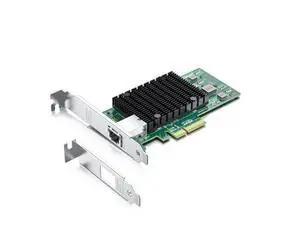
Quick View
10Gb PCI-E NIC Network Card, Single Copper RJ45 Port, with Intel X550-AT2 Controller, PCI Express Ethernet LAN Adapter Support Windows Server/Linux/ESX, Compare to Intel X550-T1
Limited time offer, ends 09/19
- Model #: Kepler-8.14-OYS-516
- $142.99 –
- Free Shipping
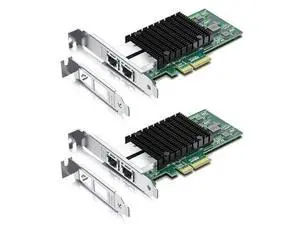
Quick View
10Gb PCI-E NIC Network Card, Dual Copper RJ45 Port, with Intel X550-AT2 Controller, PCI Express Ethernet LAN Adapter Support Windows Server/Linux/ESX, Compare to Intel X550-T2, 2-Pack
Limited time offer, ends 09/19
- Model #: Kepler-8.14-OYS-534
- $298.00 –
- Free Shipping
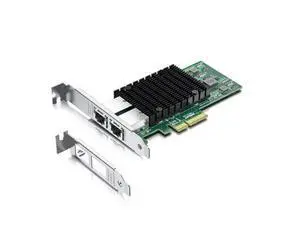
Quick View
10Gb PCI-E NIC Network Card, Dual Copper RJ45 Port, with Intel X550-AT2 Controller, PCI Express Ethernet LAN Adapter Support Windows Server/Linux/ESX, Compare to Intel X550-T2
Limited time offer, ends 09/19
- Model #: Kepler-8.14-OYS-528
- $198.00 –
- Free Shipping
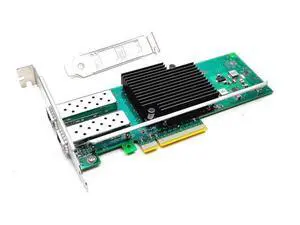
Quick View
10Gb PCI-E NIC Network Card Dual SFP+ Port Ethernet Converged LAN Adapter CNA Compatible with Intel X710-DA2 PCI Express x8/x16 Networking Server Support Windows/Linux/VMware
Limited time offer, ends 09/19
- Model #: Kepler-8.14-OYS-531
- $158.99 –
- Free Shipping
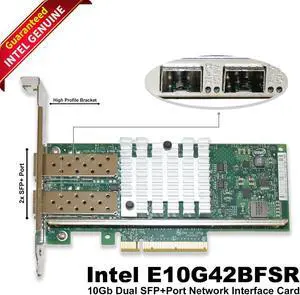
Quick View

- Model #: E10G42BFSR-yP
- $39.99 –
- Free Shipping
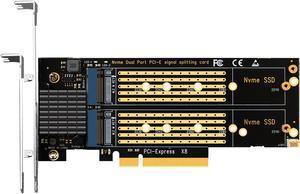
Quick View
GLOTRENDS PA21 Dual M.2 NVMe to PCIe X8 4.0 Adapter Card without PCIe Bifurcation Function, Support 22110/2280/2260/2242/2230 Size
- External Connectors: M Key
- Internal Connectors: PCI-E X8
- RAID: RAID 0/1 JBOD
- Model #: PA21
