
 Holiday Shipping Details & Extended Holiday Returns








Amicool is a driven and experienced manufacturer, specializing in optical drives and other computer accessories. We aim to provide useful technology, intelligent functionality and a simple user experience in order to make life easier for individuals.
We have strict quality control measures to ensure that each batch of finished product is of good quality.
Our expertise and experience will work together to provide customers with quality options.
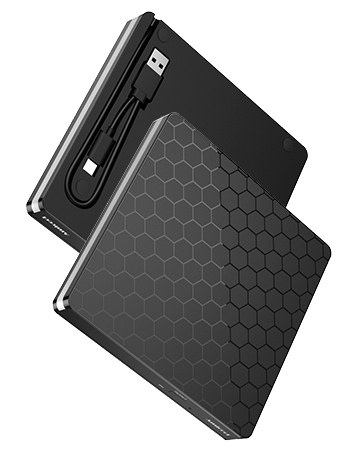
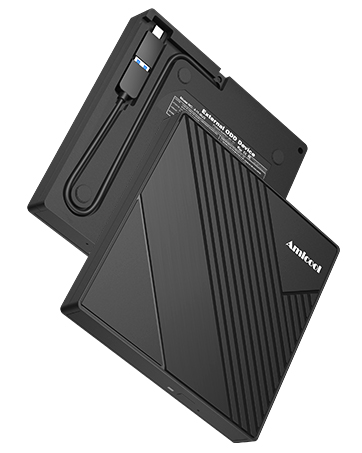
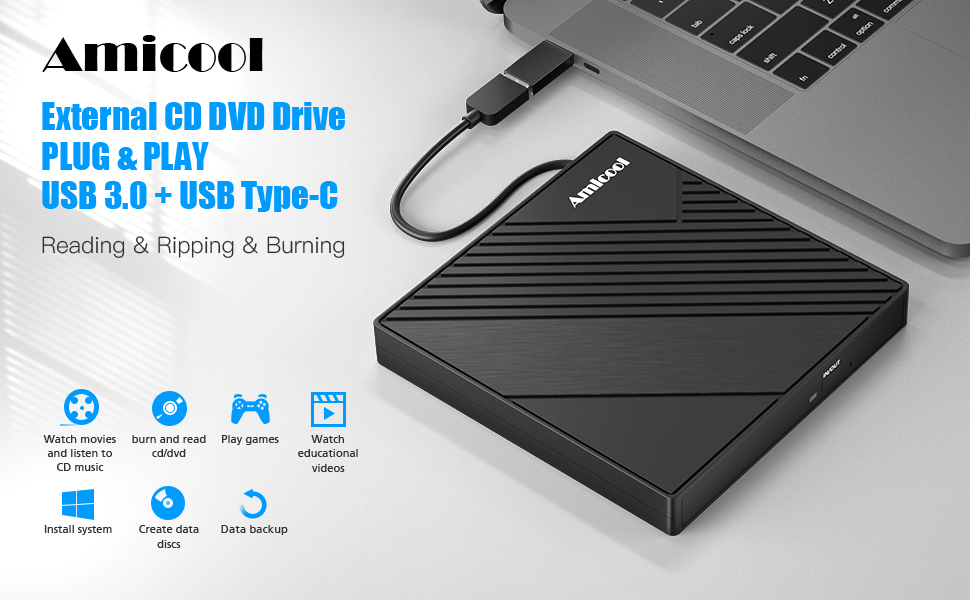
When looking for a great way to store, back up, and transfer files from your CDs / DVDs, Amicool external CD DVD drive is an easy choice. It provides you with fast data transfer speed and stable performance. Not only a CD DVD player but also a CD DVD burner, it gives you the ability to quickly create CDs / DVDs using tools included in most operating systems.
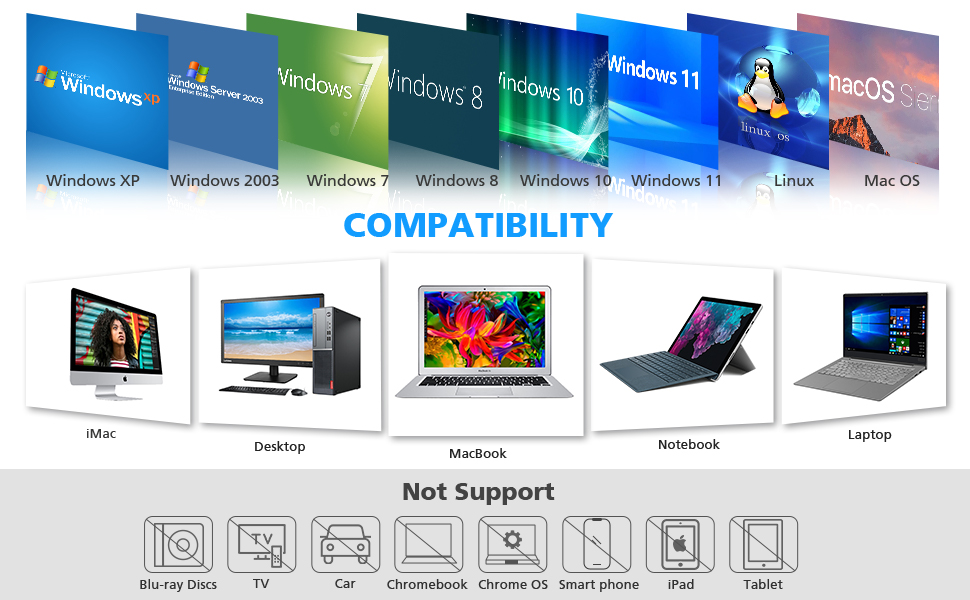
Compatibility Tips
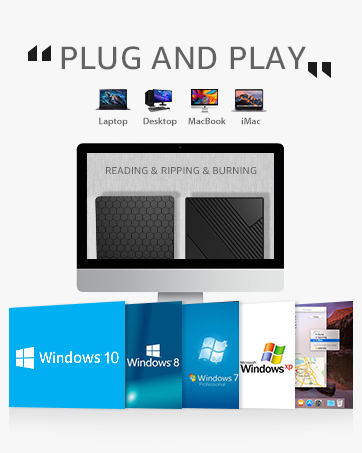
- This USB drive is widely compatible with Windows OS like XP/2003/Vista/7/8/10/11, Linux OS, and all versions of Mac OS systems.
- Due to the limitation of Chrome OS, the external cd & dvd drive can't be used with Chrome OS and Chromebook.
- This USB disk drive cannot be connected directly to a car, but you can create disks with it and then play the disk created with this drive on your car cd player.
- This cd player for a laptop cannot be used directly with a projector, but you can connect your computer to the projector, then an external DVD player connected to your computer.
Important Tipes
- Only for computer of different kind, do not support car / tv / projector / tablet / smartphonr etc.
- Make sure the laptop is with sufficient power, a low capacity may lead to a recognizing failure.
- Please hook up the device to the direct USB port on your computer.
- For desktop, you need to connect drive to the usb port at the back panel of the computer.
- For mac os, please use mac command to eject the disc.
- For mac os, the dvd drive icon shows after drive reads successfully the disc.
- Drive will need a output about 3V-5V (1.3A-2A)from your computer usb port)
Portable Compact Design
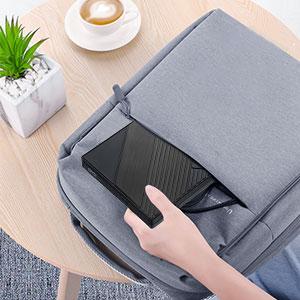
- Slim, lightweight, fault tolerant,shock-resistant, usb cable embedded design, and just slips easily into your travel bag, the perfect companion for DVD lovers, used everywhere.
- High-Speed Type C and USB 3.0 interface, backward compatible with USB2.0 and USB1.0.
- 24/7 Lifetime Standby, if you have any question please let us know.
Specifications:
- Supported formats: DVD-ROM, DVD-video, CD-R/RW, CD-ROM/XA, CD-ROM, CD-EXTRA, CD-TEXT
- Supported media types: CD-ROM, CD-R, CD-RW, DVD-ROM, DVD-R, DVD-RW, DVD+RW, DVD+R, DVD+R DL, DVD-R DL, DVD RAM
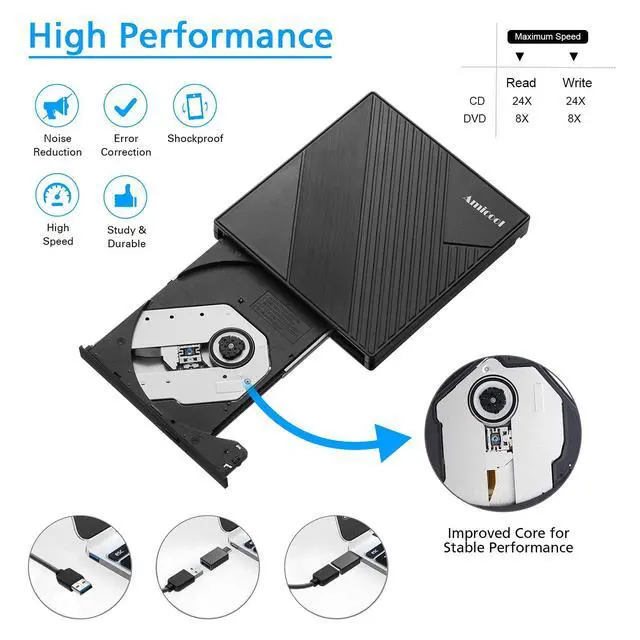
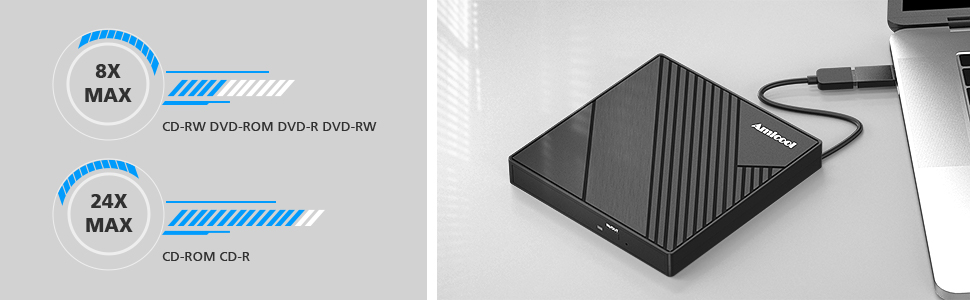
- Read Speed: CD-ROM: 24x Max; DVD-ROM: 8x Max; DVD-ROM(DL): 6x Max
- Write speed: 24x CD-R, 8x CD-RW, DVD±R: 8X Max; DVD±R DL: 4X Max; DVD-R±9: 2.4x Max
- Rewrite Speed: DVD+RW: 4X Max; DVD-RW: 4x Max; CD-RW: 10X Max; DVD-RAM: 3x Max
- DO NOT SUPPORT TV / CAR / CHROME / TABLE / SURFACE / SMARTPHONE / IPAD / BLU-RAY
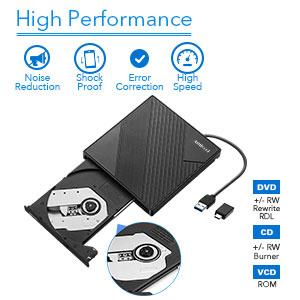
Excellent Performance
- With This external CD DVD drive for a laptop, Amicool USB 3.0 / Type-C external CD DVD equipped with a faster USB 3.0 port and included USB 3.0 Type-C adaptor, the high speed, low impedance, and anti-interference features make for a faster and smoother experience. In addition, low-noise disc spinning ensures that you can work undisturbed.
- This cd burner is a normal USB DVD drive, not a BLU RAY DVD drive, so it can’t play blu ray discs.
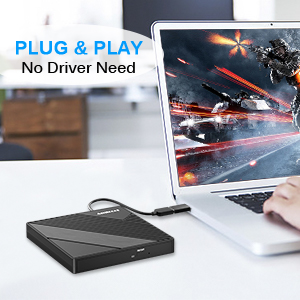
Plug & Play
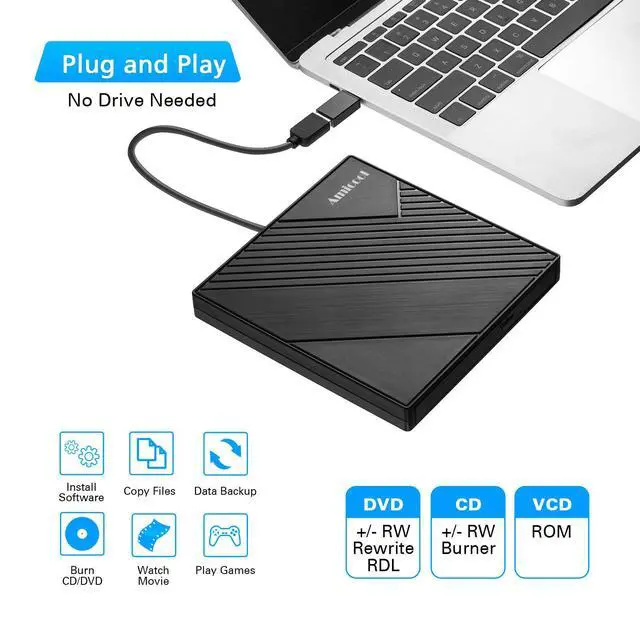
- Plug our external CD DVD drive directly into the USB-A port or USB-C port on your computer, it will be detected by your computer automatically.
- True mobility, DVD burner in which no external power is needed, fully powered by USB-A ports or USB-C port
- For some computers, if the driver has been deleted, you will need to install a CD/DVD driver. We could send you the link to download the driver.
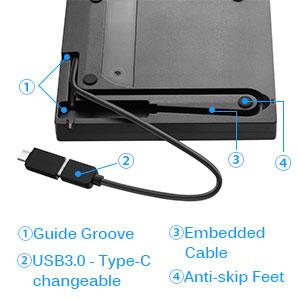
Improved Designs
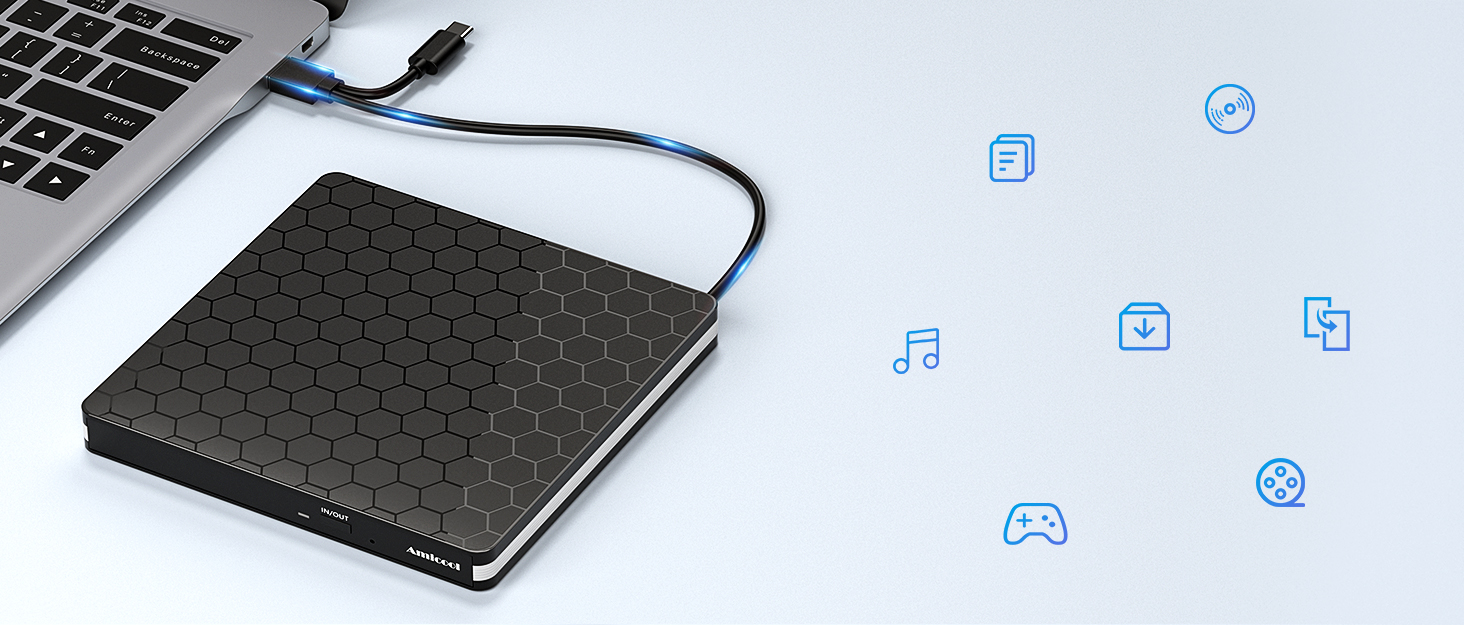
- The removable USB-C adapter enlarged its compatibility, also allowing you to use it with different computers conveniently.
- The embedded USB cable tucks neatly into a groove on the underside, with no fear of losing it.
- With the advantage of lightweight and compact design, you can take this external CD DVD drive everywhere. Anti-skip rubber pad to assure a flat and stable placement.
Multiple Function CD DVD Player / Burner / Reader
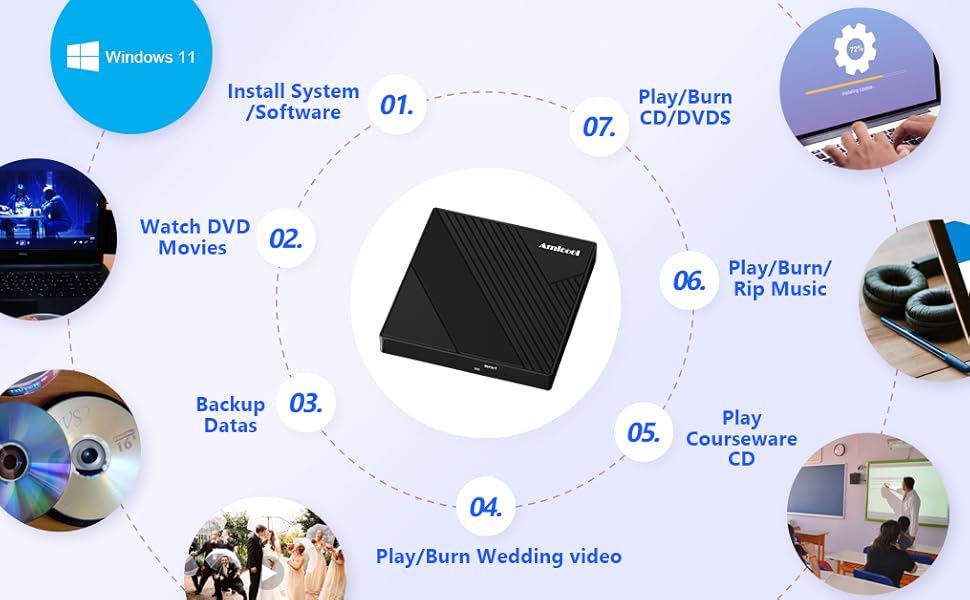
Usage Scenario
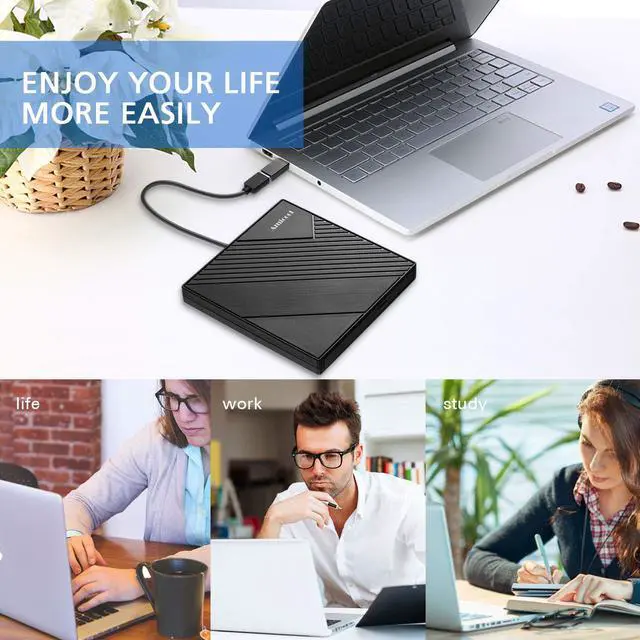
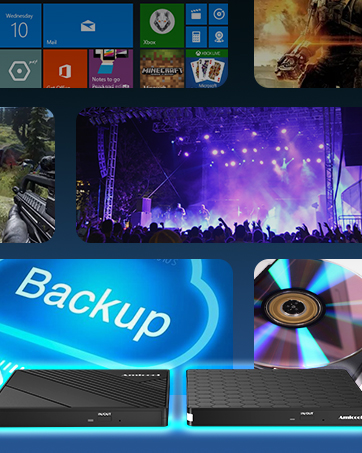
- Play CD/DVD disks: old DVDs of the family taken on a wedding day / a birthday party / a Christmas night or other celebrating days; teaching disks of class; DVD Movies; Music CDs etc
- Burn/Rip CD/DVDs disks: burn some downloaded music to a CD; burn images or videos to disks, help rap your cd collections to a computer and upload them to iTunes, etc
- Install system: use it to help install the new Windows 11 on your computer or another application system
- Play Games; Copy files; Data Backup etc
Warm Tips
- Before playing your discs, please check to see that the necessary software applications are installed on your computer correctly. Driver or media player. Media player: like VLC media player, Kmplayer. Burning software: like BurnAware Free, Nero.
- Please make sure your external drive is set in the right region code. And you can only change it 5 times.
- If the disc is scratched and warped, do not insert it into the drive.
- Please keep the external CD/DVD drive away from the magnetic object.
- Internal laser light source may be harmful to the eyes of the face, please do not look directly.
- Data transfer speed is also affected by the computer and system environments.
- When ripping a DVD using an external drive, successful ripping is prevented if the DVD disc itself has copyright protection. This limitation originates from the disc itself, not the external drive. In this case you may use Handbrake to rip copy-protected DVD.
When looking for a great way to store, back up, and transfer files from your CDs / DVDs, Amicool external CD DVD drive is an easy choice. It provides you with fast data transfer speed and stable performance. Not only a CD DVD player but also a CD DVD burner, it gives you the ability to quickly create CDs / DVDs using tools included in most operating systems.
Compatibility Tips
- This USB drive is widely compatible with Windows OS like XP/2003/Vista/7/8/10/11, Linux OS, and all versions of Mac OS systems.
- Due to the limitation of Chrome OS, the external cd & dvd drive can't be used with Chrome OS and Chromebook.
- This USB disk drive cannot be connected directly to a car, but you can create disks with it and then play the disk created with this drive on your car cd player.
- This cd player for a laptop cannot be used directly with a projector, but you can connect your computer to the projector, then an external DVD player connected to your computer.
Important Tipes
- Only for computer of different kind, do not support car / tv / projector / tablet / smartphonr etc.
- Make sure the laptop is with sufficient power, a low capacity may lead to a recognizing failure.
- Please hook up the device to the direct USB port on your computer.
- For desktop, you need to connect drive to the usb port at the back panel of the computer.
- For mac os, please use mac command to eject the disc.
- For mac os, the dvd drive icon shows after drive reads successfully the disc.
- Drive will need a output about 3V-5V (1.3A-2A)from your computer usb port)
Portable Compact Design
- Slim, lightweight, fault tolerant,shock-resistant, usb cable embedded design, and just slips easily into your travel bag, the perfect companion for DVD lovers, used everywhere.
- High-Speed Type C and USB 3.0 interface, backward compatible with USB2.0 and USB1.0.
- 24/7 Lifetime Standby, if you have any question please let us know.
Specifications:
- Supported formats: DVD-ROM, DVD-video, CD-R/RW, CD-ROM/XA, CD-ROM, CD-EXTRA, CD-TEXT
- Supported media types: CD-ROM, CD-R, CD-RW, DVD-ROM, DVD-R, DVD-RW, DVD+RW, DVD+R, DVD+R DL, DVD-R DL, DVD RAM
- Read Speed: CD-ROM: 24x Max; DVD-ROM: 8x Max; DVD-ROM(DL): 6x Max
- Write speed: 24x CD-R, 8x CD-RW, DVD±R: 8X Max; DVD±R DL: 4X Max; DVD-R±9: 2.4x Max
- Rewrite Speed: DVD+RW: 4X Max; DVD-RW: 4x Max; CD-RW: 10X Max; DVD-RAM: 3x Max
- DO NOT SUPPORT TV / CAR / CHROME / TABLE / SURFACE / SMARTPHONE / IPAD / BLU-RAY
Excellent Performance
- With This external CD DVD drive for a laptop, Amicool USB 3.0 / Type-C external CD DVD equipped with a faster USB 3.0 port and included USB 3.0 Type-C adaptor, the high speed, low impedance, and anti-interference features make for a faster and smoother experience. In addition, low-noise disc spinning ensures that you can work undisturbed.
- This cd burner is a normal USB DVD drive, not a BLU RAY DVD drive, so it can’t play blu ray discs.
Plug & Play
- Plug our external CD DVD drive directly into the USB-A port or USB-C port on your computer, it will be detected by your computer automatically.
- True mobility, DVD burner in which no external power is needed, fully powered by USB-A ports or USB-C port
- For some computers, if the driver has been deleted, you will need to install a CD/DVD driver. We could send you the link to download the driver.
Improved Designs
- The removable USB-C adapter enlarged its compatibility, also allowing you to use it with different computers conveniently.
- The embedded USB cable tucks neatly into a groove on the underside, with no fear of losing it.
- With the advantage of lightweight and compact design, you can take this external CD DVD drive everywhere. Anti-skip rubber pad to assure a flat and stable placement.
Multiple Function CD DVD Player / Burner / Reader
Usage Scenario
- Play CD/DVD disks: old DVDs of the family taken on a wedding day / a birthday party / a Christmas night or other celebrating days; teaching disks of class; DVD Movies; Music CDs etc
- Burn/Rip CD/DVDs disks: burn some downloaded music to a CD; burn images or videos to disks, help rap your cd collections to a computer and upload them to iTunes, etc
- Install system: use it to help install the new Windows 11 on your computer or another application system
- Play Games; Copy files; Data Backup etc
Warm Tips
- Before playing your discs, please check to see that the necessary software applications are installed on your computer correctly. Driver or media player. Media player: like VLC media player, Kmplayer. Burning software: like BurnAware Free, Nero.
- Please make sure your external drive is set in the right region code. And you can only change it 5 times.
- If the disc is scratched and warped, do not insert it into the drive.
- Please keep the external CD/DVD drive away from the magnetic object.
- Internal laser light source may be harmful to the eyes of the face, please do not look directly.
- Data transfer speed is also affected by the computer and system environments.
- When ripping a DVD using an external drive, successful ripping is prevented if the DVD disc itself has copyright protection. This limitation originates from the disc itself, not the external drive. In this case you may use Handbrake to rip copy-protected DVD.
Amicool is a driven and experienced manufacturer, specializing in optical drives and other computer accessories. We aim to provide useful technology, intelligent functionality and a simple user experience in order to make life easier for individuals.
We have strict quality control measures to ensure that each batch of finished product is of good quality.
Our expertise and experience will work together to provide customers with quality options.