Your Browsing History
- In Stock
- Sold by Newegg
- Make an Offer
- New

Any questions? Our AI mode will help you find out quickly.
Try me now

![USB C to SD Card Reader, SD/MicroSD to USB C Card Reader Adapter [Thunderbolt 3] Compatible with iPad Pro 2020/2019, MacBook Pro 2019, MacBook Air 2020, Galaxy S10/S9, Surface Book 2 and More](https://c1.neweggimages.com/productimage/nb300/C603D2606160AWOJ0C6.jpg "USB C to SD Card Reader, SD/MicroSD to USB C Card Reader Adapter [Thunderbolt 3] Compatible with iPad Pro 2020/2019, MacBook Pro 2019, MacBook Air 2020, Galaxy S10/S9, Surface Book 2 and More")
Quick View
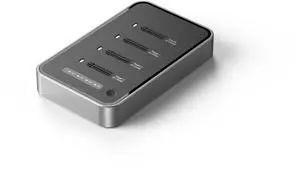
4 Bays USB4.0 (USB-C) 40G Portable NVMe (M Key, B+M Key) / NVMe / PCIe SSD (22110, 2280, 2260, 2242, 2230) Ultra Fast External SSD Docking Station Duplicator Cloner (Docking Only)
- Brand: SYBA
- Color: Black
- Material: Aluminum alloy
- Internal Interface: M.2 NVME B+M-Key
- Model #: SY-TDB40179
- $109.99 –
- More options from $109.99 - $203.80
- Free Shipping
Quick View
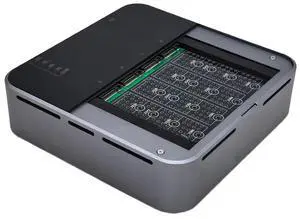
4 Bays USB4.0 (USB-C) 40G Portable NVMe (M Key, B+M Key) / PCIe SSD (2280, 2260, 2242, 2230) Ultra Fast External SSD Docking Station Duplicator Cloner (Docking Only)
- Model #: SY-TDB40180
- $154.99
- $121.99 –
- Save: $33.00 (21%)
- More options from $121.99 - $167.06
- Free Shipping
Quick View

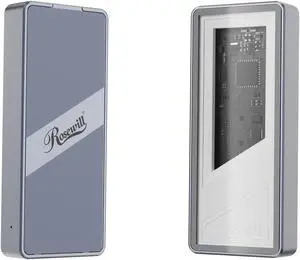
- Brand: Rosewill
- Size: M.2
- Color: Silver
- External Interface: USB 4.0 (40Gbps) (USB-C)
- Model #: RNE-01
- $61.99
- $59.99 –
- More options from $59.99 - $69.99
- Free Shipping
Quick View
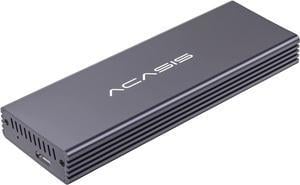
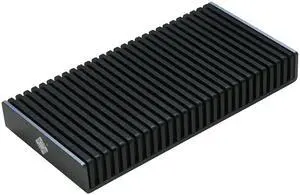
Portable NVMe USB4.0 (USB-C) SSD Ultra-Fast External SSD Drive Aluminum Enclosure (Enclosure Only)
- Brand: SYBA
- Size: M.2
- Color: Black
- External Interface: M.2 NVME B+M-Key
- Model #: SI-TDB40177
- $63.99 –
- Free Shipping
Quick View
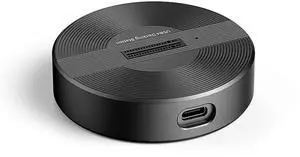
USB4.0 (USB-C) 40G Portable NVMe M-Key (B+M) / NVMe / PCIe SSD (22110, 2280, 2260, 2242, 2230) Ultra Fast External SSD Docking (Docking Only)
- Brand: SYBA
- Color: Black
- Material: Aluminum alloy
- Internal Interface: M.2 NVME B+M-Key
- Model #: SY-TDB40178
- $54.99 –
- More options from $54.99 - $82.98
- Free Shipping
Quick View
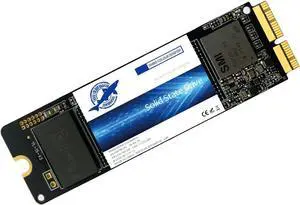
THREE COLOUR DOGFISH SSD 256GB NVMe Replacement for MacBook Air A1465 A1466(2013-2015,2017), MacBook Pro A1502 A1398(Retina 2013-2015), iMac A1418 A1419(2013-2017), Mac OS Pre-Installed
- Max Sequential Read: 2200
- Max Sequential Write: 1800
- Capacity: 256GB
- Interface: PCIE 3.0
- Model #: DF-1466-256GB
- $103.00 –
- Free Shipping
Quick View
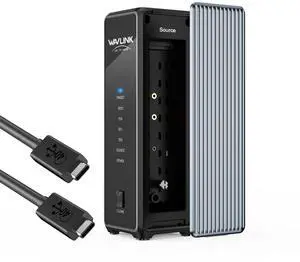
WAVLINK M.2 Dual Bay NVMe Enclosure 40Gbps USB4 (40 Gbps) to NVME M-Key/(B+M) Key Solid State Drive External Enclosure Support UASP Trim for 2230/2242 /2260/2280 NVME SSDs and Offline Clone
Limited time offer, ends 08/02
- Brand: Wavlink
- Color: Gray
- Operating Systems Supported: System Requirements - Microsoft Windows & Apple Mac OS - Thunderbolt5/4/3,USB4/3.2/2.0 computers - Only compatible with M.2 M-Key and M&B-Key connector
- Features: - Supports two M.2 M-Key slots, allowing simultaneous insertion of two PCle NVMe SSDs for quick expansion. - Offline cloning function allows fast and accurate cloning of original disk data to the target disk,eliminating the transmission process. - Supports mobile OTG function, enabling easy reading and writing of data from mobile devices to the hard disk. - USB-C interface with a transfer rate of up to 40Gbps, compatible with Thunderbolt 5/4/3, USB4/3.2/2.0 computers. - A single PCle 4.0 drive supports a maximum sequential read speed of 3300MB/s and a maximum seauential write speed of 3000MB/s. If you use PCle 3.0 SSD, the per...
- Model #: WL-RapidFire U4D
- $79.99 –
- Free Shipping
Quick View

Limited time offer, ends 08/02
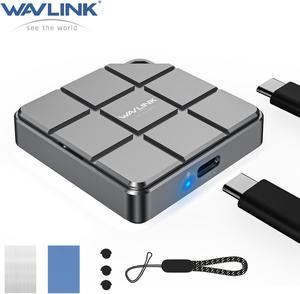
- Type: USB C 3.2 Gen2 to NVMe SATA NGFF SSD
- Material: Aluminum
- Number of Bay: 1 Bay
- Maximum Capacity (per Bay): Up to 8TB
- Model #: WL-RapidFire MS2
Quick View
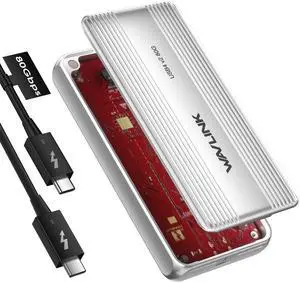
Wavlink 80Gbps USB4 M.2 NVMe SSD Enclosure Compatible with Thunderbolt5/USB4 V2.0, 6000+MB/s Read & 5000+MB/s Write, Cooling Fan, Support B+M Key/M-Key NVMe 2280 SSD, For M4/M3/M2 Mac M4 Pro
Limited time offer, ends 08/02
- Type: USB4 V2 PCle Gen4 NVMe SSD Enclosure
- Material: Aluminum
- Number of Bay: 1
- Specifications: 1.Model: WL-UTE51 2.Unit Size: 12.3x5.8x1.9cm/ 4.8x2.3x0.7in(WxDxH) 3.Cable Length: 25cm/9.8in 4.Unit Weight: 200g/7.1oz 5.Housing Material: Aluminum Alloy 6.LED Light: Green
- Model #: WL-UTE51

Quick View
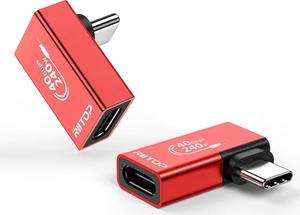
M.2 NVMe SSD Convert Adapter Card for MacBook Air Pro Retina (Year 2013-2017), NVME/AHCI SSD Upgraded Kit for A1465 A1466 A1398 A1502
Limited time offer, ends 08/04
- Color: Black
- Specifications: Applications: 1. Make sure to move to High Sierra while still on your old drive, so that a newer firmware is installed that can handle NVMe. 2. Do a full backup to your TimeMachine. 3. Create a High Sierra Installer on a bootable USB stick. 4. Open the macbook and disconnect the battery while wsitching out the drive and make sure both adapter and new SSD sit snug. Finally reconnect the battery before closing the shell. 5. Insert the installer USB stick from step2, and press the option key while the machine starts. Once its up you can now go to the disk utils to format.
- Package Contents: 1x M.2 NVMe SSD Adapter Card for Upgrade of Macbook 2013-2017.
- Model #: NVMETMAC
- $11.95 –
- Free Shipping
Quick View

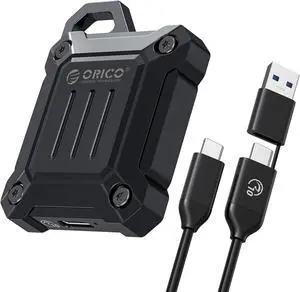
- Brand: Orico
- Color: Black
- Material: Zinc Alloy
- Type: Enclosure
- Model #: XAM2-G2-BK-BP
Quick View
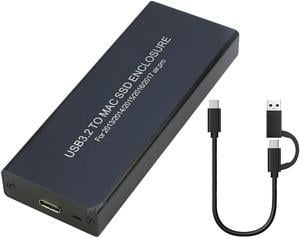
RIITOP USB C 3.2 SSD Enclosure for Apple Flash SSDs 12+16 PIN MacBook Pro,MacBook Air, Mac Pro, iMac from 2013 to 2017 Portable Storage SSD Enclosure Compatible with M.2 Nvme SSD with Adapter
Limited time offer, ends 08/04
- Type: Enclosure
- Model #: ENC-AP13TCBK
Quick View
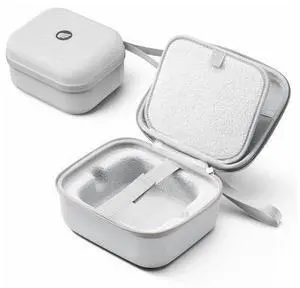
Protective Carrying Case for Apple 2024 Mac mini M4, M4 Pro, Portable Hard Shell Travel Storage Bag, Nylon Braided, Water Resistant (M)
Limited time offer, ends 08/02
- Brand: LORDWORLD
- Model #: 26-7CXY16-126
- $37.42 –
- Free Shipping
Quick View
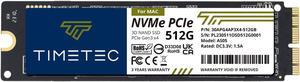
Timetec 512GB MAC SSD NVMe PCIe Gen3x4 3D NAND TLC Read Up to 2,000MB/s Compatible with Apple MacBook Air (2013-2015, 2017), MacBook Pro (2013-2015), iMac (2013-2019), Mac Pro (2013), Mac Mini (2014)

- Device Type: Internal Solid State Drive (SSD)
- Model #: 30APG4AP3X4-512GB
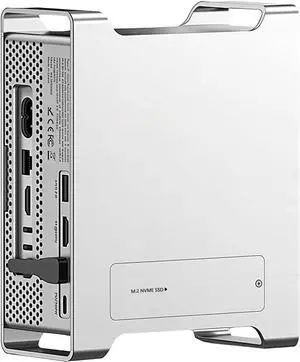

Quick View
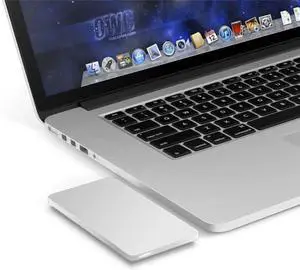
OWC Envoy Pro USB3.0 Portable SSD Enclosure for 2012 MacBook Pro with Retina Display
- Model #: OWCMAU3ENVOYPRO
Quick View
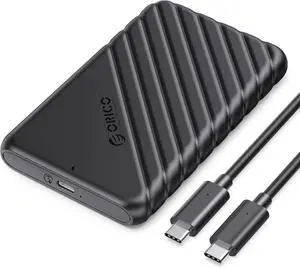
ORICO USB C Hard Drive Enclosure with USB C to C Cable for 2.5 inch SATA SSD HDD 6Gbps External Hard Drive Case Tool-Free with UASP for MacBook Pro Air,25PW1C-C3
- Material: Plastic
- Type: Enclosure
- HDD Count Supported: Single HDD
- Number of Bay: 1 Bay
- Model #: 25PW1C-C3-BK-EP
Quick View
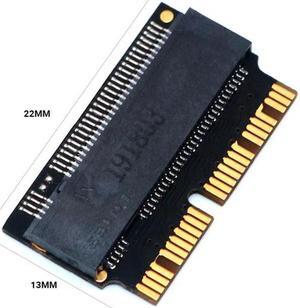
12+16 Pin M.2 NVME SSD Convert Adapter NVME/AHCI SSD Upgraded Kit For MacBook Air Pro 2013-2017 A1465 A1466 A1398 A1502
- Changer Type: USB to DB9 (RS-232)
- Model #: HT-PciAdapter000777
- $27.99 –
- More options from $27.99
- Free Shipping