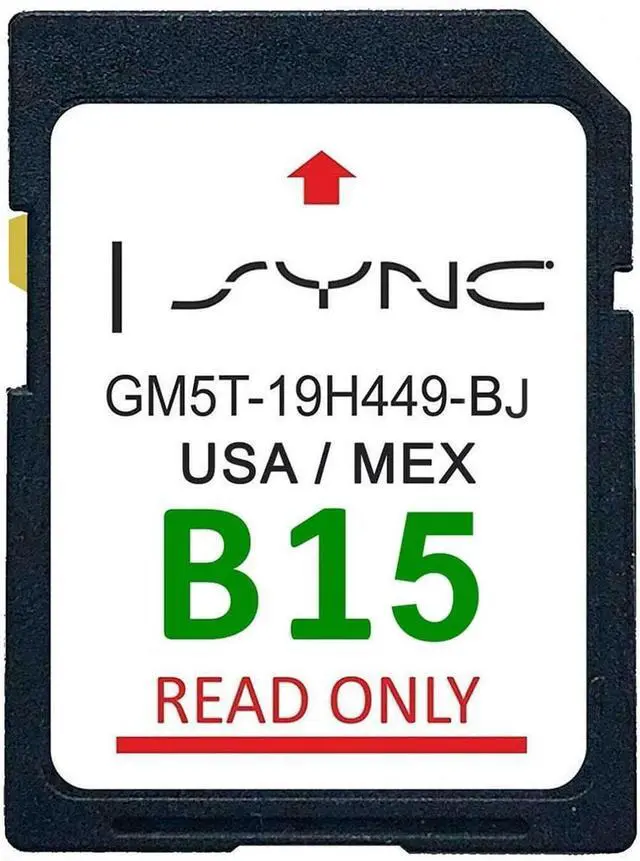
2024 Latest Version Navigation GPS SD Card for Ford/Lincoln2024 Latest Version Navigation GPS SD Card for
Ford/LincolnProduct DetailsModel Number: GM5T - 19H449 -
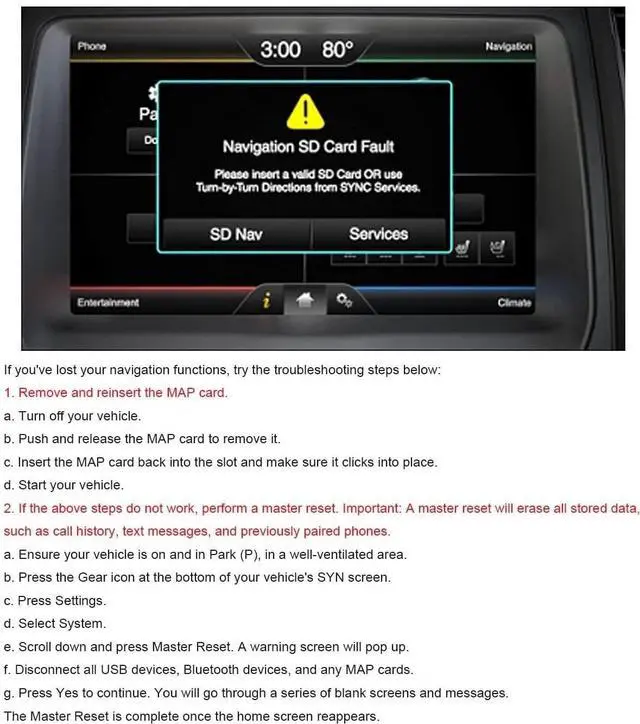
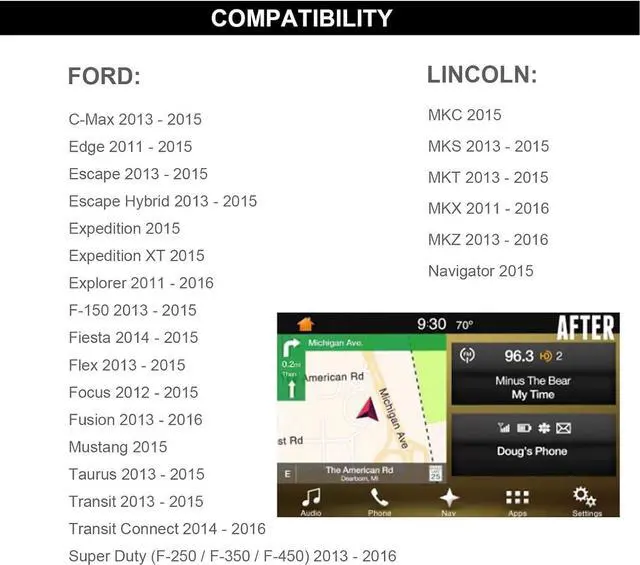
BJMap Coverage: Updated B15 USA Mexico MapCompatible VehiclesFord VehiclesF - 150 (2013 - 2015) Super Duty F - 250/F - 350/F - 450 (2013 - 2016) Explorer (2011 - 2016) Escape (2013 - 2015) Escape Hybrid (2013 - 2015) Expedition (2015) Expedition XLT (2015) Fiesta (2014 - 2015) Focus (2012 - 2015) Fusion (2013 - 2016) Mustang (2015) Taurus (2013 - 2015) Transit (2013 - 2015) Transit Connect (2014 - 2016) C - Max (2013 - 2015) Edge (2011 - 2015)Lincoln VehiclesMKC (2015) MKS (2013 - 2015) MKT (2013 - 2015) MKX (2011 - 2016) MKZ (2013 - 2016) Navigator (2015) Common Issue ResolutionsScreen Displaying Insert Nav SD Card or InformationTurn off your car and remove the SD card. Insert it again, making sure it is completely inserted until it clicks.
Special Attention: Not available on cars not initially equipped or activated with navigation! Screen Displaying Navigation SD Card FaultTurn off your car. Remove the SD card. Re - insert the SD card into the card slot until it clicks. Restart your car. Proceed with a master reset. How to Perform a Master ResetA master reset will clear all stored data, including call logs, messages, and previously paired phones. Please back up your information before proceeding. Confirm the car is in park (P). Disconnect all devices, including USB, Bluetooth devices, and any GPS cards. Press the gear icon. Enter the settings. Press the system. Scroll down and click on the master reset button. A warning will appear. Click Yes to begin. You will see a series of blank screens and messages. When the main screen reappears, the master reset is complete. Features & FunctionsComprehensive
Mapping Data: Latest maps of the US and Mexico with detailed urban and rural coverage.
Enhanced Visuals and Interface: 3D landmarks and precise POIs with a user - friendly, intuitive interface.
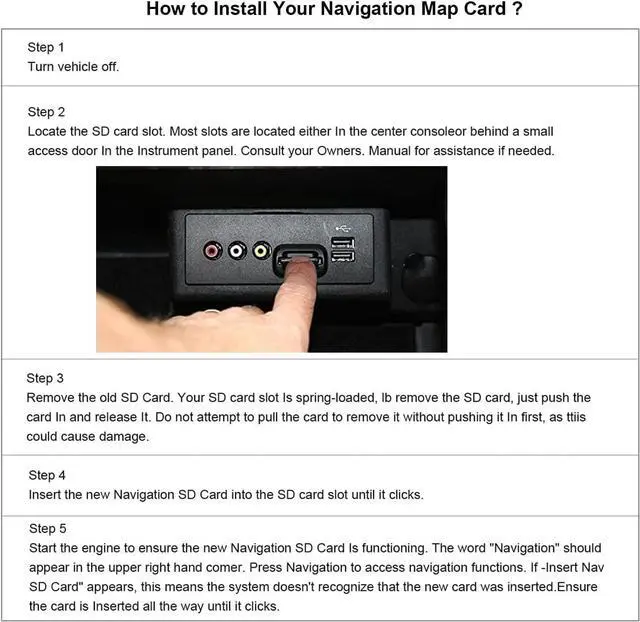
Easy Installation and Use: Plug - and - play design.