

Your Browsing History
- Free 30-day Returns
$66.99

Meet Your Seller

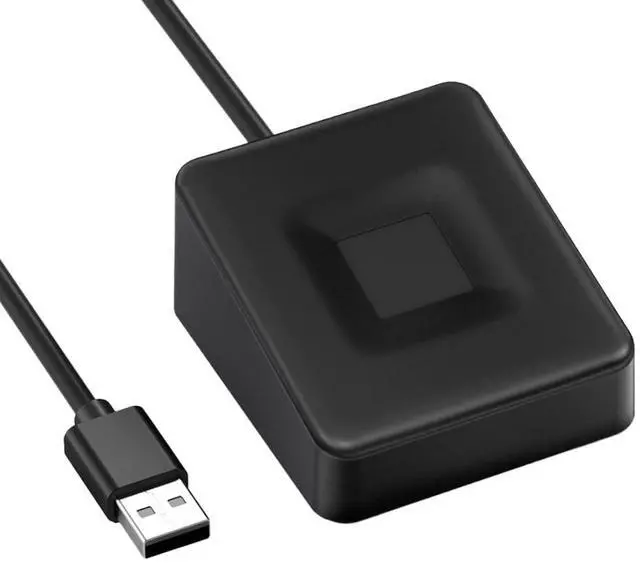
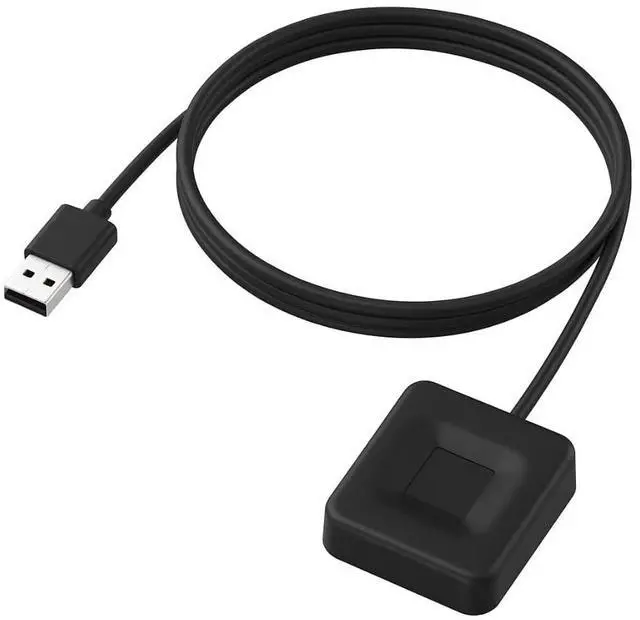


ESS Enhanced Sign in Security USB Fingerprint Biometric Passkey Scanner SecureTouch WireKey Fast Login <1s Windows Hello Business 360° Recognition TE-FPA-CA1
- QR CODE SETUP GUIDE: Scan the QR code on the packaging to access the setup page with Windows drivers and installation instructions. The package includes the main item and a Japanese manual. On the website, tap the World icon to switch to English, then scroll down to download the English manual.
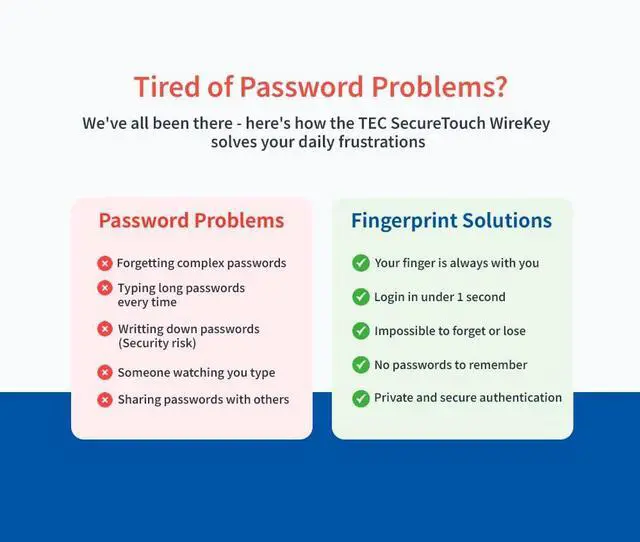
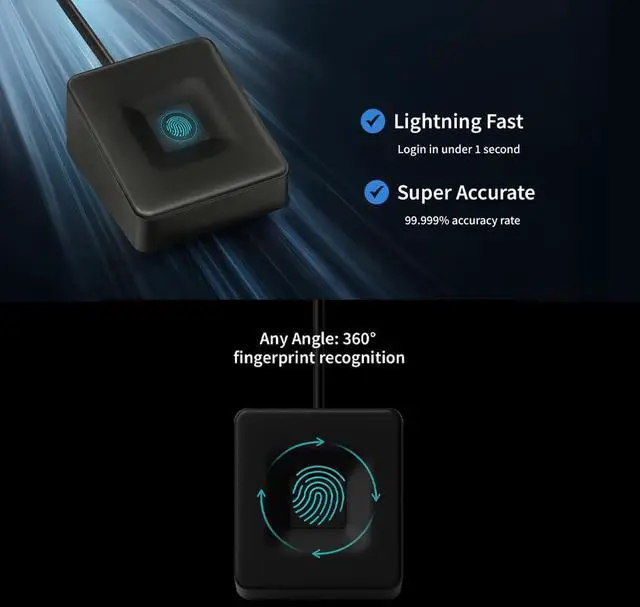
- INSTANT ACCESS: Login 10x faster than typing passwords - Under 1 second!
- HIGH-LEVEL SECURITY: Match-On-Chip technology = Your fingerprint NEVER leaves the device
- WORKS EVERY TIME: 99.999% accuracy with 360° recognition - Touch from any angle!
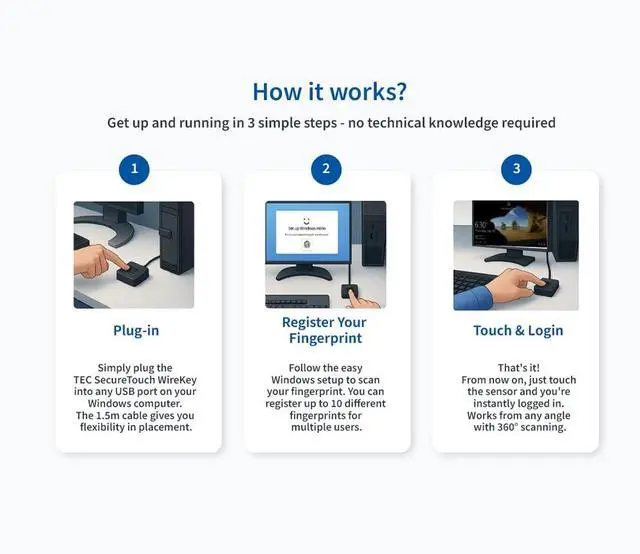
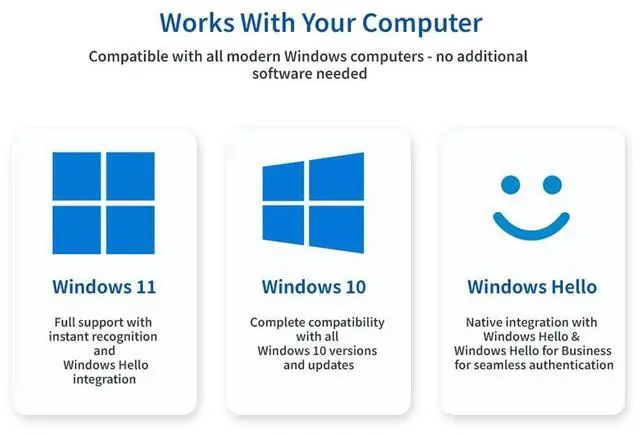
- PLUG & PLAY MAGIC: Zero software installation - Works instantly with Windows 10/11 Hello
- FAMILY FRIENDLY: Save up to 10 fingerprints - Perfect for shared computers
- BUILT TO LAST: Quality materials + 1.5m cable + TAA certified quality
- PRIVACY GUARANTEED: No cloud storage, no data tracking - Your biometrics stay private
- ENTERPRISE READY: Full Windows Hello for Business compatibility - Perfect for corporate environments
- [24/7 Customer Support]: Should you encounter any difficulties or require troubleshooting, our dedicated support team is available around the clock. For installation guidance or further information, please refer to the detailed product description provided below.
+
+
Overview
Specs
Reviews

Any questions? Our AI beta will help you find out quickly.
Try me now
Match-On-Chip Technology: Your fingerprint data is processed and stored ONLY on the device - never transmitted to your computer or internet
Zero Cloud Storage: No data tracking, no privacy concerns - your biometrics stay 100% private
Military-Grade Encryption: All stored templates are encrypted with bank-level security
Anti-Spoofing Protection: Advanced sensors prevent fake fingerprint attempts
QR Code Setup Guide: Simply scan the QR code on the product packaging to access our dedicated product page, featuring:
Complete English manual and easy setup instructions
Windows driver downloads for manual installation
Detailed product information and troubleshooting guides
24/7 customer support contact information
When you open the page, tap the World icon to switch the website language to English. At the bottom of the page, you can also download the English manual.
Package Contents: Inside the packaging, you'll find the main item and a printed manual (Japanese language).
Perfect for Enterprise Environments:
Windows Hello for Business: Seamless integration
Bulk Deployment: IT-friendly for large organizations
Calculate Your Time Savings:
Average person types passwords 12 times per day (30 seconds each) = 6 minutes daily
With SecureTouch: 12 seconds daily
Time saved: 5 minutes 48 seconds every single day!
That's over 35 hours per year - worth $1,400+ of your time!
Model Number TE-FPA-CA1
Connection Interface Universal USB 2.0 / USB 3.0 (Works with all ports)
Supported Operating Systems Windows 10 / Windows 11
Windows Hello for Business Ready
Fingerprint Sensor Type Advanced Capacitive Touch (360° Recognition)
Recognition Speed Lightning Fast: Under 50 milliseconds
Accuracy Rate 99.999% Success Rate (FAR: 0.001%, FRR: 1.7%)
Security Technology Match-on-Chip (MoC)
Storage Capacity 10 Fingerprint Templates (Perfect for families)
Cable Length 1.5m Cable
Compact Dimensions 4.1 × 3.66 × 2.04 cm (Fits anywhere on desk)
Lightweight Design Only 55.2g
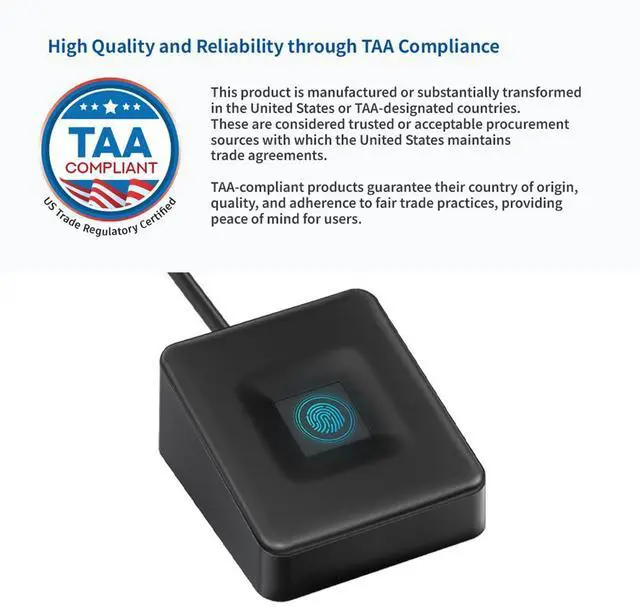
Quality Certification TAA Compliant
Warranty & Returns
Warranty, Returns, And Additional Information
Warranty
- Please contact the Seller directly for warranty information. Warranty information may also be found on the Manufacturer's website.
- CONTACT
Return Policies
- Return for refund within: 30 days
- Return for replacement within: 30 days
- This item is covered by Mintra Store Return Policy
Manufacturer Contact Info
- For a directory of all our manufacturers, please click below.
- Manufacturers Directory
LOADING...