

Your Browsing History
- Free 30-day Returns
$79.99


Meet Your Seller

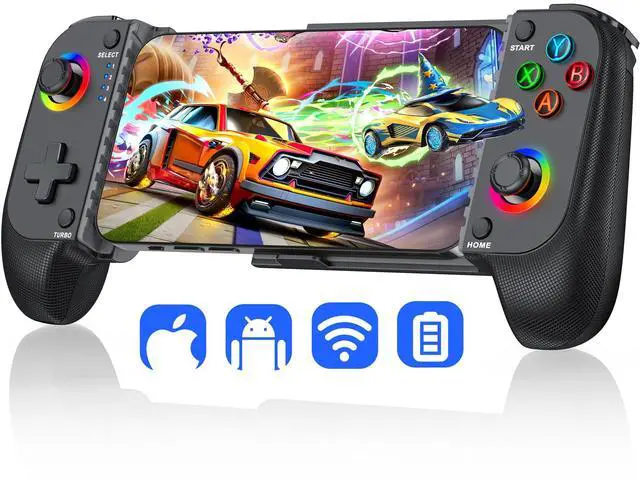
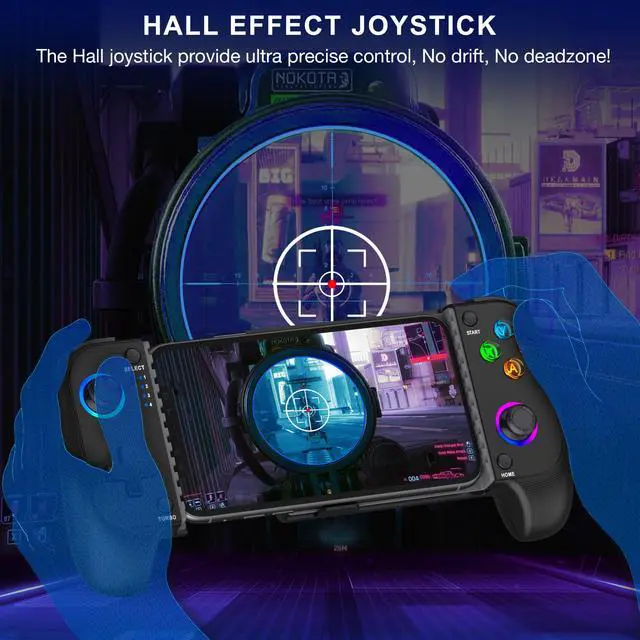
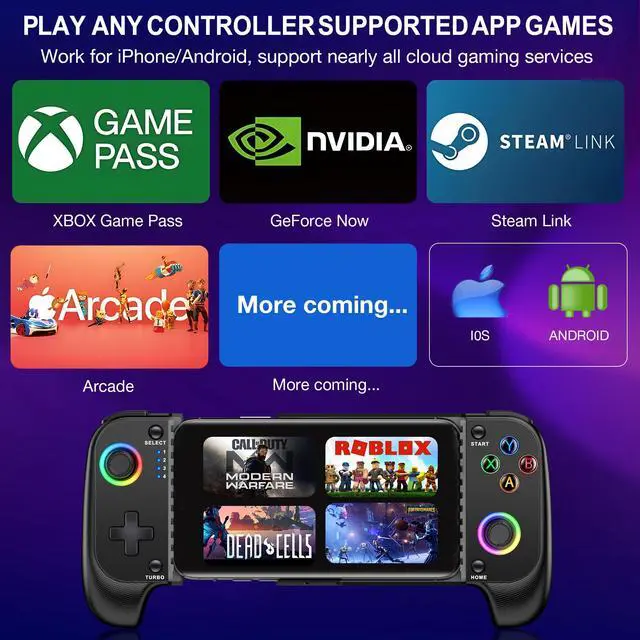
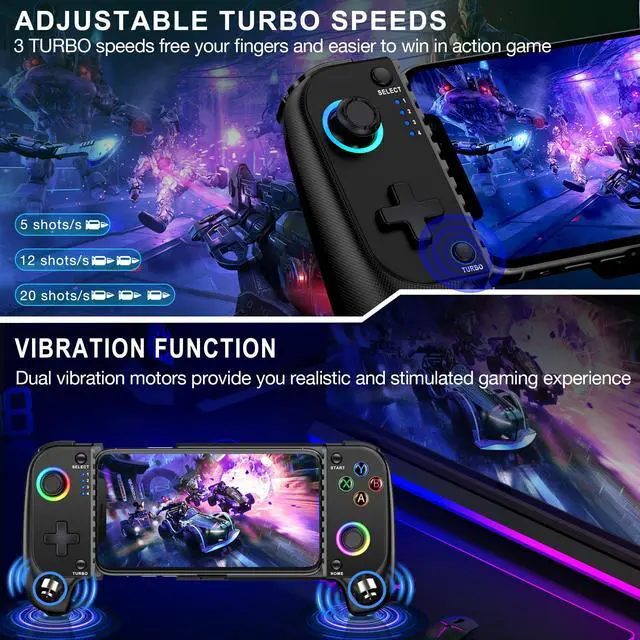
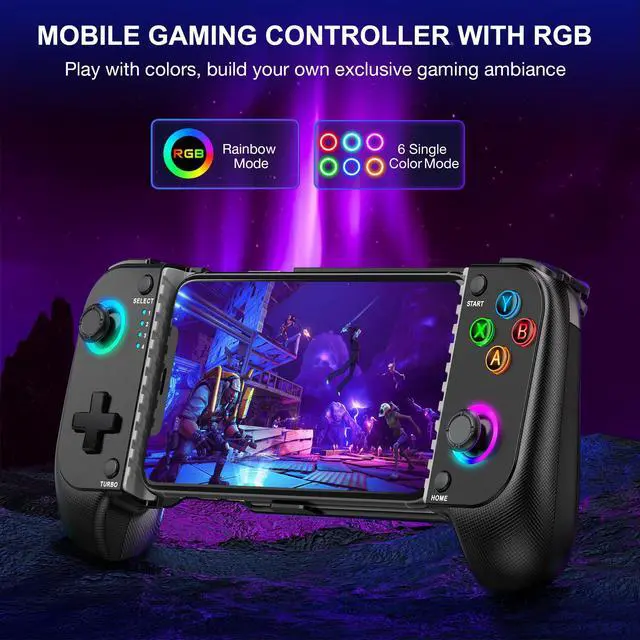
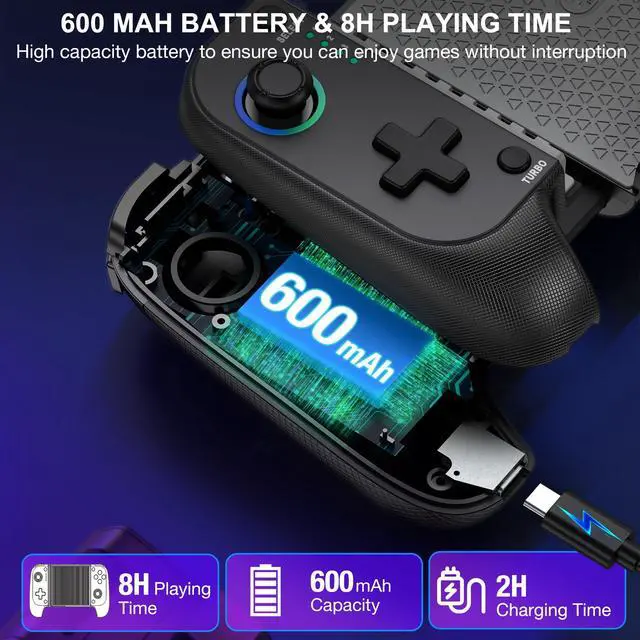
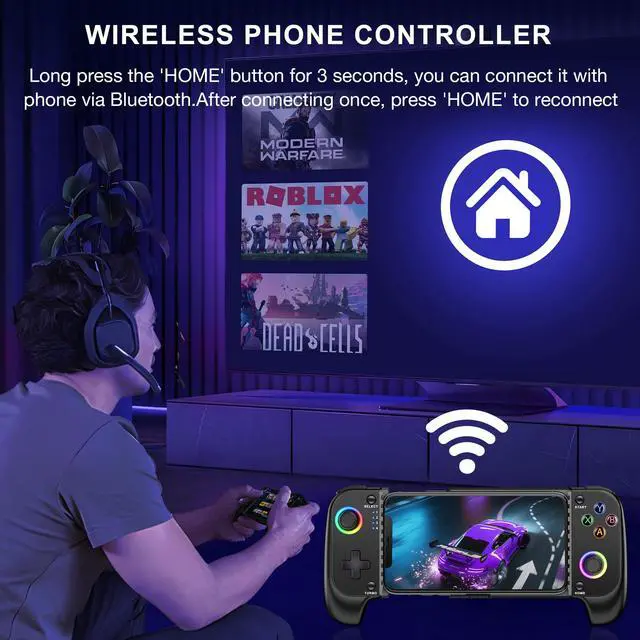


Wireless Phone Controller for iPhone/Android with Hall Joystick, Moblie Controller for iPhone Support Xbox Game Pass, Steam Link, Call of Duty, Roblox, Handheld Gaming Gamepad, Nintendo DS Consoles
- CONNECTION GUIDE Make sure the phone controller is NOT in charging before connected. Observe if the 4th LED on controller is flashing quickly (if flashing 1.2.3, it is incorrect), If not, press and hold the 'HOME' button to turn off the controller and then connect again: Open your bluetooth on mobile phone, then long press 'HOME' and the 4th light will flash quickly, then find corresponding Bluetooth name and connect.
- TIPS FOR IPHONE GAME CONTROLLER When the wireless phone controller encounters abnormal situations such as inability to connect/charge, joystick offset, you can try resetting it: poke the 'RESET' hole on the back of controller with a needle, and then restart the controller for iphone to solve most non quality problems
- TIPS FOR CLOUD GAMING CONTROLLER Please use this mobile game controller to play games on a high-speed and stable network. This is because cloud games have high network requirements and require a high-speed and low latency network environment to reduce latency caused by network congestion and enhance the gaming experience
+
+
Overview
Specs
Reviews

Any questions? Our AI beta will help you find out quickly.
Try me now
Nintendo DS Consoles
Warranty & Returns
Warranty, Returns, And Additional Information
Warranty
- Please contact the Seller directly for warranty information. Warranty information may also be found on the Manufacturer's website.
- CONTACT
Return Policies
- Return for refund within: 30 days
- Return for replacement within: 30 days
- This item is covered by CaiYouYouBaiHuoSHOP Return Policy
Manufacturer Contact Info
- For a directory of all our manufacturers, please click below.
- Manufacturers Directory
LOADING...