




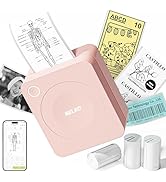
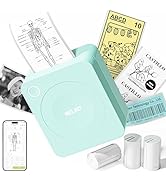
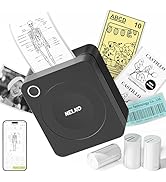
Nelko PM230
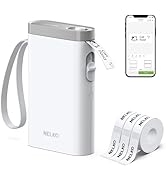
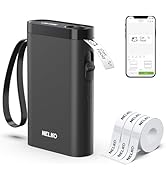
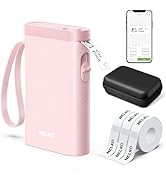
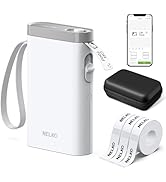
Nelko P21 Label Maker Tape
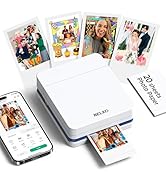
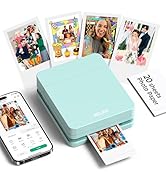
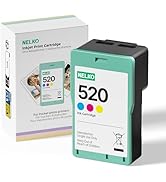
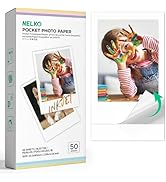
Nelko PM230
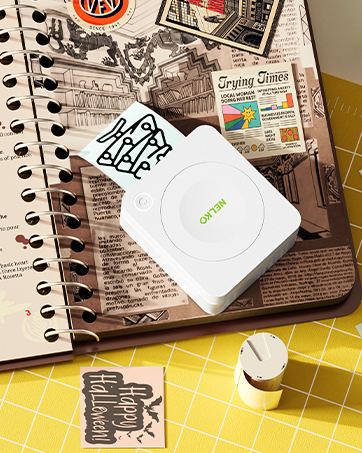
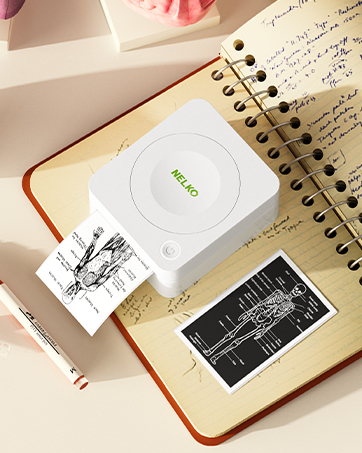
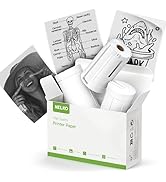
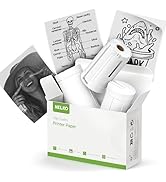
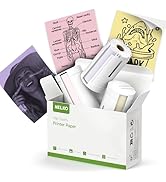
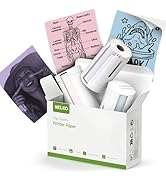
Sticker Paper for Nelko PM230
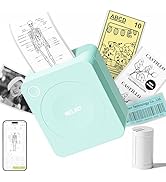
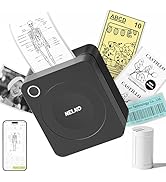
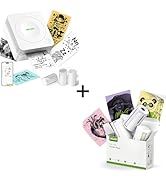
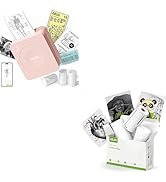
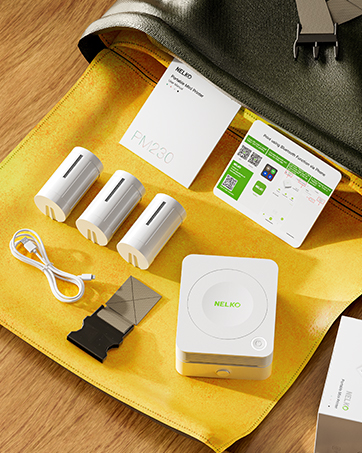
PM230 Sticker Printer
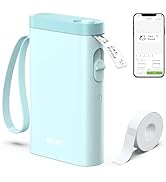
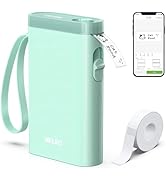

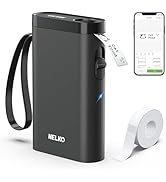
Nelko Label Printer
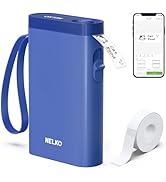
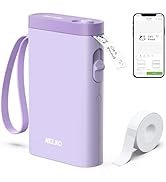
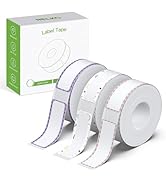
Nelko Label Printer
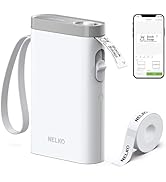
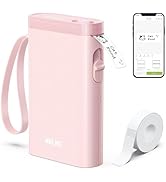
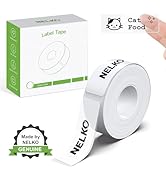
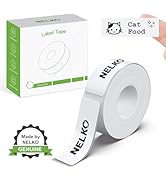
Nelko P21 Label Maker Case
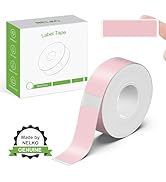
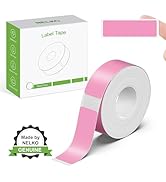
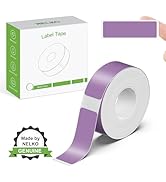
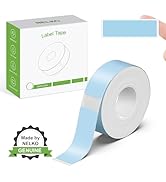
Nelko P21 Label Maker Tape
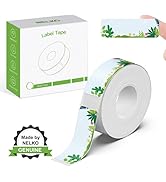
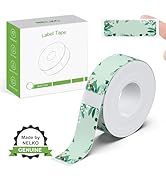
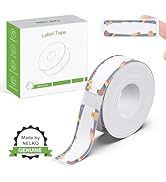
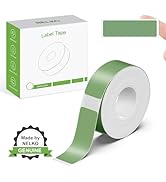
Nelko P21 Label Maker Tape
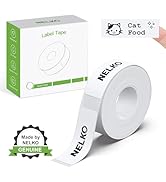
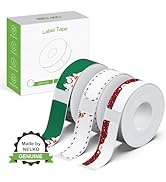
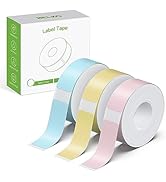
Nelko Label Printer
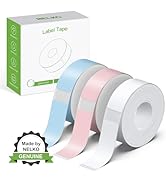
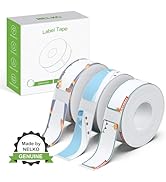
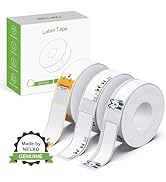
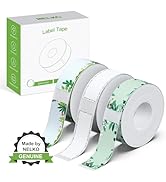
Nelko P21 Label Maker Tape
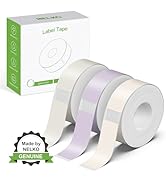
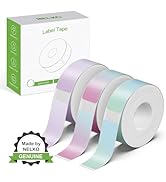
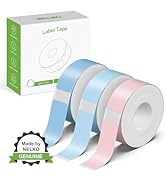
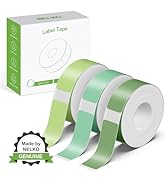
Nelko P21 Label Maker
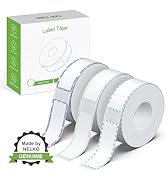
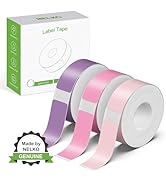
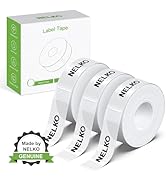
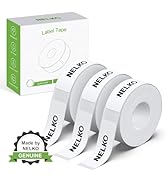
Nelko P21 Label Maker Tape

NEKLO is committed to the development of office products, improving product quality and providing consumers with a good sense of experience.
We adhere to the happy concept, committed to producing high-quality office supplies. We will provide consumers with high-quality, products at a reasonable cost.
We hope to bring convenience to your small business and work.
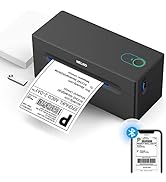

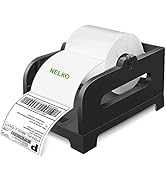
Nelko Bluetooth Label Printer


PM230 Sticker Printer——Happy Christmas Thanksgiving
PM230 Sticker Printer Christmas Thanksgiving
Merchant Video


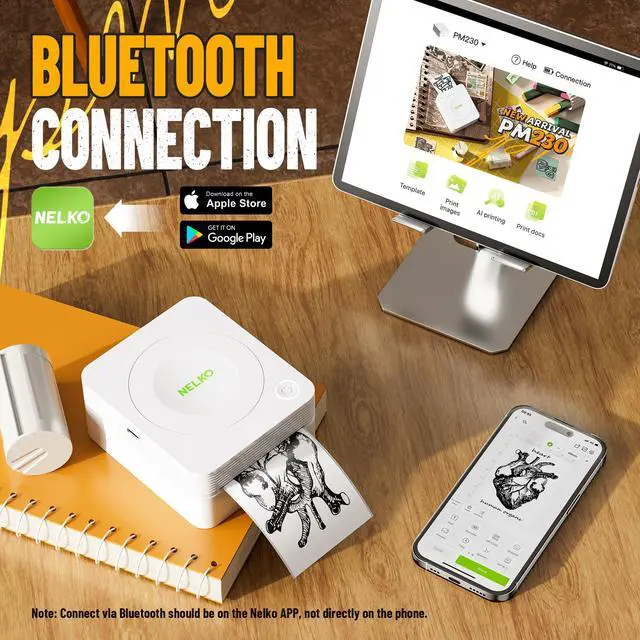
How to PM230 label makerconnect Bluetooth?
1. Connecting to Bluetooth through the "Nelko" APP.
2. Download the App "Nelko" from the Apple Store/Google Play.
3. Turn on Bluetooth on your phone, long press to turn on the PM230 sticker printer, and open the "Nelko" app to link to Bluetooth.
What system does this sticker label maker machine with tape support?
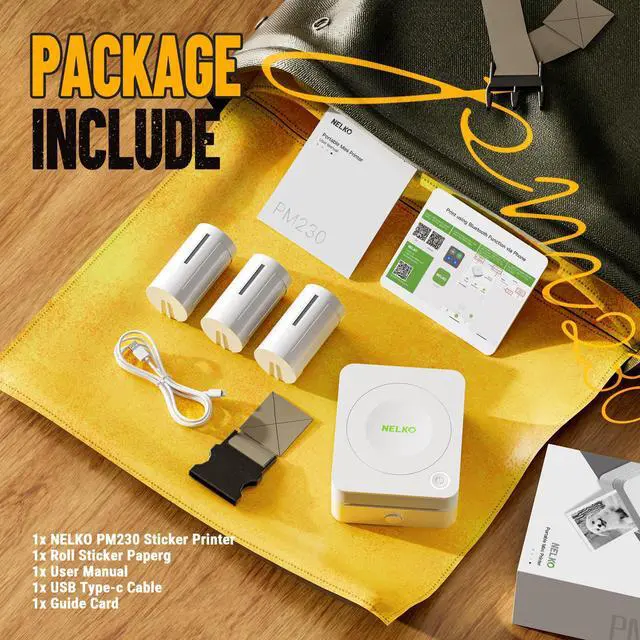
This PM230 sticker printer supports iOS and Android mobile systems. Need to download Nelko APP to connect to mobile Bluetooth.
Is PM230 a photo camera?
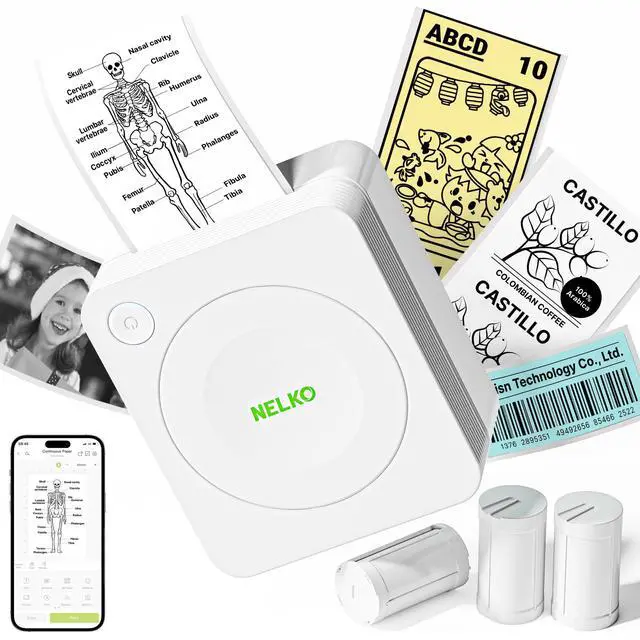
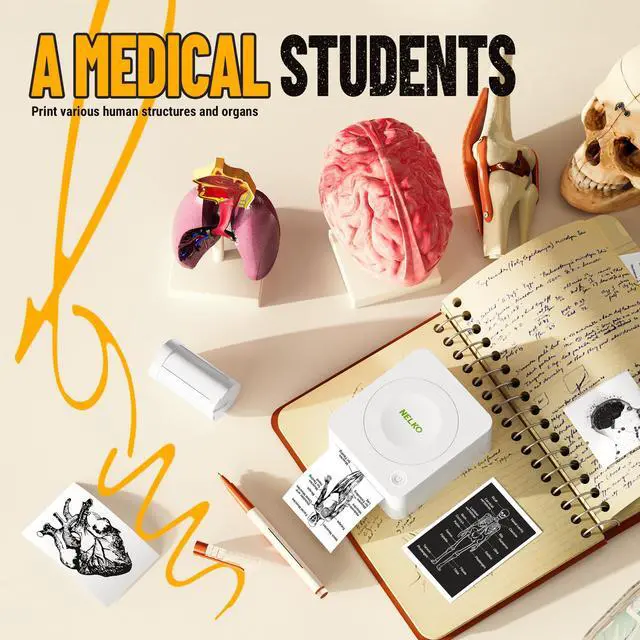
No, the Nelko PM230 mini printer is a thermal printer that can print black and white photos, but not a camera.
Why does blank paper appear for printing? The sticker printer doesn't print?
The most common problem is not placing the paper roll correctly. Pull out the paper to the covered position of the printer.
Please place the paper correctly according to the prompts on A+ or the paper loading video on the details page.
Can I use this mini sticker printer to print shipping labels?
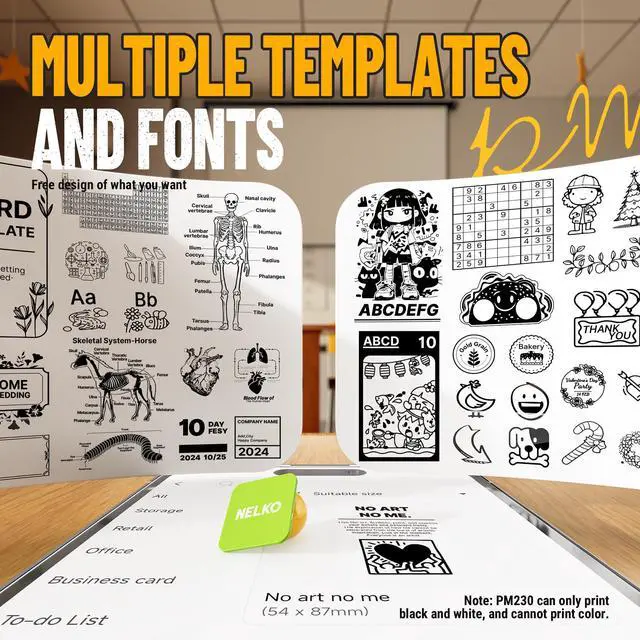
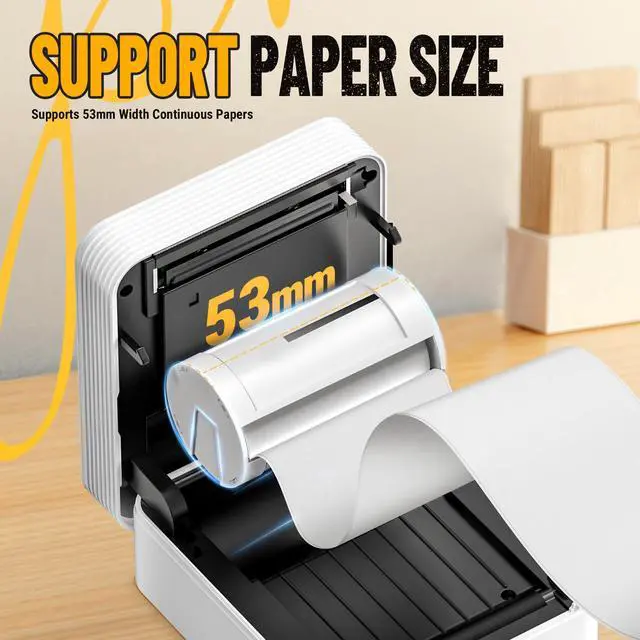
No, this kind of sticker printer is NOT FOR printing any shipping labels. The print width is about 2.08''. It's right for printing some simple text and images, no more than 10 lines
Work with NELKO PM230 Sticker Printer
 Nelko PM230 Printer |  54mm x 3.5m Paper White |  Nelko PM230 Printer Green |  Nelko PM230 PrinterPurple |  54mm x 3.5m Paper |  54mm x 3.5m Paper |  54mm x 3.5m Paper | |
|---|---|---|---|---|---|---|---|
Customer Reviews | — | — | — | — | — | — | — |
Price | — | — | — | — | — | — | — |
Pack | 1 | 3 Rolls | 1 | 1 | 3 Rolls | 3 Rolls | 3 Rolls |
Color | White | White | Green | Purple | Transparent | Blue/Pink/Purple | Yellow/Pink/Purple |
Work with | Work with PM230 Paper Rolls | Work with Nelko PM230 | Work with PM230 Paper Rolls | Work with PM230 Paper Rolls | Work with Nelko PM230 | Work with Nelko PM230 | Work with Nelko PM230 |
Advantage | Portable, Clear Printing | Strong Adhesion, Print Clearly | Portable, Clear Printing | Portable, Clear Printing | Strong Adhesion, Print Clearly | Strong Adhesion, Print Clearly | Strong Adhesion, Print Clearly |
Support | Android and IOS phones | Nelko PM230 Sticker Printer | Android and IOS phones | Android and IOS phones | Nelko PM230 Sticker Printer | Nelko PM230 Sticker Printer | Nelko PM230 Sticker Printer |
High Quality | ? | ? | ? | ? | ? | ? | ? |
PM230 Sticker Printer——Happy Christmas Thanksgiving
PM230 Sticker Printer Christmas Thanksgiving
Merchant Video


How to PM230 label makerconnect Bluetooth?
1. Connecting to Bluetooth through the "Nelko" APP.
2. Download the App "Nelko" from the Apple Store/Google Play.
3. Turn on Bluetooth on your phone, long press to turn on the PM230 sticker printer, and open the "Nelko" app to link to Bluetooth.
What system does this sticker label maker machine with tape support?
This PM230 sticker printer supports iOS and Android mobile systems. Need to download Nelko APP to connect to mobile Bluetooth.
Is PM230 a photo camera?
No, the Nelko PM230 mini printer is a thermal printer that can print black and white photos, but not a camera.
Why does blank paper appear for printing? The sticker printer doesn't print?
The most common problem is not placing the paper roll correctly. Pull out the paper to the covered position of the printer.
Please place the paper correctly according to the prompts on A+ or the paper loading video on the details page.
Can I use this mini sticker printer to print shipping labels?
No, this kind of sticker printer is NOT FOR printing any shipping labels. The print width is about 2.08''. It's right for printing some simple text and images, no more than 10 lines
Work with NELKO PM230 Sticker Printer
Nelko PM230 Printer | 54mm x 3.5m Paper White | Nelko PM230 Printer Green | Nelko PM230 PrinterPurple | 54mm x 3.5m Paper | 54mm x 3.5m Paper | 54mm x 3.5m Paper |
|---|---|---|---|---|---|---|
| Customer Reviews | ||||||
| — | — | — | — | — | — | — |
| Price | ||||||
| — | — | — | — | — | — | — |
| Pack | ||||||
| 1 | 3 Rolls | 1 | 1 | 3 Rolls | 3 Rolls | 3 Rolls |
| Color | ||||||
| White | White | Green | Purple | Transparent | Blue/Pink/Purple | Yellow/Pink/Purple |
| Work with | ||||||
| Work with PM230 Paper Rolls | Work with Nelko PM230 | Work with PM230 Paper Rolls | Work with PM230 Paper Rolls | Work with Nelko PM230 | Work with Nelko PM230 | Work with Nelko PM230 |
| Advantage | ||||||
| Portable, Clear Printing | Strong Adhesion, Print Clearly | Portable, Clear Printing | Portable, Clear Printing | Strong Adhesion, Print Clearly | Strong Adhesion, Print Clearly | Strong Adhesion, Print Clearly |
| Support | ||||||
| Android and IOS phones | Nelko PM230 Sticker Printer | Android and IOS phones | Android and IOS phones | Nelko PM230 Sticker Printer | Nelko PM230 Sticker Printer | Nelko PM230 Sticker Printer |
| High Quality | ||||||
| ? | ? | ? | ? | ? | ? | ? |
Nelko PM230
Nelko P21 Label Maker Tape
Nelko PM230
Sticker Paper for Nelko PM230
PM230 Sticker Printer
Nelko Label Printer
Nelko Label Printer
Nelko P21 Label Maker Case
Nelko P21 Label Maker Tape
Nelko P21 Label Maker Tape
Nelko Label Printer
Nelko P21 Label Maker Tape
Nelko P21 Label Maker
Nelko P21 Label Maker Tape
NEKLO is committed to the development of office products, improving product quality and providing consumers with a good sense of experience.
We adhere to the happy concept, committed to producing high-quality office supplies. We will provide consumers with high-quality, products at a reasonable cost.
We hope to bring convenience to your small business and work.
Nelko Bluetooth Label Printer