



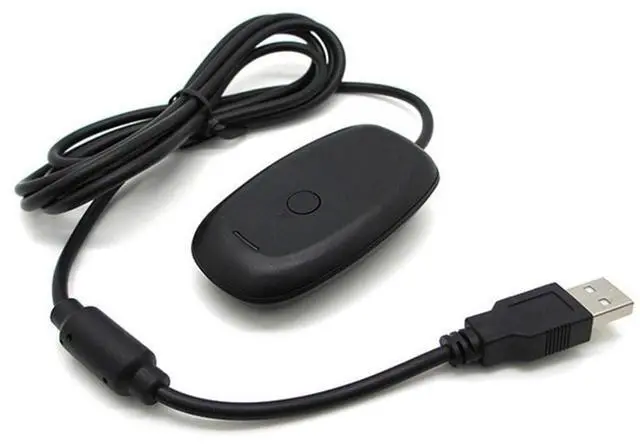


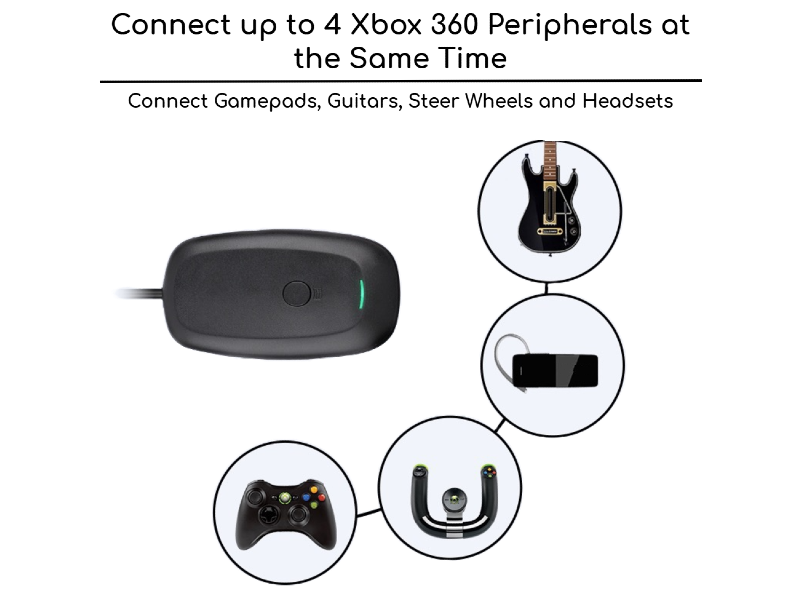
Introducing KUJOBUY Wireless Receiver for Xbox 360 Controller PC
Elevate Your Gaming Experience with Our Wireless USB Gaming Receiver Adapter, Specially Designed for Seamless Compatibility with Microsoft Xbox 360 Controllers. This Xbox USB Adapter Ensures a Lag-Free Connection, Allowing You to Enjoy Your Favorite Pc Games with the Precision and Responsiveness of Your Xbox Controller.
Transform Your Desktop or Laptop into a Gaming Powerhouse with This Xbox 360 Wireless Receiver and Dive into the Action Like Never Before.
Adapter for Xbox 360 Controller
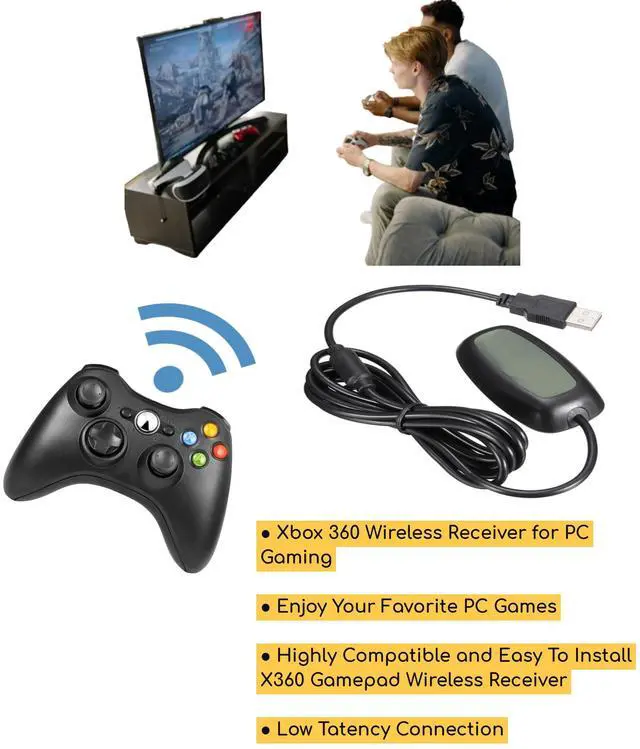
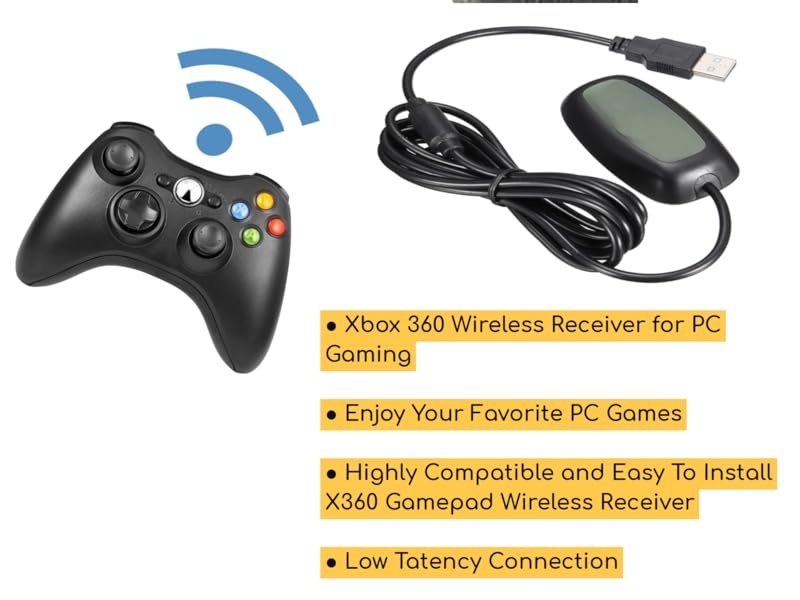
Highly Compatible and Easy To Install X360 Gamepad Wireless Receiver
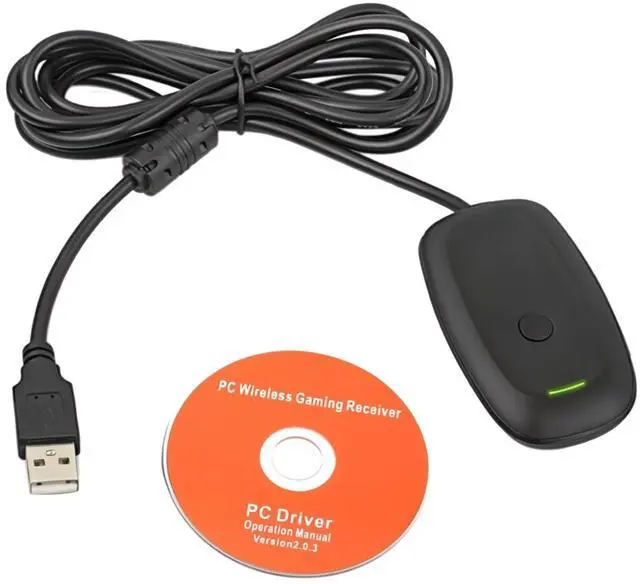
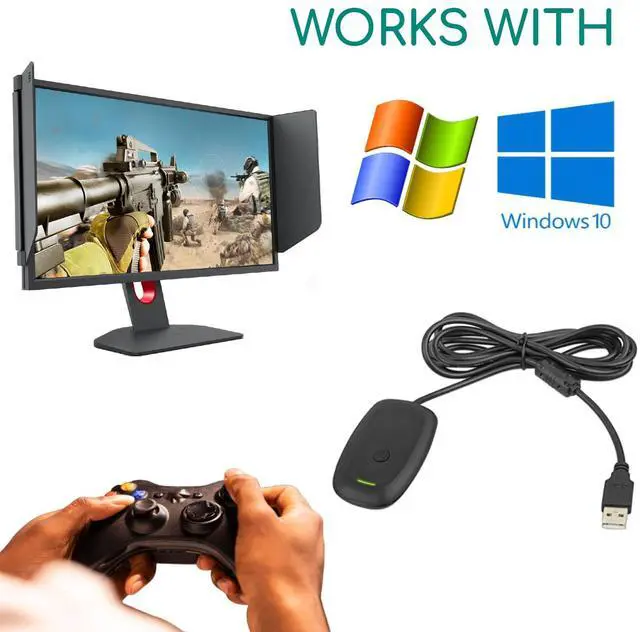
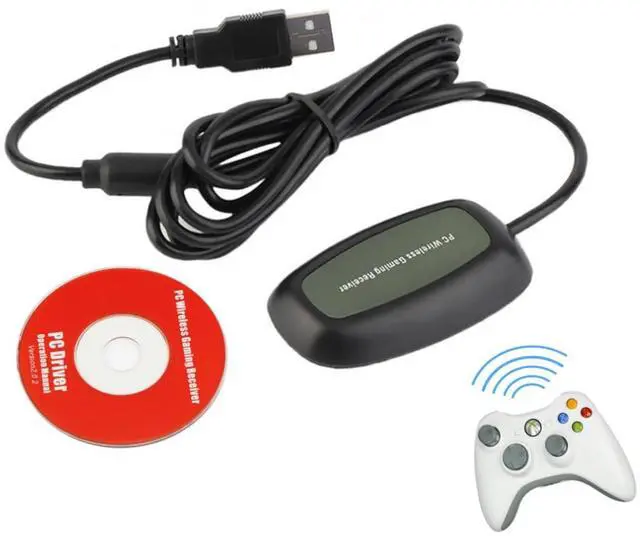
Unleash the Full Potential of Your Xbox 360 Controller on Your Windows Pc with Our Xbox Controller Adapter for PC. Our Wireless Receiver Is Compatible with All Modern Versions of Windows, It Comes with a Disk with Necessary Drivers. Experience the Freedom of Wireless Gaming and Take Control of Your Gameplay with the Reliability and Performance of This Xbox 360 Wireless Receiver. Elevate Your Pc Gaming Setup with Ease.
Xbox Adapter for Xbox USB Controller PC Receiver
Merchant Video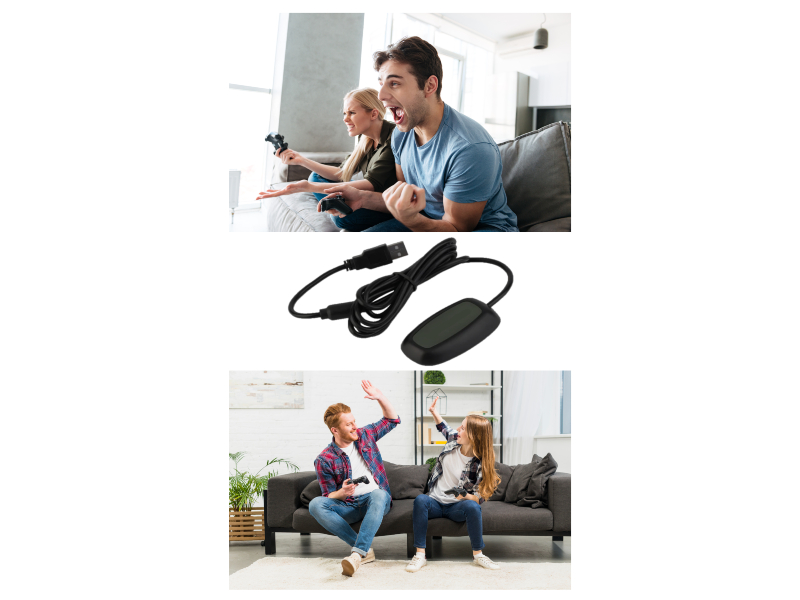
Enjoy Your Favorite PC Games With Zero Latency
Easily integrates with PC gaming scenarios and utilizes the same binding technology as Xbox 360.
The Xbox 360 Wireless Gaming Receiver adapter for Windows lets you take your quality, wireless gaming experiences that you enjoy on your console and experience them on your Games for Windows platform. Will work with future Xbox 360 wireless accessories and provides up to a 30-foot range for complete wireless freedom.
Wireless USB Gaming Receiver Adapter for Xbox 360 Controllers
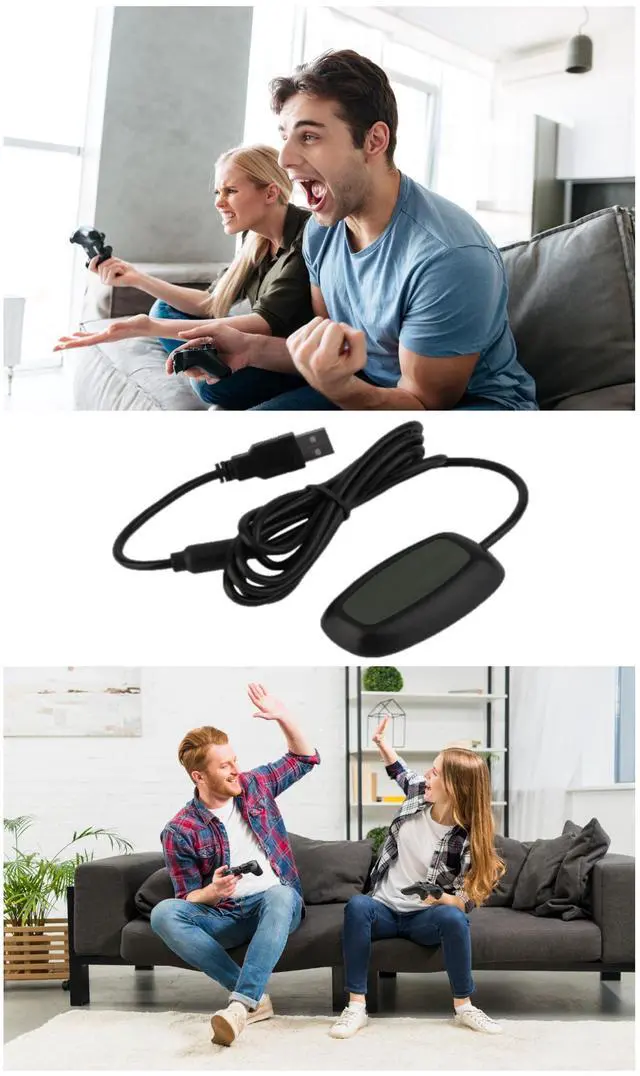
Upgrade your gaming setup with this Wireless USB Gaming Receiver Adapter, designed to seamlessly connect your Xbox 360 controllers to your PC, laptop, or Windows device. Whether you're playing solo or with friends, this adapter ensures lag-free, high-performance gaming with your favorite wireless Xbox 360 controllers.
INSTALLATION GUIDE
Windows10 Installation, please google : XBox 360 Wireless Gaming Receiver for Windows(360-recrk)
Windows 7 Installation:
- Download the driver. Plug in your wireless receiver
- Go to your Control Panel -> Devices and Printers -> Device Manager -> Unknown Device
- Double Click the Unknown Device and click the Hardware tab , choose Update Driver
- Select Browser my computer for driver software
- Select Let me pick from a list of device drivers on my computer
- Scroll down and select "Microsoft Common Controller for Windows" Class and click "Next"
- Select "Xbox 360 Wireless Receiver for Windows" and click on next.
- Select Yes for any warning message. Done.
Specifications
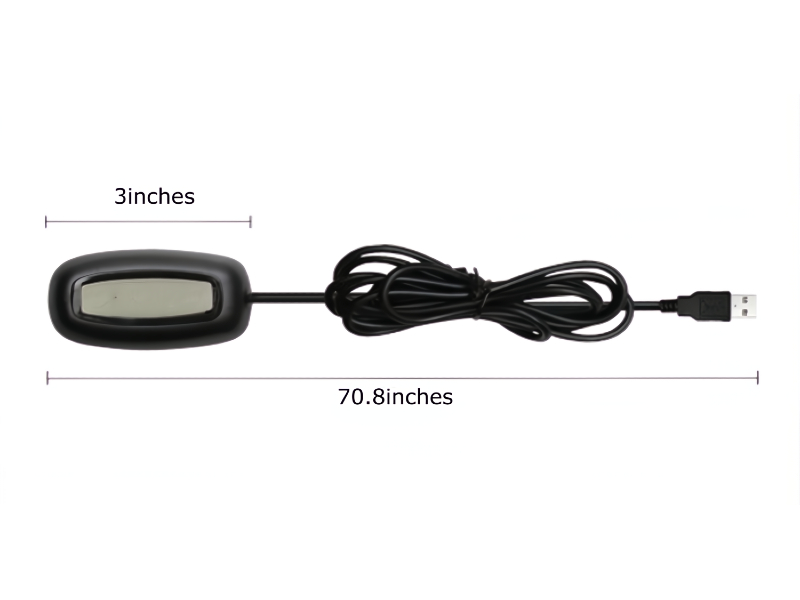
- Size: approx. 75 X 40 X 17 mm/2.95 X 1.57 X 0.67 in
- Cable length: 1.8 m
- Net weight: approx. 93g
- Package weight: approx. 105 g
- Package Includes: 1 x Wireless Xbox 360 Controller Receiver / 1 x Install Disc


Looking for a one-stop-shop?
KUJOBUY was established in 2021, and is a growing company, specializing in Home & Kitchen, Automotive and Electronic goods.
You can find here pretty much everything, from fashion to home goods, electronics to beauty products, we've got it all.
Ease the stress of daily life and work, with our products, promoting both physical and mental wellness.
For Kitchen
For Gamers
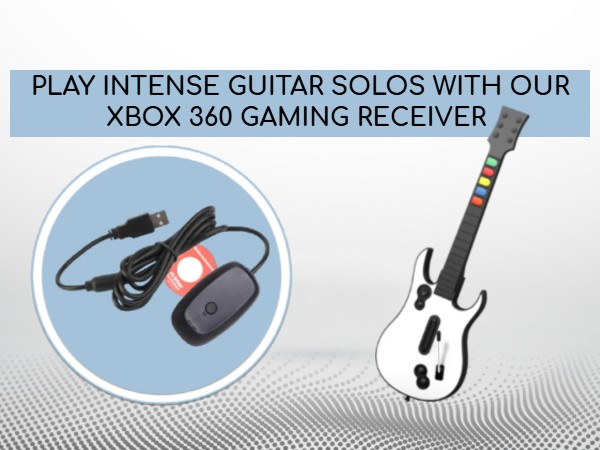
Xbox 360 Wireless Receiver for PC Gaming
Introducing KUJOBUY Wireless Receiver for Xbox 360 Controller PC
Elevate Your Gaming Experience with Our Wireless USB Gaming Receiver Adapter, Specially Designed for Seamless Compatibility with Microsoft Xbox 360 Controllers. This Xbox USB Adapter Ensures a Lag-Free Connection, Allowing You to Enjoy Your Favorite Pc Games with the Precision and Responsiveness of Your Xbox Controller.
Transform Your Desktop or Laptop into a Gaming Powerhouse with This Xbox 360 Wireless Receiver and Dive into the Action Like Never Before.
Xbox Adapter for Xbox USB Controller PC Receiver
Merchant VideoAdapter for Xbox 360 Controller
Highly Compatible and Easy To Install X360 Gamepad Wireless Receiver
Unleash the Full Potential of Your Xbox 360 Controller on Your Windows Pc with Our Xbox Controller Adapter for PC. Our Wireless Receiver Is Compatible with All Modern Versions of Windows, It Comes with a Disk with Necessary Drivers. Experience the Freedom of Wireless Gaming and Take Control of Your Gameplay with the Reliability and Performance of This Xbox 360 Wireless Receiver. Elevate Your Pc Gaming Setup with Ease.
Enjoy Lag-Free Gaming
Enjoy Your Favorite PC Games With Zero Latency
Easily integrates with PC gaming scenarios and utilizes the same binding technology as Xbox 360.
The Xbox 360 Wireless Gaming Receiver adapter for Windows lets you take your quality, wireless gaming experiences that you enjoy on your console and experience them on your Games for Windows platform. Will work with future Xbox 360 wireless accessories and provides up to a 30-foot range for complete wireless freedom.
PC & Laptop Compatible
Wireless USB Gaming Receiver Adapter for Xbox 360 Controllers
Upgrade your gaming setup with this Wireless USB Gaming Receiver Adapter, designed to seamlessly connect your Xbox 360 controllers to your PC, laptop, or Windows device. Whether you're playing solo or with friends, this adapter ensures lag-free, high-performance gaming with your favorite wireless Xbox 360 controllers.
INSTALLATION GUIDE
Windows10 Installation, please google : XBox 360 Wireless Gaming Receiver for Windows(360-recrk)
Windows 7 Installation:
- Download the driver. Plug in your wireless receiver
- Go to your Control Panel -> Devices and Printers -> Device Manager -> Unknown Device
- Double Click the Unknown Device and click the Hardware tab , choose Update Driver
- Select Browser my computer for driver software
- Select Let me pick from a list of device drivers on my computer
- Scroll down and select "Microsoft Common Controller for Windows" Class and click "Next"
- Select "Xbox 360 Wireless Receiver for Windows" and click on next.
- Select Yes for any warning message. Done.
Specifications
- Size: approx. 75 X 40 X 17 mm/2.95 X 1.57 X 0.67 in
- Cable length: 1.8 m
- Net weight: approx. 93g
- Package weight: approx. 105 g
- Package Includes: 1 x Wireless Xbox 360 Controller Receiver / 1 x Install Disc
Looking for a one-stop-shop?
KUJOBUY was established in 2021, and is a growing company, specializing in Home & Kitchen, Automotive and Electronic goods.
You can find here pretty much everything, from fashion to home goods, electronics to beauty products, we've got it all.
Ease the stress of daily life and work, with our products, promoting both physical and mental wellness.
For Kitchen
For Gamers