




Frequently Asked Questions
Wireless Bluetooth Adapter
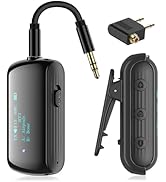
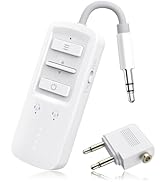
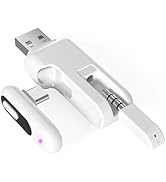
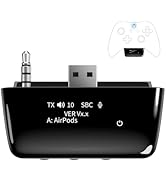
 Xbox Bluetooth Adapter |  BT Transmitter Receiver |  BT Transmitter Receiver |  Bluetooth Adapter for PS5 |  Philips SHP9500 Adapter |  QC15 Wireless BT Adapter |  QC25 Wireless BT Adapter | |
|---|---|---|---|---|---|---|---|
Customer Reviews | — | — | — | — | — | — | — |
Price | — | — | — | — | — | — | — |
Compatibility | Xbox Controller | Airplane/TV/Car/Home Stereo | Airplane/TV/Car/Home Stereo | PS4/PS5/Switch/PC | Philips SHP9500 Headphones | Bose QC15 Headphones | Bose QC25 Headphones |
With Screen | ? | ? | ? | ? | ? | ? | ? |
Support aptX | ? | ? | ? | ? | ? | ? | ? |
Support aptX-LL | ? | ? | ? | ? | ? | ? | ? |
With Mic | ? | ? | ? | ? | ? | ? | ? |

Click on the slider to view other products we sell.
Wireless Bluetooth Adapter
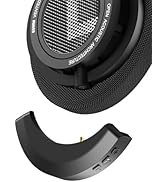
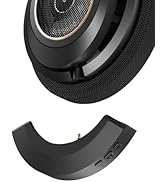
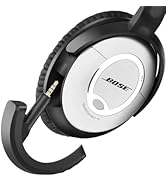
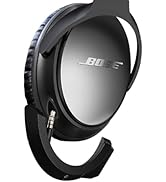
Wireless Bluetooth Adapter
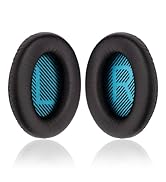
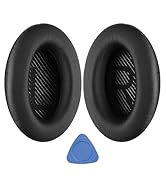
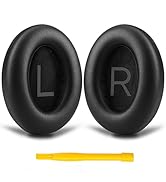
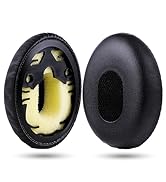
Ear Pads for Bose
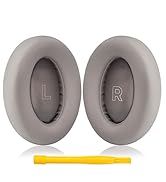
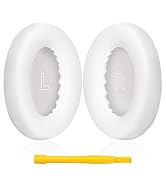
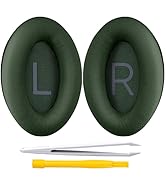
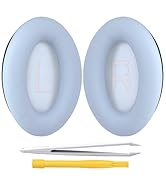
Earpads for Bose
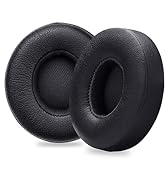
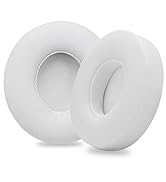
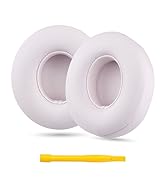
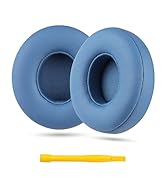
Earpads for Solo
Who we are?
We are a professional headphone accessories seller, who has headphone parts including replacement ear pads and wireless bluetooth adapters. For details, please browse the brand store.
Are our products of high quality?
We want consumers to feel unparalleled comfort and convenience when using headphones, so superior product quality has always been our brand belief.
How is our after-sales service?
We are very concerned about the customer's product experience, and after-sales service is an important part of our business work.


Frequently Asked Questions
| Q: | What should I do? The volume is very low! |
|---|---|
| A: | Please primarily adjust the volume through your Xbox console. We kindly ask you to adjust according to the steps in the image above. |
| Q: | Why is latency not as low as advertised? |
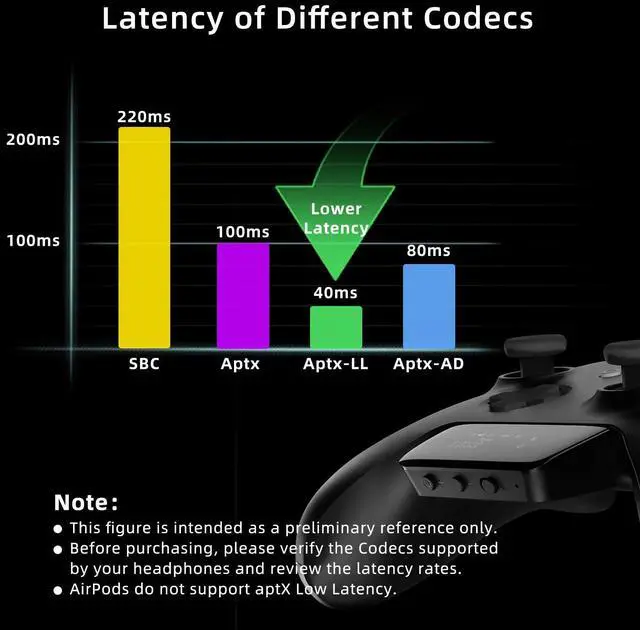
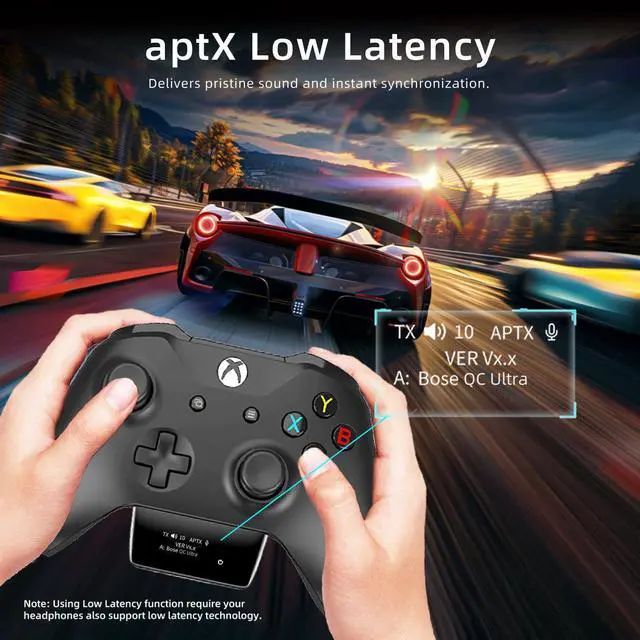
| A: | Latency depends on your headphones' supported codec. To achieve aptX low latency, your headphones must also support aptX Low Latency (aptX-LL) technology. Check the codec and latency rate before buying. |
| Q: | Does the adapter support Bluetooth headset mic? |
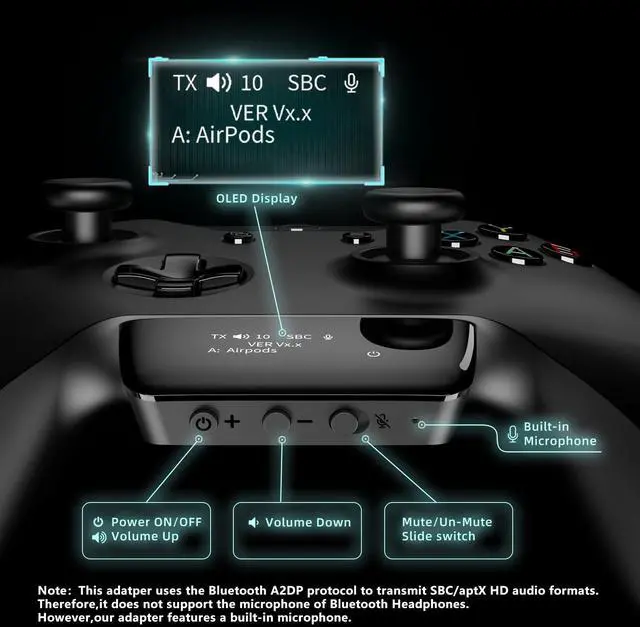
| A: | No, the Xbox Bluetooth adapter doesn't support headset mic. You'll need to use the adapter's built-in mic for chat. |
| Q: | Why is the audio quality poor when using the adapter? |
| A: | Audio quality is significantly determined by the headsets. Regular Bluetooth headsets might not match the sound of gaming-specific wired ones. With the same headset, some audio quality loss when converting from analog to Bluetooth is normal. |
| Q: | Why can I hear my own voice through the mic, but others can't hear me? |
| A: | Hearing your own voice indicates the mic is working properly. Please Go to 'Audio Settings' on your Xbox console. Slide the 'Mic monitoring' to left to eliminate your own voice. Then, adjust the ‘Headset chat mixer’ for a better balance between game and chat audio. |
| Q: | Is the adapter broken? The display keep showing 'Waiting'. |
| A: | No, it's not. Before any operation, this is a normal phenomenon. This indicates that the adapter is in standby mode, waiting for the user to perform the next action. Simply long press the '+' and '-' buttons for three seconds to enter pairing mode. The screen will then display 'Searching', indicating that it has started to search for Bluetooth devices. |
| Q: | Why does the power icon keep flashing? |
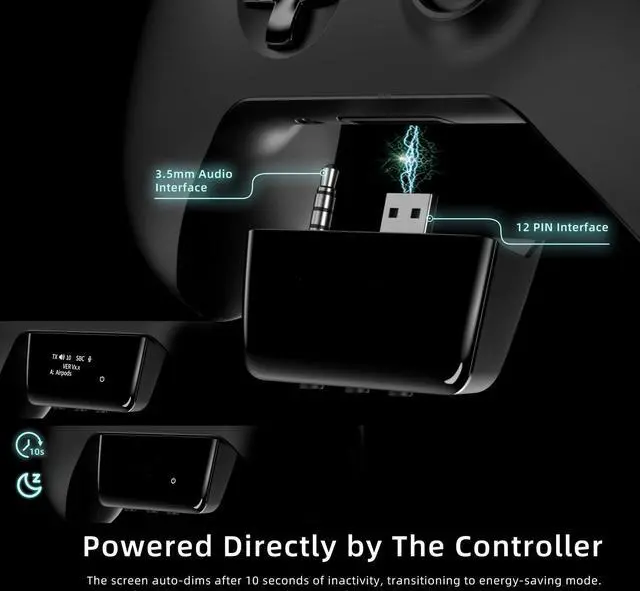
| A: | This occurs because the screen will automatically turn off after 10 seconds of inactivity to enter energy-saving mode. The flashing indicator light will continue to remind users that the adapter is operational. |
| Q: | Does the adapter fit all Xbox game controllers? |
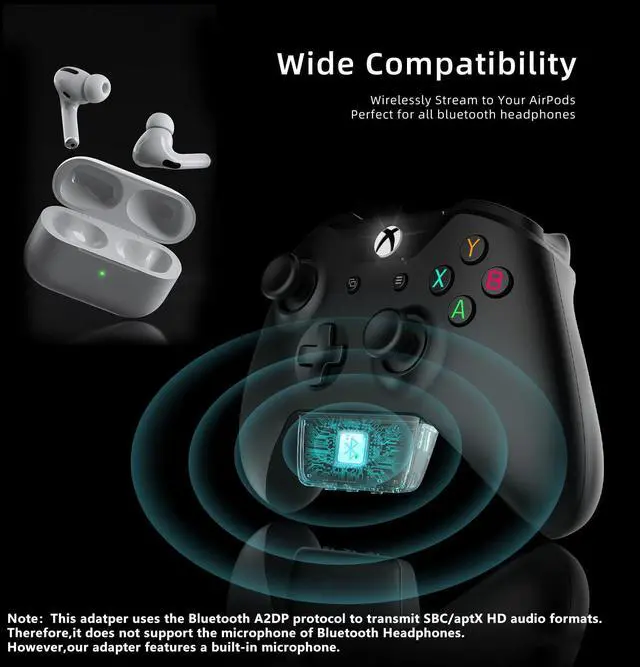
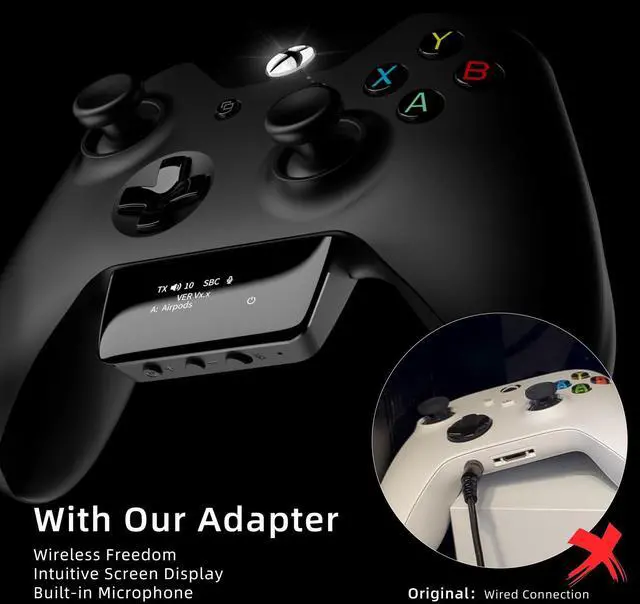
| A: | No. The adapter is designed for Xbox One, Series X, Series S, and Elite Series 2 Wireless Controllers with 3.5mm audio jack. It does not support the first-generation Xbox controller and the Elite 1 controller. Please confirm your controller model before purchasing. |
Wireless Bluetooth Adapter
Xbox Bluetooth Adapter | BT Transmitter Receiver | BT Transmitter Receiver | Bluetooth Adapter for PS5 | Philips SHP9500 Adapter | QC15 Wireless BT Adapter | QC25 Wireless BT Adapter |
|---|---|---|---|---|---|---|
| Customer Reviews | ||||||
| — | — | — | — | — | — | — |
| Price | ||||||
| — | — | — | — | — | — | — |
| Compatibility | ||||||
| Xbox Controller | Airplane/TV/Car/Home Stereo | Airplane/TV/Car/Home Stereo | PS4/PS5/Switch/PC | Philips SHP9500 Headphones | Bose QC15 Headphones | Bose QC25 Headphones |
| With Screen | ||||||
| ? | ? | ? | ? | ? | ? | ? |
| Support aptX | ||||||
| ? | ? | ? | ? | ? | ? | ? |
| Support aptX-LL | ||||||
| ? | ? | ? | ? | ? | ? | ? |
| With Mic | ||||||
| ? | ? | ? | ? | ? | ? | ? |
Click on the slider to view other products we sell.
Wireless Bluetooth Adapter
Wireless Bluetooth Adapter
Ear Pads for Bose
Earpads for Bose
Earpads for Solo
Who we are?
We are a professional headphone accessories seller, who has headphone parts including replacement ear pads and wireless bluetooth adapters. For details, please browse the brand store.
Are our products of high quality?
We want consumers to feel unparalleled comfort and convenience when using headphones, so superior product quality has always been our brand belief.
How is our after-sales service?
We are very concerned about the customer's product experience, and after-sales service is an important part of our business work.