





Founded in 2011, BrosTrend dedicates itself to premium network products which deliver fast and reliable connections.
With more than 10 years of experience in the networking industry, BrosTrend never stops innovating and is ready to bring a smoother online experience for everyone.
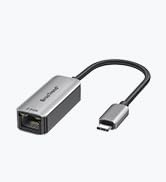
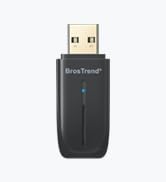
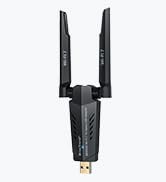
New Release
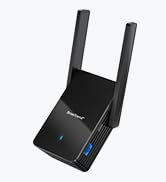
Our Recommendations

hero-video
Merchant Video
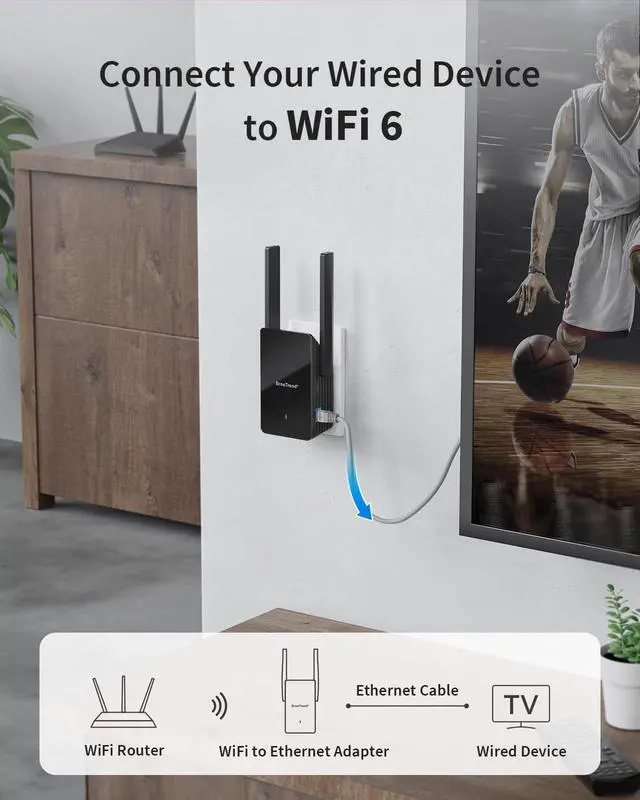
Connect Your Wired Device to WiFi 6
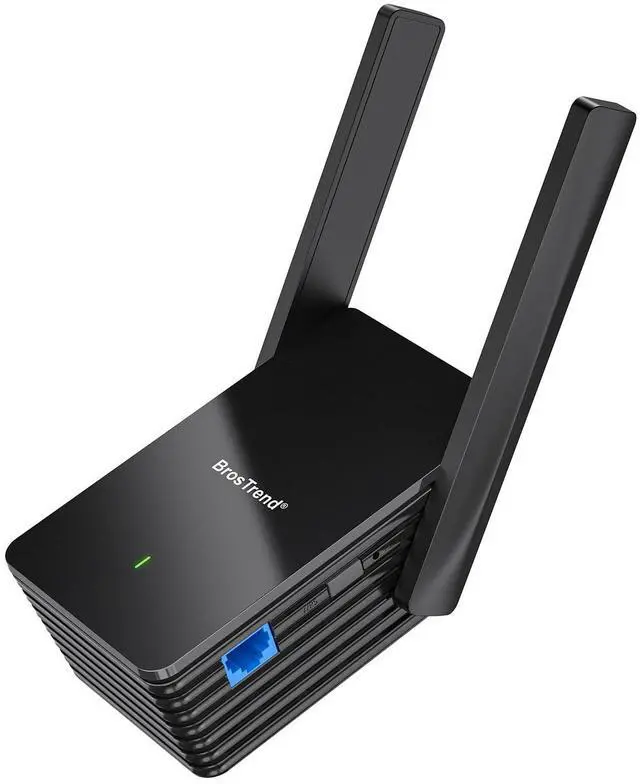
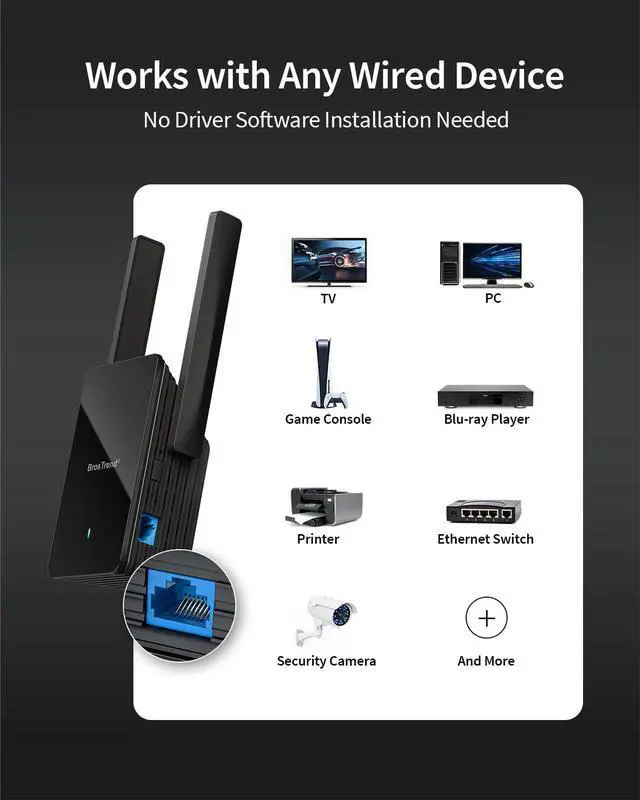
Future-proof your wired device with WiFi 6 reliability. This adapter connects to your router wirelessly for a stable LAN connection. WiFi 6 technologies and the Gigabit Ethernet port ensure its superior performance, ideal for bandwidth-intensive activities.
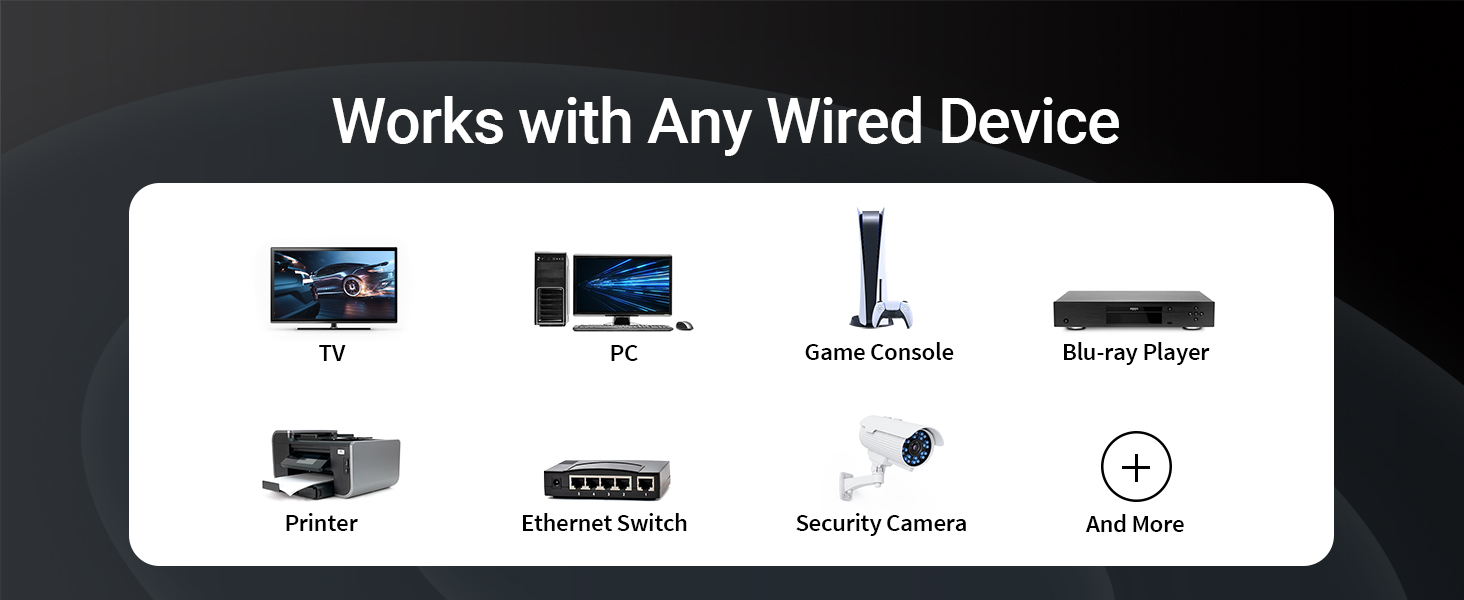
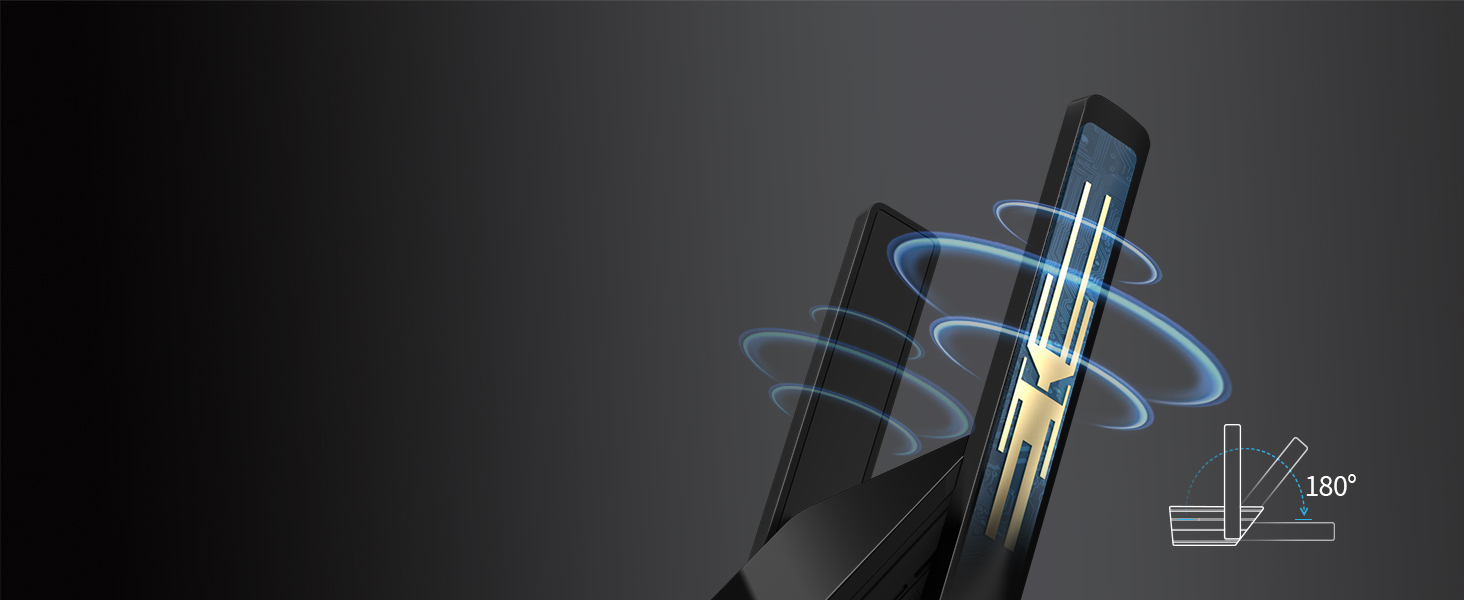
Robust Connection
Builds a dependable connection with its powerful and 180-degree rotatable antennas.

Secure Your Connection
WPA3 encryption on the 5GHz band enhances data protection for the connected device.
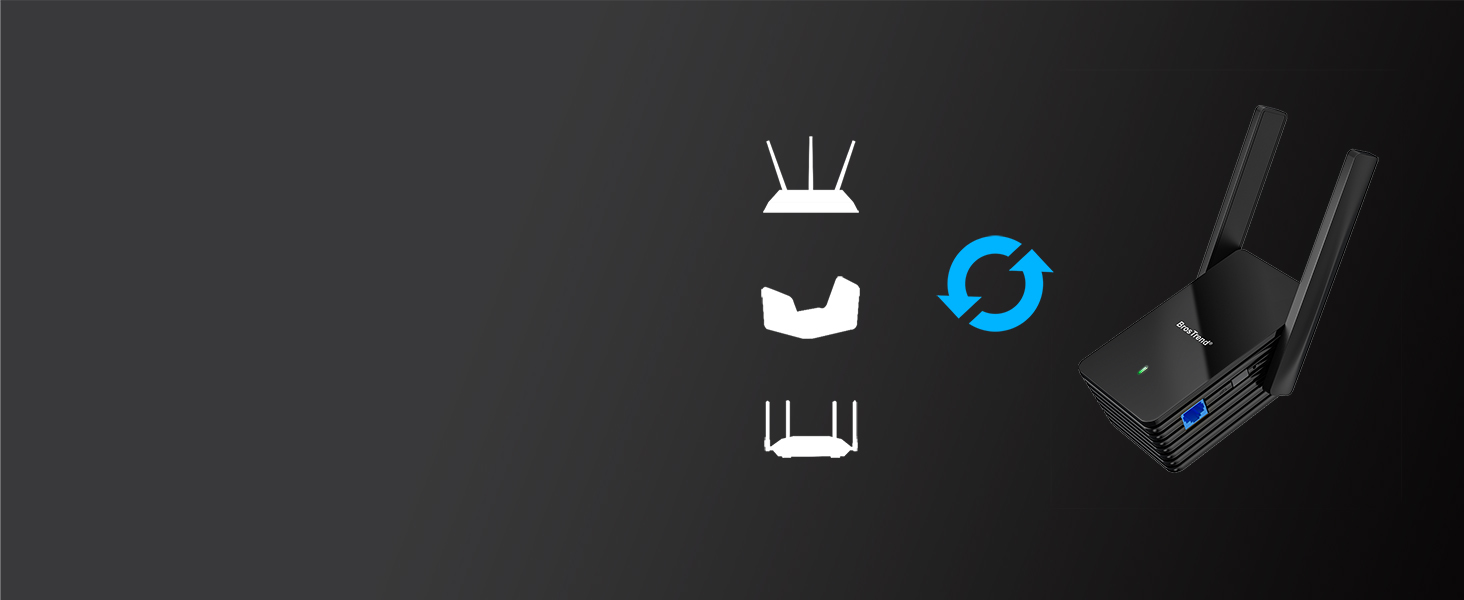
Seamlessly Connects to Your WiFi
Compatible with all WiFi routers, whether ISP-provided or independently purchased.
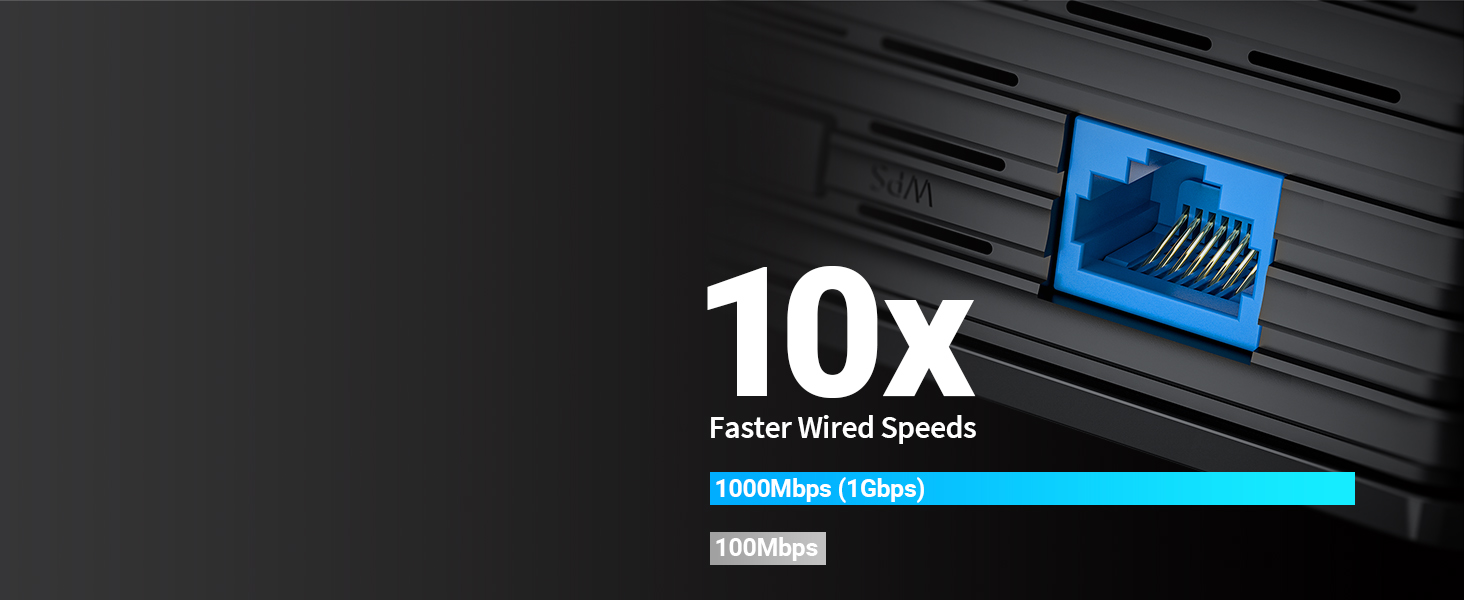
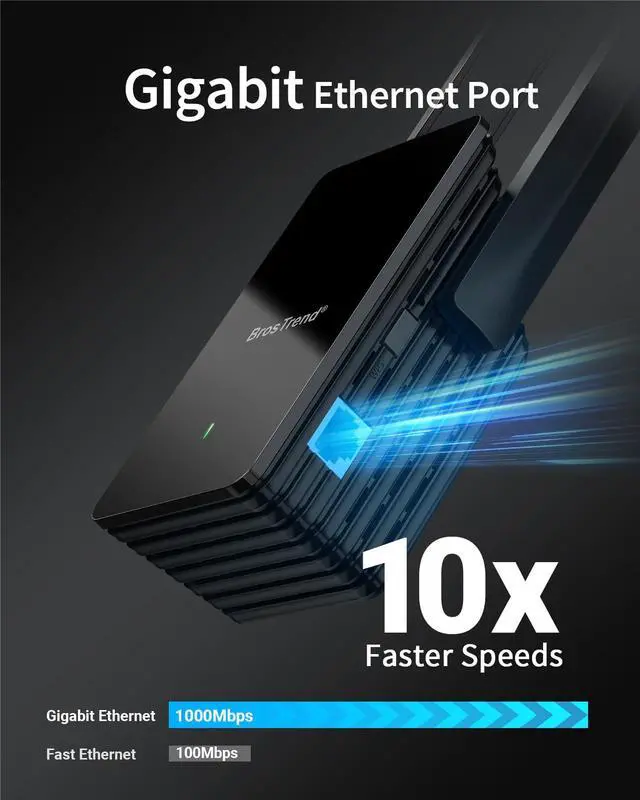
10x Faster Than Fast Ethernet
Provides data transfer speeds of up to 1000Mbps (1Gbps) for your LAN-only device.
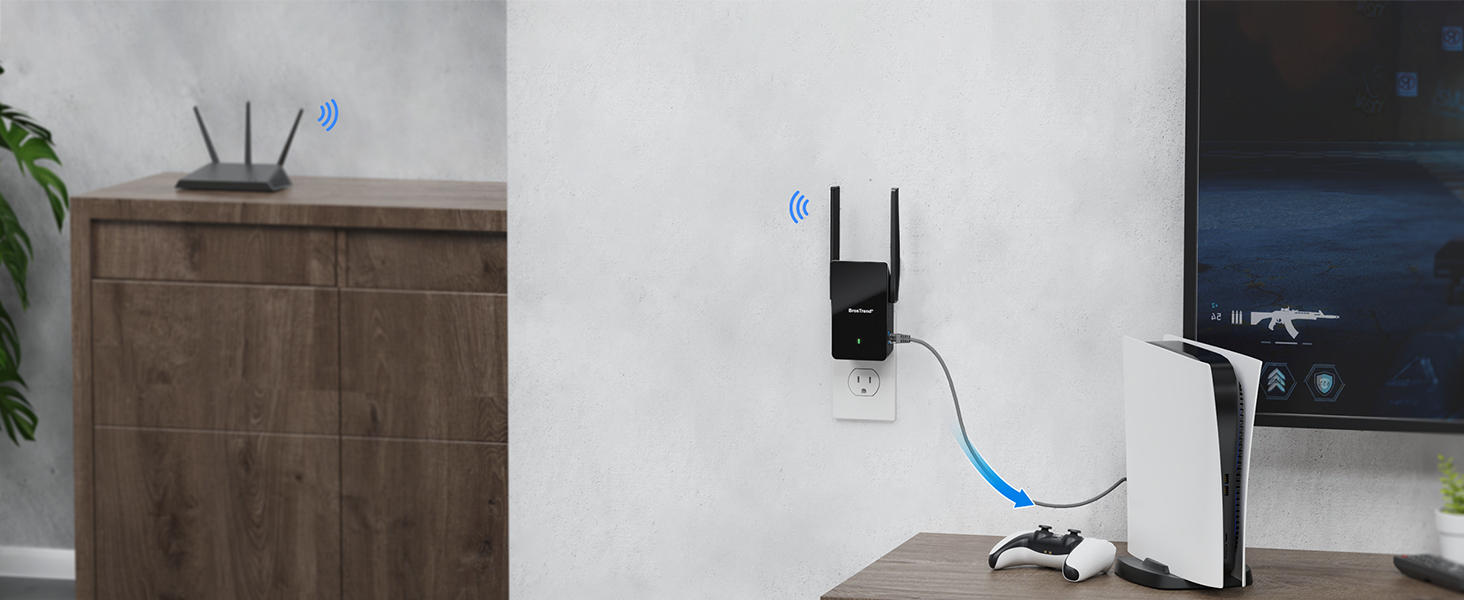
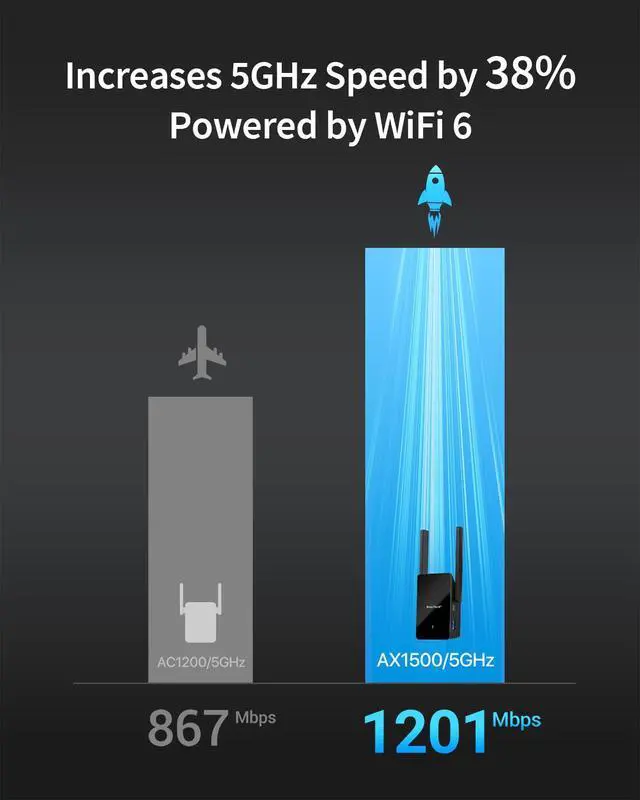
Dual-band 1500Mbps Speeds
Connects to your router with speeds of 1201Mbps on 5GHz or 300Mbps on 2.4GHz band.
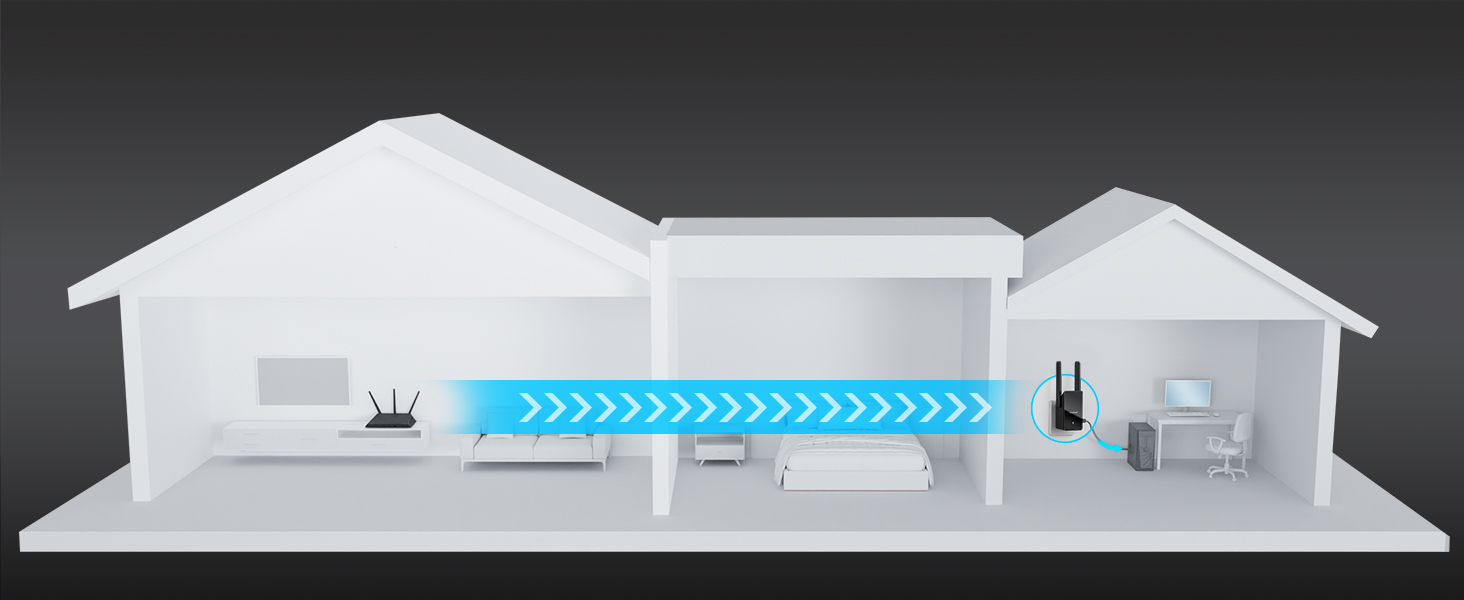
Greater Range, Flexible Connection
Ensures excellent coverage for your device, even when it's distant from your router.
WEB Management Interface Setup
Step 1
Place the WiFi to Ethernet adapter in the same room as your existing WiFi router and power it on.
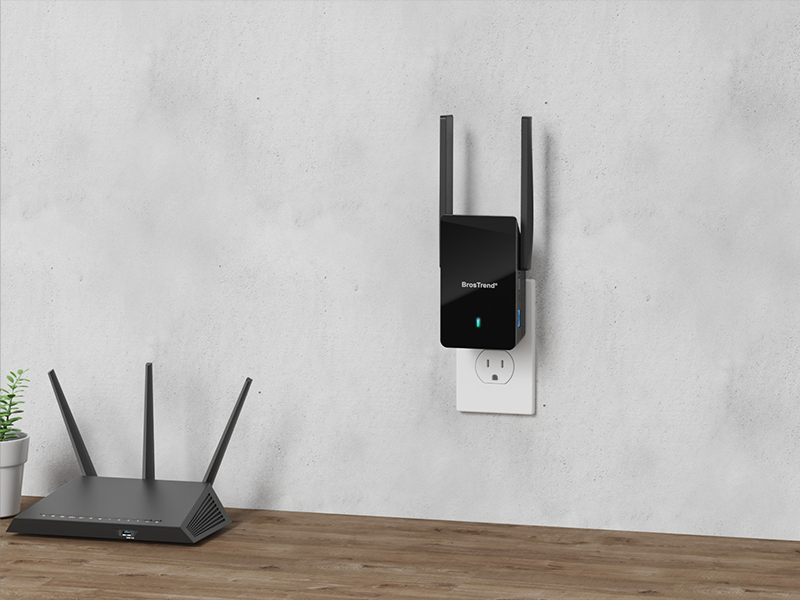
Step 2
Use a WiFi device to connect to the default WiFi network BrosTrend_EXT. Open a web browser and go to visit the web management interface. Create your login password for future logins. Select your existing WiFi network, enter the correct password, and save the settings. Wait until the LED indicator turns either solid green or yellow or red, which indicates a successful connection with your existing WiFi router.
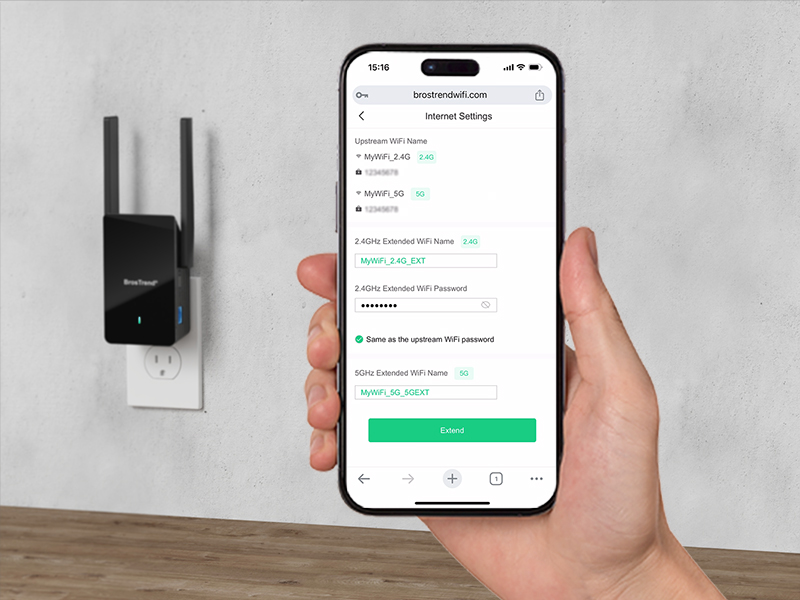
Step 3
Relocate the adapter and connect your wired device to it. Enjoy a reliable connection!
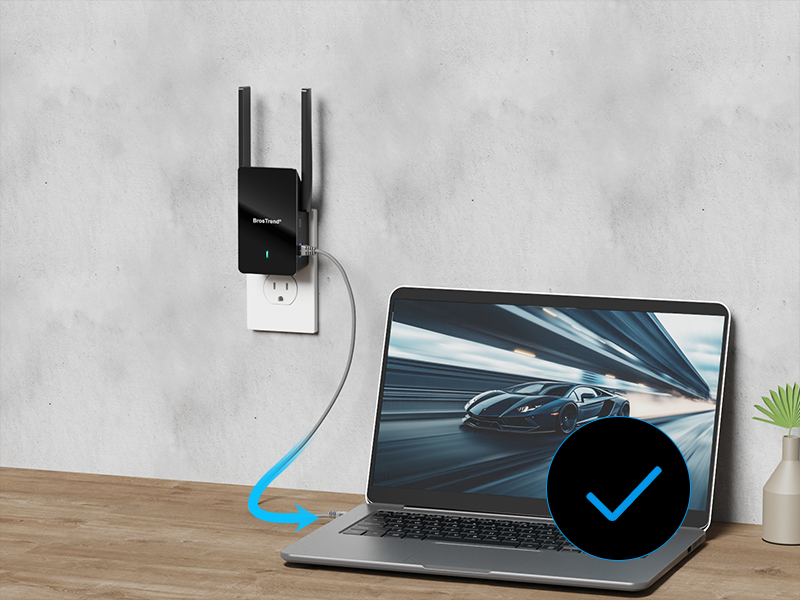


Choose Your Right Adapter
 AX1500 Adapter |  AX3000 Adapter |  AC1200 Adapter |  N300 Adapter | |
|---|---|---|---|---|
Customer Reviews | — | — | — | — |
Price | — | — | — | — |
Ethernet Port Speed | 1Gbps (1000Mbps) | 1Gbps (1000Mbps) | 100Mbps | 100Mbps |
WiFi Standard | WiFi 6 | WiFi 6 | WiFi 5 | WiFi 4 |
5GHz Speed | 5GHz 1201Mbps | 5GHz 2402Mbps | 5GHz 867Mbps | - |
2.4GHz Speed | 2.4GHz 300Mbps | 2.4GHz 574Mbps | 2.4GHz 300Mbps | 2.4GHz 300Mbps |
Antenna Type | High Gain 5dBi | High Gain 5dBi | 3.5dBi | 4dBi |
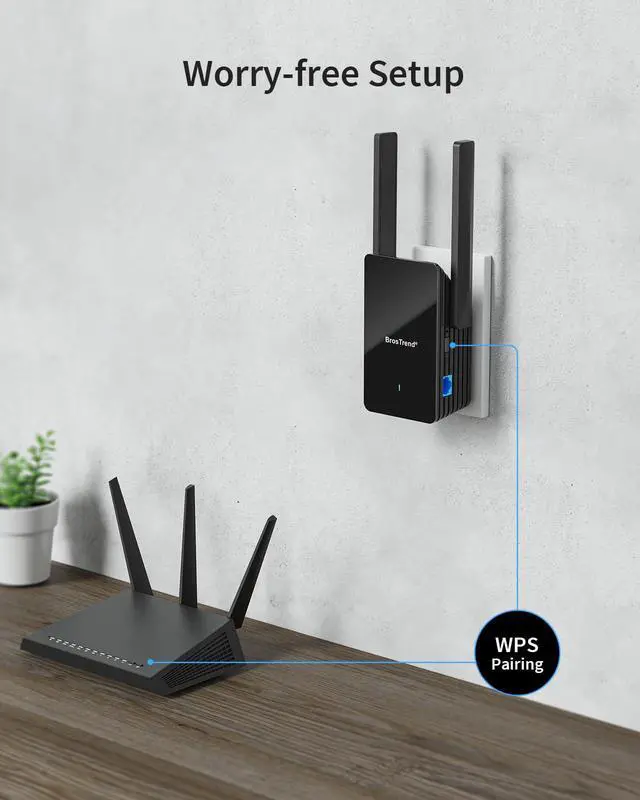
Setup Method | WPS, WEB UI | WPS, WEB UI | WPS, WEB UI | WPS, WEB UI |
Driver Setup Required | No | No | No | No |
hero-video
Merchant Video
Connect Your Wired Device to WiFi 6
Future-proof your wired device with WiFi 6 reliability. This adapter connects to your router wirelessly for a stable LAN connection. WiFi 6 technologies and the Gigabit Ethernet port ensure its superior performance, ideal for bandwidth-intensive activities.
Robust Connection
Builds a dependable connection with its powerful and 180-degree rotatable antennas.
Secure Your Connection
WPA3 encryption on the 5GHz band enhances data protection for the connected device.
Seamlessly Connects to Your WiFi
Compatible with all WiFi routers, whether ISP-provided or independently purchased.


10x Faster Than Fast Ethernet
Provides data transfer speeds of up to 1000Mbps (1Gbps) for your LAN-only device.
Dual-band 1500Mbps Speeds
Connects to your router with speeds of 1201Mbps on 5GHz or 300Mbps on 2.4GHz band.
Greater Range, Flexible Connection
Ensures excellent coverage for your device, even when it's distant from your router.


WEB Management Interface Setup


Step 1
Place the WiFi to Ethernet adapter in the same room as your existing WiFi router and power it on.
Step 2
Use a WiFi device to connect to the default WiFi network BrosTrend_EXT. Open a web browser and go to visit the web management interface. Create your login password for future logins. Select your existing WiFi network, enter the correct password, and save the settings. Wait until the LED indicator turns either solid green or yellow or red, which indicates a successful connection with your existing WiFi router.
Step 3
Relocate the adapter and connect your wired device to it. Enjoy a reliable connection!


Choose Your Right Adapter
AX1500 Adapter | AX3000 Adapter | AC1200 Adapter | N300 Adapter |
|---|---|---|---|
| Customer Reviews | |||
| — | — | — | — |
| Price | |||
| — | — | — | — |
| Ethernet Port Speed | |||
| 1Gbps (1000Mbps) | 1Gbps (1000Mbps) | 100Mbps | 100Mbps |
| WiFi Standard | |||
| WiFi 6 | WiFi 6 | WiFi 5 | WiFi 4 |
| 5GHz Speed | |||
| 5GHz 1201Mbps | 5GHz 2402Mbps | 5GHz 867Mbps | - |
| 2.4GHz Speed | |||
| 2.4GHz 300Mbps | 2.4GHz 574Mbps | 2.4GHz 300Mbps | 2.4GHz 300Mbps |
| Antenna Type | |||
| High Gain 5dBi | High Gain 5dBi | 3.5dBi | 4dBi |
| Setup Method | |||
| WPS, WEB UI | WPS, WEB UI | WPS, WEB UI | WPS, WEB UI |
| Driver Setup Required | |||
| No | No | No | No |
Founded in 2011, BrosTrend dedicates itself to premium network products which deliver fast and reliable connections.
With more than 10 years of experience in the networking industry, BrosTrend never stops innovating and is ready to bring a smoother online experience for everyone.
New Release
Our Recommendations