




 here!
here!
I’m your shopping assistant for PC builds, upgrades, and everything tech.
Got questions? Ask away!
Start a conversation
here!
I’m your shopping assistant for PC builds, upgrades, and everything tech.
Got questions? Ask away!
Start a conversation Top Rated




Any questions? Ask CelesteSM will help you find out quickly.
This product is a refurbished item and only includes the power cord and router.
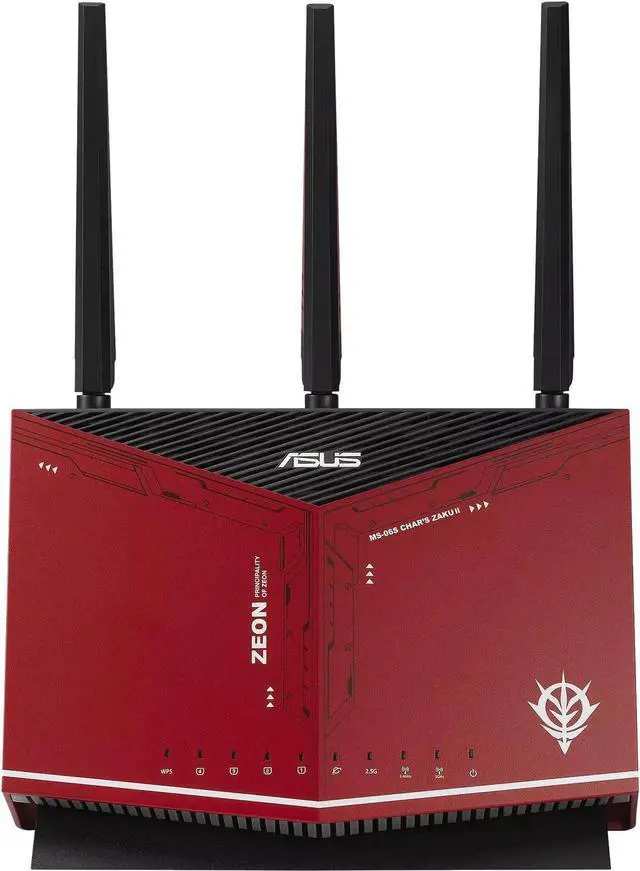
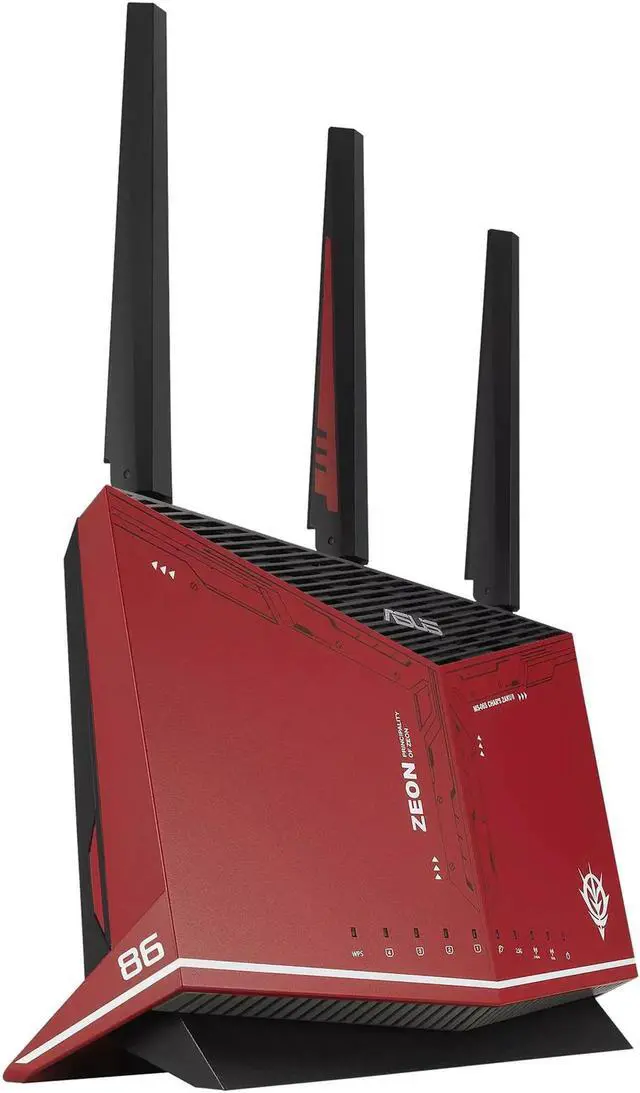
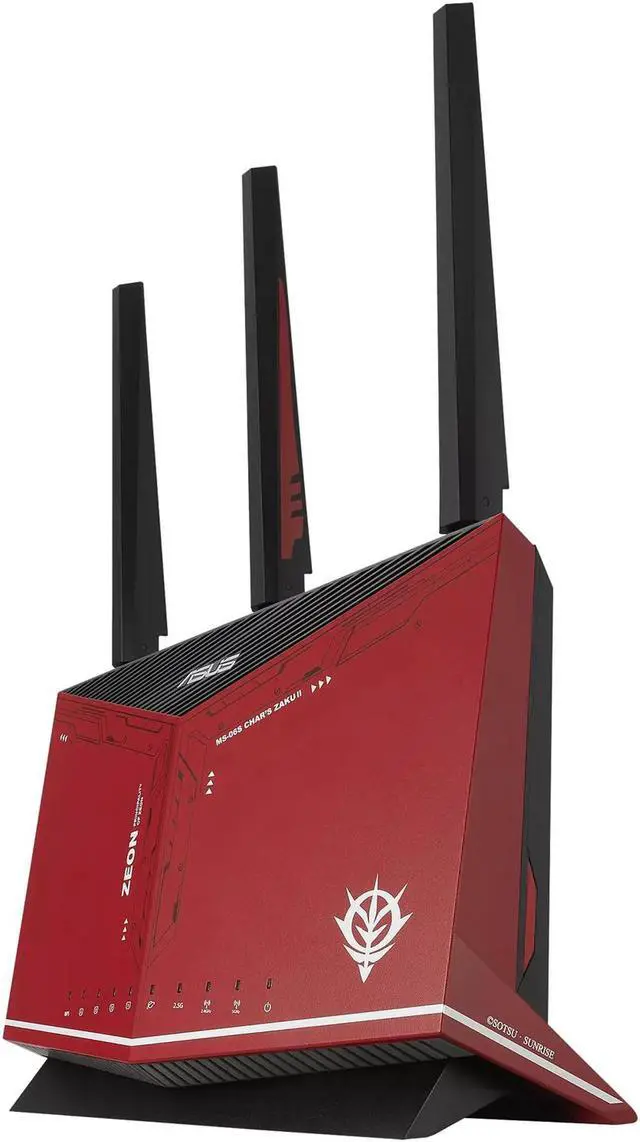
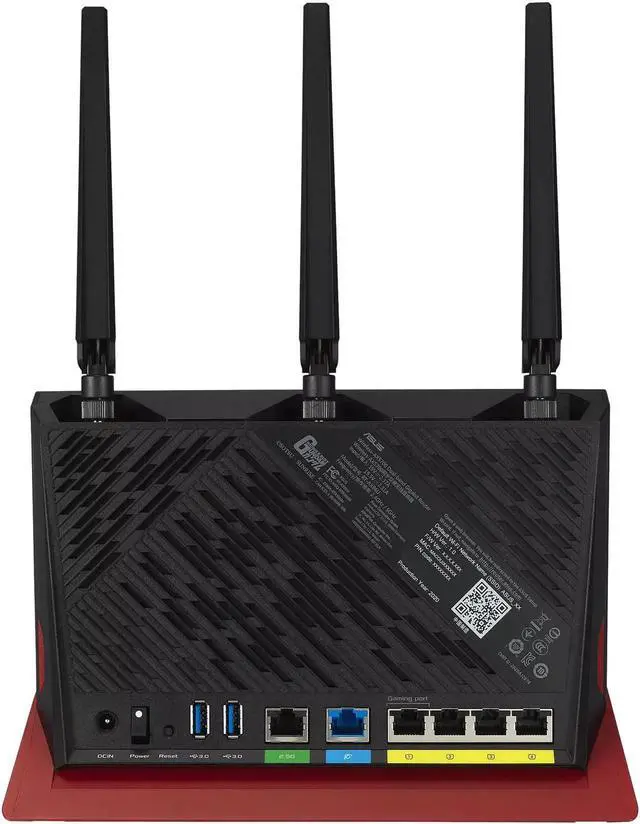
The ASUS RT-AX86U ZAKU II EDITION is a WiFi 6 gaming router for users who want high-speed wireless performance, reduced mobile-gaming latency, and support for up to 35+ devices across homes up to 2,500 square feet.
| Attribute | Value |
|---|---|
| Best For | Home users seeking a dual-band WiFi 6 gaming router with mesh networking support and a 2.5G wired port |
Q: Should I get the ASUS RT-AX86U ZAKU II Edition or the TP-Link Archer AX73?
A: Choose the ASUS RT-AX86U ZAKU II Edition if you need a 2.5Gbps port, stronger gaming-oriented traffic controls, AiMesh support, and two USB ports. Choose the TP-Link Archer AX73 if a standard Gigabit wired network, one USB 3.0 port, and TP-Link OneMesh are sufficient. Both are dual-band Wi-Fi 6 routers with 4.8Gbps maximum 5GHz rates, so the main difference is connectivity and software features rather than the advertised 5GHz class.
Q: Is the ASUS RT-AX86U ZAKU II Edition better than the RT-AX55 for gaming?
A: The RT-AX86U ZAKU II Edition is the better choice for gaming and busy households because it has a higher AX5700 wireless class, 4x4 5GHz radios, 160MHz channels, a 2.5Gbps port, 1GB of RAM, and ASUS gaming features such as Mobile Game Mode and Adaptive QoS. The RT-AX55 is a more compact AX1800 router with 2x2 radios and Gigabit Ethernet, making it suitable for smaller networks with standard broadband speeds and fewer demanding devices.
Q: Should I buy the RT-AX86U ZAKU II Edition or the newer RT-AX86U Pro?
A: Choose the RT-AX86U Pro when the price difference is small and you want the newer 2.0GHz quad-core processor, RangeBoost Plus coverage feature, and updated software features. Choose the ZAKU II Edition when its price is lower or its design matters more; it retains the same AX5700 wireless class, 4x4 5GHz configuration, 2.5Gbps port, 1GB RAM, AiMesh support, and gaming-focused controls. The Pro is an incremental hardware and feature upgrade rather than a change to a faster Wi-Fi standard.
Q: Is the RT-AX86U ZAKU II Edition worth choosing over a smaller, lower-cost Wi-Fi 6 router?
A: Choose the RT-AX86U ZAKU II Edition if you have multi-gig Internet, wired gaming devices, several simultaneous 4K streams, storage-sharing needs, or a larger group of connected devices. Choose a smaller AX1800 or AX3000 router if your Internet service is below 1Gbps, most devices are basic phones and laptops, and you do not need a 2.5Gbps connection or advanced gaming controls. The ZAKU II Edition is performance-oriented, while the lower-tier option can be the more efficient fit for a simple network.
Q: Does the ASUS RT-AX86U ZAKU II EDITION replace my modem?
A: No. It is a standalone router, so cable or DSL users generally need a separate modem, while fiber users need an ONT or Ethernet handoff from their provider. The router connects to that device and manages the home network.
Q: Is this router suitable for a larger home with many connected devices?
A: It is designed for homes up to approximately 2,500 square feet and more than 35 connected devices. Actual coverage depends on walls, floors, interference, and router placement. If one unit does not cover the entire home, AiMesh-compatible ASUS routers can extend coverage through a mesh network.
Q: Is this router good for gaming, streaming, and a busy household?
A: Yes. Wi-Fi 6, 160MHz channels, mobile game mode, adaptive traffic controls, and a 2.5Gbps port make it suitable for gaming, 4K streaming, and simultaneous use by many devices. The practical benefit is greatest when client devices, wired equipment, and the internet plan can use those higher speeds; Wi-Fi conditions and internet latency still affect gaming performance.
Q: Will this router work with my internet provider?
A: It can work with many cable, fiber, and other services when the provider supplies a compatible modem, ONT, or Ethernet connection. Compatibility may still depend on requirements such as PPPoE credentials, VLAN settings, or whether the provider requires its gateway. Confirm those requirements with the ISP before purchase.
Q: Does it provide useful parental controls and network security without another subscription?
A: Yes. The product includes lifetime-free ASUS AiProtection Pro security, WPA3 support, and advanced parental controls. Parental-control features can be used to manage or schedule internet access for individual devices, although supported options may depend on the router firmware and app version.
Q: Is the ASUS RT-AX86U ZAKU II EDITION still worth buying?
A: It is a reasonable choice for buyers who want Wi-Fi 6, a 2.5Gbps port, AiMesh support, and strong home-network features at a discounted price. It is less compelling for users prioritizing Wi-Fi 6E or Wi-Fi 7, or those who want the newer RT-AX86U Pro platform.
Q: Is this router good for gaming?
A: It is suitable for gaming, especially with wired Ethernet, Wi-Fi 6 clients, and multiple devices sharing the connection. However, the gaming-focused features cannot compensate for high ISP latency or an unstable internet connection; QoS is most useful when the network is congested.
Q: Who is the ASUS RT-AX86U ZAKU II EDITION best suited for?
A: It is best suited for homes with several Wi-Fi 6 devices, gigabit-class internet, gaming or streaming use, and a need for one faster-than-gigabit wired port. It may be unnecessary for small networks with basic internet service, few devices, or no compatible Wi-Fi 6 or 2.5Gbps hardware.
Q: Can it solve coverage problems, or should I use AiMesh?
A: The router can provide strong coverage in many homes, but coverage depends on construction, layout, interference, and client location. For dead zones or larger multi-floor homes, pairing it with an AiMesh-compatible ASUS router is a more appropriate solution than relying on the main router alone.
Q: What are the main trade-offs compared with the RT-AX86U Pro?
A: The standard RT-AX86U remains capable for typical home networking, but the Pro model is commonly preferred for its newer hardware and firmware platform, along with features such as VLAN support. Choose the standard model when its price is substantially lower and those newer features are not required.


