Your Browsing History
Adapter & Gender Changer
- In Stock
- Sold by Newegg
- Make an Offer
- New
Can’t find the filter you need? Let AI help.
Hi! I'm Celeste, Newegg's AI tech expert. How do you plan to use your All Laptop?

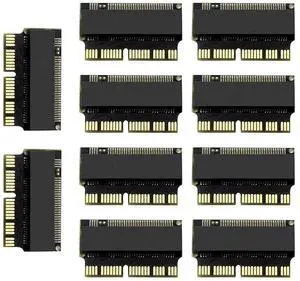
M.2 NVMe SSD Convert Adapter Card for MacBook Air Pro Retina (Year 2013-2017), NVME/AHCI SSD Upgraded Kit for A1465 A1466 A1398 A1502
Limited time offer, ends 10/07
$11.95
Free Shipping
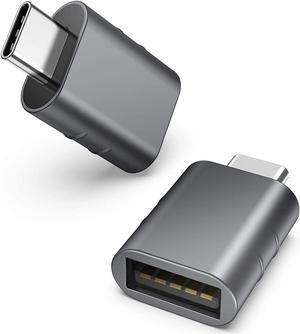
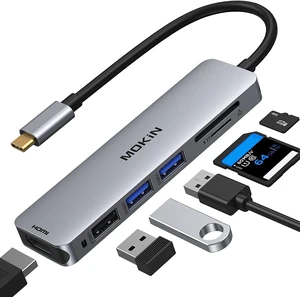
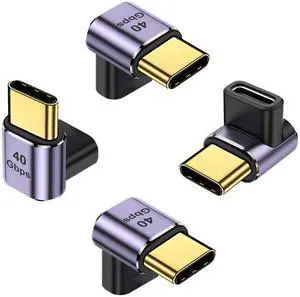
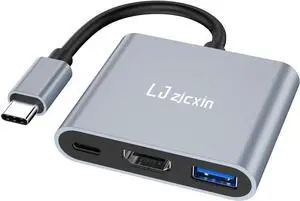
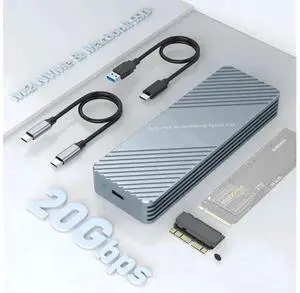
USB C 3.2 MacBook SSD Enclosure, Aluminum 12+16 Pin Apple Proprietary SSD Adapter, External NVMe SSD Case for 2013-2017 MacBook Air/Pro, Mac Pro, iMac Retina Original Drives
Limited time offer, ends 10/08
$73.18
Free Shipping
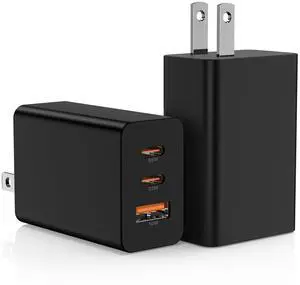
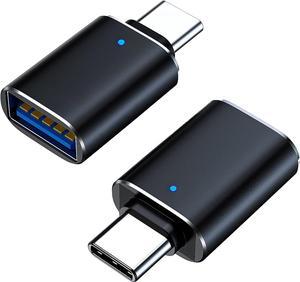
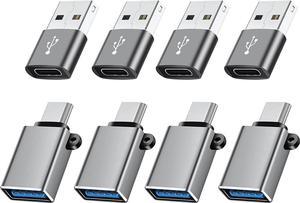
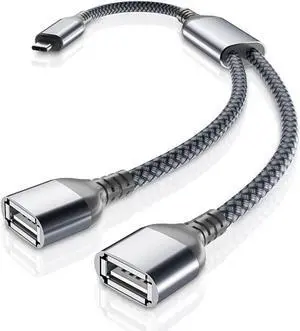
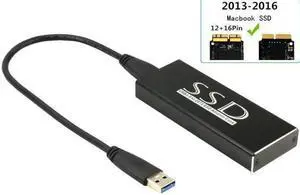
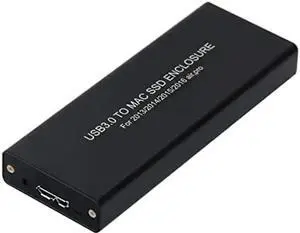
Vszerda USB 3.0 SSD Enclosure for 2013 2014 2015 Apple MacBook Air Pro Retina SSD Adapter with Cable, USB External Reader for (2013-2017 Year) A1465 A1466 A1398 A1502 SSD (12+16 pin)
Limited time offer, ends 10/14
$91.99
Free Shipping
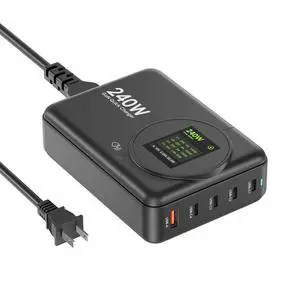
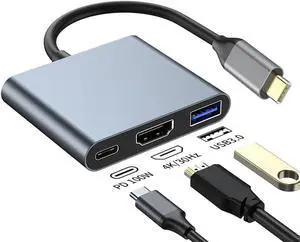
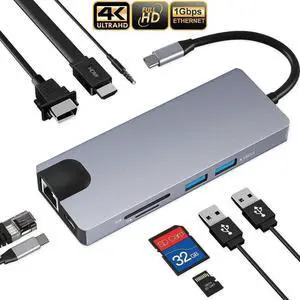
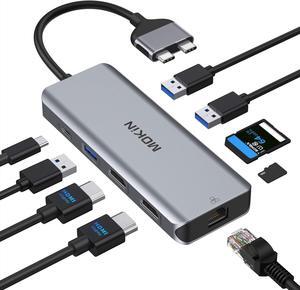
9-in-1 USB C Docking Station Multiport Hub, Thunderbolt 3 Adapter with 4K HDMI, VGA, PD Charging, Gigabit Ethernet, 2 USB3.0, SD/TF Reader & 3.5mm Audio for MacBook Pro 13/15
Limited time offer, ends 10/08
$35.40
Free Shipping

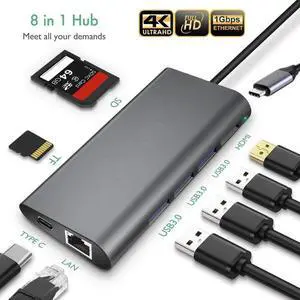
8-in-1 USB C Multiport Hub Adapter with Gigabit Ethernet, 4K HDMI, 3 USB3.0, SD/TF Card Reader & PD Charging, Portable Docking Station for MacBook Pro and All USB-C Laptops
Limited time offer, ends 10/08
$34.40
Free Shipping
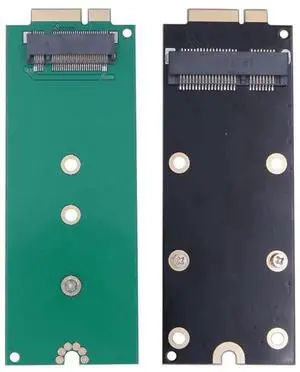
7+17Pin M.2 NGFF mSATA SSD Converter Adapter Card, Storage Upgrade Board for 2012 & Early 2013 MacBook Pro Retina A1425 A1398 MC975 MC976 MD212 MD213 ME662 ME664 ME665
Limited time offer, ends 10/08
$23.84
Free Shipping
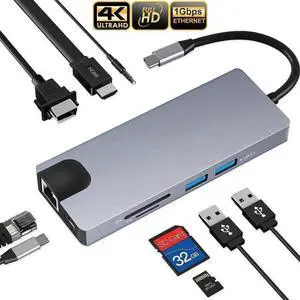
9-in-1 Thunderbolt 3 USB C Docking Station, Multiport Adapter with 4K HDMI, VGA, PD Charging, Gigabit Ethernet, 2 USB3.0, SD/TF Reader & 3.5mm Audio for MacBook Pro 13/15
Limited time offer, ends 10/08
$36.01
Free Shipping
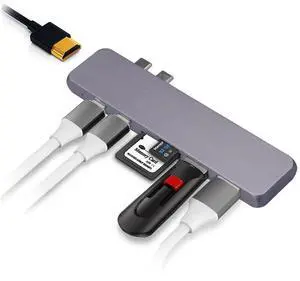
7-in-1 USB-C Multiport Hub Adapter with 4K HDMI, Dual USB 3.0, Dual USB-C Data Ports, SD & TF Card Reader, Compatible with MacBook Pro/Air, iMac, Mac Mini, iPhone 15 Series
Limited time offer, ends 10/08
$29.90
Free Shipping
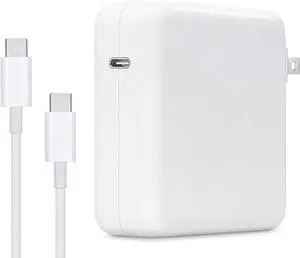
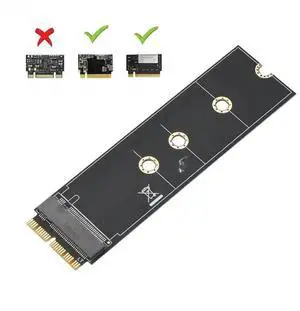
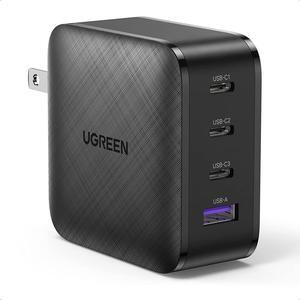
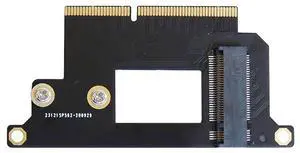
M.2 NGFF M-Key NVMe SSD Converter Card, Storage Upgrade Adapter for 13-inch 2016 2017 MacBook Pro A1706 A1707 A1708, Supports 2230/2242 Single-Sided NVMe M.2 SSD
Limited time offer, ends 10/08
$22.14
Free Shipping
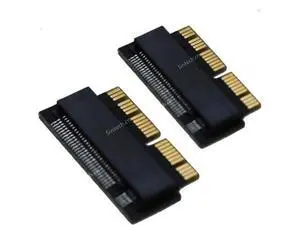
2Pc/Pack NGFF M.2 nVME SSD Adapter Card for Upgrade MacBook Air(2013-2016 Year) and MacBook PRO(Late 2013-2015 Year)
Limited time offer, ends 10/07
$13.98
Free Shipping