

Your Browsing History

Meet Your Seller

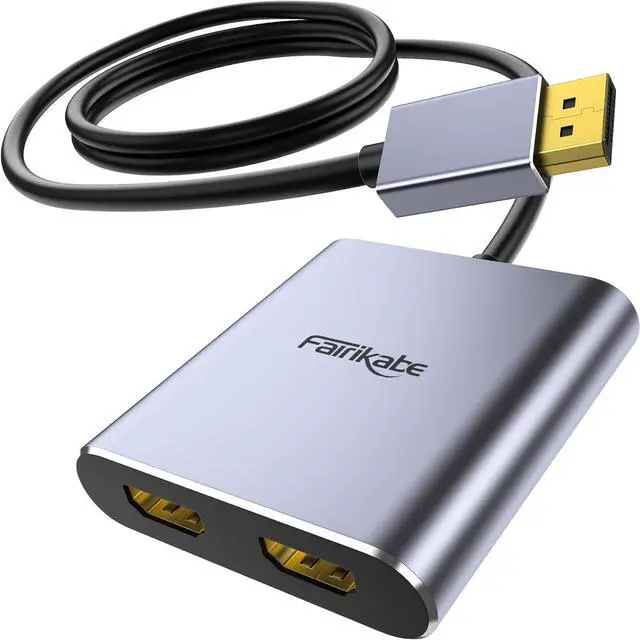
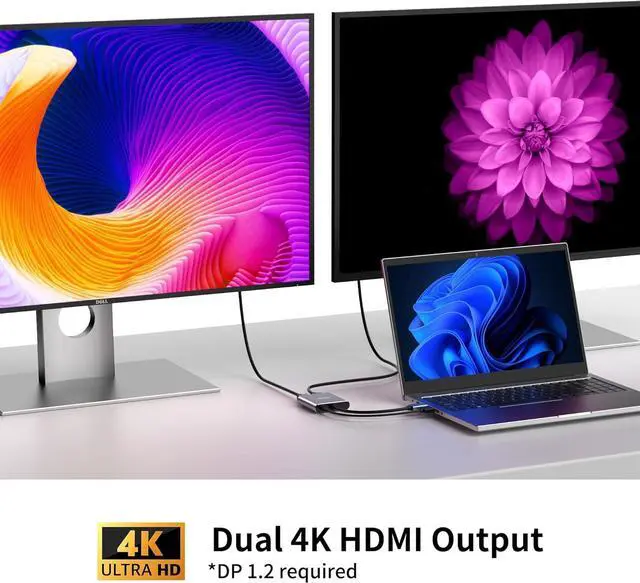


Displayport to Dual HDMI Adapter 4K 60Hz Display Port to hdmi Splitter for Dual Monitors Extended Display DP 1.2 to 2 HDMI Monitor for Computer Laptop Graphic Card MST Extend Mode for Windows Only
- Displayport to Dual HDMI Adapter 4K 60Hz Display Port to hdmi Splitter for Dual Monitors Extended Display DP 1.2 to 2 HDMI Monitor for Computer Laptop Graphic Card MST Extend Mode for Windows Only
+
+
Overview
Specs
Reviews

Any questions? Our AI beta will help you find out quickly.
Try me now
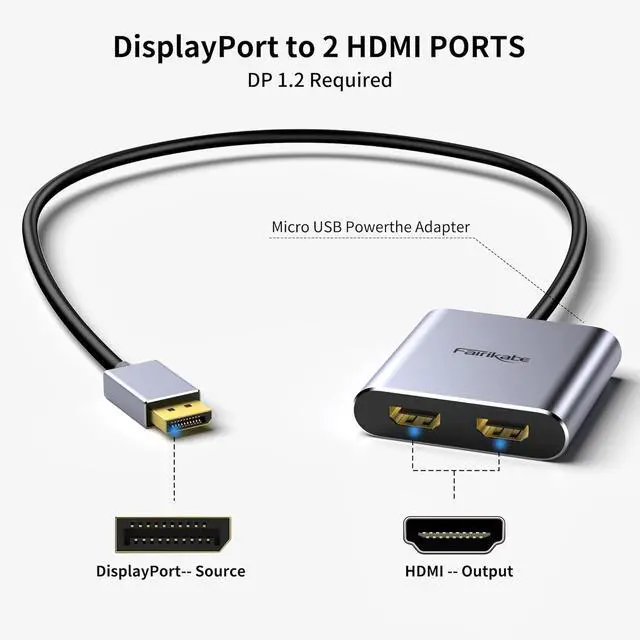
PLEASE CHECK YOUR PORT BEFORE PURCHASING: fairikabe DisplayPort to Dual HDMI adapter can only connect Laptop/computers DP (NOT USB OR HDMI) output port to 2x HDMI input monitors. And NO HDMI to VGA/DVI adapters should be connected to HDMI port just use a HDMI cable connect HDMI port with HDMI mointor. Confirm with us if you are not sure about the portsDisplayPort to 2
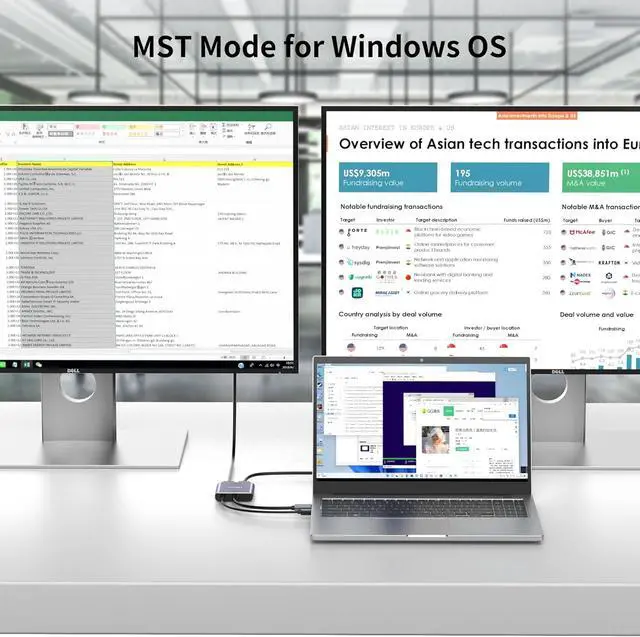
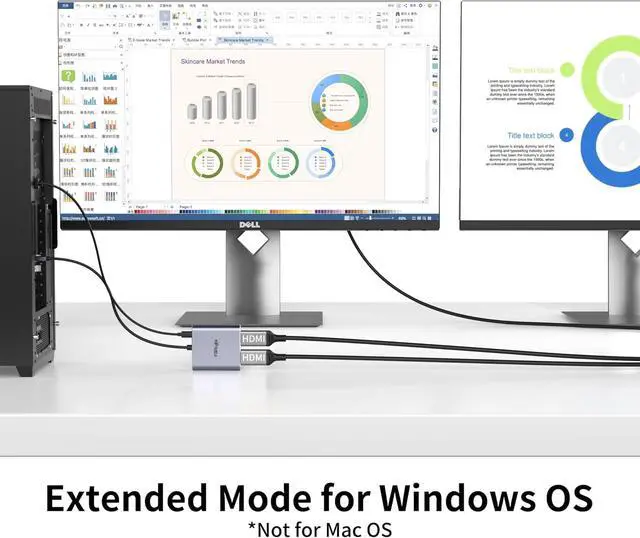
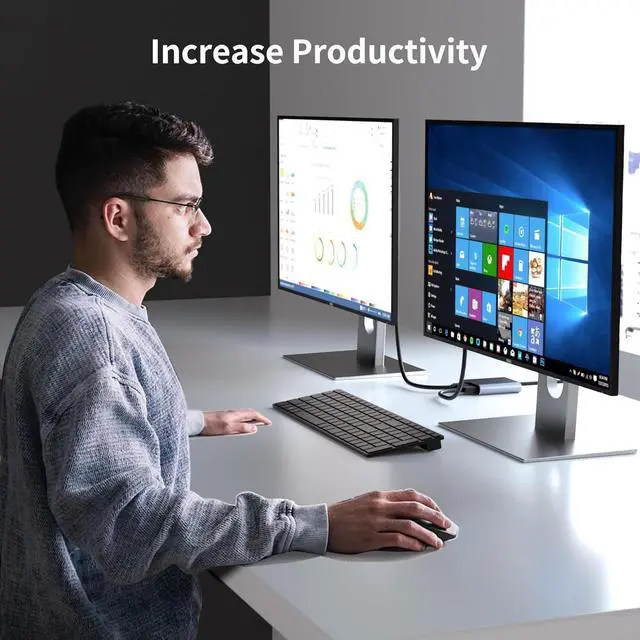
HDMI Splitter: fairikabe displayport to dual HDMI splitter acts as a DisplayPort splitter (not for mac) splitting the DisplayPort signal to two HDMI monitors which supports extended mode and duplicate mode for Windows enhance productivity at work or study. 1) The Micro USB cable must be connected before use otherwise it wont work. 2)Mac OS and integrated GPU only suppors SST/ duplicate mode (AAA/ABB) if your PC is mac os and integrated gpu we do not recommend buying; 3) Not work with any Dock/ Hub / KVM / adapters not work with Optiplex 790Extend Display (ABC Mode) for Windows OS and
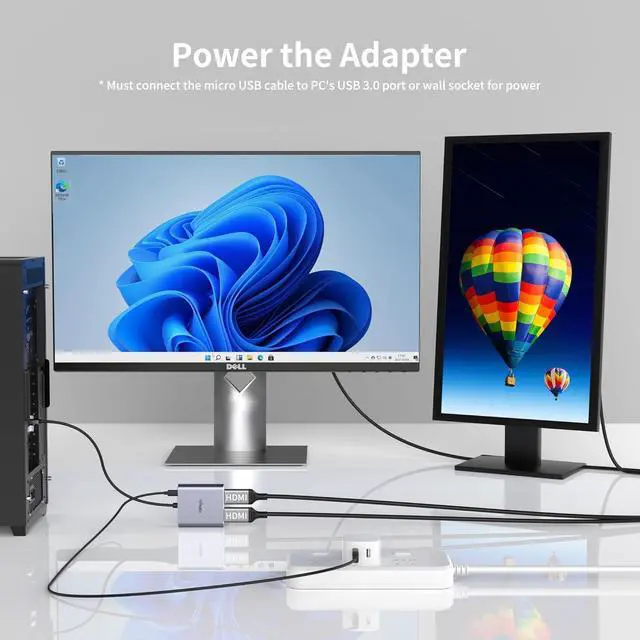
Discrete Graphics: The adapter only support extend display mode for windows OS. Not work for mac OS. On macOS and some PC with integrated graphic cards the additional 2 displays will only mirror the display. PLEASE CHOOSE EXTEND OR DUPLICATE MODE IN PCS DISPLAY SETTINGSImportant Tip: Must connect USB power cable to ensure the DisplayPort to dual HDMI adapter operating normally. The USB power cable was included in the package bag. You can connect it on laptop or PCs USB port or on chargerNot Work with
Hub or Docking: fairikabe DP to 2 HDMI adapter not work with any Hub / Docking / KVM etc. Please connect the adapter with your PC and monitor directly. ABC mode not work on most Integrated graphics connect DP to Discrete graphics
HDMI Splitter: fairikabe displayport to dual HDMI splitter acts as a DisplayPort splitter (not for mac) splitting the DisplayPort signal to two HDMI monitors which supports extended mode and duplicate mode for Windows enhance productivity at work or study. 1) The Micro USB cable must be connected before use otherwise it wont work. 2)Mac OS and integrated GPU only suppors SST/ duplicate mode (AAA/ABB) if your PC is mac os and integrated gpu we do not recommend buying; 3) Not work with any Dock/ Hub / KVM / adapters not work with Optiplex 790Extend Display (ABC Mode) for Windows OS and
Discrete Graphics: The adapter only support extend display mode for windows OS. Not work for mac OS. On macOS and some PC with integrated graphic cards the additional 2 displays will only mirror the display. PLEASE CHOOSE EXTEND OR DUPLICATE MODE IN PCS DISPLAY SETTINGSImportant Tip: Must connect USB power cable to ensure the DisplayPort to dual HDMI adapter operating normally. The USB power cable was included in the package bag. You can connect it on laptop or PCs USB port or on chargerNot Work with
Hub or Docking: fairikabe DP to 2 HDMI adapter not work with any Hub / Docking / KVM etc. Please connect the adapter with your PC and monitor directly. ABC mode not work on most Integrated graphics connect DP to Discrete graphics
Warranty & Returns
Warranty, Returns, And Additional Information
Warranty
- Please contact the Seller directly for warranty information. Warranty information may also be found on the Manufacturer's website.
- CONTACT
Return Policies
- Return for refund within: 30 days
- Return for replacement within: 30 days
- This item is covered by PixelCore Return Policy
Manufacturer Contact Info
- For a directory of all our manufacturers, please click below.
- Manufacturers Directory
LOADING...